
From Idea To Live WordPress Site In One Place
Launching a website traditionally means juggling several services: a domain registrar, a web host, a content management system, and often a separate page builder or theme. For many designers and developers, that process is more about system administration than creativity. Elementor’s Cloud Website offering aims to collapse those steps into a single workflow, pairing its WordPress builder with hosting built on the Google Cloud Platform.
The service targets WordPress users who want a managed environment. Each plan includes 20 GB of storage, 100 GB of bandwidth, and support for 100K monthly visits. That is bundled with Elementor Pro, which typically costs $49 per year on its own. The annual price for the whole package is $99.00 (excluding VAT), with no additional charges for connecting a custom domain.
Creating A New Site Instance
Starting from scratch requires an Elementor account. New users can sign up through the Cloud Website page and then select the option to build and publish a hosted Elementor site. Existing Elementor customers can begin from the admin panel, where a “Create Cloud Website” button is available in the top-right corner.

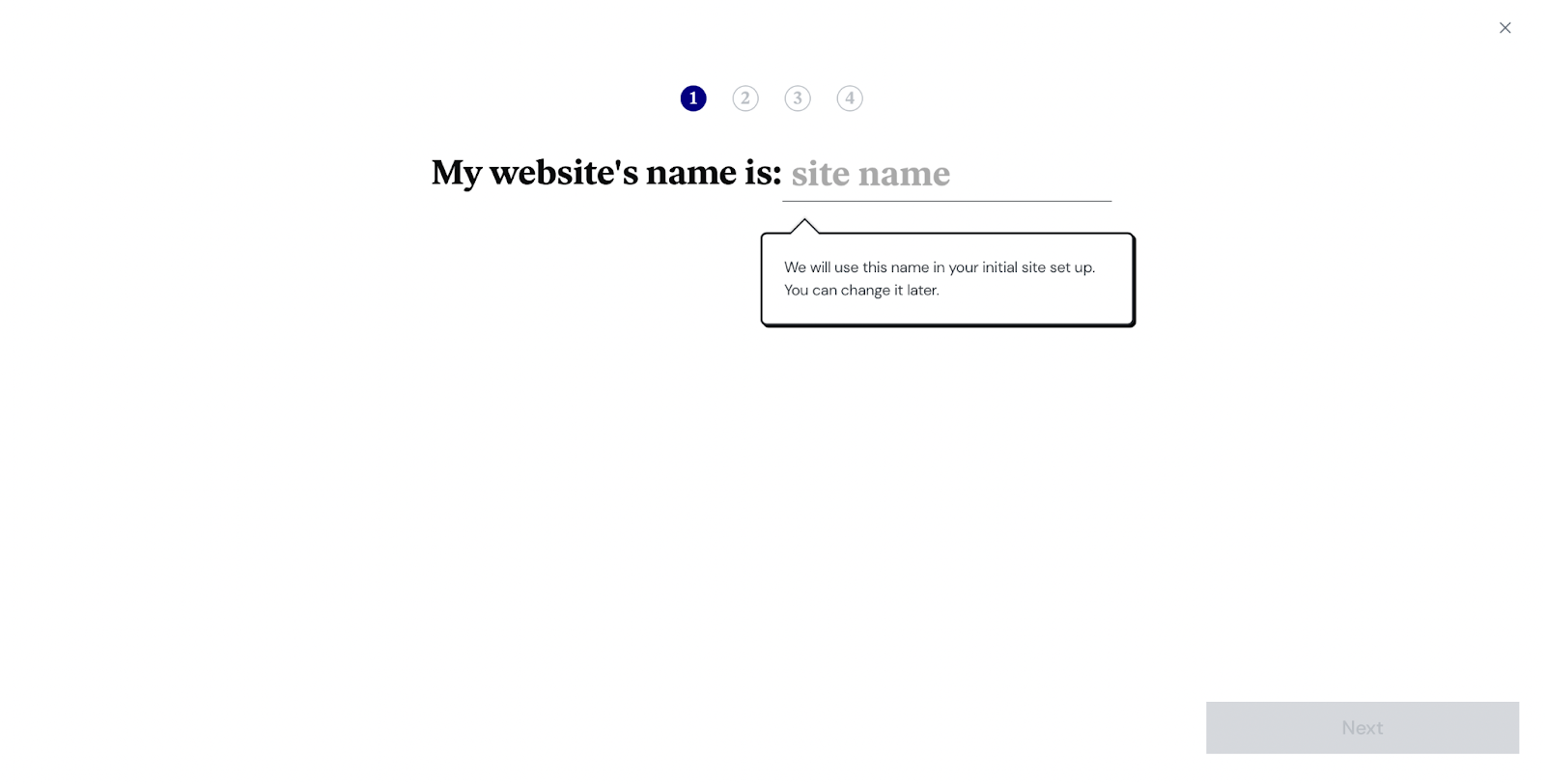
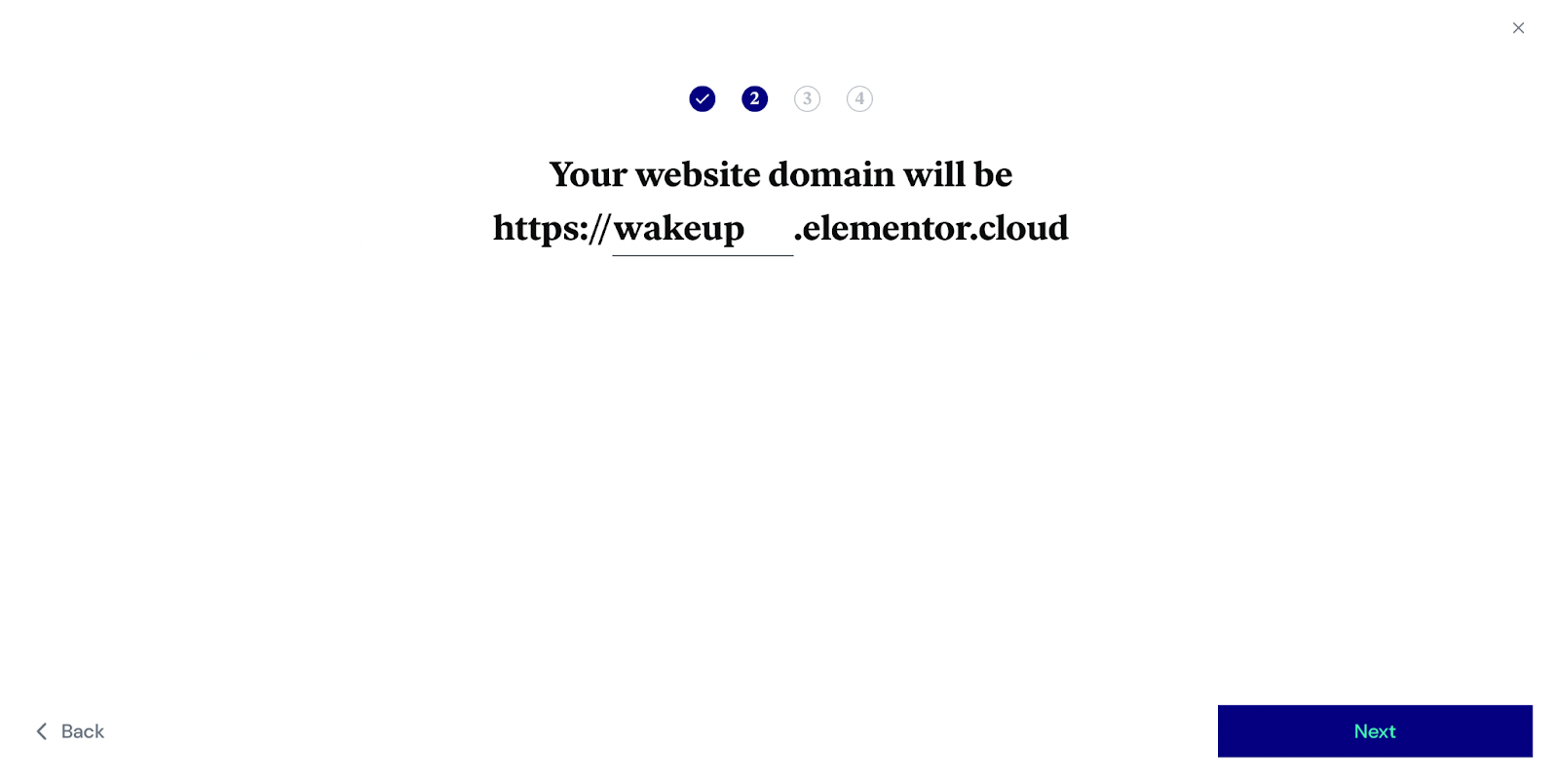
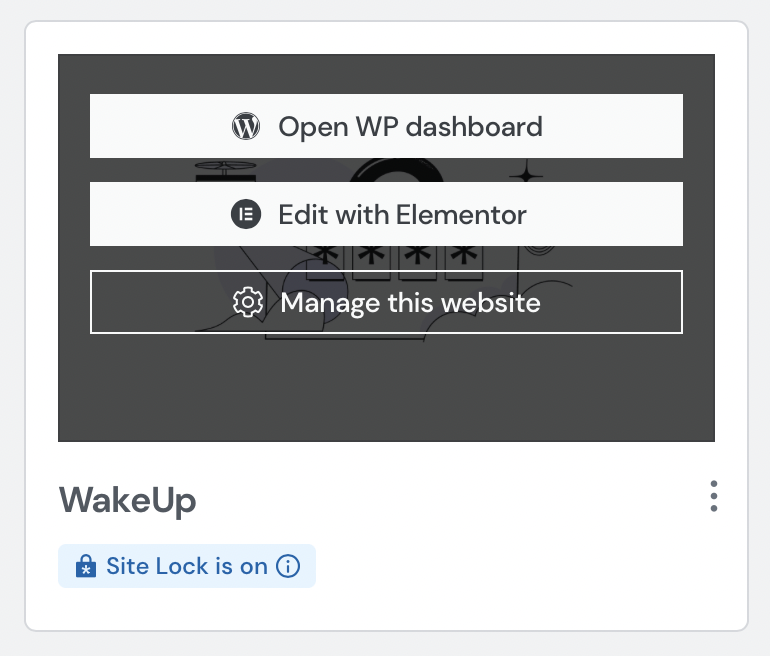
The setup wizard walks through the essentials: website name, domain, and site type. New sites get a default .elementor.cloud subdomain, but a custom domain can be linked later at no extra cost. Choosing a site type helps Elementor suggest relevant starter kits, though building from a blank canvas is always an option. After a few minutes, the instance is ready. A “Site Lock is On” badge indicates the site is hidden from search engines until you choose to publish it.
Once the instance is live, the WordPress dashboard, Elementor editor, and site settings are all accessible from one place.
Designing In The Elementor Editor
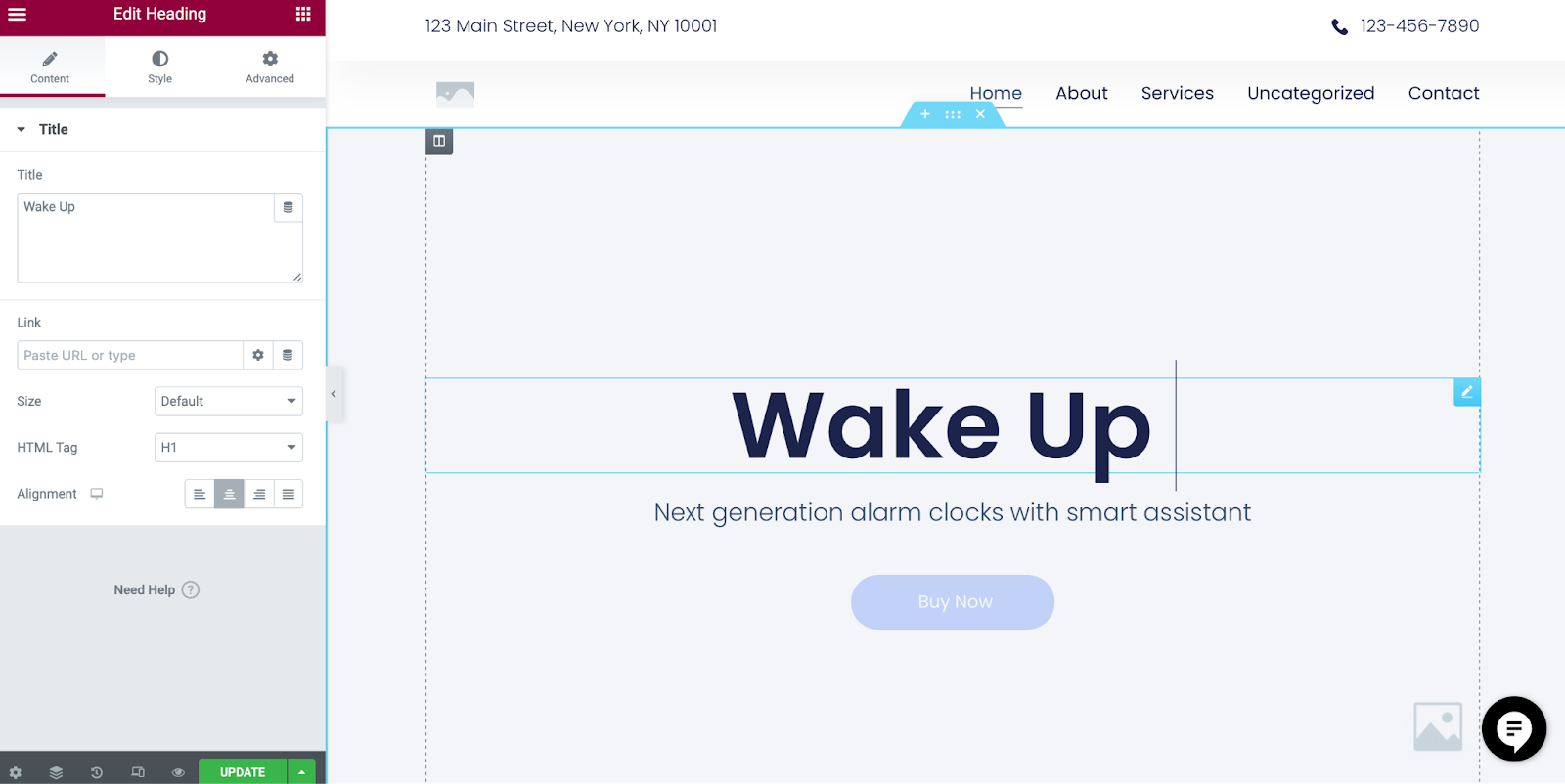
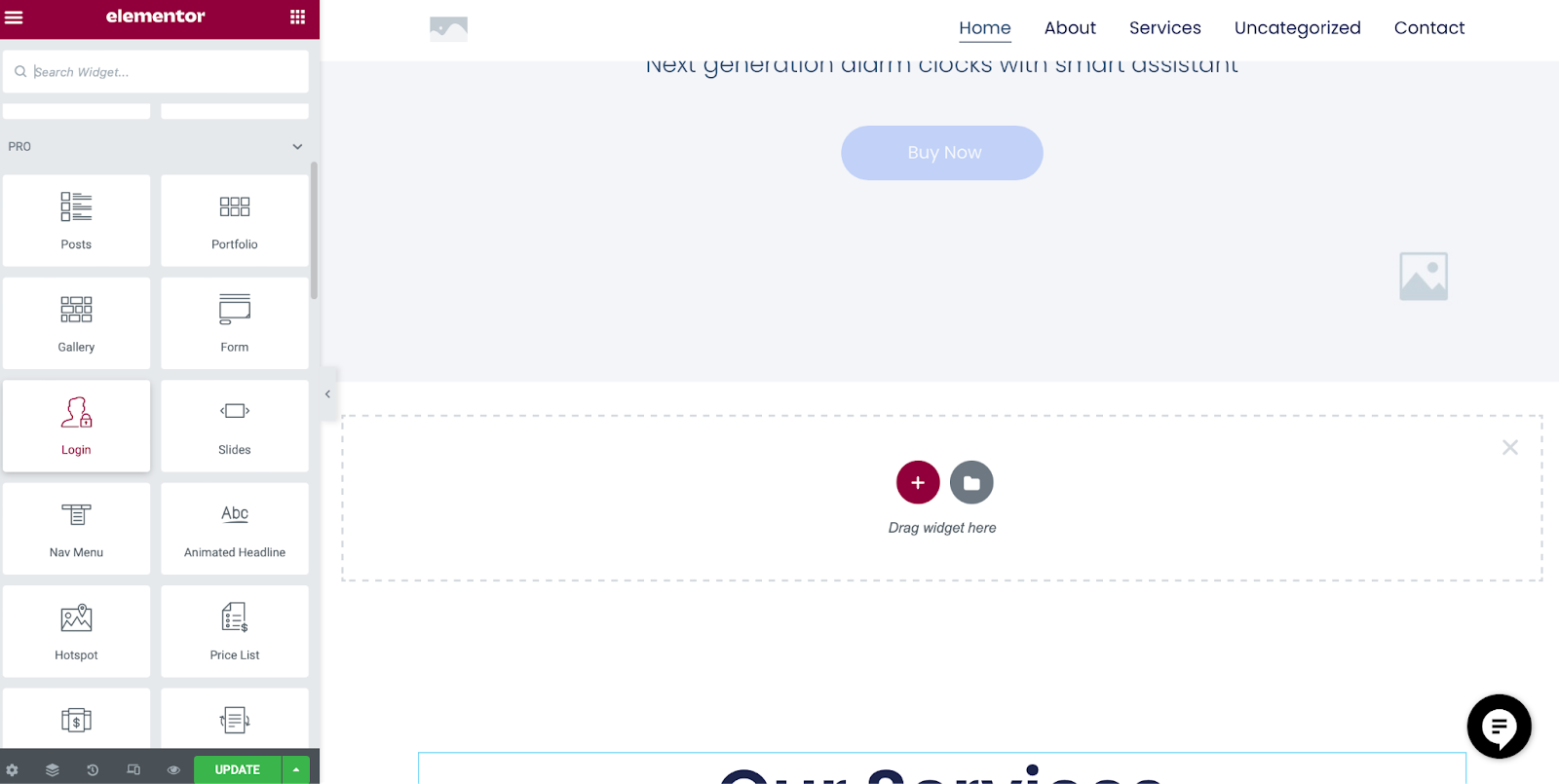
The Elementor editor provides a WYSIWYG experience for front-end design. Editing a hero headline, for example, is as simple as clicking the text block and typing. New sections can be added and populated by dragging widgets from a library of over 100 options, covering everything from text to media.
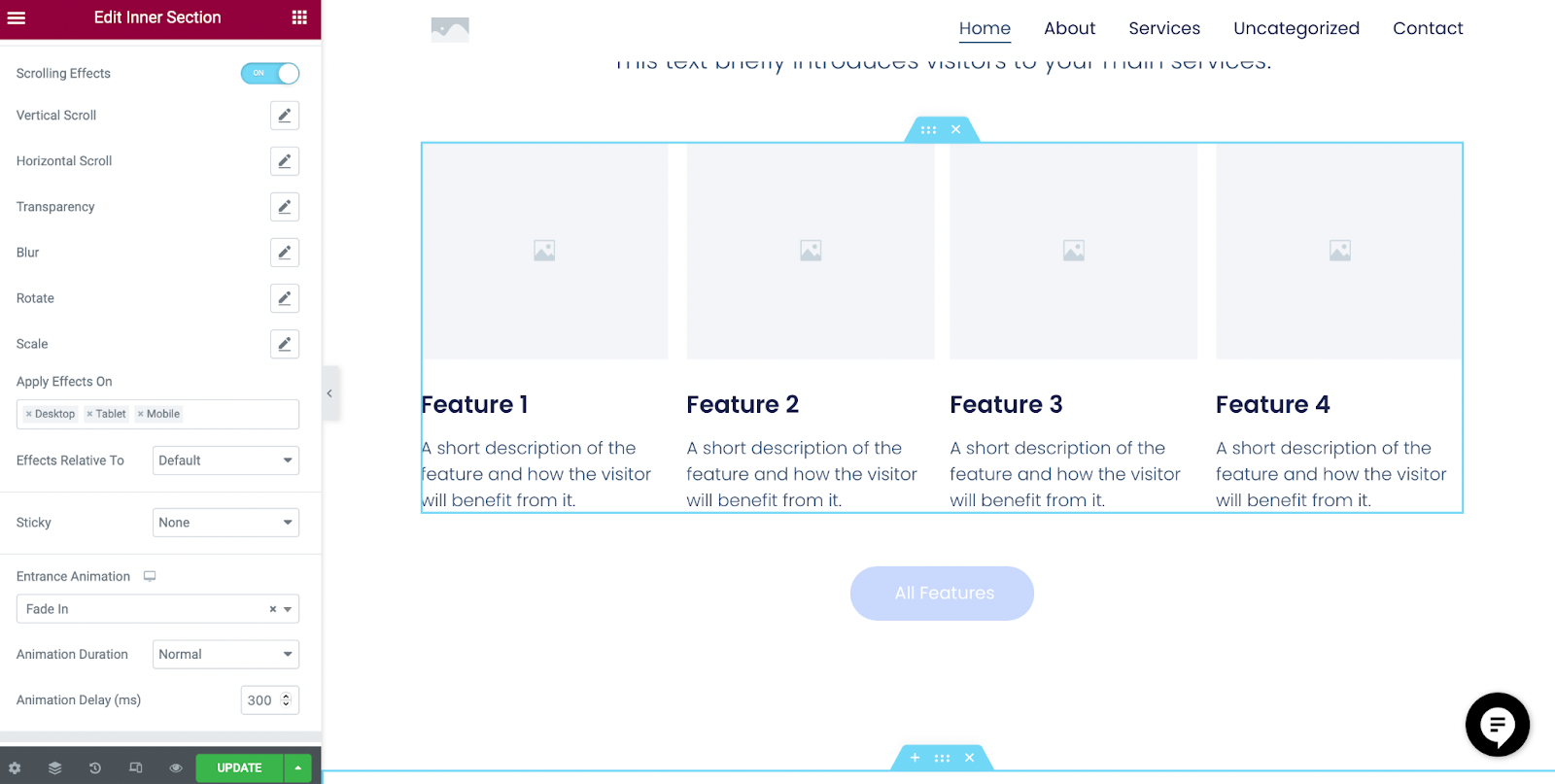
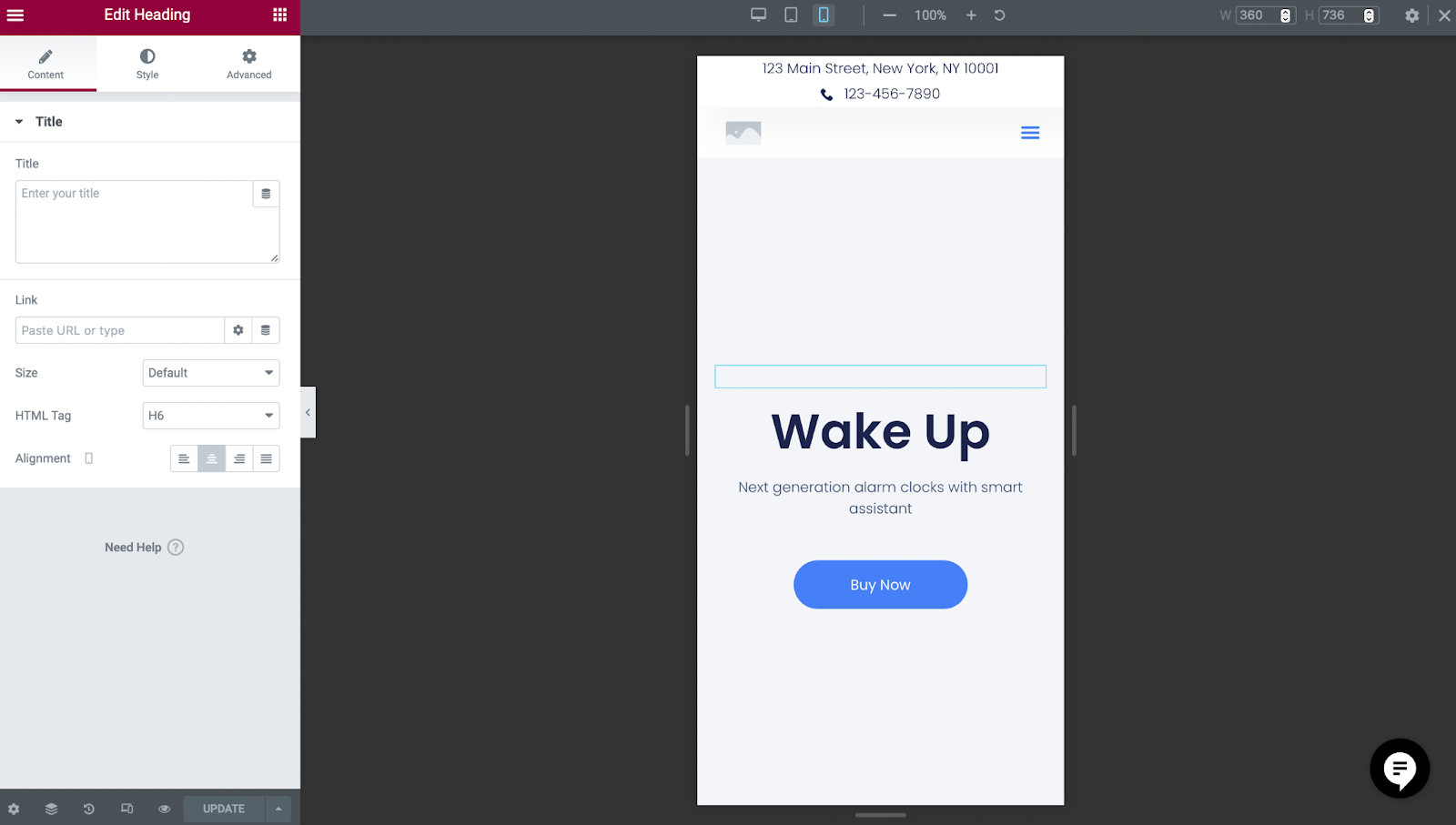
The editor also handles motion design. Scrolling effects, such as a “Fade In” animation with a defined duration, can be applied to sections directly. For layout checks, a responsive mode in the bottom-left menu lets you preview how the page renders on mobile and other breakpoints without leaving the editor.
WordPress Admin And Content Ownership
Every Cloud Website runs a full WordPress instance, meaning admins get the same CMS they would find on a self-hosted install. User management, content import/export, and plugin installation all work as expected. There are some pre-installed extras: Elementor Pro, the Hello theme, and an Activity Log to track dashboard changes.
Content ownership is a core aspect of the offering. If you decide to move to another platform at any point, you can export your site data without being locked in.
Backups, Domains, And SSL
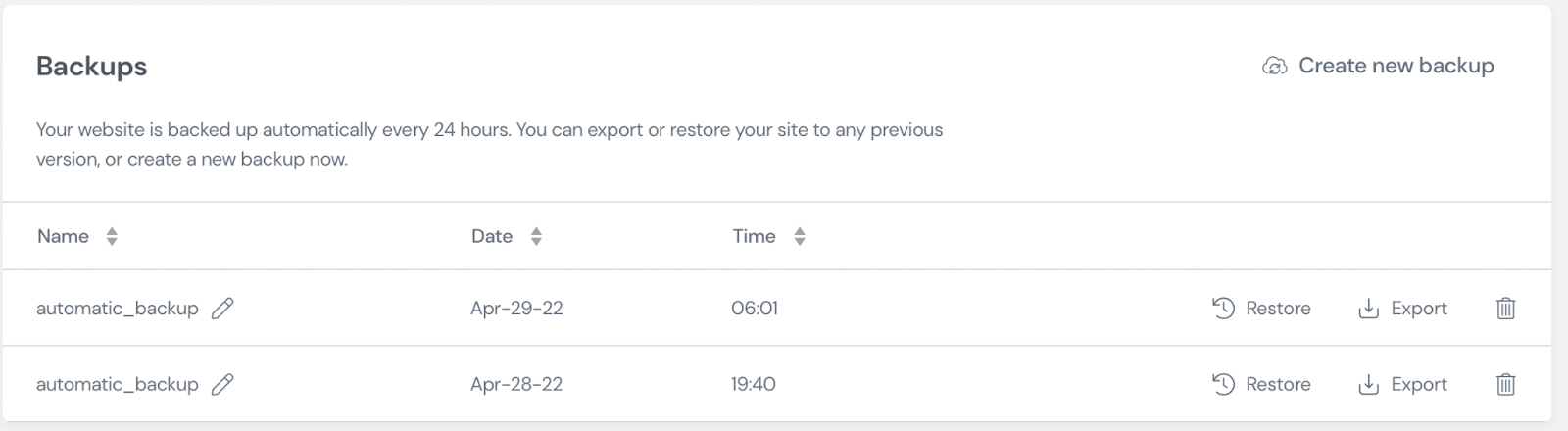
Automatic backups run every 24 hours. Manual backups can be triggered at any time from the “Manage This Website” section of the dashboard.
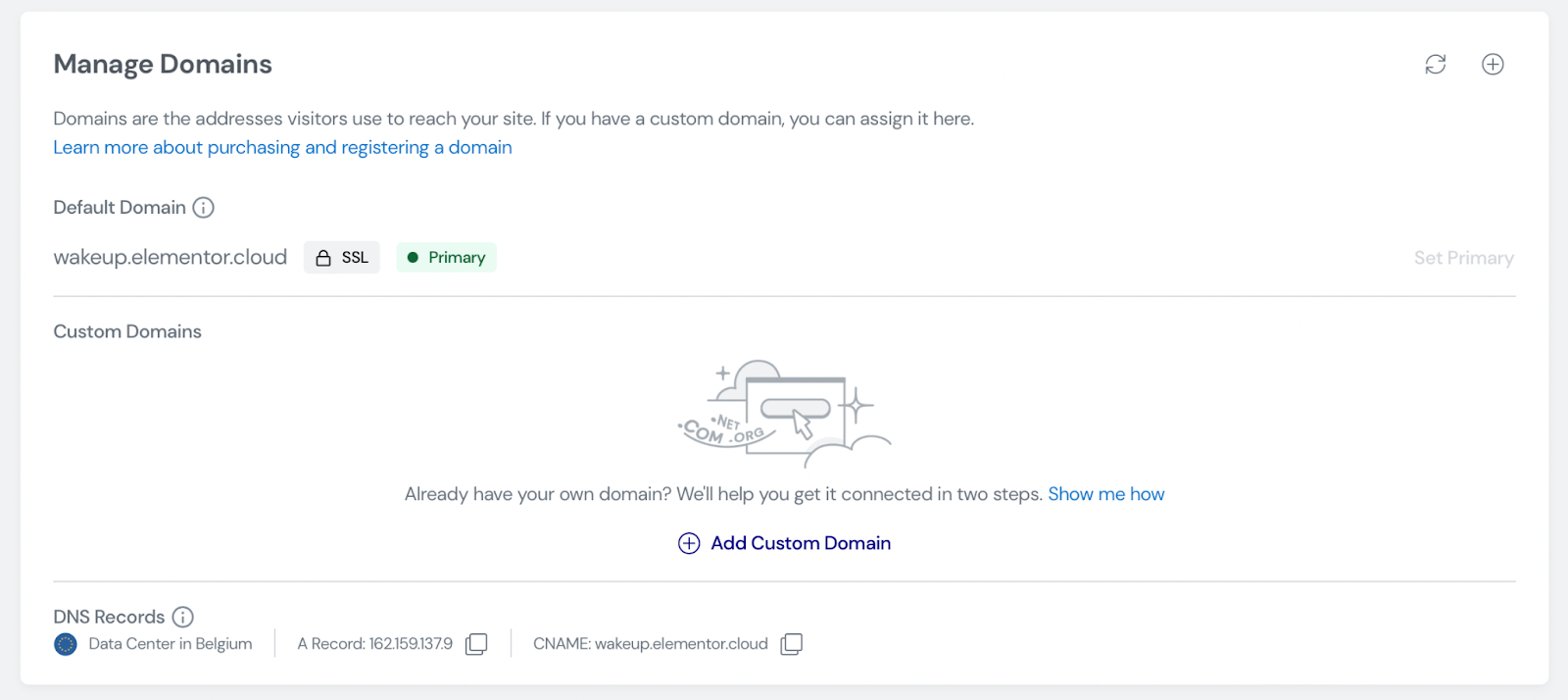
Custom domain connection happens in the same management area. An SSL certificate from Cloudflare is included by default, which supports both search ranking and visitor trust for forms and data entry. You can also install your own certificate if you have specific requirements. Once the custom domain is active, the Site Lock can be switched off to allow search engines to index the site.
Performance And Scalability
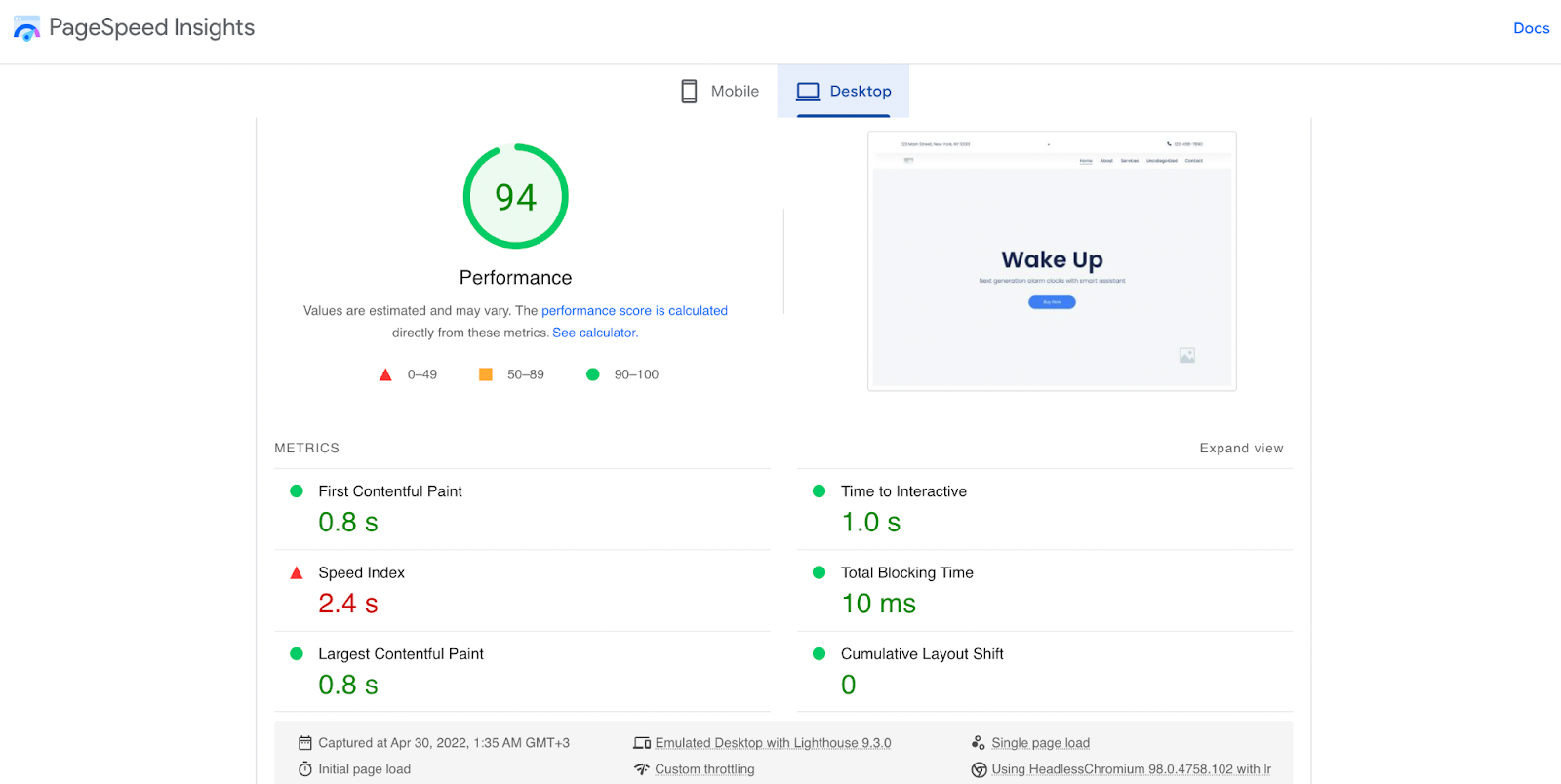
PageSpeed Insights is a useful gauge for any new site. A freshly created Cloud Website instance can score in the mid-90s out of 100, reflecting good optimization out of the box.
Slow loading times usually trace back to two main culprits:
- High latency. Geographic distance between the server and the visitor increases the time data takes to travel.
- Heavy imagery. Multiple high-resolution files, especially in raw formats like PNG, take longer to render.
The platform addresses both. A content delivery network (CDN) distributes assets across more than 200 global locations, ensuring faster delivery regardless of where visitors are located. Behind the scenes, Kubernetes handles container orchestration, allowing the infrastructure to scale automatically whether a site draws dozens or thousands of concurrent visitors.
A Single Tool For The Whole Lifecycle
The complexity of assembling a stack of separate services can be a distraction from the actual goal of designing and publishing a website. Elementor Cloud Website takes on the hosting and infrastructure concerns so that a designer can move from an empty account to a published, performant WordPress site in under an hour.


