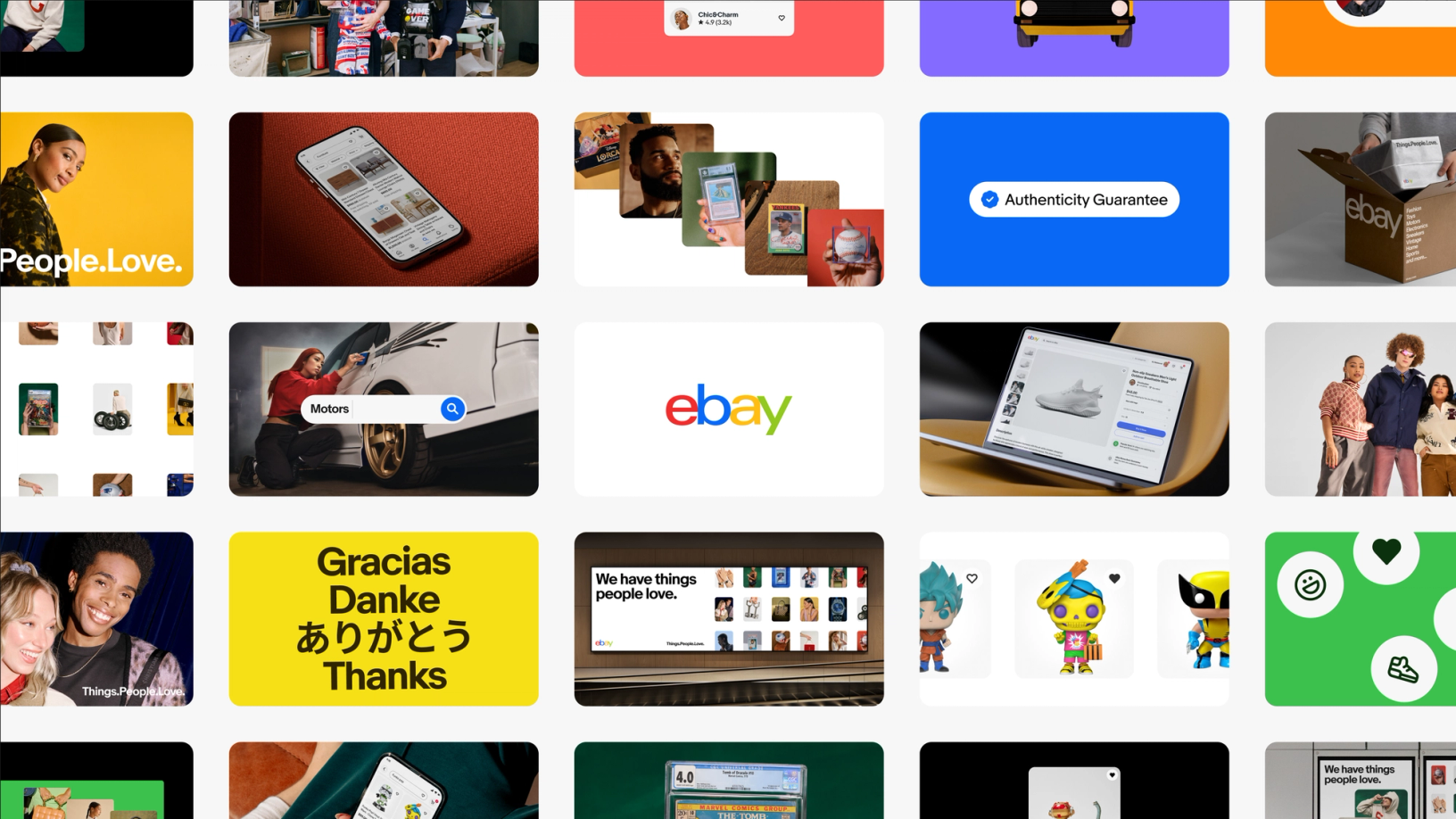
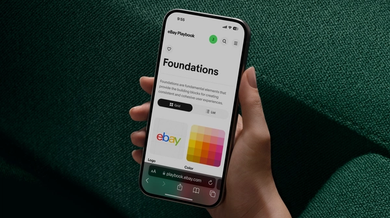
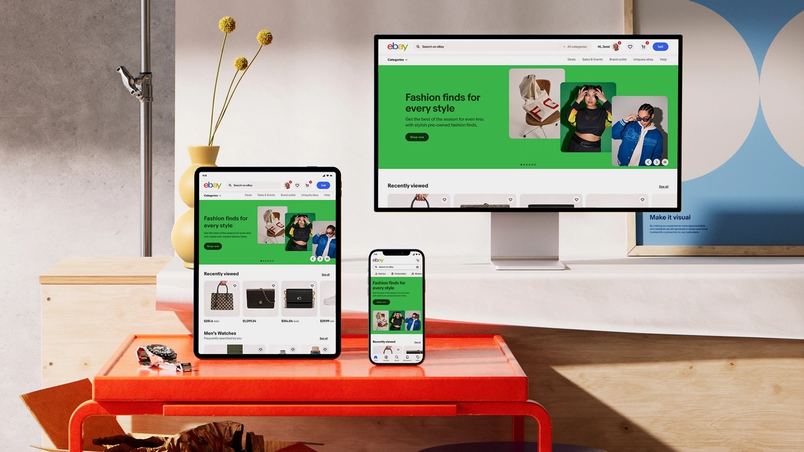
When eBay announced its Evo design system in November 2024, the visual modernization of the nearly 30-year-old marketplace arrived with a companion piece: the eBay Playbook, more than 300 pages of documentation tying accessibility, design, and code into a single resource for internal teams and agency partners. Tyler Moore, Senior Director of Design at eBay, describes the effort as "a pebble into this little pond" that grew into "waves that people wanted to ride."
Starting over instead of patching
Before Evo, eBay's design system guidance was split across separate Figma files. "Designers had their version in Figma, developers maintained separate documentation, and accessibility guidelines lived somewhere else entirely," says Cordelia McGee-Tubb, Staff Design Technologist on the OneExperience team, eBay's cross-functional group covering brand, design systems, design technology, and content. Changes followed a slow route: designers edited static Figma files by hand, then filed tickets with McGee-Tubb's team for each upload.
The OneExperience team chose to rebuild rather than repair, and brought the work in-house—including design, development, image, and video production—instead of hiring an external agency. Staff Product Designer Ryan Tinsley says the prior playbook "didn't feel like it represented eBay in its new era," having been developed by an outside agency and maintained as a separate job from designing. The goal for the new Playbook was a shared space for brand, product, and technology guidance rather than disconnected destinations.
A Component Status API behind the scenes
Component status tracking, once kept in a manually updated Figma table, now draws on live metadata from the team's libraries. The team built an internal Component Status API that tracks each component's availability and implemented version across every library where it appears—the published Figma component library, native libraries, and open-source web component libraries. Each library registers component names and versions, with the metadata stored in Figma component descriptions. The result is a complete picture of implementation status per platform.
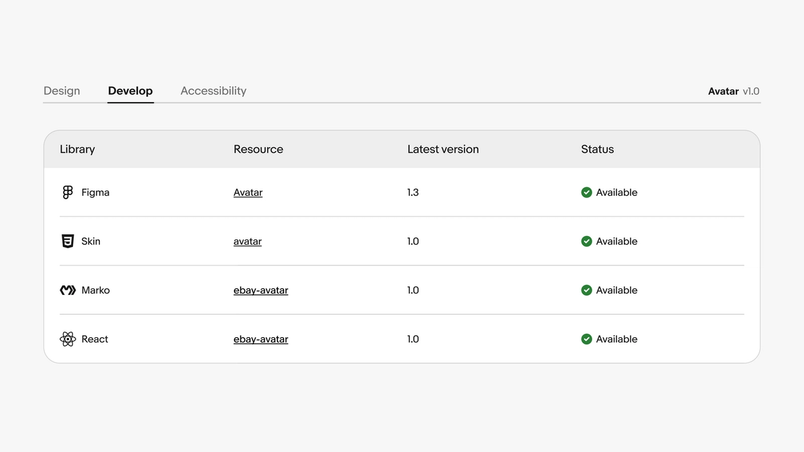
"A lot of our developers have been using our Component Status API to figure out, 'Hey, does the component exist in the framework I build in? Is it up to date with the Figma version? Is it up to date with the Playbook documentation?'" McGee-Tubb says. "That's been a huge win."

Publishing from Figma in under two minutes
Every component, guideline, and accessibility note in the Playbook begins in Figma, and every update lands there too. A custom Figma plugin acts as the publishing engine: changes are linted, validated, and exported to the site without manual CMS work. What once took days now finishes in minutes. "We can make an update in Figma and have it live on our Playbook site in under two minutes," Tinsley says. "Being able to iterate quickly changes how teams engage with documentation."
The Playbook's own interface is built from a toolkit of Figma components that do double duty: they form the site's UI and provide WYSIWYG components for the content of each documentation page. The Design Technology team used Dev Mode to inspect these components, build them to specification, and map Figma properties correctly in the custom linting and export plugin. "UI developers at eBay use Dev Mode quite a bit to inspect component styles and translate that to code," Tinsley says, adding that testing with Code Snippets and Code Connect shows promising results with a vision for deeper integration. Figma variables also informed how the team set up its CSS variables, linking design and implementation directly.
For McGee-Tubb, the payoff is the unified view: "We're really bringing together design, engineering, accessibility, documentation in a way that we hadn't before."
Linting as a quality gate
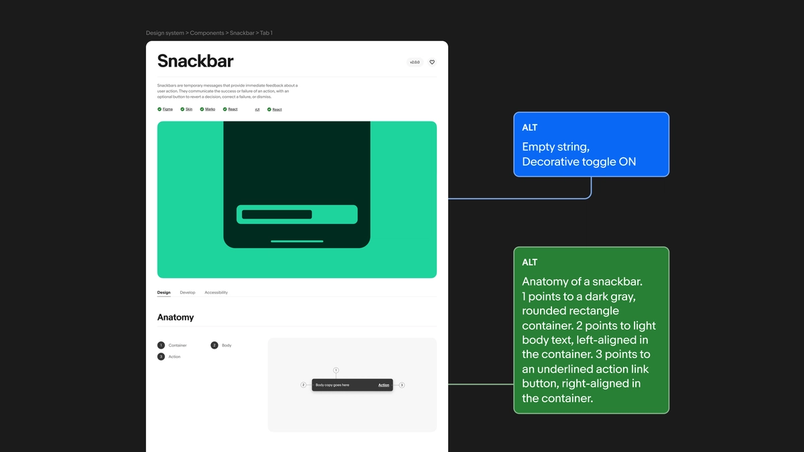
The custom linter scans every page in a file, using frame names to derive the site's breadcrumb and tab placement, then checks that components are used correctly and not detached. Problems are flagged before export. Accessibility gets the same treatment: the linter tracks alt text for images across the site, and the requirements live directly in Figma components as properties that flow through to the CMS.
The team's attention to detail shows in smaller ways too. Their Slack channel is called "Playbook in the Weeds," and they devised a color-coded alt text scheme—green blocks for finished descriptions, yellow highlights for areas needing work—that turns maintenance into something closer to a puzzle.
Results and next steps
Since the Playbook launched, the team reports measurable movement in how teams work. "Teams are enhancing the visual quality of their work by leveraging our updated foundations and referencing the latest documentation," Tinsley says, which he says establishes a stronger starting baseline and consistency in both UX functionality and layout design. Design office hours have shifted from basic troubleshooting to discussions about patterns and principles. "The office hours we have now versus before the Playbook are just night and day," he says.
Most evidence so far is qualitative, though the team is exploring quantitative tracking and cites Figma's newly increased library analytics as a valuable lens on the health and reusability of the system. Tooling refinement and expanded system coverage continue. "We're just getting started," McGee-Tubb says. "Every time we solve one challenge, teams bring us new ideas for what else we could improve."