

GitHub Actions as a native CI/CD layer
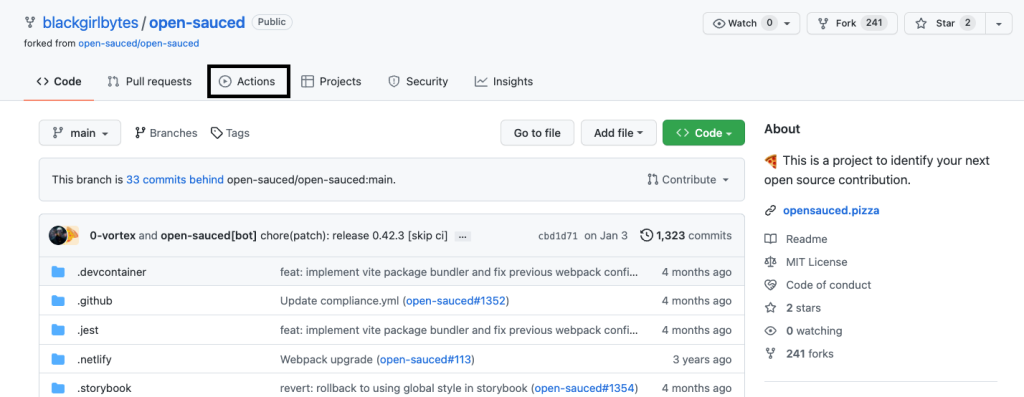
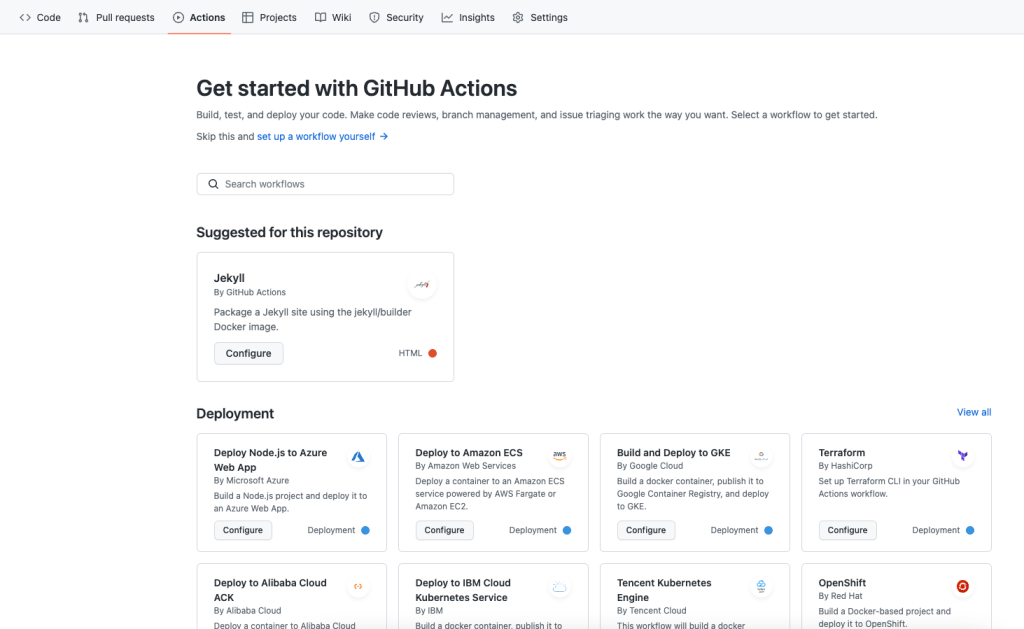
GitHub Actions is GitHub's built-in CI/CD tool, running alongside your code in the repository. You'll notice its tab in any GitHub repo—that's where you'll find your workflows, suggested starter configurations, and access to the GitHub Marketplace's 13,000-plus pre-written, tested CI/CD workflows and automations.
Workflows in GitHub Actions are defined in YAML files and can respond to virtually any webhook event on GitHub—including third-party events. This makes Actions useful not just for CI/CD, but also for automating tasks across your development process.
Core components of a workflow
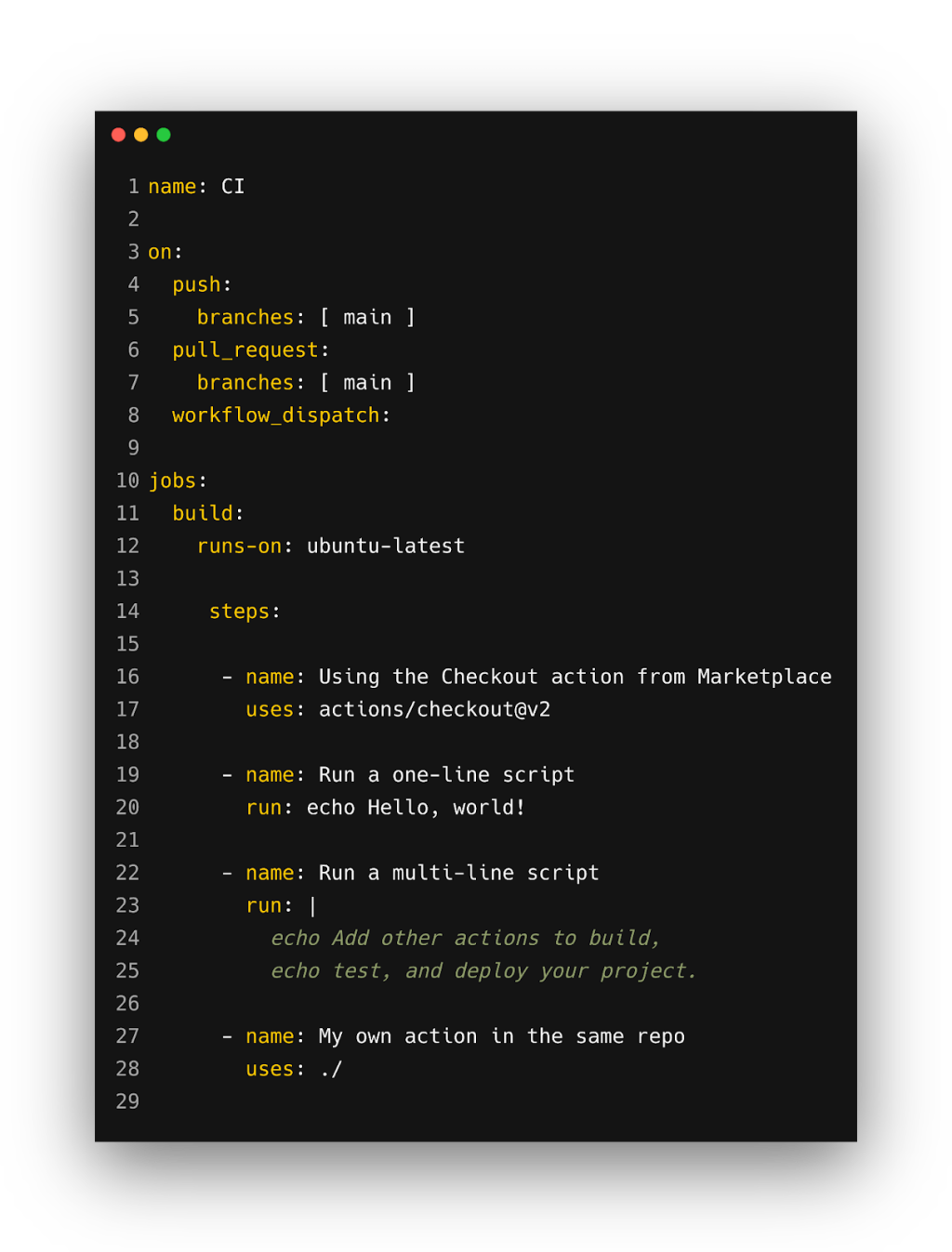
Every GitHub Actions workflow you'll encounter is assembled from a handful of well-defined pieces, each serving a clear purpose in the pipeline.
- Runners: The GitHub Actions servers that execute your workflow. They can be GitHub-hosted (Ubuntu Linux, Windows, macOS) or self-hosted on your own infrastructure.
- Events: The specific webhook triggers that initiate a workflow.
- Jobs: A set of steps that run together on the same runner.
- Steps: Individual tasks within a job, either a standalone action or a shell command.
- Actions: A command executed on a runner—the same name used for the tool's individual building blocks.
Combine these elements and you get a workflow like the one below, a fully functional example you could drop into your own repository to see how the pieces work together.
on:
  issues:
    types: [opened]

jobs:
  comment:
    runs-on: ubuntu-latest
    steps:
     - name: Rick Roll
      uses: TejasvOnly/[email protected]
      with:
        percentage: 100
Practical use cases for workflow automation
CI/CD represents the most obvious advantage of GitHub Actions, but the same triggering mechanism can handle release management, third-party integrations, and even team/community routines.
CI/CD workflows
The value of Actions in CI/CD comes from its deep GitHub integration, letting you trigger any part of the pipeline from any GitHub event. Several pre-built workflows handle common needs right out of the box. For Node.js projects, a starter workflow performs a clean dependency installation, caches and restores dependencies, builds the source, and runs tests across multiple Node versions. Similar templates exist for most other languages. You can also chain end-to-end UI testing tools like Cypress or Mabl into a workflow to run tests before merging. For deployments, a container image workflow can build and push to Amazon ECR and then deploy to Amazon ECS on pushes to your default branch, with equivalents for other platforms like Terraform and Google Cloud.
Release management
Automating release logic doesn't always require a full CI/CD pipeline if you're not there yet. A rollback action simplifies the process of reverting a broken release—crucial when a deployed feature goes sideways. Another useful action can auto-publish npm packages when you push to a specific branch, saving a step that's habitually easy to forget at the worst moments.
Third-party integrations
Connecting the other tools you use daily with your GitHub repository is another high-yield automation area. Workflows exist to push build failures, release updates, and new pull request alerts directly into Slack—with a Microsoft Teams equivalent also available. For project planning, you can link tools like Jira, Trello, or GitHub Issues into your repository so that build and test outcomes automatically drive new issue creation or status updates.
Team and community management
To handle routine tasks shared across a maintenance or community team, there are workflows that let contributors self-assign issues and drop a preloaded explanatory comment; a first-interaction workflow that sends a welcome message to first-time contributors with your own onboarding material; and one that automatically invites collaborators to a public org when they comment on an issue.
Starter workflows and customization
The Starter Workflows repository holds GitHub's own maintained templates for continuous integration, continuous deployment, code scanning, and general workflow automation. One standout is CodeQL, which runs GitHub's static analysis engine against your code to surface known security vulnerabilities. If a template needs tailoring, the better place to spend your effort is customization rather than starting from scratch given the breadth of the Marketplace catalog—and plenty of pre-existing actions need only minor tweaks to fit your specific requirements.



