Traditional hosts and what they actually run
The $5.99 Web Hosting plan versus a WordPress plan priced one dollar higher invites the obvious question: does buying the cheaper tier block you from installing WordPress? And since WooCommerce is a WordPress plugin, what stops it from going on the WordPress plan before you upgrade to the ecommerce tier? The VPS plan being the cheapest of the bunch adds to the confusion — and this is only one of several charts the provider publishes. With decades of web development behind me, I would still be guessing. Cynically, that ambiguity looks like a sales tactic.
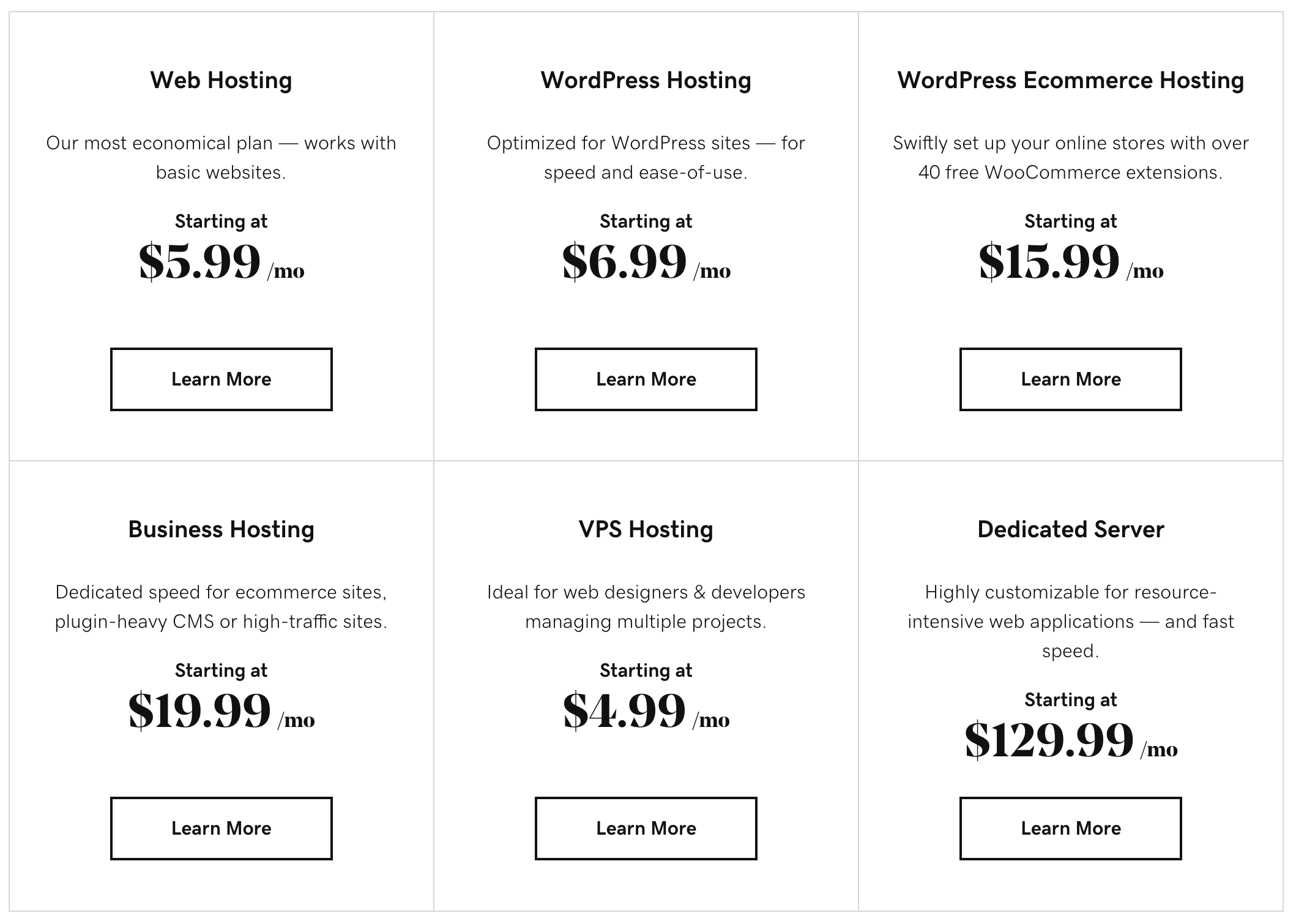
What is clear: these plans target PHP/MySQL sites. That covers WordPress, Craft, Perch, Ghost, Drupal, Joomla and the rest — the LAMP stack serves every major CMS. The same holds at Media Temple, Hostgator, Bluehost and similar outfits, so "traditional web host" is a reasonable label.
Want PostgreSQL or MariaDB instead of MySQL, or ASP instead of PHP? These hosts will typically tell you to skip shared hosting and take a raw VPS with direct root access, where you install it yourself. Fine, but know that those stacks are not first-class citizens there — and support may be hard to come by when things break. That leads to the core principle: go with a provider's happy path offerings. A Python app on a Hostgator box can be made to work, but nothing they promote suggests it is on a happy path. Heroku, by contrast, treats those languages as first-class.
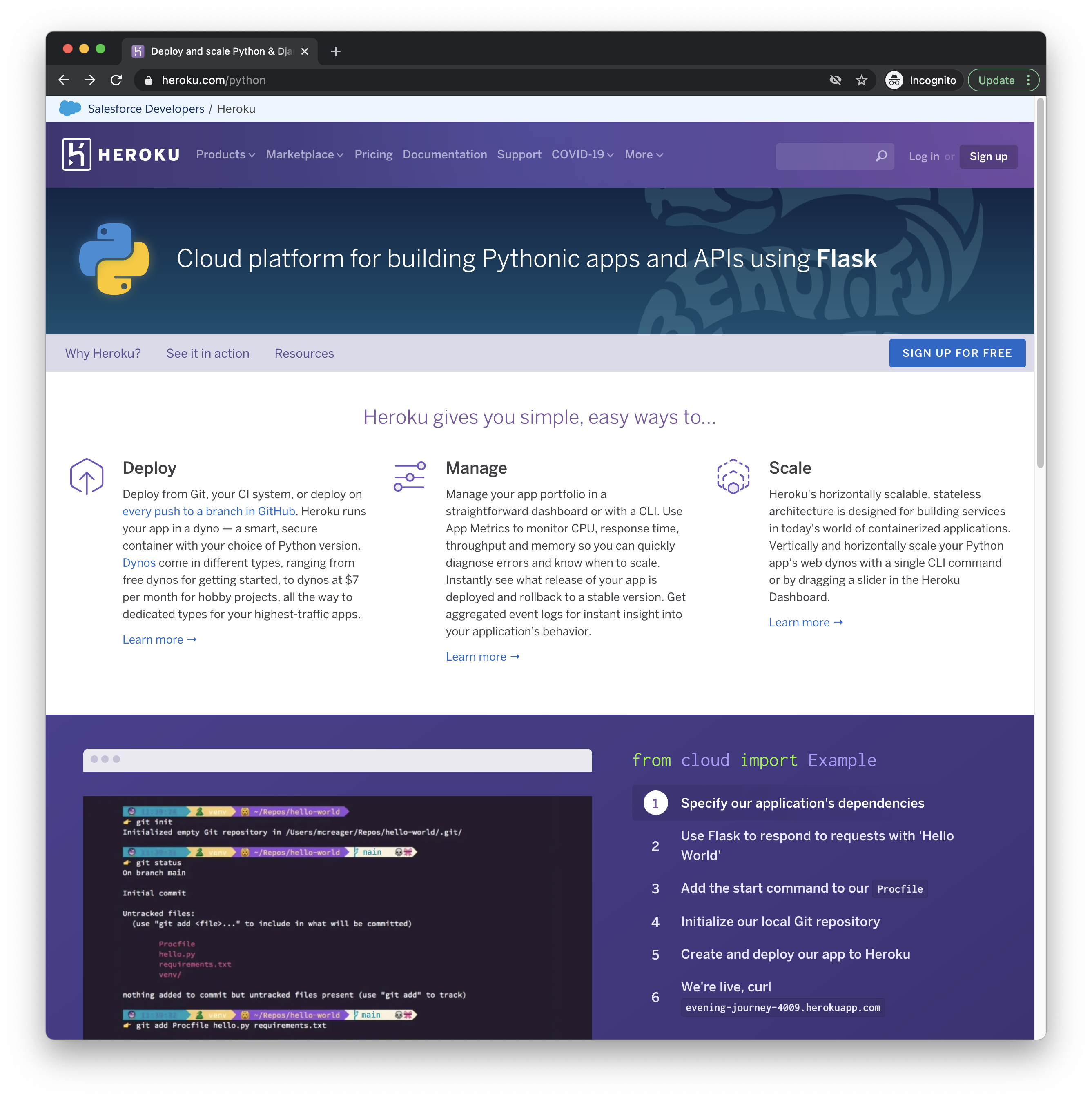
I have never used Heroku and cannot vouch for it directly, but it has a good reputation after roughly 15 years of doing this.
The happy path is a pairing of app and host
The other important divide: traditional hosts do nothing to help you get code onto their servers — you get FTP credentials and good luck. Heroku hands you a CLI like heroku container:push to deploy local code to production, or deploys straight from your GitHub repository. It is a mystery why every host in the world does not do that. A host that helps with deployment is valuable.
Heroku brands itself a "Cloud Application Platform," and the happy path there is server-ish languages: Node, Ruby, Python, Go. For a static site built around a generator such as Eleventy (the Jamstack approach), Heroku is not the happy path — you could make it work, but static hosting is not core to them. That is Netlify's entire business, and Netlify is a very strong happy path for static sites.
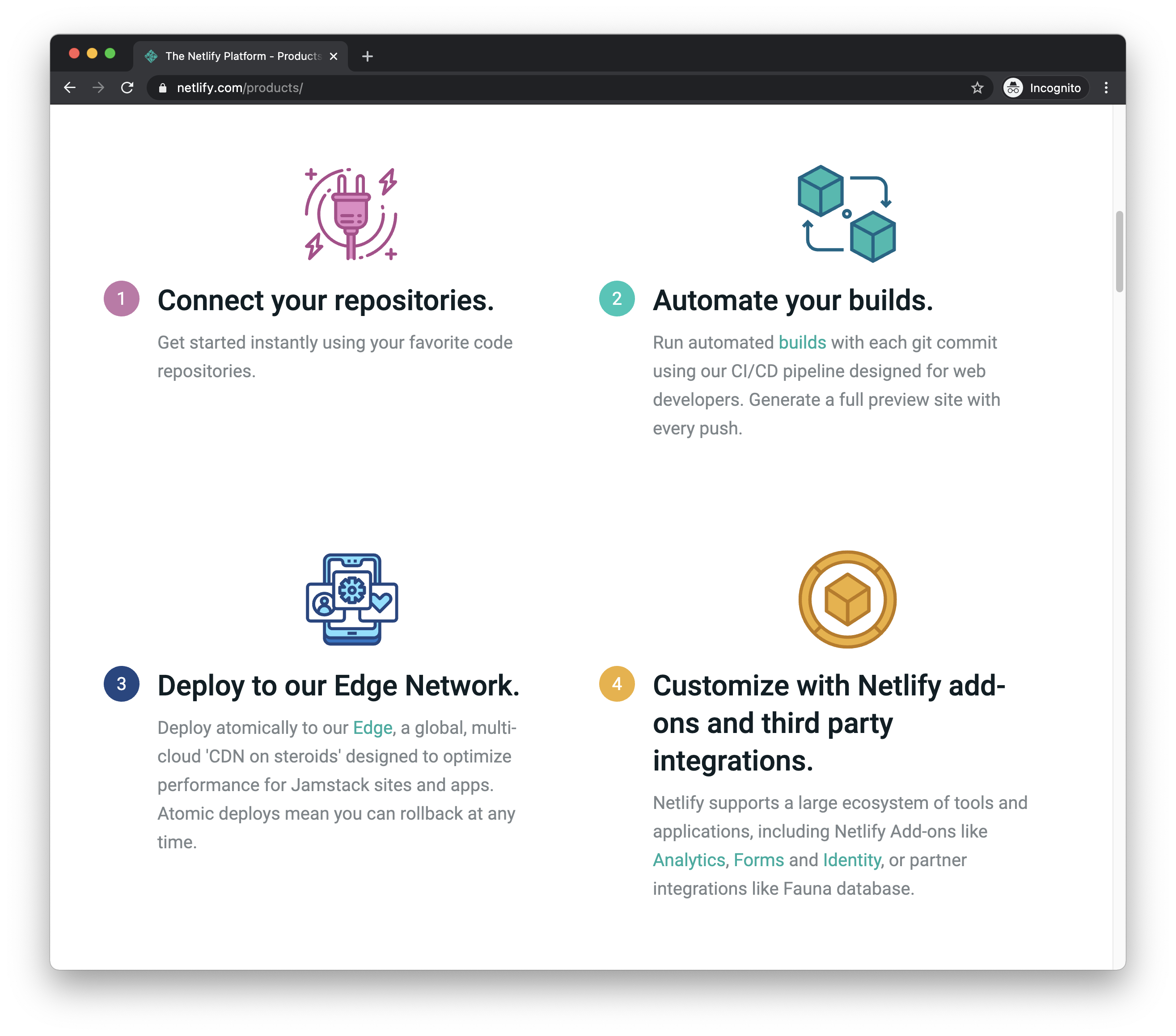
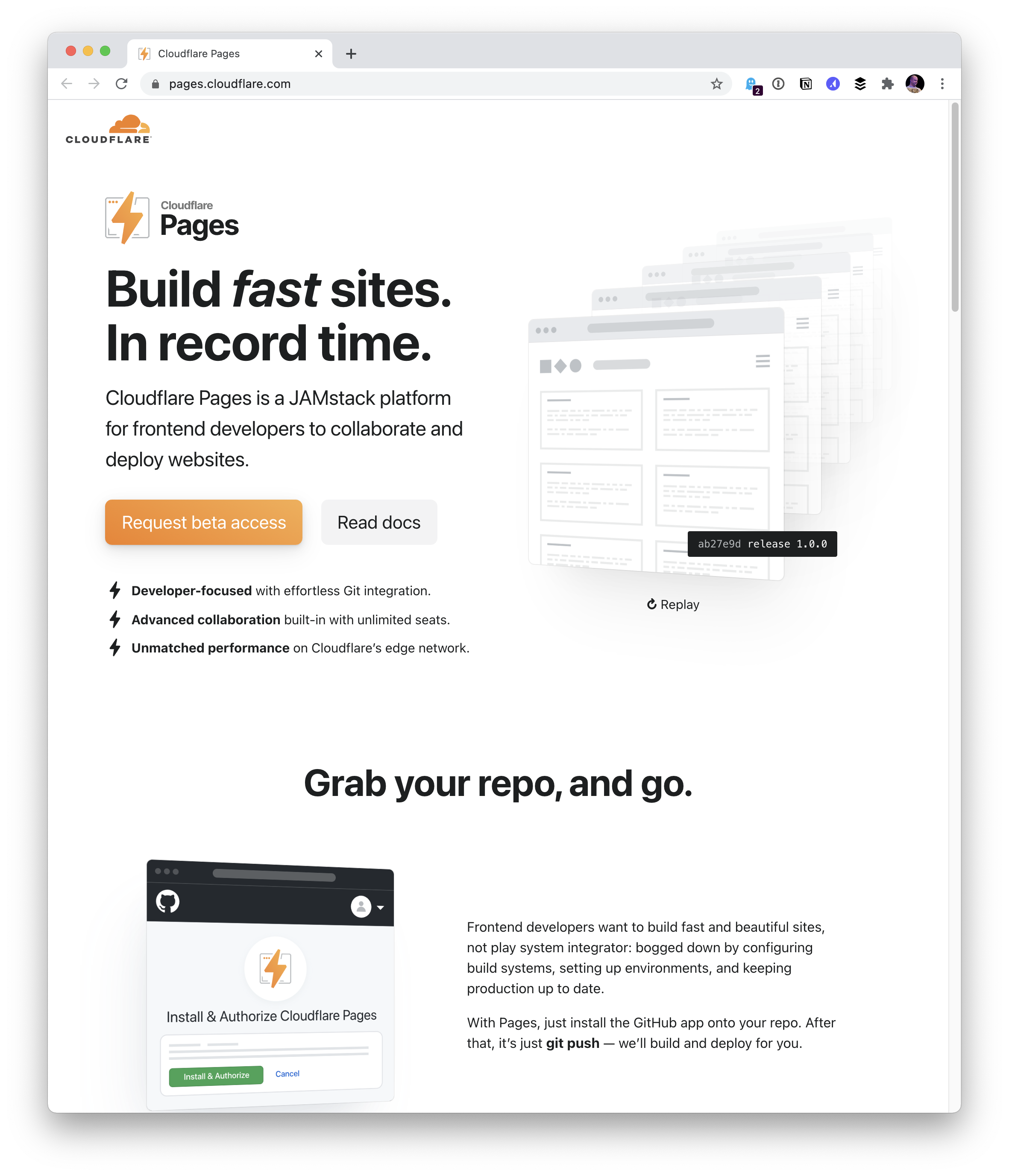
Netlify executed the Jamstack-style hosting play so well that others have copied the shape. Azure's Static Web Apps is one example. Why pick Azure over Netlify? If you already use other Azure products and they interoperate well, it may feel like the happy path. Or you may simply have more experience and developer muscle memory with Microsoft's offerings. Jamstack — static hosting plus services — is now available in plenty of places. Cloudflare Pages pitches unlimited sites, requests, bandwidth and team seats; if Cloudflare Access or Workers matter to your stack, keeping everything under one roof is the happy path.
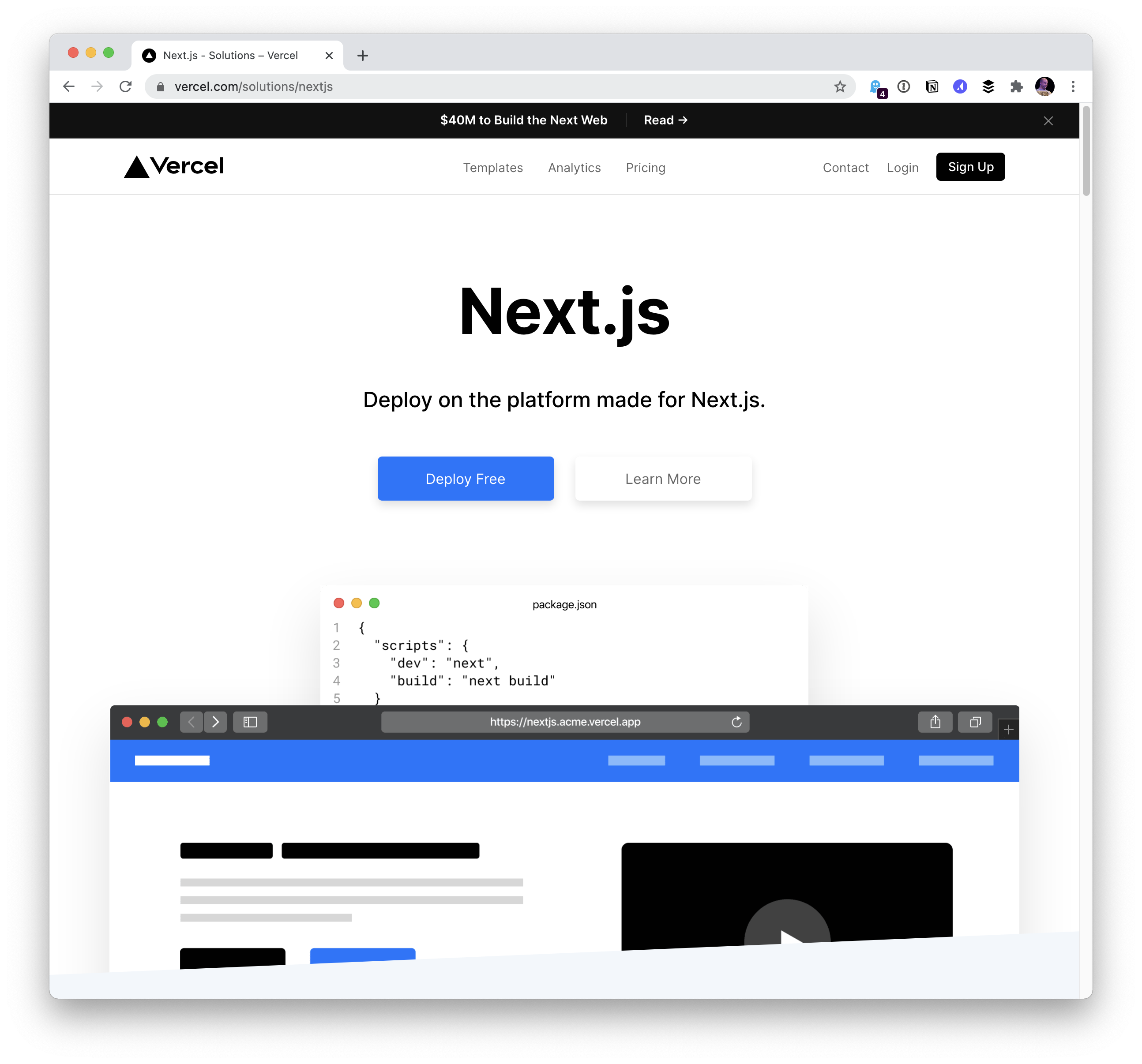
Vercel offers Jamstack hosting but will also run servers for you. Its framework Next.js prebuilds pages yet can serve server-side rendered pages from a Node back end, and Vercel supplies that back end. "Deploy on the platform made for Next.js," they say — hard to beat.
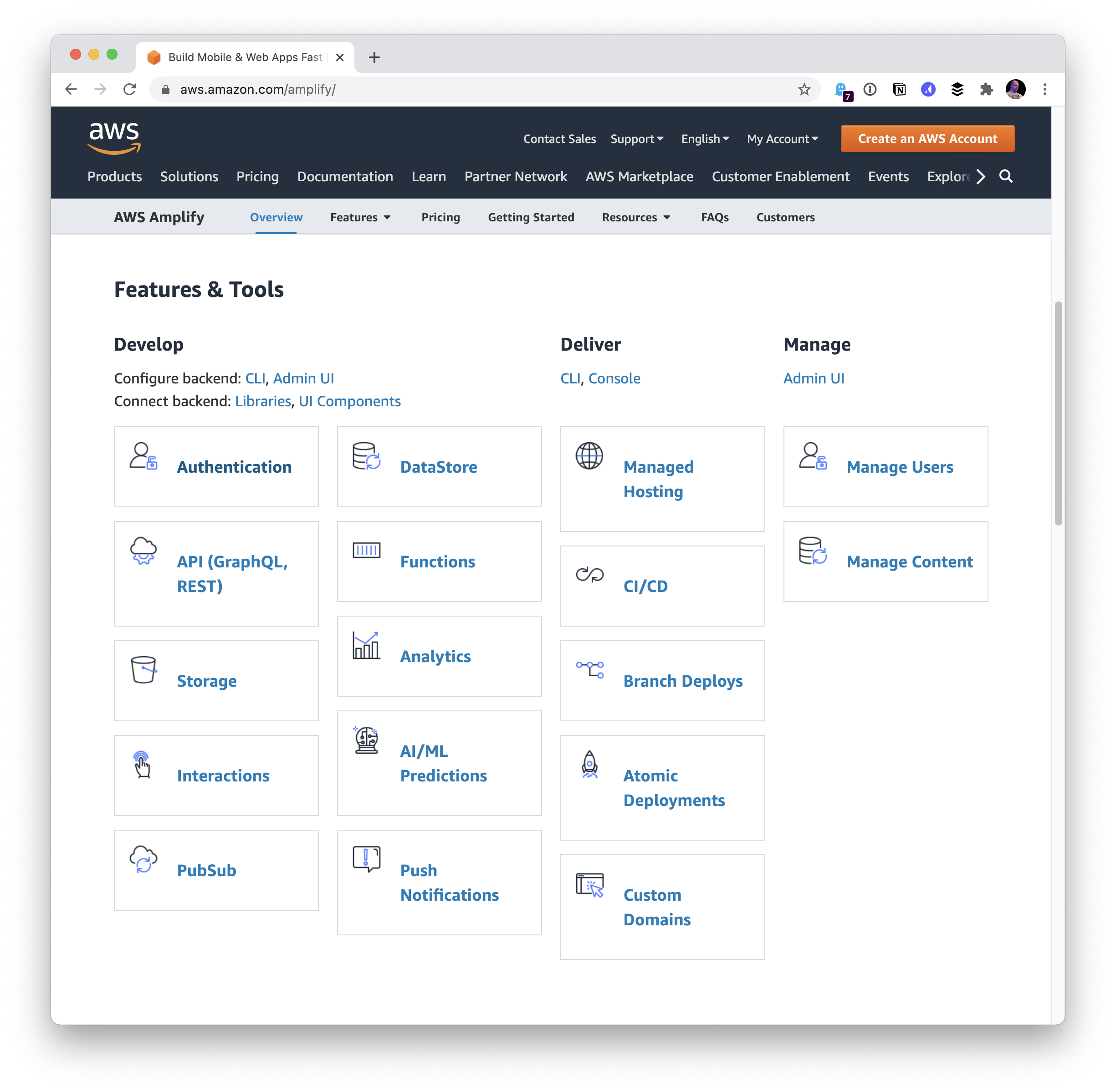
AWS Amplify is Jamstack hosting whose happy path is stitching together other AWS services. Auth means Amazon Cognito underneath; storage means S3; a database means Amplify helps you model it and build APIs.
Firebase has Jamstack-style hosting, and its happy path is leaning into the Firebase framework.
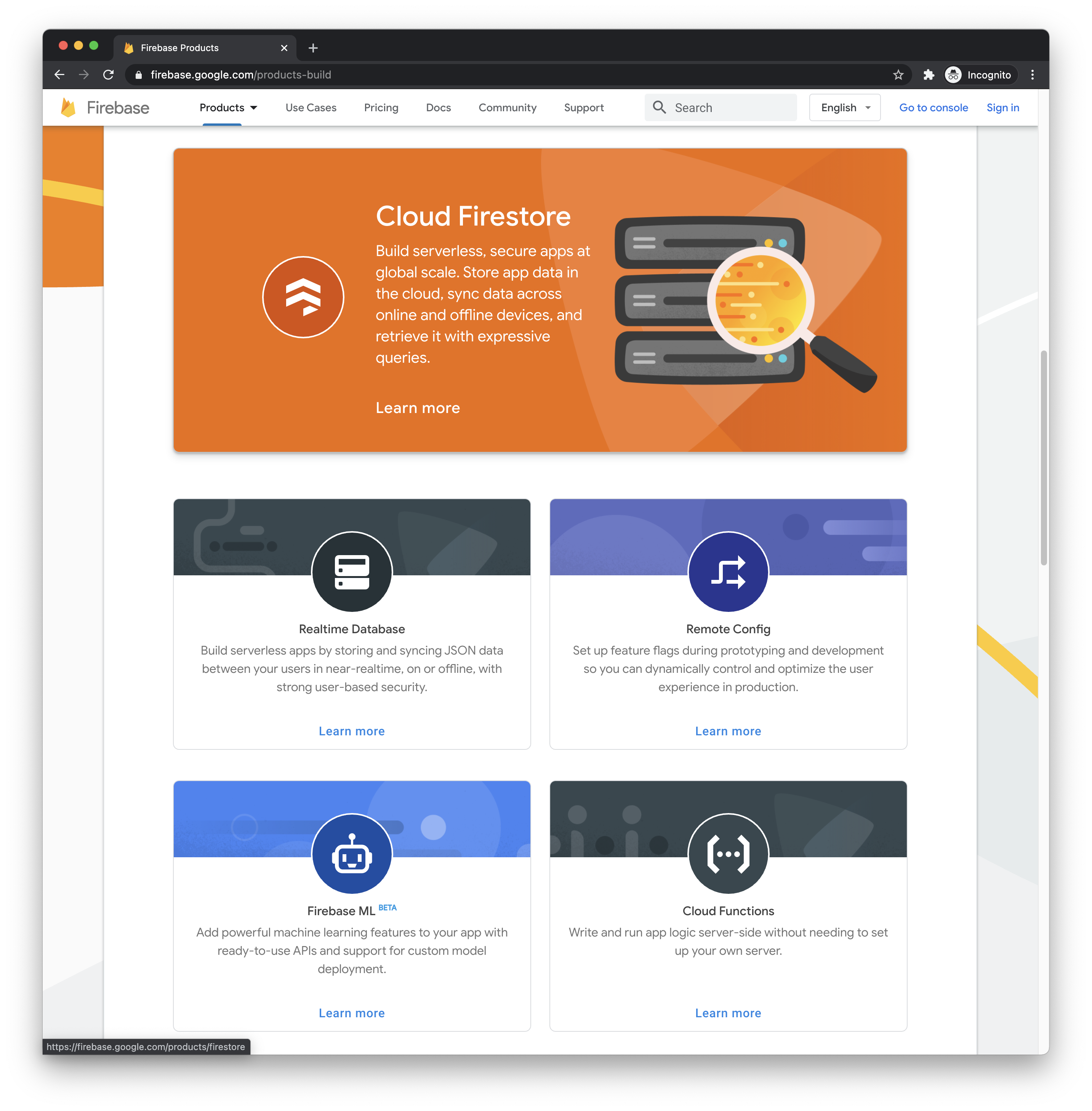
Firebase offers real-time data storage, authentication and RUM analytics. Without any of those, I would not reach for Firebase hosting. A plain Jekyll blog on it is absolutely possible — but it does not lean into the Firebase offerings, so it is far less of a happy path.
Developer muscle memory deserves a mention. If you already run five sites on Netlify and have gone through those motions repeatedly, your sixth site lands there too — even if another host is a slightly better fit. You can compare pricing and features all day, but muscle memory is among the most powerful influences on the choice, and that is perfectly fine.
What a modern host owes you
Deployment support has become table stakes: Netlify, Vercel, AWS Amplify, Google Firebase, Cloudflare Pages and Azure Static Sites all provide it. So has the rest of this list, beyond actually hosting the site:
- HTTPS. The host issues an SSL certificate for your site — ideally automatically and free, given Let's Encrypt exists.
- CDN. Serve as much of the site as practical from a CDN, even if it is paid or needs configuration.
- Deployment. Connect to Git repositories and move files from the main branch to production.
- Staging. Provide staging environment(s).
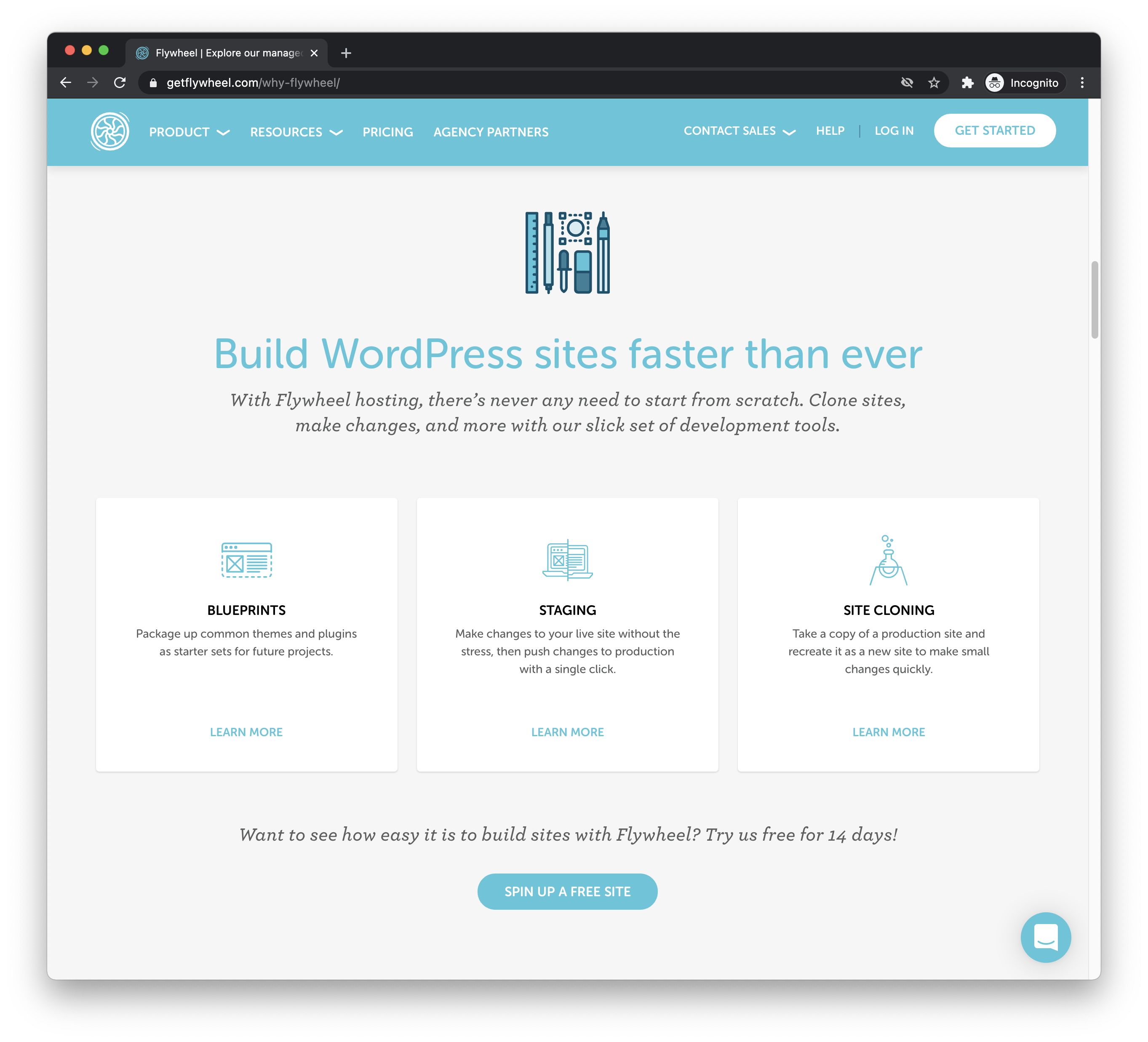
Now back to WordPress and the wider PHP/MySQL CMS market, which traditional hosts serve. WordPress runs 35.2% of all websites — an enormous hosting market. In my experience, traditional hosts deliver almost none of those table stakes: HTTPS is on you, CDN integration is on you, deployment is on you, and staging means buying another server. It is a strange moment for hosting, with modern hosts doing so much and traditional hosts so little, though WordPress-specific hosts are the exception. Using one for WordPress is about as happy-path as it gets. I am on Flywheel now and appreciate what they do: they cover the whole list and go further, even helping with local development.
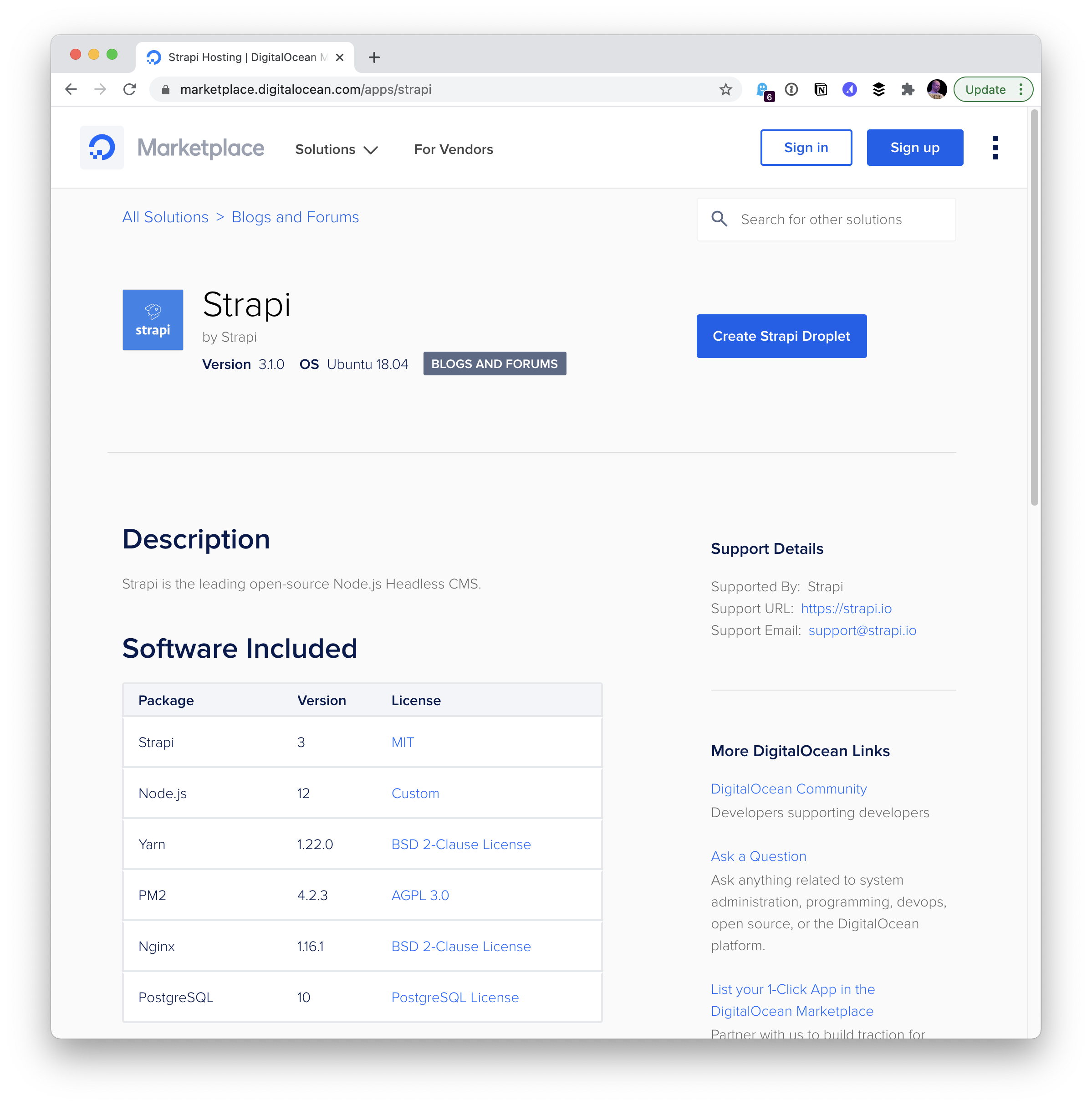
DigitalOcean earns its place in this discussion because it leans hard into happy paths. Its core unit is the "Droplet" — a server — spun up from "containers." That term need not scare anyone off here: these are pre-configured servers that can run just about any combination of technologies. A LAMP stack in a Droplet is a first-class citizen, and so are plenty of other stacks. Take Strapi, a CMS built on Node, Nginx, and PostgreSQL; DigitalOcean ships a Droplet ready for it out of the box.
Pricing starts at $5/month, so Droplets are as economical as other hosts, if not more so. Some hosting products may in fact be DigitalOcean underneath — SpinupWP, for example, creates configured WordPress hosting environments but doesn't host anything itself. You "bring your own" host, most likely DigitalOcean or AWS.
Where the abstraction runs out: AWS
If DigitalOcean already feels complex, AWS goes further. AWS Amplify, covered earlier, is the slice of AWS built for individual developers to scaffold apps quickly. It's a small wedge of the whole.
AWS is a massive cloud services provider: yes, you can spin up web servers, but there are also hundreds of other services covering databases, storage, serverless, APIs, logs — you can even rent a quantum computer there. That doesn't mean a normal developer can't use AWS as a web host, only that it isn't designed with that kind of DX in mind. The guide on installing WordPress makes the point plainly. AWS is extremely powerful, has a solution for everything, and is priced as low as it gets; it's best understood as down-to-the-metal web infrastructure built for large-scale operations. Web hosts themselves may run on top of it.
Needs matched to options
A quick set of pairings between needs and the options that fit them. This is in no way comprehensive — just things that came to mind and feel happy-path aligned.
| Budget | Typical | |
|---|---|---|
| WordPress | MediaTemple / GoDaddy | Flywheel or WP Engine |
| Other PHP + MySQL (e.g. Craft CMS) | Bluehost | Cloudways or fortrabbit |
| Ruby on Rails | Linode | Heroku |
| Node.js | Put in in a Lambda | DigitalOcean |
| Python | Vercel | Heroku |
| Go | Vercel | Cloud Run |
| Jamstack | GitHub Pages | Netlify or Cloudflare Pages |
| GraphQL API | Hasura | AWS Amplify / AppSync |
| Image Storage | S3 | Cloudinary |
Commonality, then price
It's worth repeating that hosting has a lot of commonality. If you have an index.html file and that's your whole website, literally any web host will serve it. These are all web hosts, after all: they serve files and run code, and they aren't that different. What we're really comparing is DX — does it run what I need? Is it straightforward? Does it help make things easy? Does it clearly offer support? Is it the happy path?
Price matters, and I don't want to downplay it, but it's hard to discuss without knowing your needs. Nor should major hosting decisions turn on a few dollars a month: spend half an hour on troubleshooting you'd otherwise have avoided and the savings are gone. Hosting behaves somewhat like a commodity market, with fairly stable prices. An expensive-looking host probably offers a lot; a cheap-looking one probably cut costs in ways you'll eventually feel. A small site will likely be hosted for free, and as it grows, the cost will feel minimal and fair.
If all of this seems fun and exciting, consider a career in DevOps — servers, deployment, infrastructure, and supporting developers can be a whole job rather than a side-job to other development work.