Python on Vercel is now generally available. Applications run on Fluid compute, which manages concurrent requests and scales with traffic, and Vercel handles build and deployment configuration automatically once it detects a supported framework. A set of Python SDKs covers storage, queues, durable workflows, and AI models, and full-stack projects share one workflow across local development, preview deployments, and production releases.
Design goals
When Vercel set out to make itself a home for Python applications ten months ago, three goals shaped the work:
- Idiomatic Python SDKs. Infrastructure APIs should feel familiar to Python developers, using type annotations,
async/await, and context managers. - A shared frontend and backend workflow. Python applications often pair with a JavaScript frontend, so both parts should run locally, be reviewed in the same preview deployment, and be released or rolled back together.
- Ecosystem compatibility. The runtime uses CPython on Linux to preserve compatibility with existing packages and tools.
How deployments are configured
Framework, dependencies, and project structure drive how an application is built and run. Vercel reads dependency files, including those managed by uv, and detects FastAPI, Flask, Django, and FastHTML. Framework defined infrastructure configures builds and request routing, with framework-specific support for serving static assets through the CDN.
For applications with a frontend, Vercel Services places both parts in a single project. vercel dev starts them together, and shared previews let backend changes be tested against the frontend that consumes them. Long-running workers that pull jobs from queues or databases can run under Vercel Daemons, which keeps containers running with the Python code plus its packages and system dependencies.
SDKs and an end-to-end example
Because a Python backend may need to store files, send messages, run durable workflows, or call AI models, Vercel provides Python SDKs with language-appropriate APIs. These sit alongside the application's framework and libraries.
SDK | What you can do |
|---|---|
Generate and stream model responses, call tools, and build agents. | |
Create and control isolated environments for running code. | |
Define durable workflows with retries and saved execution state. | |
Send and receive messages for background work and notifications. | |
Upload and retrieve files in object storage. | |
Obtain credentials for calling external APIs. |
Notebook Factory: a reference application
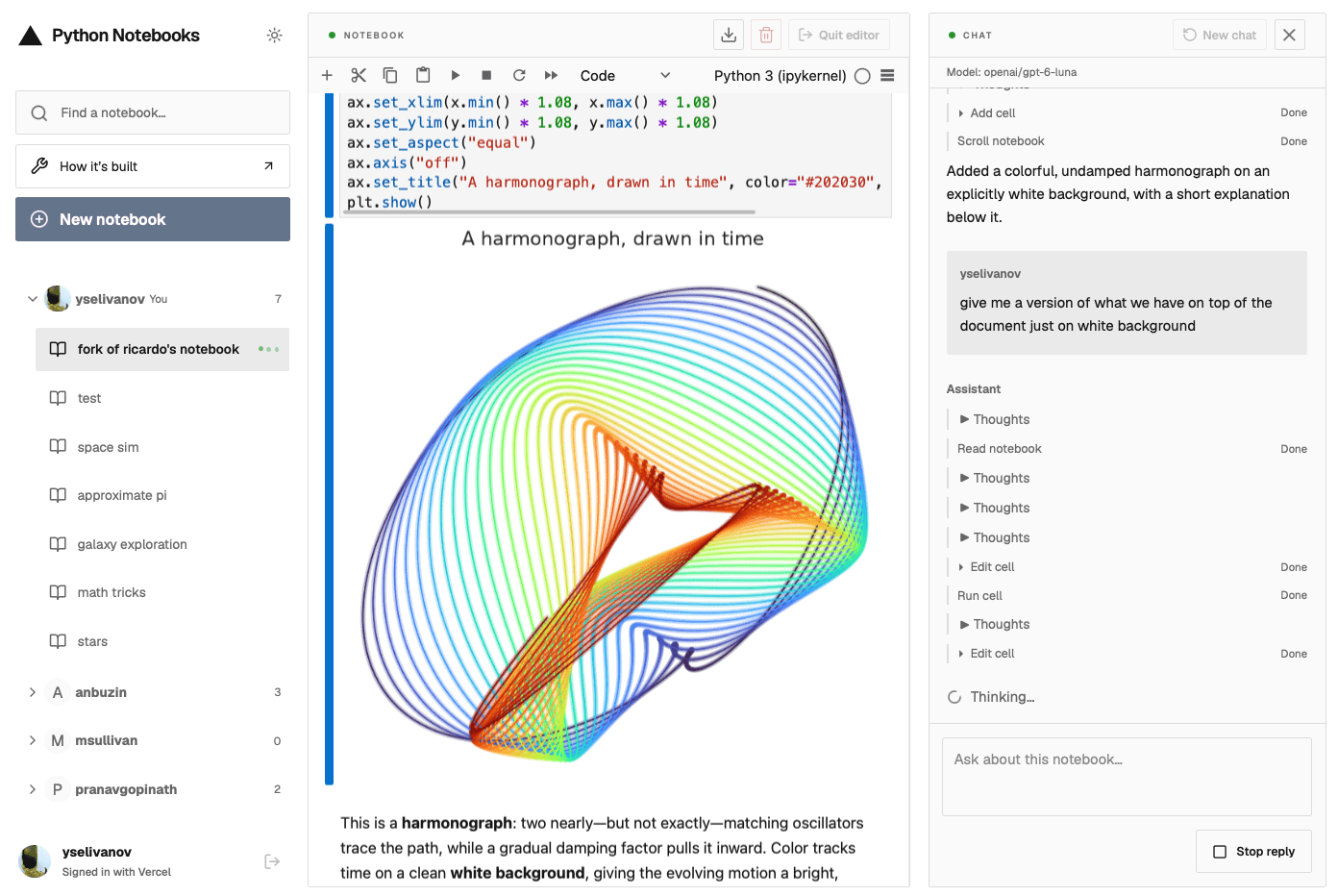
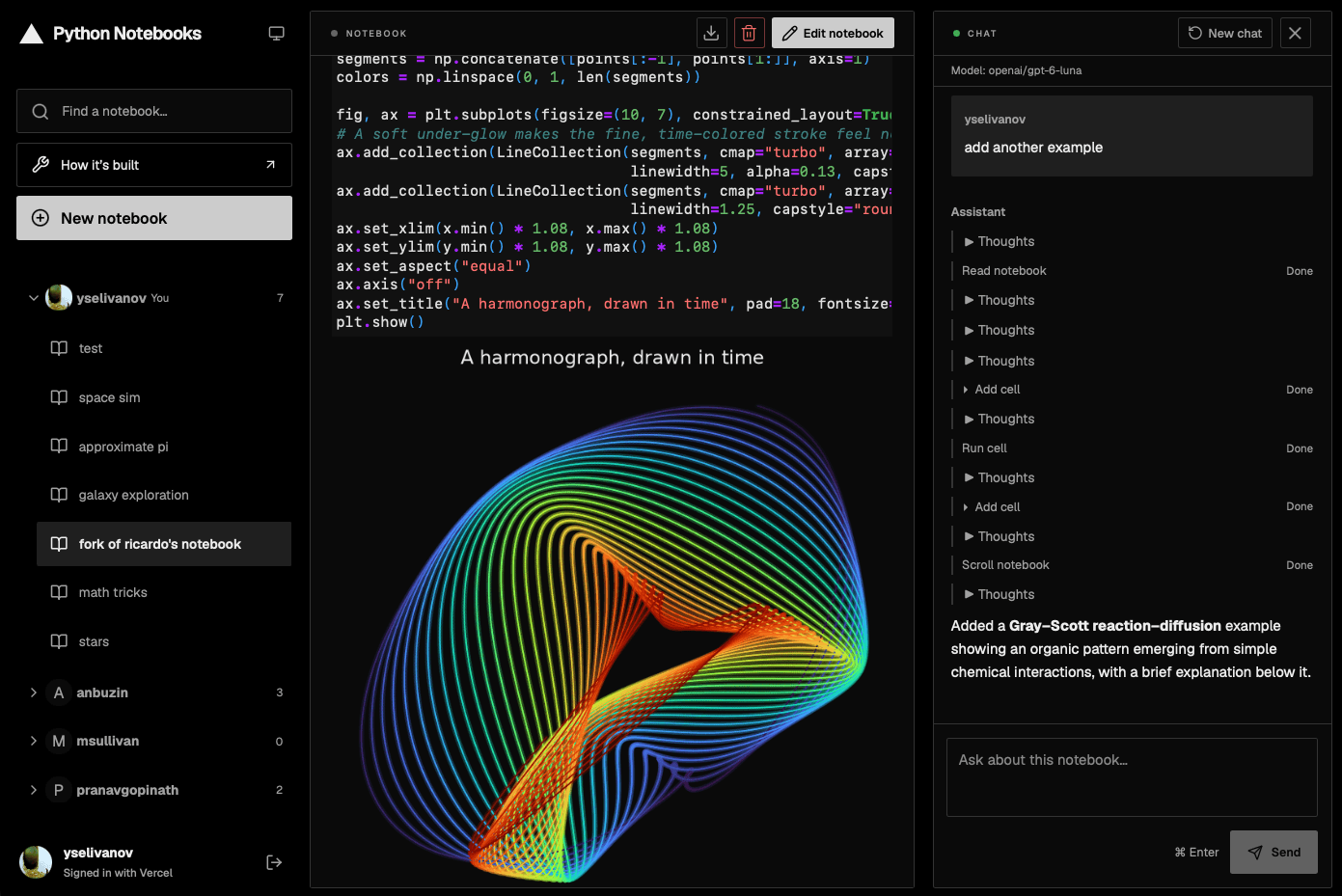
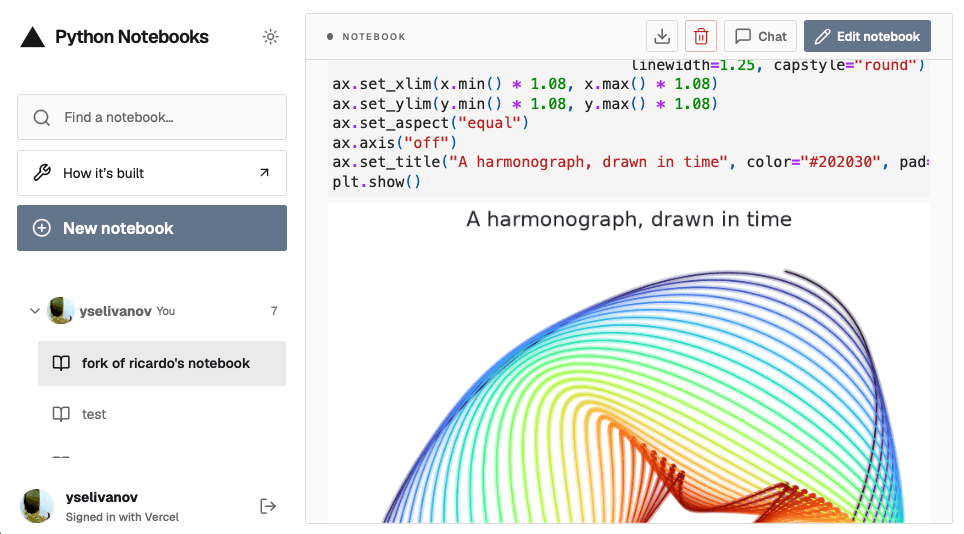
A collaborative notebook application demonstrates how the pieces connect: users create and publish Python notebooks for others to browse or fork, and an AI assistant helps write and run code. It combines a Vite frontend with a FastAPI backend, uses PostgreSQL for notebook source and chat history, and relies on Services to keep both halves in one deployment with the frontend served through the CDN.
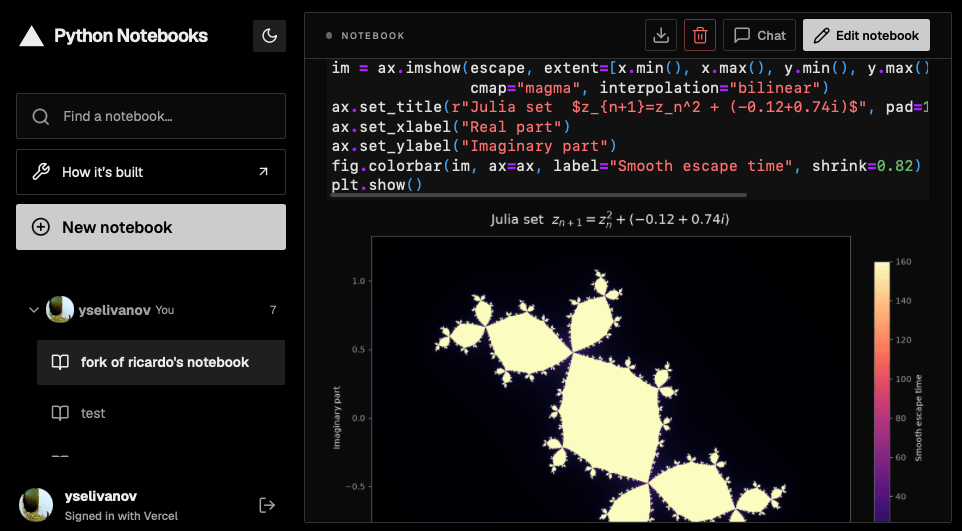
The main integrations:
- Editing and running code: when a signed-in user opens a notebook, FastAPI creates or reuses a Vercel Sandbox running Jupyter, isolating user code from the backend. The browser connects directly to Jupyter, and mounted Drives supply the Python dependencies and workspace files.
- Saving and publishing: the browser periodically sends the notebook to FastAPI, which stores the source in PostgreSQL, renders changes as HTML, and uploads the result to Blob. Published notebooks are then readable through the CDN without starting a Python kernel.
- Sharing updates: after a change is published, FastAPI sends a message through Vercel Queues. Any backend instance with connected browsers receives the notification and pushes updated notebook listings over WebSockets, so readers see changes without reloading.
- Assisting with code: the agent uses AI SDK for Python and runs inside Vercel Workflows, which saves execution state and retries failed steps. Chat history lives in PostgreSQL, while notebook editing and execution tools work through the connected browser, which returns results via FastAPI to resume the workflow.
The complete application and its deployment configuration are available as source on GitHub, usable either to explore the integrations or as a starting point for another Python application.
Community investment
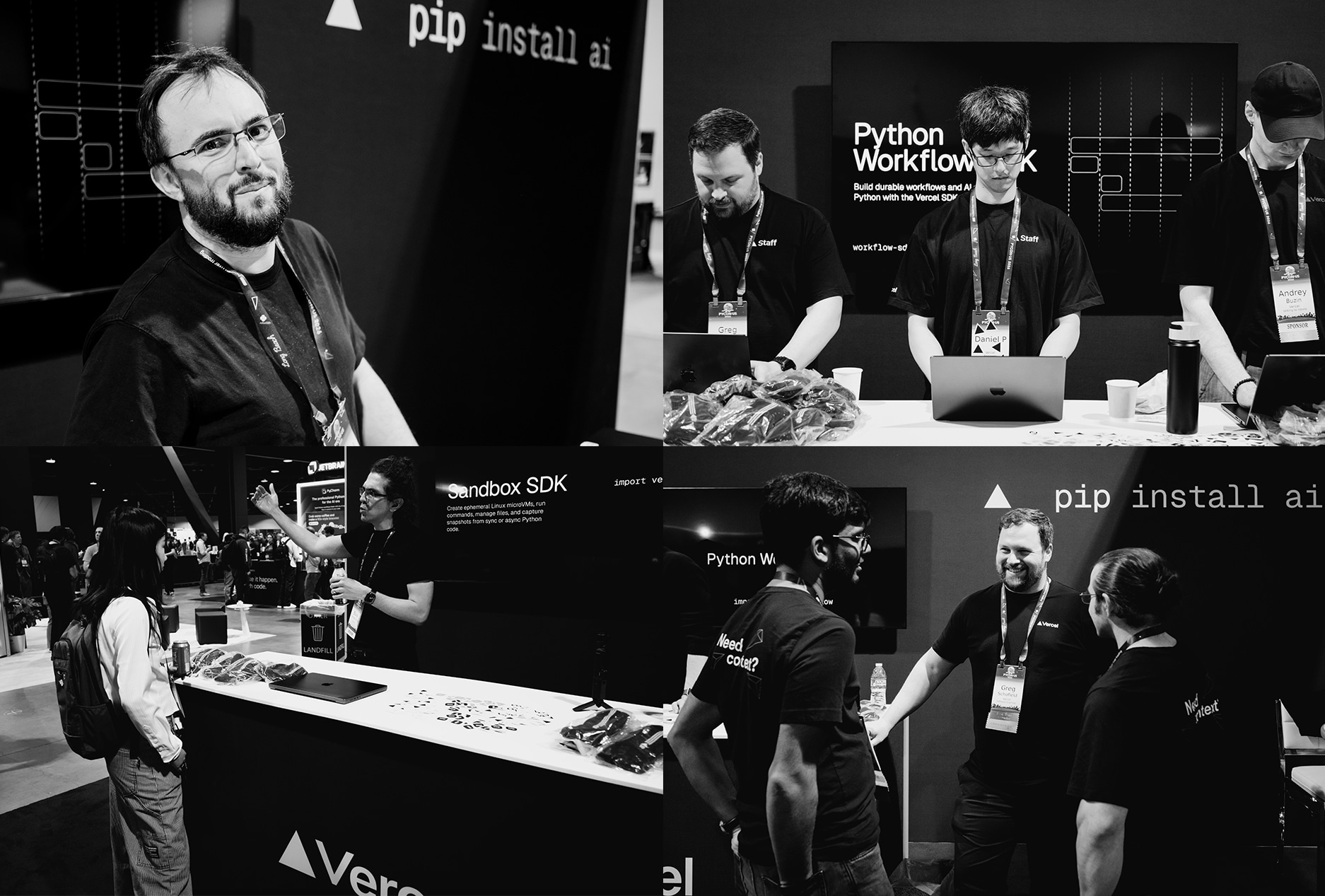
The Gel Data team, led by Dax Raad and Elvis Pranskevichus, joined Vercel last December to build Python support and continue its open-source work. Vercel simultaneously announced sponsorship of the Python Software Foundation and committed to funding one year of Serhiy Storchaka's CPython maintenance through the foundation; Storchaka has authored over 600 commits to CPython's main branch so far in 2026. The company also sponsored PyCon US and EuroPython this year. Additionally, Vercel published PEP 827, which, if accepted, would add type manipulation features that could let frameworks such as FastAPI offer simpler APIs with less boilerplate and more precise type checking.
Documentation and next steps
Framework guides cover setup and deployment for new and existing projects, and a Python on Vercel course walks through building a FastAPI backend with a Next.js frontend and deploying them together with Services. Vercel says it will continue improving Python SDKs, runtime performance, and development workflows for both people and coding agents, and asks that deployment issues or gaps in the SDKs be reported in Vercel Community. Two further resources are available:
- Python guides in the Knowledge Base, aimed at agents
- A one-click template for deploying an eve agent in Python