
Launch day is not the finish line. In the two weeks that follow a product release, the team behind it shifts from shipping to listening: watching adoption, triaging bug reports, and deciding what needs to change immediately. Figma's Dev Mode open beta, launched at Config 2023, provides a useful case study in how a product team structures that post-launch window.
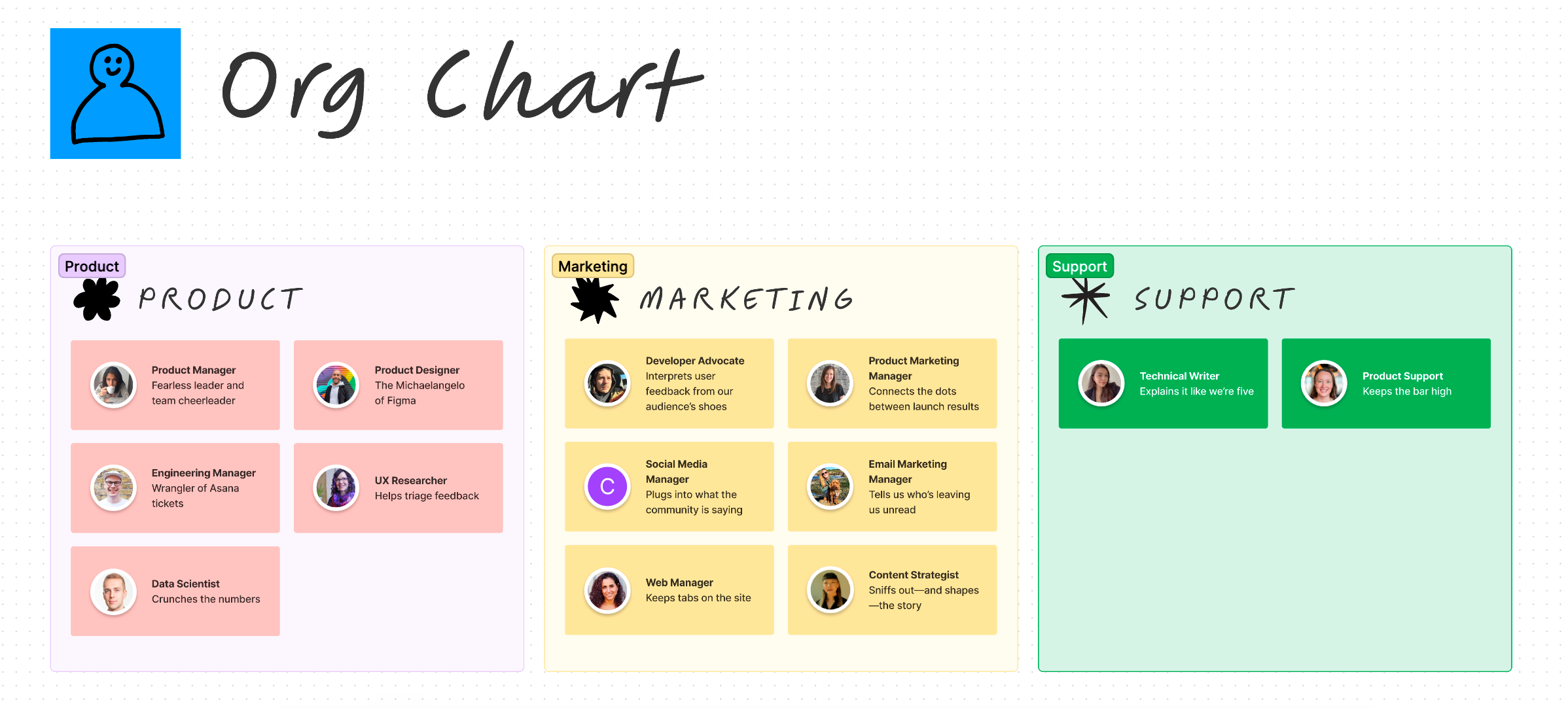
Who worked the launch
The team that built Dev Mode also owned the response to feedback. Product tracked feature usage, marketing watched public sentiment, and support concentrated on bugs and improvement requests. Product manager Avantika Gomes pulled those threads together, synthesizing input from every channel to prioritize action items and guide iteration alongside the design and engineering teams.
What the metrics looked like
Heading into the open beta, the team had already spent weeks in a closed beta talking to developers and designers about their workflows. That informed adjustments to core mechanics and new features, but the open beta was the real test of reach and reaction.
The agreed north star metric was the percentage of weekly active users in developer roles who used Dev Mode. Around that, the team locked in supporting metrics before results arrived, so nobody would be guessing at whether early numbers were good or bad. Dashboards were built in advance to make before-and-after comparisons easy.
- Feature adoption: Usage of the Inspect panel, Compare changes, related links, and other features to see which were most compelling.
- Reach and reaction: Social media impressions, email open rates, and in-product message impressions showed whether the developer audience was being reached. Social sentiment and live Config audience reactions highlighted which features generated excitement.
- Fixes and improvements: Help Center article views, in-product feedback submissions, and support tickets identified what users found broken or confusing.
Channeling the feedback flood
The response was immediate. In the first 24 hours, the team received over 2,000 community responses across the feedback form, support forum, social media, and sales conversations.
To manage that flow, they set up three Slack channels. The in-product feedback button fed automatically into an Asana form, the single source of truth, which logged each submission as a task and pushed it into #dev-mode-feedback-stream—which received over 1,500 messages on day one. A second channel, #dev-mode-internal-feedback, captured design inconsistencies spotted by Figma employees. A third, #dev-mode-external-feedback, collected input from support, sales, and other customer-facing staff. Notable posts from Twitter and LinkedIn were also shared in Slack so nothing slipped past the team.
Engineers followed up directly with users by email when they needed more details on a bug report, sometimes suggesting workarounds or pointing people to Help Center articles. The team spoke with 83 customers as part of this follow-up process.
Pro tip: Keep response templates handy. When users raise the same question repeatedly, a prewritten reply that thanks them and offers concrete next steps saves time and keeps replies consistent.
Fixing as you sort
Some issues were known risks. The team worried Dev Mode would disrupt existing designer workflows—and it did. Problems with file import and export, login troubles, and accepting the terms of service went onto a burndown list for fast fixes rolled out within the first few days. By the end of the first week, over 200 feedback submissions had been resolved.
Meanwhile, the PM, research, design, and engineering teams began tagging and categorizing incoming Asana tickets to shape a short-term roadmap. That process quickly became unwieldy—scrolling through long lists made feedback hard to synthesize—so they moved into FigJam. Pulling tickets in through the Asana widget, they organized submissions by theme and got a clearer sense of what users cared about most.
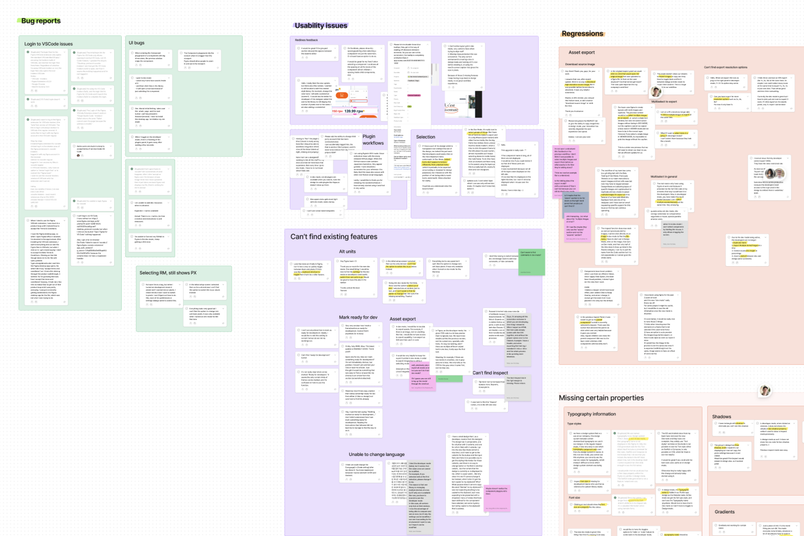
That manual FigJam approach eventually hit its limits too, and the team shifted to exporting data into Google Sheets. There they could view multiple tickets at once, apply several tags to a single ticket, and count how many submissions fall under any tag. The long-term goal is to automate that workload so the team can return to staying in FigJam.
Post-Launch: Moving from Triage to Maintenance
About a month out from the open beta, the team has shifted from the intensity of launch week into a routine of ongoing product fixes and growth. The communication cadence now includes weekly summaries of user feedback, weekly roundups of feature improvements and fixes, and biweekly metric share-outs posted in Slack.
Using Launch Data to Guide the Roadmap
The usage insights gathered during the beta have directly informed the product roadmap for the second half of the year. Knowing what users gravitate toward—and what they don't—makes it easier to prioritize next steps. The marketing team has also used the feedback to spot gaps in user understanding that can be addressed with educational content and livestreams.
Running Focused Retrospectives
With the launch still fresh, the team held two separate retrospectives: one dedicated to the marketing team's specific tactics, and another examining how marketing, product, design, and engineering worked together. Splitting the review into these two conversations allowed the team to dissect core processes in detail before looking at how those processes intersected across functions.
One practical tip from the team's process: after a sprint, people are often drained. Kicking off retros with a positive exercise—asking team members to share "who was awesome to work with" and "what went well"—helped set a constructive tone before diving into the challenges faced.
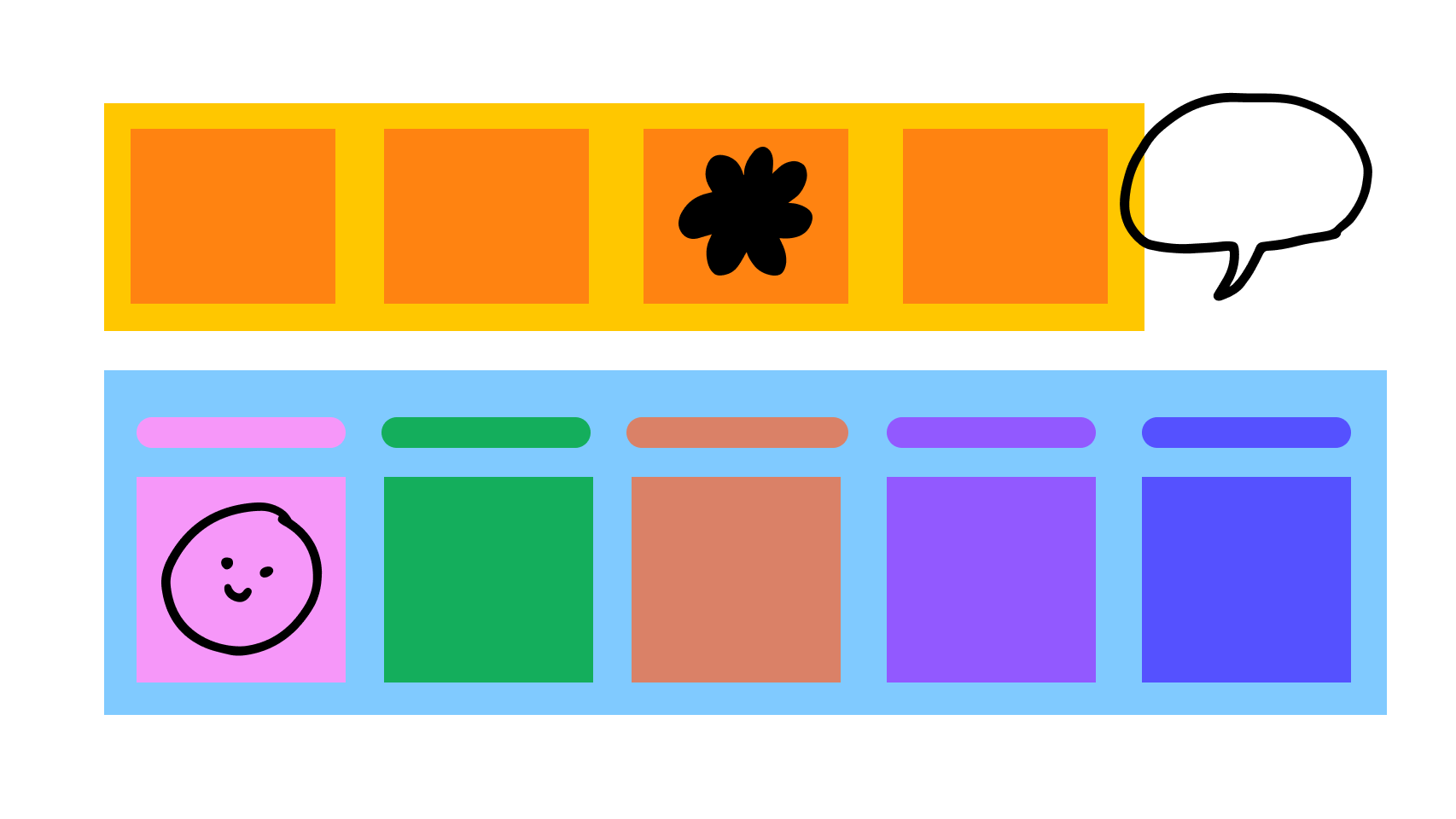
A FigJam template for running your own marketing retrospective is available in the Figma community.
Compiling Results for Shareouts
Keeping leadership and various teams in the loop required pulling reporting from over 10 different teams, each using a different mix of tools. To manage this, the team compiled all dashboards and metrics into a single FigJam file. This provided a general overview at a glance while linking out to individual team files for anyone who wanted to drill into a specific channel.
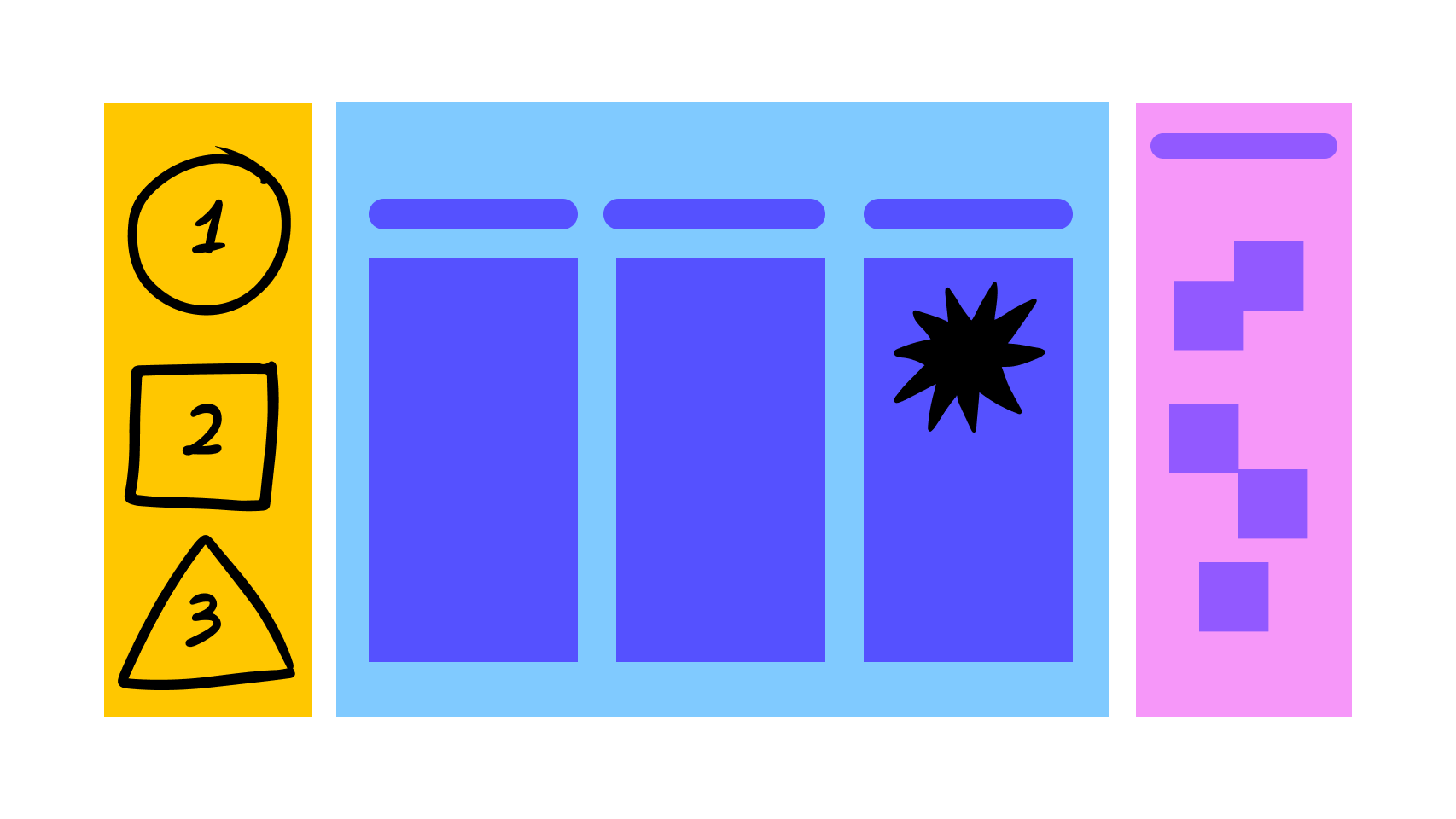
A template for planning your own post-launch review, adapted from the team's own file, is also available.
Dev Mode remains a work in progress, and while the interface has already seen improvements, the core purpose of an open beta is to gather as much feedback as possible. The team is actively seeking input from users, including through a research panel survey that invites participants to join future studies for compensation.


