

What Push Notifications Are For
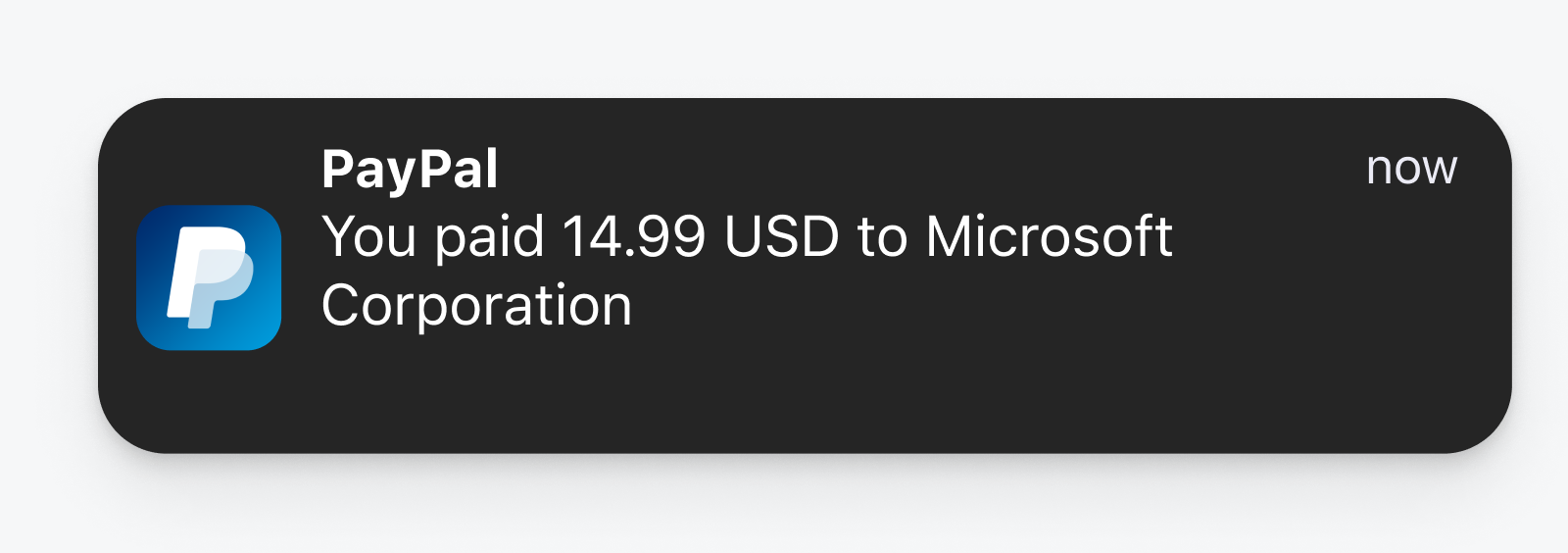
Push notifications are clickable messages delivered to a user's phone or desktop. They fall into two broad categories: promotional messages (new content, releases, sales) and transactional messages (new messages received, appointment reminders, delivery updates).
The technology dates back to 2009, when Apple introduced APNs (Apple Push Notification service). Google followed for Android, which later became FCM (Firebase Cloud Messaging), and in 2013 Chrome brought web push to the browser. Compared with email (1971) and SMS (1992), push is still young, and most companies have yet to develop a push strategy the way they have for email.
As a channel, push shares much with email: you can send promotional or transactional content, you need opt-in and opt-out mechanisms, and you need segmentation, personalization, composition, delivery and reporting. The advantages over other channels are specific, though:
- Higher engagement. Push sees roughly a 20% open rate versus about 2% for email.
- No personal data required. Users don't hand over an email address or phone number.
- Low cost. Push is cheap compared with SMS, which costs upwards of 2 cents per message.
- Speed. Messages are quick to compose and send.
Typical use cases include abandoned-cart recovery, onboarding new users, feature announcements, offers, gamified rewards and live updates (news, scores, order status).
Building Versus Buying Infrastructure
The underlying APIs differ by platform: iOS uses APNs, Android uses FCM, and web browsers rely on Service Workers, the Notification API and the Push API. Building your own service on top of these means handling subscriber management, permission prompts, message composition, delivery and reporting yourself. It also means keeping up with API changes in every new iOS and Android release. For most teams, buying a push service is the pragmatic choice, just as few companies build their own email infrastructure.
Push-specific service providers include OneSignal, Google Firebase, Amazon SNS, Pusher and Braze. These offer SDKs, APIs and UI dashboards that handle the platform-specific complexity.
The Opt-In Problem
The negative reputation of push comes largely from misuse: sites and apps that hard-prompt visitors immediately, before the user has any idea whether subscribing is worthwhile. Browsers have begun clamping down on this behavior, hiding the native permission prompt until the user engages with a site-controlled UI element.
Opt-in rates vary significantly by platform:
- iOS: explicit opt-in required; average 35–45%.
- Android: users are opted in automatically; average 35–45%.
- Web push: explicit opt-in required; average 7–17%.
The practical implication: don't waste the one native permission request you get. Delay it until the user has had at least a pageview or has taken an action where notifications would add value. Consider a "soft prompt" first — a UI that explains the value proposition before you trigger the native dialog. If the user declines the native prompt, re-asking means pushing them into system settings, which is far more hostile.
Prompting Mistakes To Avoid
- Asking immediately. Let users experience your app or site first; gate your prompt on time spent or a meaningful action.
- Not explaining what you'll send. Tell users whether they'll get sales offers, messages from other users, blog updates or something else, so the decision to opt in is informed.
- Making opt-out hard. Offer an in-app preference center so users can unsubscribe entirely or by category, the way email preference centers work.
- Oversending. Set expectations upfront about cadence — whether that's several times a day (breaking news) or once a week (a meditation app) — and stick to it.
Platform Support Matrix
Push is supported on iOS native apps, Android native apps, desktop browsers on macOS (Chrome, Firefox, Safari) and Windows (Chrome, Firefox, Edge), Android Chrome and other web browsers, plus macOS and Windows native apps.
The notable gaps: Safari on iOS does not support notifications, nor do any other iOS browsers such as Chrome and Firefox for iOS. And push does not work in incognito or private browsing modes. For a more detailed view covering devices like watchOS, Amazon Echo and TVs, check the state of push notification support across popular devices.
The visual design of a push notification is largely out of your control — each operating system and browser renders it differently. But the shared anatomy is consistent: a title, a message body, an icon, and optionally an image and action buttons. Platform-specific constraints matter when you're designing assets and copy:
- Chrome for macOS: the browser icon and domain are fixed; titles run 60–80 characters, content 120–150; supports up to 2 action buttons.
- Chrome for Windows 11: similar constraints, with titles capped around 60 characters and content at 120; includes a banner image area at 360×180 (2:1 aspect ratio).
- Android 12: the small notification icon must be white on a transparent background at 24×24 to 96×96 px; the large picture is 1440×720 (2:1); titles cap at 50 characters, the body at 150, and up to 3 action buttons are allowed.
- iOS 15: the app icon is fixed; rich media can be 1024×1024 (1:1) and supports PNG, JPG, GIF, MP4, MP3 and WAV; titles are restricted to roughly 25–50 characters and the message to 150, with up to 4 action buttons supported.
Character limits are worth noting in particular: they vary meaningfully between platforms, so copy that fits elegantly on one OS may be truncated on another. More examples across every device and operating system are available in reference materials on push notification anatomy.
What Moves the Needle When You Send
Sending to your entire subscriber list is rarely the right move. Think about who your users are, their context, and the value they’ll get from the message. The basics still matter:
- Keep messages timely, relevant, and precise.
- Avoid bloat — keep content short and to the point.
- Make sure the content is genuinely valuable, not just promotional.
- Personalize where you can, using the subscriber’s name or other relevant data.
- Use urgency and FOMO sparingly, mainly for time-sensitive offers or sales.
- Run A/B tests on content and imagery to see what actually performs.
- Segment by user behavior or preferences, such as location or engagement level.
- Schedule by the user’s timezone, not yours, so you don’t wake them up.
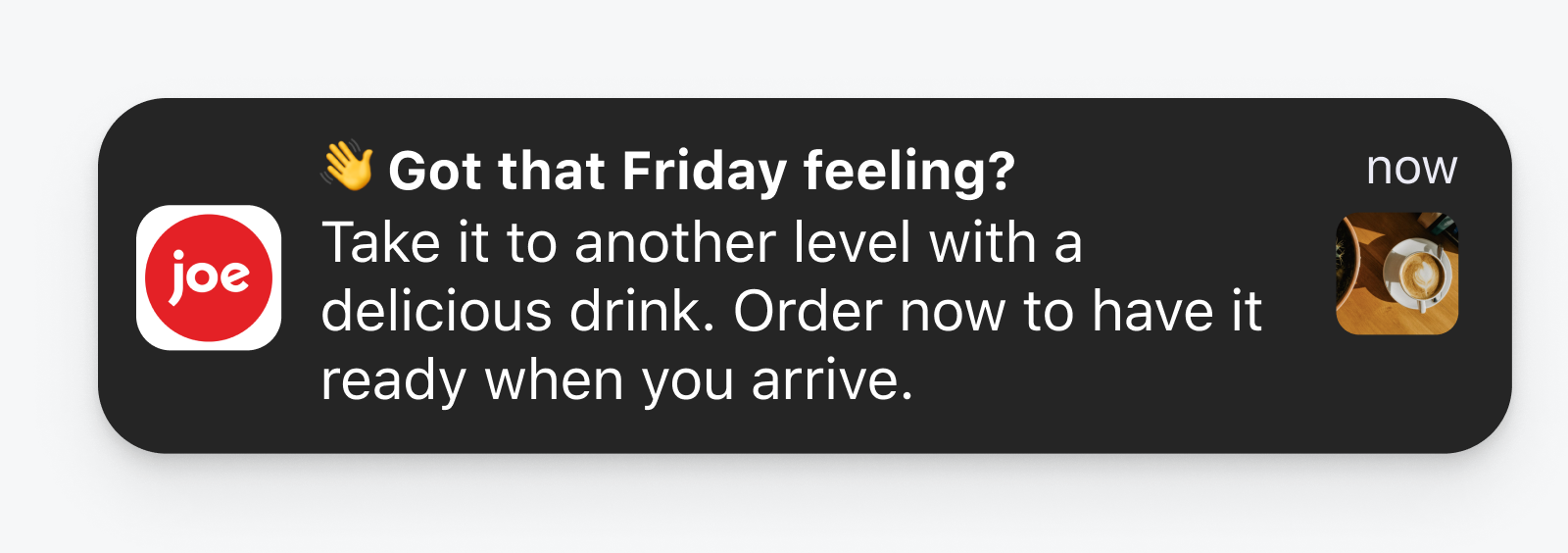
- Use emojis — they typically help click-through rates.
Measuring What Matters
Keep a close eye on these four numbers:
- Opt-in rate: the share of visitors who subscribe. Tweak your prompt or how you pitch it to improve this.
- Deliverability: how many sent messages actually reached user devices.
- Open rate: clicks divided by sent messages.
- Outcome or conversion: whether the message drove the end goal, like a purchase or plan upgrade. Open and opt-in rates are often vanity metrics — what counts is the outcome.
For web push, tag your links with UTMs to track attribution. For mobile, services like AppsFlyer and Branch handle attribution tracking.
Why Notifications Aren’t Arriving
If you or your users aren’t getting notifications, the cause is usually one of a few straightforward settings.
They Never Subscribed
Check the user ID or push token you defined. If they aren’t in your subscriber list, ask them to subscribe.
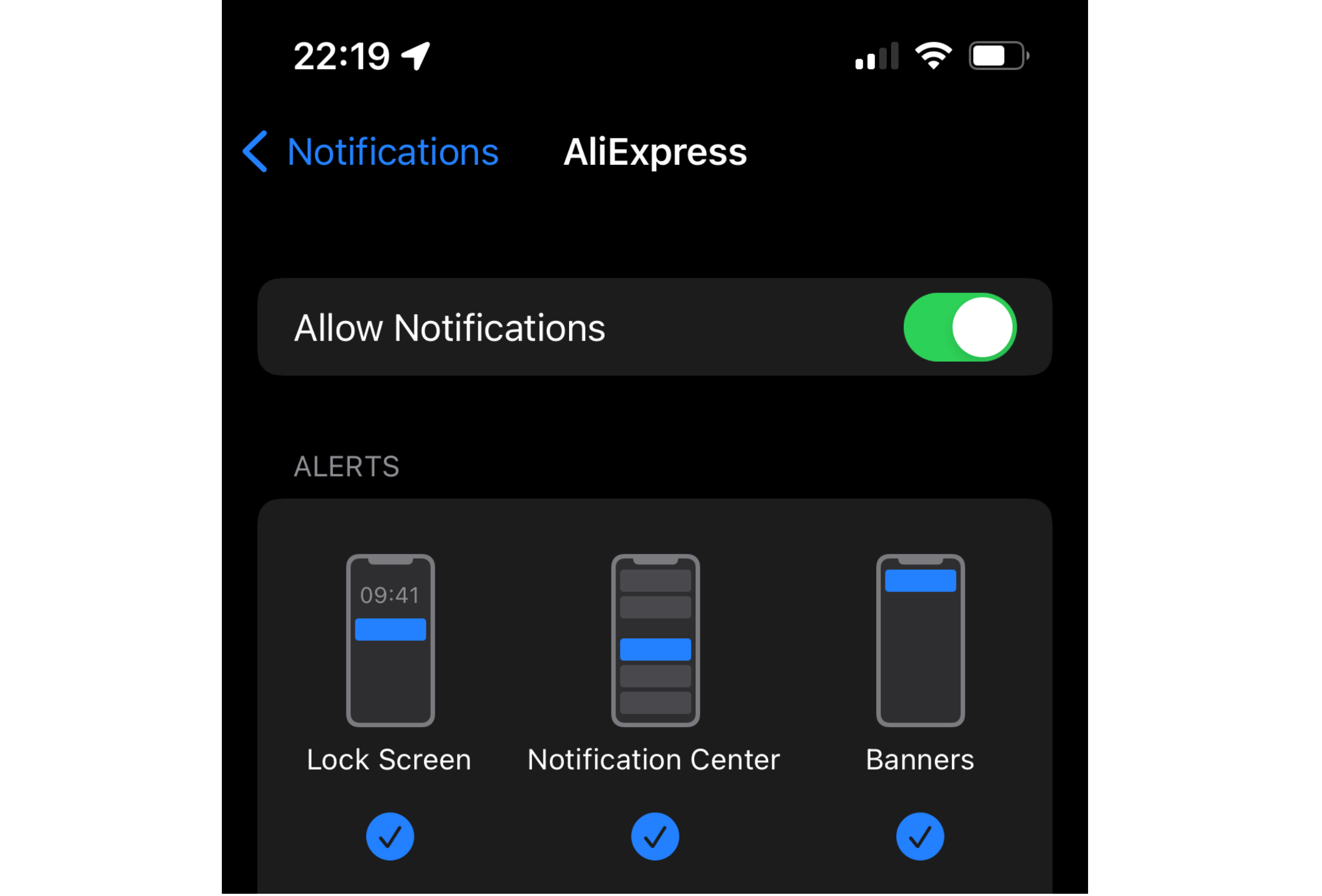
Notifications Are Off for Your App or Site
Have users check their app or browser settings to confirm they haven’t blocked you. This is the first place to look when a specific user misses messages.

The Browser Is Blocking Notifications
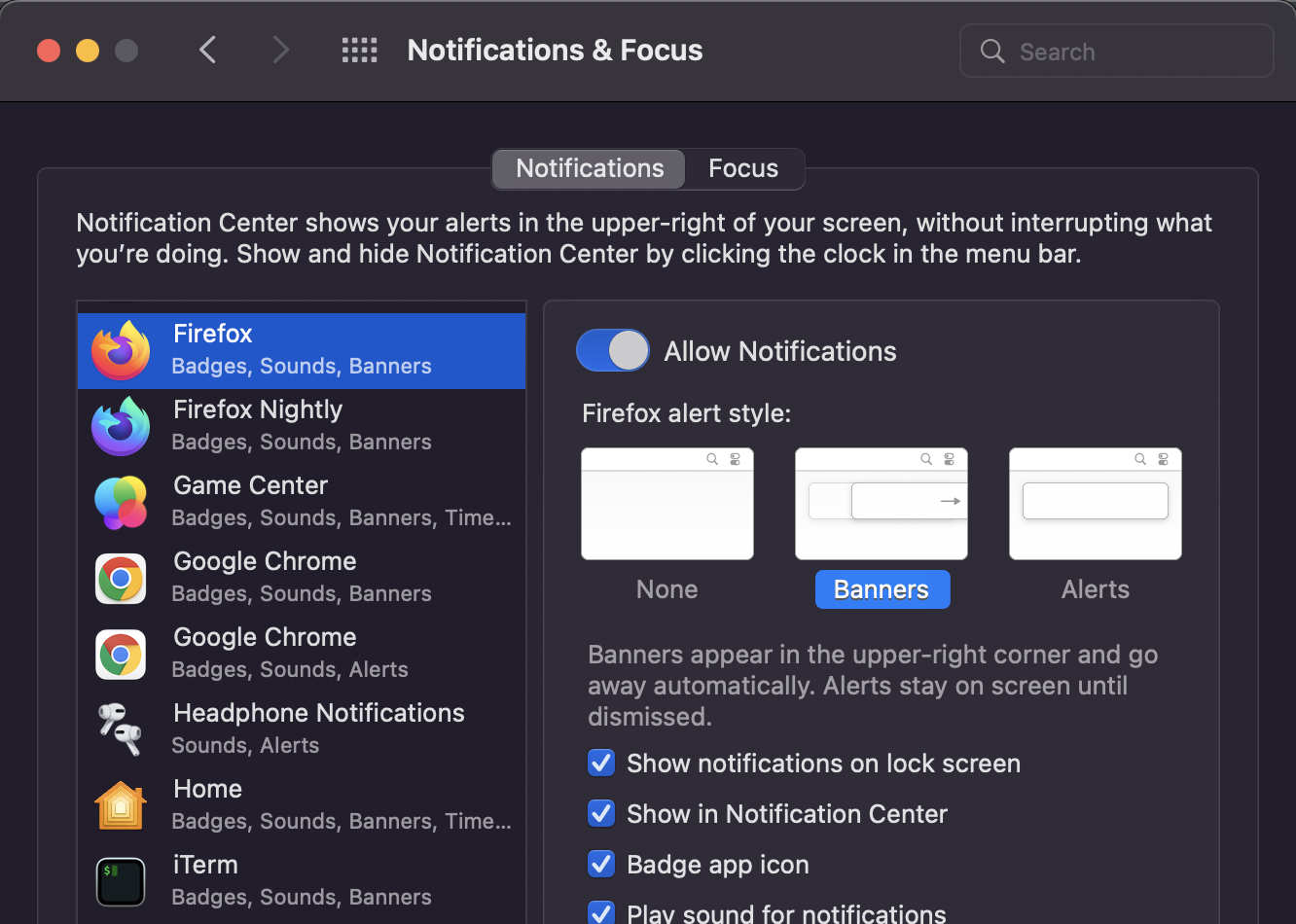
Users may have denied permission for the specific browser, or never granted it in the first place. Operating systems ask for browser-level notification permission, and users often ignore that prompt. Ask them to check the notification settings for the browser itself.
OS-Level Notifications Are Off
Some people disable all notifications at the operating system level, sometimes by accident. On iOS, for instance, Settings > Notifications > Show Previews > Never silences everything. Walk through settings at the OS, browser, and app levels to ensure everything is enabled and opted in.

Where Push Is Headed
Web Push Comes to iOS
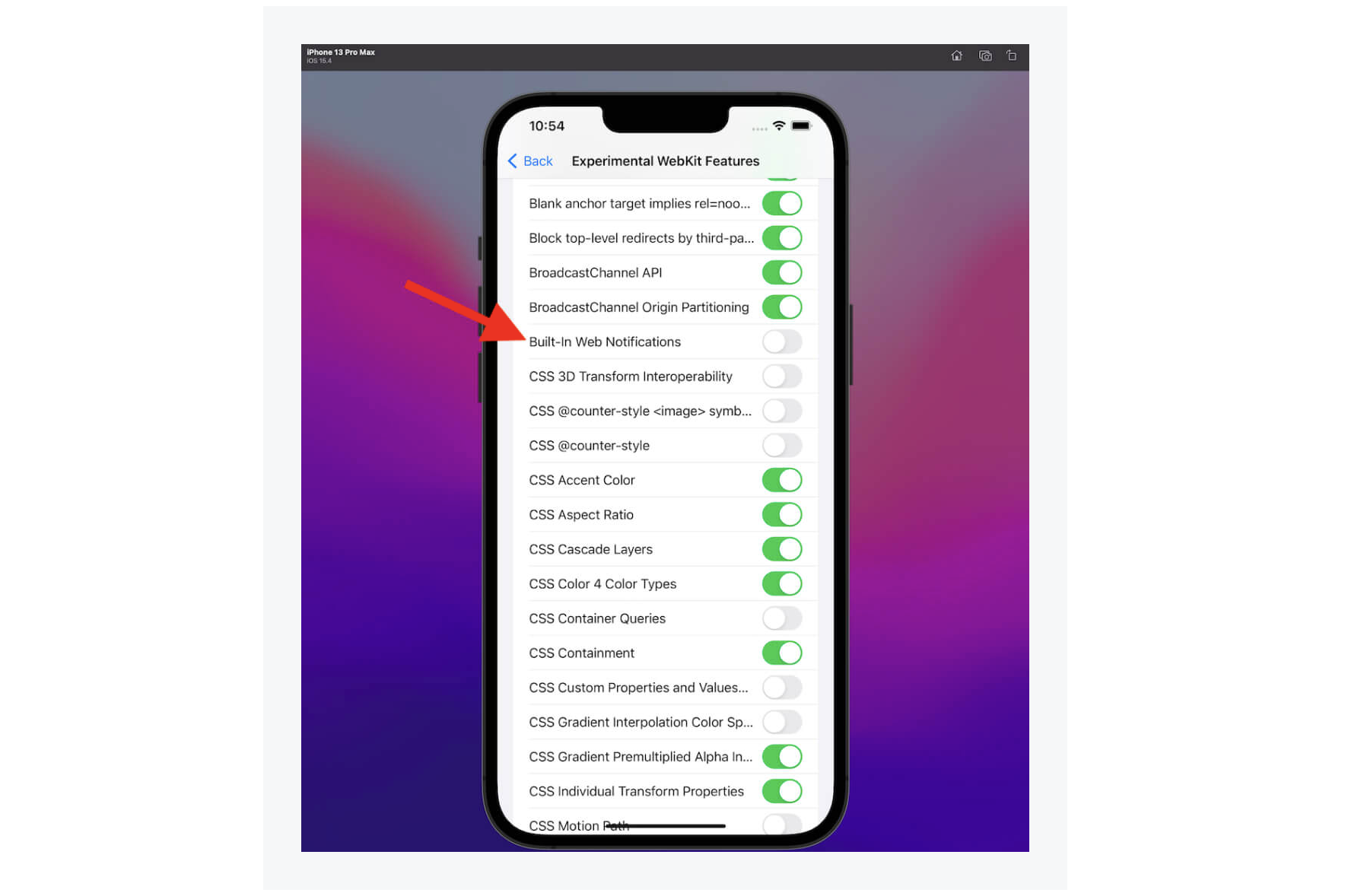
Support for web push in iOS Safari has long been on developers’ wish lists. A recent WebKit update suggests Apple may finally be ready to enable it, which would be a major shift for the web push ecosystem.
Android 13 Changes the Opt-In Model
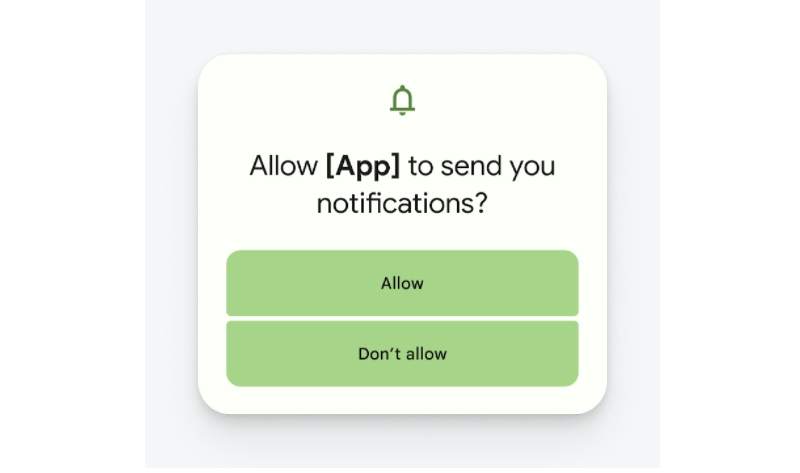
Starting with Android 13, users must opt in to receive notifications. The likely impact on overall opt-in rates is minimal in the long term, but it gives users control from the start instead of forcing them to opt out later.
Omnichannel by Default
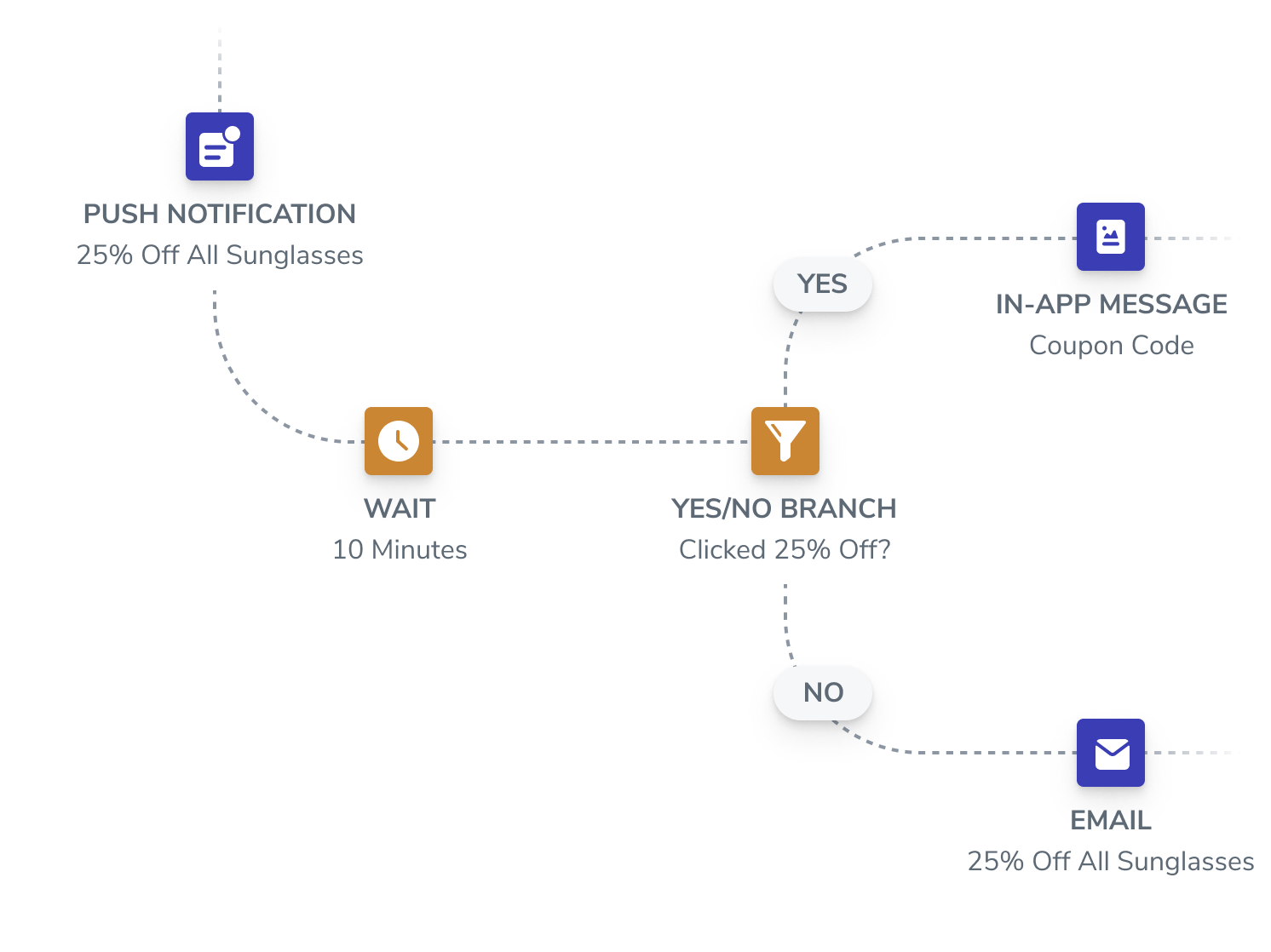
Users have different preferences for how they receive messages. Integrating push with email, SMS, and in-app messaging is increasingly important. Think about the customer journey across all these channels and automate your messaging so you reach users where they’re most receptive.
Platforms Crack Down on Abuse
Browsers and operating systems continue to fight notification abuse. Chrome, Firefox, and Edge have already shipped changes that hide prompts on websites that request permission immediately on page load. Expect further restrictions.
Resources Worth Bookmarking
- “Privacy UX: Better Notifications And Permission Requests”, Vitaly Friedman
- Push Notification Generator, Peter Beverloo
- “Push Notification UI Kit”, Lee Munroe
- Push Notification Preview Tool, OneSignal
- “How Push Works”, Matt Gaunt
If you run a website or app and haven’t added push notifications yet, now is the time. When the content is valuable and you follow the best practices above, push gives you a reliable way to re-engage users — and they’ll welcome it.


