

GitHub's 2020 Roadmap: Terminal, Mobile, and Enterprise
GitHub merged over 90,000 pull requests into its own codebase in 2020, and while not every change warrants a blog post, the Changelog has captured the year's most significant updates. From bringing GitHub to new platforms and terminal environments to deploying automation and security tooling at scale, the platform's evolution in 2020 was substantial.
GitHub CLI 1.0
In September, gh reached general availability, providing a command-line path for the complete GitHub workflow. The CLI handles repository cloning, pull request creation and review, issue management, and task assignment without leaving the terminal, easing automation scenarios. Available on Windows, macOS, and Linux, the GitHub CLI is open source and supports GitHub Enterprise Server. Command documentation and the full command list are available on the official CLI site and GitHub repository.
GitHub for Mobile Updates
The native mobile app for iOS and Android has expanded beyond basic issue tracking. Among its most used features is push notification support for mentions, reviews, and merge events, helping teams stay unblocked. The app supports creating, viewing, and commenting on issues, checking notifications, merging pull requests, exploring repositories, and organizing tasks. Updates in 2020 brought branch switching, issue templates, user autocomplete, and improvements to the code review interface. The app is localized in Brazilian Portuguese, Japanese, Simplified Chinese, and Spanish.
Enterprise Server Moves Forward
GitHub Enterprise Server 2.21 arrived in mid-2020 with new pull request features, a revamped notification experience, and issue improvements focused on organizational communication and collaboration. By January 2021, Enterprise Server 3.0 reached release candidate status, shipping GitHub Actions, Packages, Code Scanning, Mobile Support, and Secret Scanning to on-premises deployments.
GitHub Actions Matures
GitHub Actions has become the most popular CI/CD service on the platform since launching in late 2019. The Marketplace now hosts over 6,500 open source Actions, and the feature set expanded considerably through 2020.
Workflow Visualization and Templates
Actions gained a visual workflow graph, tracking execution in real time. This makes understanding complex pipelines easier and surfaces deployment targets directly in the interface. Workflow templates streamline consistency across organizations, enforcing best practices while reducing time spent on repeated configurations.

Self-Hosted Runner Management
Runner groups acquired enterprise-level flexibility in 2020. Self-hosted runners can now be shared across organizations, separated into groups, and tagged with custom labels. Enterprise admins retain granular control over runner access and organization.
Environments and Deployment Control
Support for environment protection rules and environment secrets arrives, decoupling deployment concerns from development workflows. This allows organizations to enforce compliance and security requirements on environments that gate approvals or restrict access. The Environments feature includes the ability to pause a job attempting deployment to a protected environment and request manual approval before it proceeds. This capability extends Actions beyond CI into a fully featured continuous delivery engine.
Workflow Management Improvements
Additional actions updates in 2020 include:
- Rerunning successful jobs alongside failed ones
- Configuring artifact and log retention periods
- Better default branch name support with improved starter workflows
- Redesigned log display with enhanced search, auto-scrolling, clickable URLs, color support, and full screen mode
- Disabling or deleting workflow runs directly from the Actions tab
- Manual workflow triggers via
workflow_dispatch - Controlling which external Actions are available, down to specific actions or GitHub-verified authors only
Security Tooling Expands
GitHub Advanced Security received several important updates in 2020. The new security tooling includes general availability of code scanning, secret scanning partners, Dependabot version updates supporting private repositories, dependency review features, and NPM advisory data integration. The GitHub Advisory Database gained full coverage of public NPM security advisories.
Community tooling gets a round of upgrades
Managing a project means keeping issues, conversations, and contributions organized. A series of updates in 2020 targeted each of those areas.
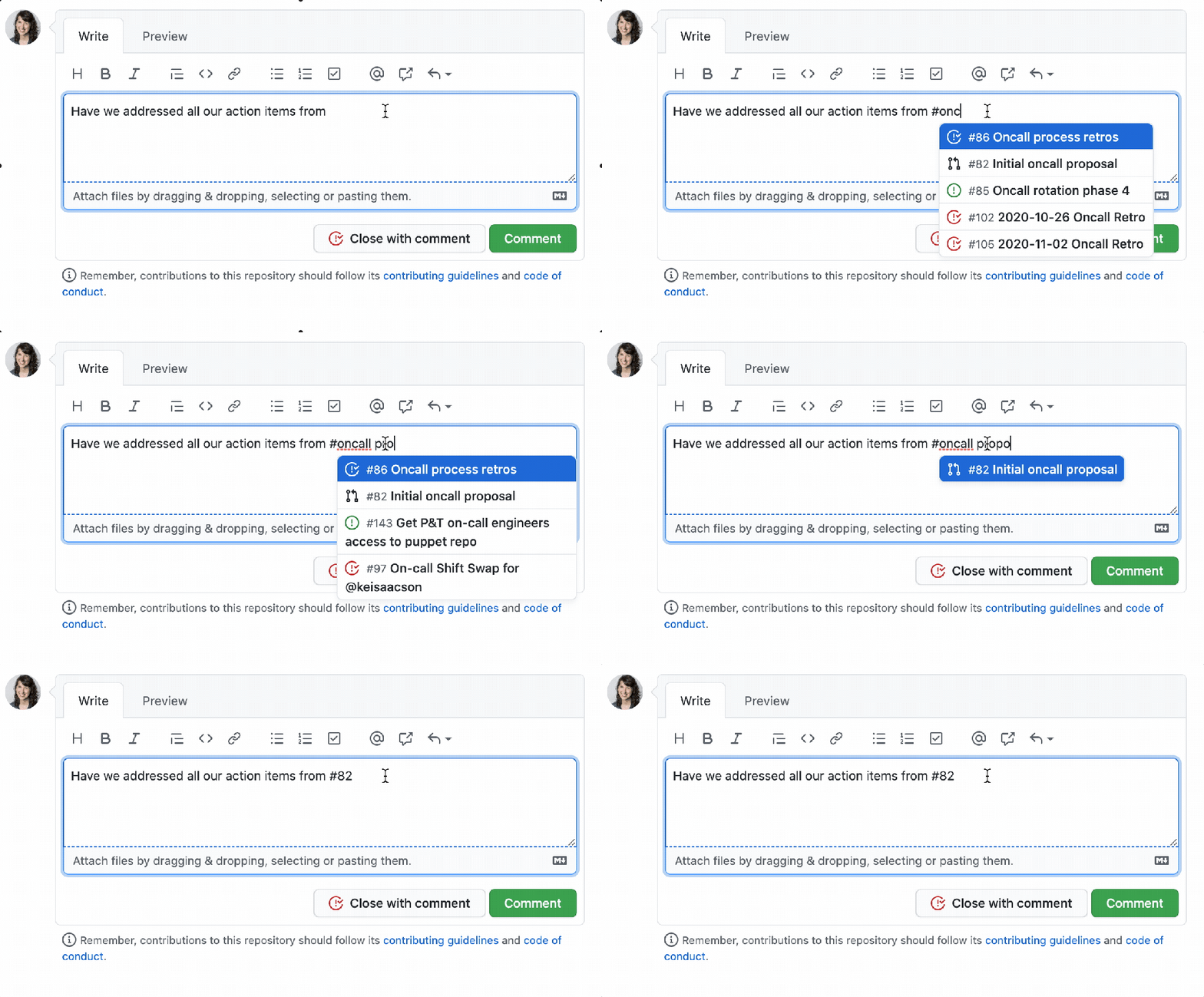
Issue triage became faster. You can link issues and pull requests from the sidebar, autocomplete markdown list syntax, and use multi-word suggestions when searching inline for an issue to reference.
Bug reports and feature demos often need more than text. Native video uploads now let you attach an *.mp4 or *.mov file directly to an issue.

GitHub Discussions leaves beta
For open-ended questions and community Q&A that doesn’t fit the issue tracker, GitHub Discussionsthreads, convert issues into discussions, mark threads as answered, categorize topics by type, and pin important conversations to the top.
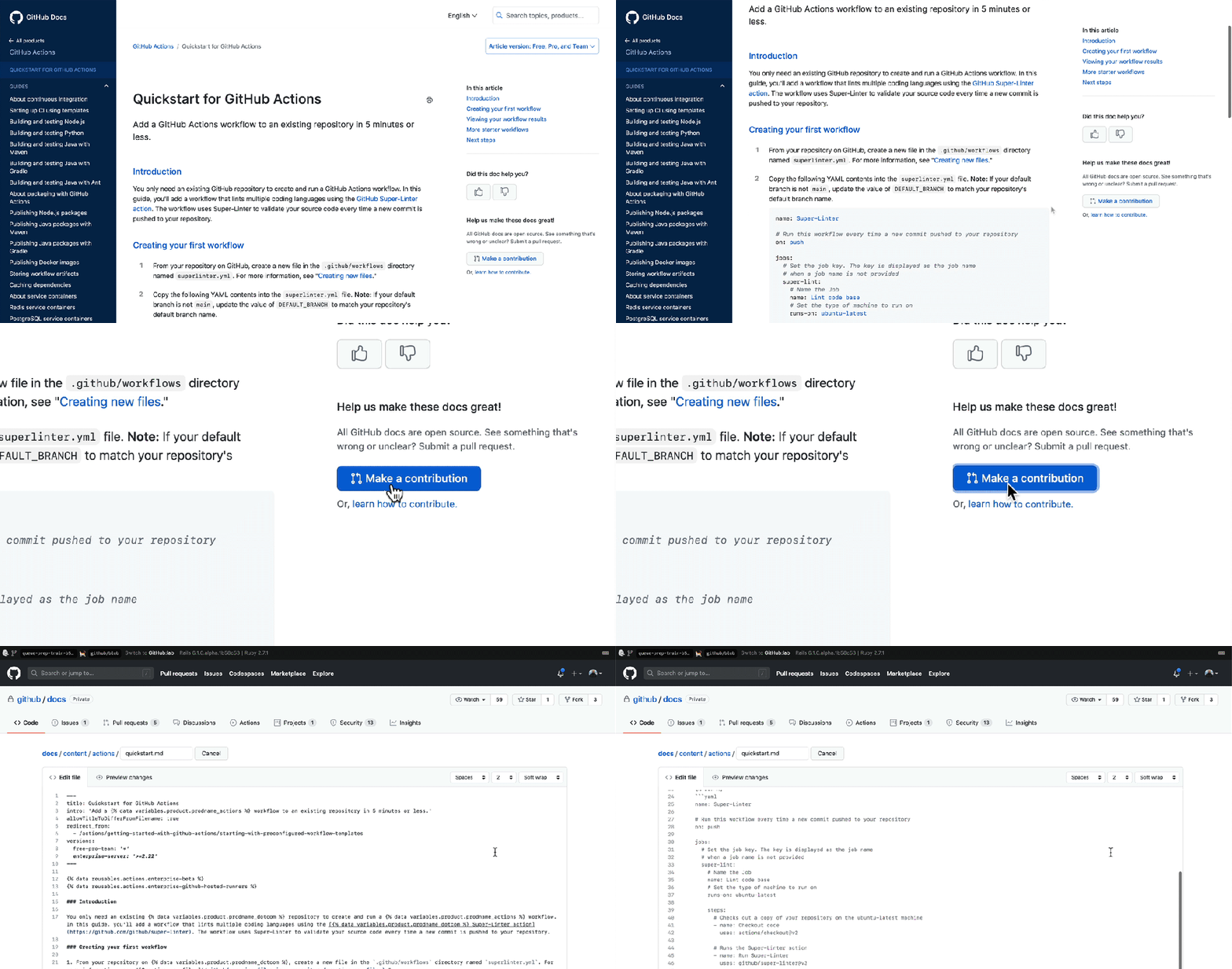
The public beta opened to every open source community. Enable it from your repository settings. GitHub also published all of its documentation as an open source project, inviting contributions from the community.
Sponsors expands internationally and to companies
GitHub Sponsors, launched in 2019, widened its reach in 2020 to additional countries, including Mexico, the Czech Republic, Malta, and Cyprus. New features arrived alongside the geographic expansion: you can export a list of your sponsors, set up webhooks for events on your sponsored account, and monitor activity through your activity feed.

At GitHub Universe, the program announced Sponsors for Companies, allowing organizations to support open source projects through their existing GitHub billing relationship.
Code collaboration refinements
Several workflow improvements made pull requests and repository management more flexible throughout the year.
Draft PRs and multi-line suggestions
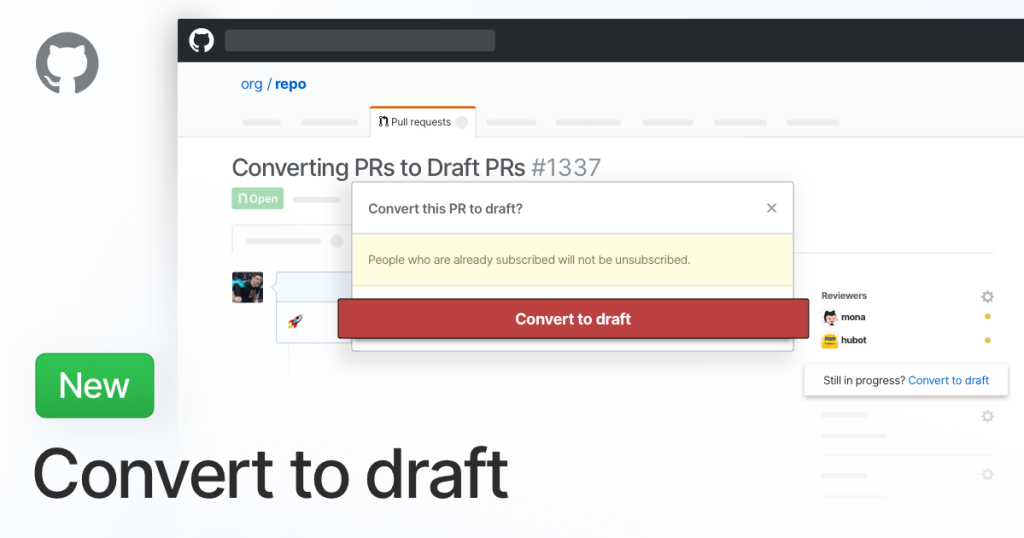
Pull requests that aren’t ready for review can be converted to draft status at any point, signaling to your team that work is still in progress. On the reviewing side, you can now suggest changes across multiple lines of code at once — click and drag to select the range, then edit the text within the suggestion block.

Branch naming gets more inclusive defaults
GitHub added first-class support for renaming branches. The UI handles retargeting pull requests and updating branch protection rules automatically, and provides guidance for contributors who have forked or cloned the repository. Links to deleted branches now redirect to the new default branch, and GitHub Pages can publish from any branch.
Organizations can set a default branch name in one place, preserving master for tooling compatibility or choosing an alternative like development. For newly created repositories, the default is now main. Existing repositories are unaffected.
A refreshed UI and a long-awaited dark mode
Mid-2020 brought a design refresh to repositories and the broader GitHub interface, with a responsive layout and a better mobile web experience. Pull request commits now render in chronological order based on their position in the head branch, rather than by author date.
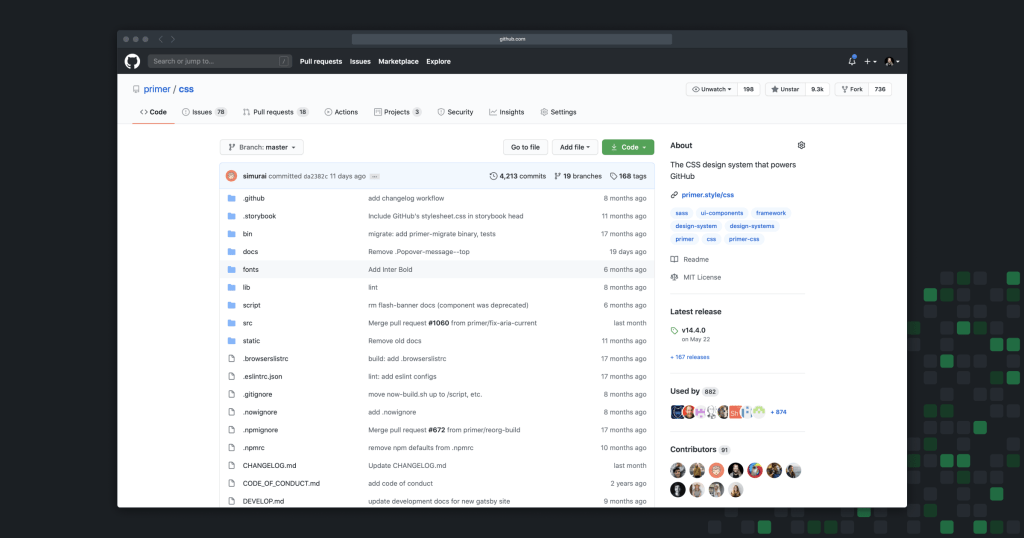
At the end of the year, dark mode for the web arrived in public beta. You can finally keep your screen dim while keeping your code bright.
Looking ahead
These changes represent key improvements from a busy year. For ongoing updates, follow the GitHub Changelog, the @GHChangelog account on Twitter, or the public GitHub Roadmap to see what ships next.


