

Autograding arrives in GitHub Classroom
For years, educators have told GitHub they want tools that let them spend more time teaching and less time on administrative overhead. The GitHub Education team is responding with two updates: autograding for GitHub Classroom and the new GitHub Teacher Toolbox, which gives verified teachers free access to a range of industry tools.
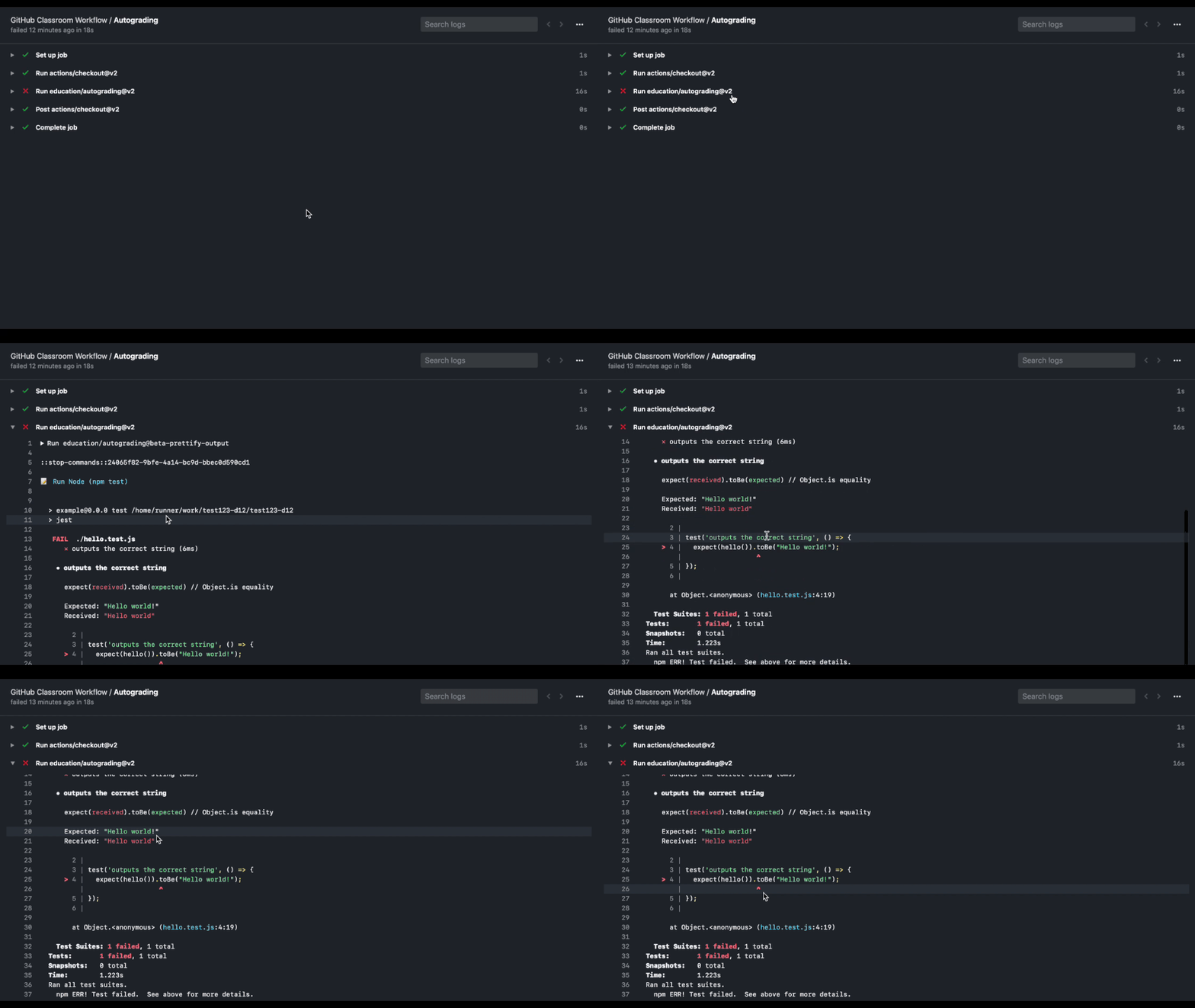
Autograding addresses a familiar problem for computer science instructors: providing timely, detailed feedback while juggling lesson planning, curriculum iteration, and teaching-assistant management. Automated tests let students check their work and get immediate feedback on each commit, while teachers can focus their energy on the parts of student work that genuinely need human judgment.
The feature fits into the existing Classroom workflow, so instructors can keep distributing starter code and tracking when students begin assignments. The addition of automated testing means those same repositories can also reveal where students are succeeding or struggling every time they push code.
Bring your own tests or author new ones
Teachers can run existing tests against every student repository or create new tests at assignment time. After setting up an assignment as usual, click the "Enable automatic grading" dropdown, select the "Add test" option, and either enter run commands or build a language-specific test from the provided options.
Each test can be assigned a point value, which gives students a clear picture of how a passing or failing state affects their overall grade. Because tests execute automatically on every push, students get continuous feedback rather than waiting for a grading cycle to complete.


Feedback pull requests
Autograding isn't the only new feedback mechanism. Enabling "feedback pull requests" at assignment setup makes Classroom automatically open a pull request the moment a student accepts an assignment. Instructors can then leave in-line comments on the code as students work, creating a dialogue around the submission rather than a one-way deliverable.

GitHub Teacher Toolbox
The Teacher Toolbox extends the idea behind the Student Developer Pack, which launched six years ago to give students no-cost access to professional developer tools. Teachers asked for the same resources to support their instruction, and the new program delivers with 35 offers available to all educators verified for GitHub Education benefits.

The launch partners span a wide range of classroom needs:
- .TECH domains: A domain extension geared toward the technology industry
- Appfigures: App store analytics, optimization, and intelligence
- Arduino: STEAM programs designed for educators
- GitKraken: A cross-platform Git client with GitHub integration
- Bootstrap Studio: Desktop app for building responsive sites with the Bootstrap framework
- BrowserStack: Real Device Cloud access to over two thousand browsers plus real iOS and Android devices
- CodeScene: Predictive analytics for code visualization, delivery risks, and technical debt
- ConfigCat: Feature-flag service for learning and production use
- Crowdin: Cloud-based localization management
- Cryptolens: Software licensing and secure sales
- Datadog: Cloud-based infrastructure monitoring
- Education Host: Web hosting for assignments and student projects
- Educative: Interactive, text-based coding courses
- EverSQL: Automatic SQL query optimization
- Gitpod: Online IDE with one-click dev environments for GitHub
- GoRails: Tutorials for Ruby, Rails, JavaScript, and related frameworks
- HazeOver: Focus app for Mac
- Honeybadger: Exception, uptime, and cron monitoring
- Icons8: Icons, UI illustrations, photos, and design software
- Iconscout: Marketplace for icons, illustrations, and stock images
- Name.com: Domain names, web hosting, and customer support
- NetLicensing: Licensing-as-a-Service for desktop, IoT, and SaaS platforms
- Next.tech: Browser-based tech learning with real computing environments
- Phrase: Cloud-based translation management for multilingual products
- POEditor: Localization management platform for teams
- PushBots: Push notification service for mobile and web apps
- Scrapinghub: Cloud platform for running and managing web crawlers at scale
- SQLGate: IDE for multiple SQL databases
- SQL Smash: Productivity plugin for SQL Server Management Studio
- SymfonyCasts: Video tutorials and code challenges for Symfony and PHP
- Termius: SSH client for desktop and mobile with secure data sync
- Testmail: Unlimited email addresses and mailboxes for automated email testing
- Tower: Git client for Mac and Windows
- Transloadit: Uploading and encoding API for file conversions
- Weglot: Multilingual website and translation management platform
Access and requests
Verified teachers can claim these offers through the education benefits page. Verification is free for all teachers where GitHub is available; applicants need a school-issued email and proof of current academic employment such as a faculty ID or an employment verification letter.
Educators who want to suggest future partners can tag @GitHubEducation on social media with the hashtag #GitHubToolbox. Companies interested in contributing offers can apply to become a partner.


