
One platform for all your coding agents
Developers today face a familiar problem: powerful AI tools scattered across disconnected interfaces, each with its own subscription, context, and quirks. GitHub's answer, announced at GitHub Universe, is Agent HQ—an effort to make agents native to the GitHub flow rather than bolted onto it.
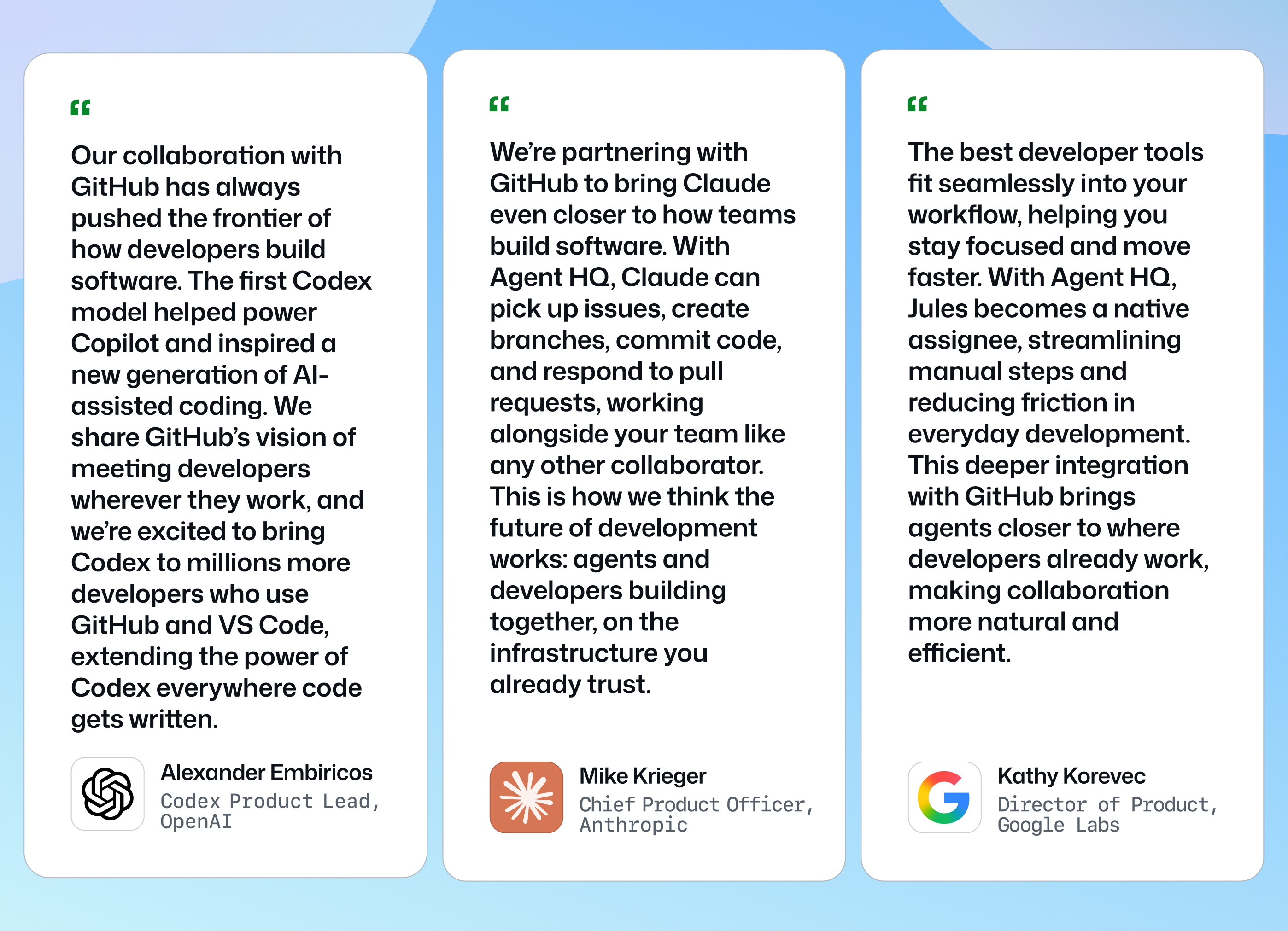
The core idea is an open ecosystem. Over the coming months, coding agents from Anthropic, OpenAI, Google, Cognition, xAI, and others will be available directly within GitHub as part of a paid GitHub Copilot subscription. That means no separate sign-ups or billing for individual agents—one subscription, many agents, all working on the primitives you already use: Git, pull requests, issues, and your choice of compute via GitHub Actions or self-hosted runners.
For those who want to start immediately, Copilot Pro+ users can begin working with OpenAI Codex in VS Code Insiders this week, marking the first partner agent to extend beyond its native surfaces into the editor.
Mission control: track every agent, everywhere
To manage a fleet of agents, GitHub is shipping mission control, a unified interface that follows you across GitHub, VS Code, mobile, and the CLI. Instead of a single destination, it's a consistent way to assign work to multiple agents in parallel, monitor their progress, and steer tasks—all from any device.
Mission control comes with several supporting features:
- Branch controls for granular oversight over when CI and other checks run on agent-created code.
- Identity features to manage which agent is working on what, with access and policy controls applied like any other team member.
- One-click merge conflict resolution, improved file navigation, and better code commenting.
- New Slack and Linear integrations, joining existing connections for Jira, Microsoft Teams, Azure Boards, and Raycast.
VS Code: plan first, customize freely
The new VS Code release focuses on working alongside agents with better context. Plan Mode works with Copilot to ask clarifying questions and build a step-by-step approach for your task before any code is written. Once you approve the plan, Copilot starts implementing—locally in VS Code or via a cloud agent. The goal is to surface gaps and missing decisions early, when they're cheap to fix.
For finer control, AGENTS.md files let you set source-controlled rules and guardrails—things like "prefer this logger" or "use table-driven tests"—shaping Copilot's behavior without re-prompting each time. You can also create custom agents with their own system prompts and tools.
The GitHub MCP Registry is now available directly in VS Code, making VS Code the only editor supporting the full MCP specification. Servers like Stripe, Figma, and Sentry can be discovered, installed, and enabled with a single click.
Governance and visibility for teams
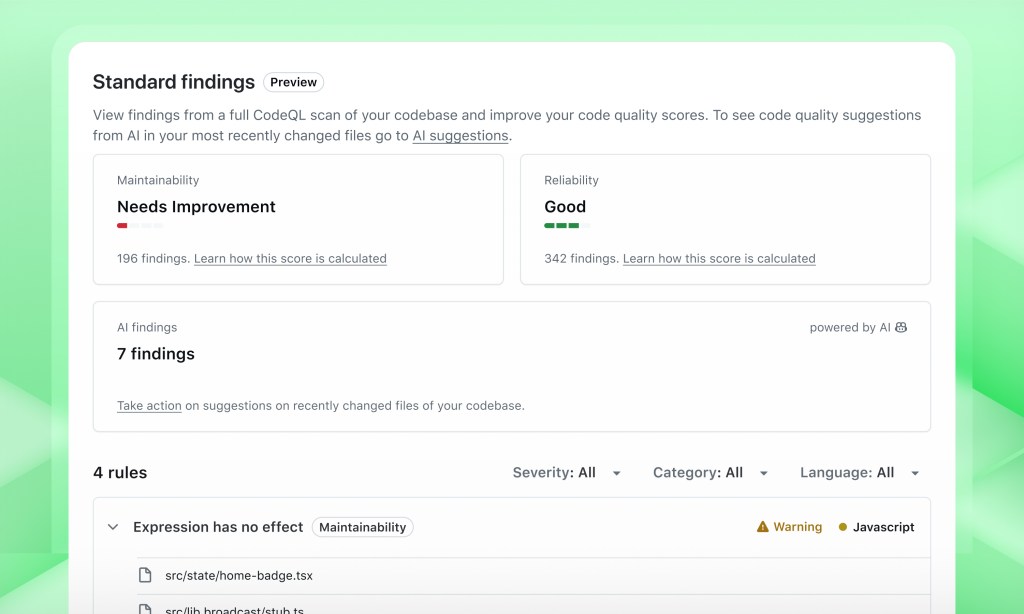
Agentic development needs guardrails. GitHub Code Quality, in public preview, provides org-wide visibility, governance, and reporting on code maintainability, reliability, and test coverage. It extends Copilot's security checks to assess the long-term health impact of changed code—catching problems that slip past a quick "LGTM."
The Copilot metrics dashboard, also in public preview, shows usage and impact metrics across your entire organization, giving admins a clear picture of how AI is being adopted. For enterprise teams, the control plane serves as a dedicated agent governance layer: set security policies, manage audit logging, control which agents and models are allowed, and track usage—all in one place.
And the Copilot coding agent now includes an internal code review step before you ever see the code, catching issues on the first pass.
The result is an approach that trades juggling disconnected tools for orchestration—with the governance, metrics, and controls needed to make agentic development trustworthy at scale.


