
A CMS That Lives in Git
Smashing Magazine's move to a Jamstack architecture in 2019 brought a 6× improvement in page speed, but it came at a cost: the team lost the editorial tooling that WordPress provided. Writing meant working in Markdown files or exporting from third-party collaborative editors like Dropbox Paper. Now, with TinaCMS integrated into the stack, the team gets the performance benefits of static files alongside a proper editing interface.
TinaCMS is an open-source, Git-based CMS that saves content as Markdown, MDX, YML, or JSON files. It wraps those files in a GraphQL content API, and since everything connects to a GitHub repository, the team owns and controls every hard file. That architecture differs meaningfully from a database-backed CMS: content lives in a repo the team can see, search, and version, rather than in a SQL database on some server.
Two Writing Paths, Now One
Before TinaCMS, Smashing Magazine followed two writing routes depending on author preference. Some contributors wrote Markdown directly in a code editor and pushed to GitHub. Others preferred collaborative tools like Dropbox Paper or Google Docs, which required exporting and cleaning up the content before it could be committed to the repo. Either way, an editor reviewed the final draft, formatting was applied for pull quotes and related articles, and a pull request triggered a rebuild and deploy on merge.
The new process collapses those steps. Authors can write directly in the TinaCMS editor, preview their work, and publish without leaving the interface. But the tool doesn't force anyone to change habits—team members who prefer writing Markdown in a code editor on a local Git branch can still do so, and the article appears in TinaCMS once pushed to GitHub.
What's notable isn't the feature set itself—these are capabilities WordPress had years ago—but that they now exist within a Jamstack architecture:
- Readers get faster page loads.
- The team owns hard content files in a repo.
- Editors and authors get a CMS that supports long-form writing, editing, and collaboration.
The Editing Interface
The editor environment resembles a classic CMS workflow. Most full-featured CMSs support custom fields, and Tina is no exception. The Smashing team maps content into structured fields that are exposed through the content API and can be queried to populate the front end. This enables true visual editing in a static-site context, producing hard Markdown files that get committed directly to the repository with each save.
It looks like (classic) WordPress, smells like (classic) WordPress, but produces hard files that get committed directly to our repo.

Branch Workflows and Previews
Because TinaCMS integrates fully with GitHub, the team can switch branches directly from the editing UI. A preview button connects to branch deployments from services like Netlify or Vercel. That means an article under review can be shared with authors for a final pass without ever reaching production readers.
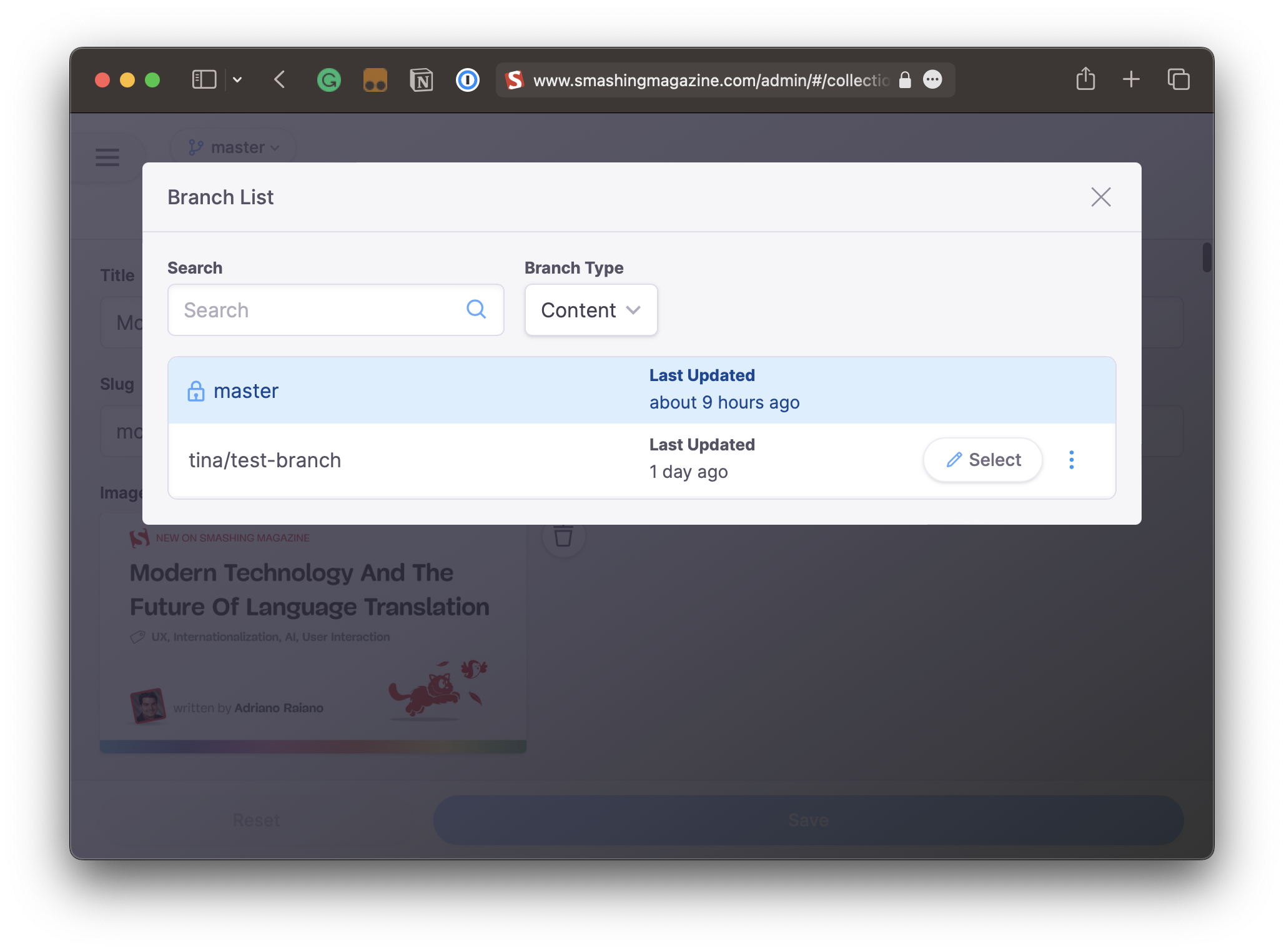
The team can also choose to work locally rather than directly in production. Running a local version of the site provides a sandboxed environment that prevents accidental publishes. From there, the workflow follows a clear path: create a branch, write to it, get a live preview, merge the branch, and the site rebuilds and deploys automatically. TinaCMS also protects the repo's main branch by default, reducing the risk of accidental writes to production.


Media Handling
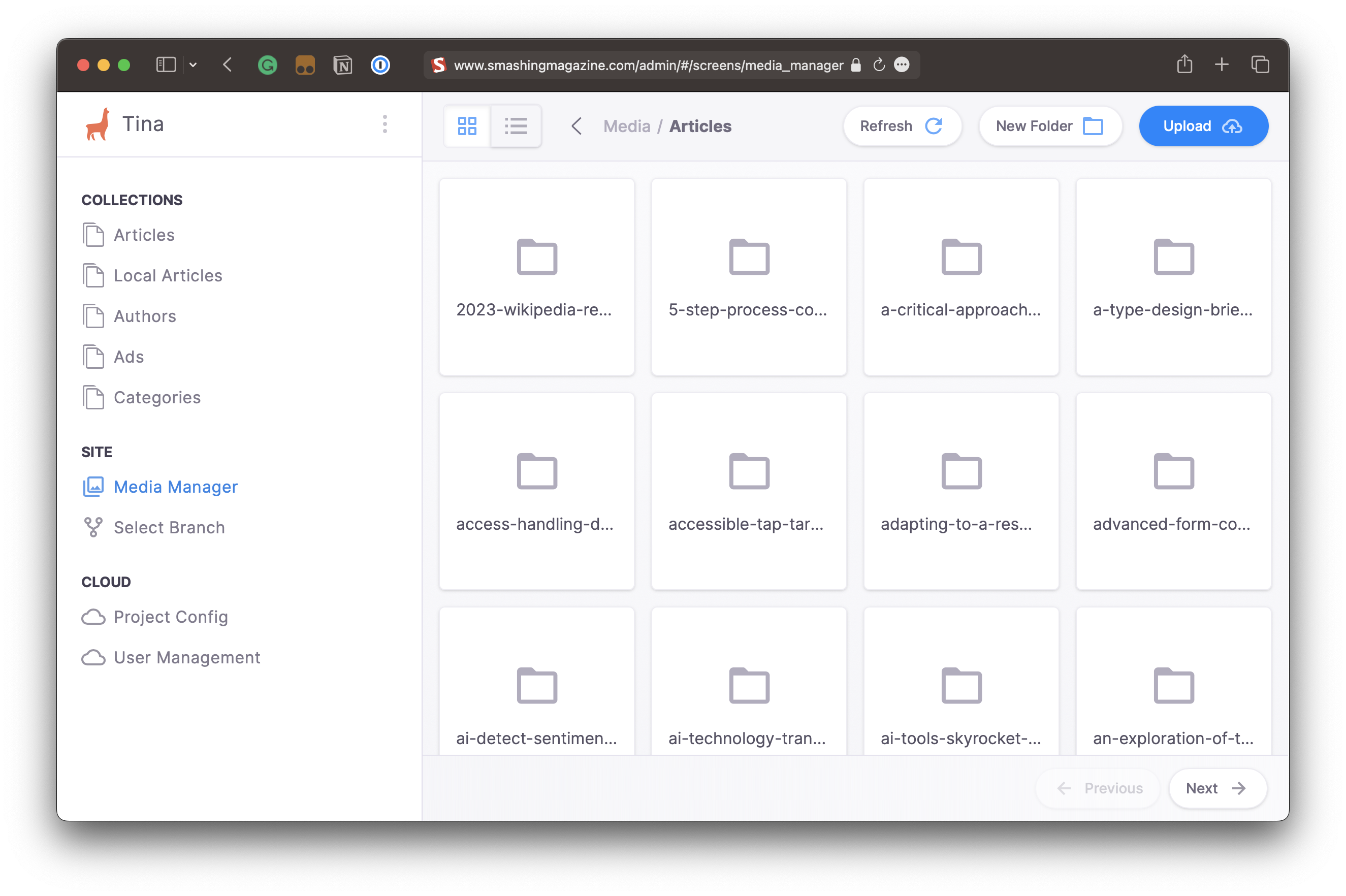
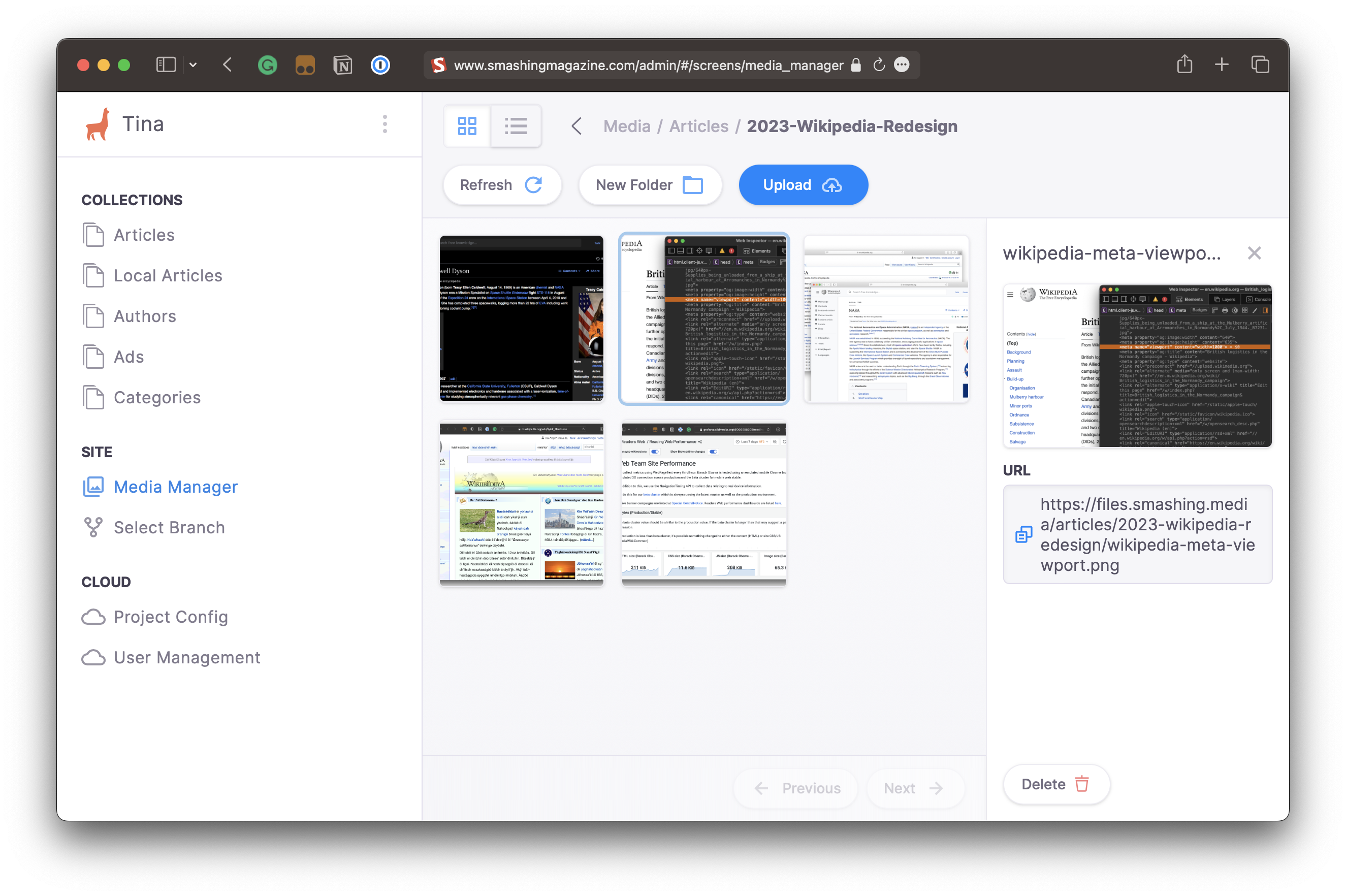
Media management is often a friction point in Jamstack setups. TinaCMS can commit media assets directly to a repository, but a site of Smashing Magazine's scale would quickly make that repo unmanageable. Instead, the team uses Tina's integration with DigitalOcean Spaces. Uploaded images land in the Spaces account, and after the site rebuilds, the images are optimized and sent to Cloudinary, which converts them into multiple formats and sizes and serves the best version based on device and network conditions.
The Editorial Workflow Layer
The features described here are part of TinaCMS's "Editor Workflow," introduced on July 10. For a fresh release of this scope, the workflow runs smoothly through writing, review, approval, and post-publish updates. The Editor Workflow is currently implemented as a plugin for Business plans and up, rather than baked into the core product—an approach that keeps the CMS lightweight and lets teams extend it with specific functionality as needed.
What's Next
Smashing Magazine is still adapting, but the integration already fits the existing team culture. TinaCMS is under active development, with a self-hosted version now available and more items on the roadmap in the coming months. For a team that writes long-form content and values owning its files, the setup reconciles two priorities that often conflict: the speed and control of static assets with the editorial experience of a proper CMS.


