

A smarter starting point for new workflows
Creating an Actions workflow from scratch usually means guessing which starter template fits your project. A new update to the New Workflow page in the Actions tab changes that. GitHub now analyzes your repository’s contents before you even browse templates, so what you see first lines up with what is actually in your code.
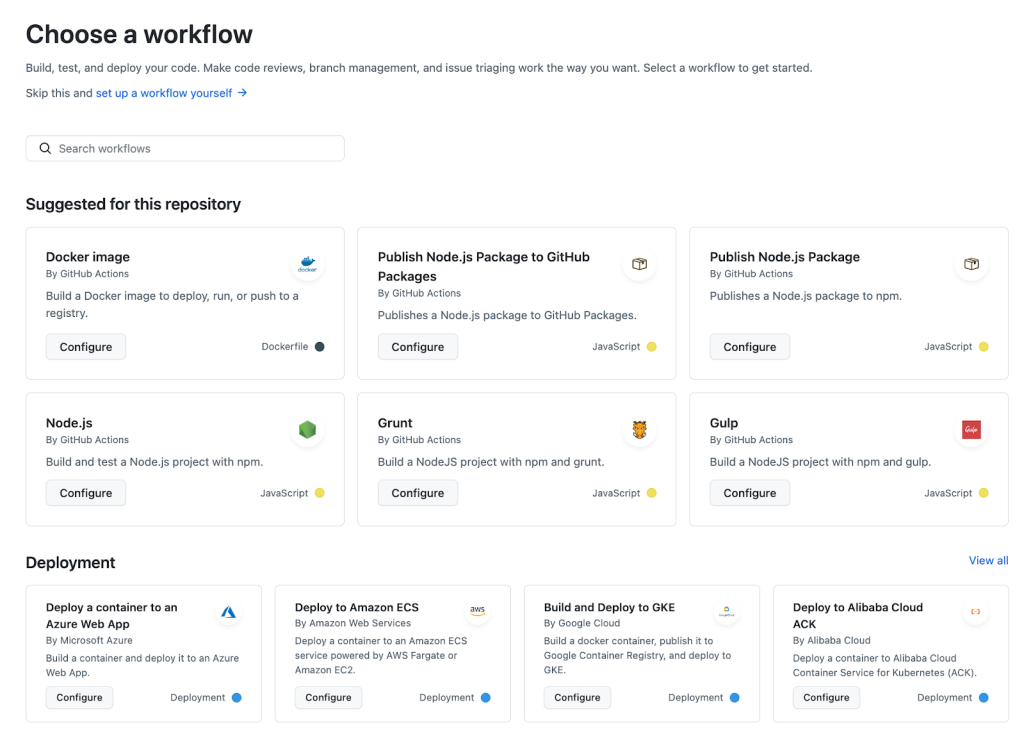
The recommendation engine inspects your repository for signals like programming language, build tools, frameworks, and package managers. The results aren't limited to generic suggestions: if your repo holds containerized Node.js code, for example, both container and Node-related workflows will move to the top of the list.
The recommendation logic has also been extended to deployment templates. A repository containing a Dockerfile should surface workflows that build the containers and ship them to container-compatible cloud services. Cloud partners can contribute their own workflow templates per service, and GitHub handles matching them to repos based on the language and framework it detects in the code.
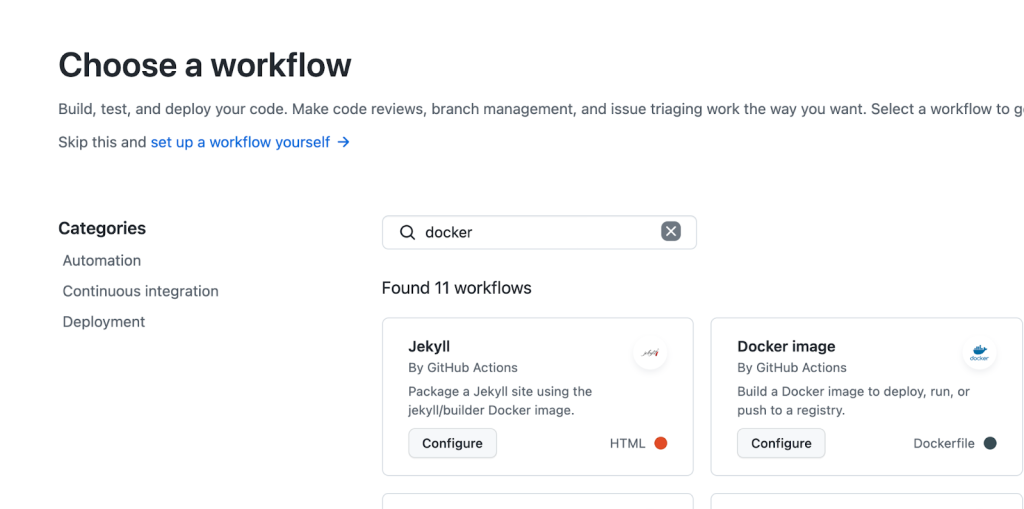
Beyond recommendations, the workflow catalog now supports category filters and full search. If you know exactly what you need but can’t find it in the suggestions, both tools help you reach the relevant template without aimless scrolling.
Putting it to use
- The new recommendations, search and filtering are live today for all organizations on GitHub.com and GitHub Enterprise Cloud.
- You don’t need to enable anything. Open the Actions tab of a repository, choose New Workflow, and the curated list will appear.
- Work through the suggestions first; fall back to search or filters if your stack is unusual.
If you're unfamiliar with workflows
GitHub has gradually built a catalog of recommended workflow templates based on what the repository analysis finds. New users can read up on starting points in the GitHub Actions quickstart documentation and ask questions or propose changes in the community discussion thread.


