Codegen Plugins That Turn Figma Designs Into Usable Code
Figma's Dev Mode is designed to smooth the path from design to development. Its built-in code snippets give developers a starting point, but the real power comes from codegen plugins that tailor output to specific frameworks and coding conventions. These plugins extend Dev Mode's core capability, whether you need React components, Tailwind styles, or SwiftUI views.
Codegen is not about replacing the developer with an automated design-to-code tool. The goal is to give you a solid foundation, so you can skip the boilerplate and focus on the nuanced implementation work that requires human judgment.
Anima: Customizable React and HTML Exports
The Anima plugin generates React or HTML code with your choice of CSS, SCSS, or Tailwind. It automatically identifies repeated components, reducing code duplication and speeding up the implementation process. Anima learns your team's conventions over time, returning more relevant snippets as you use it. You can also prompt it directly in Dev Mode to add animations or apply specific styles to a generated snippet.
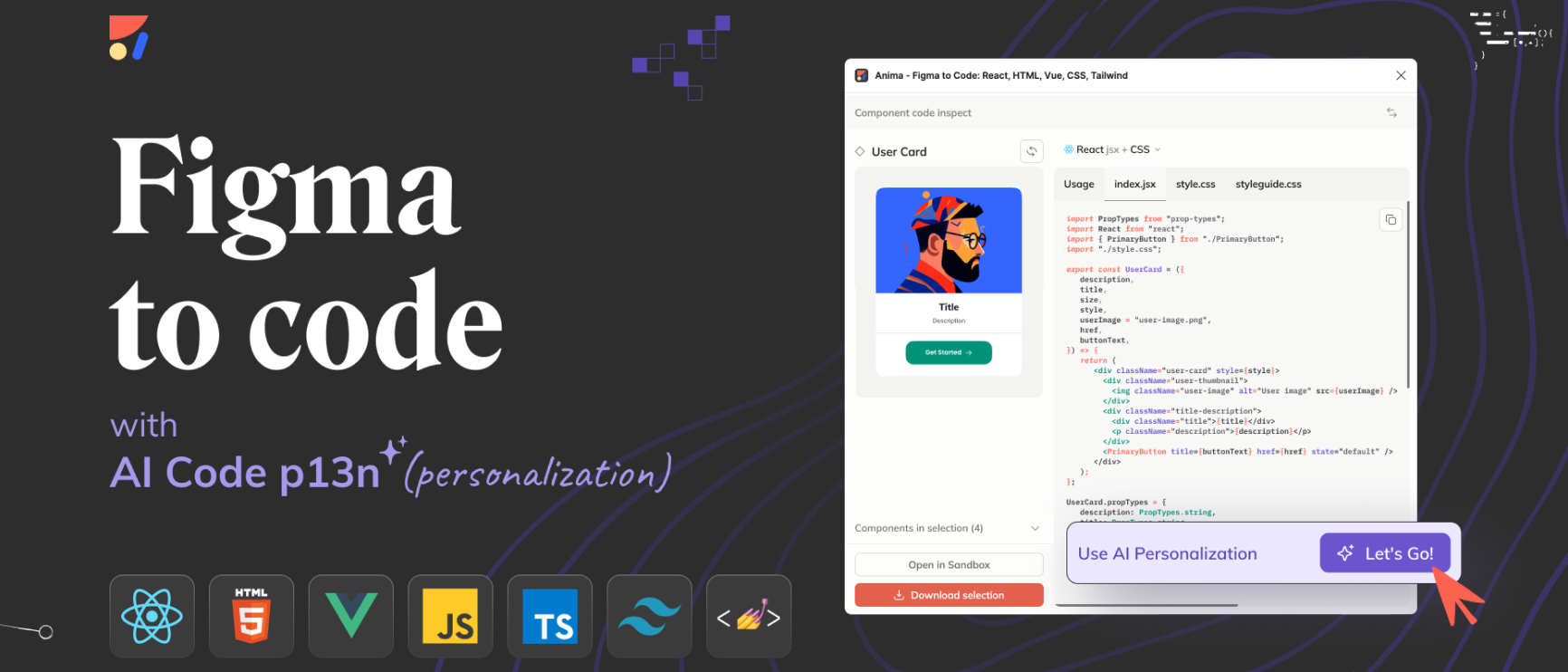
Anima is a good fit if you want to export any selected layer, component, or frame into production-ready code without leaving Figma.
Builder.io: AI-Powered Code With a Playground
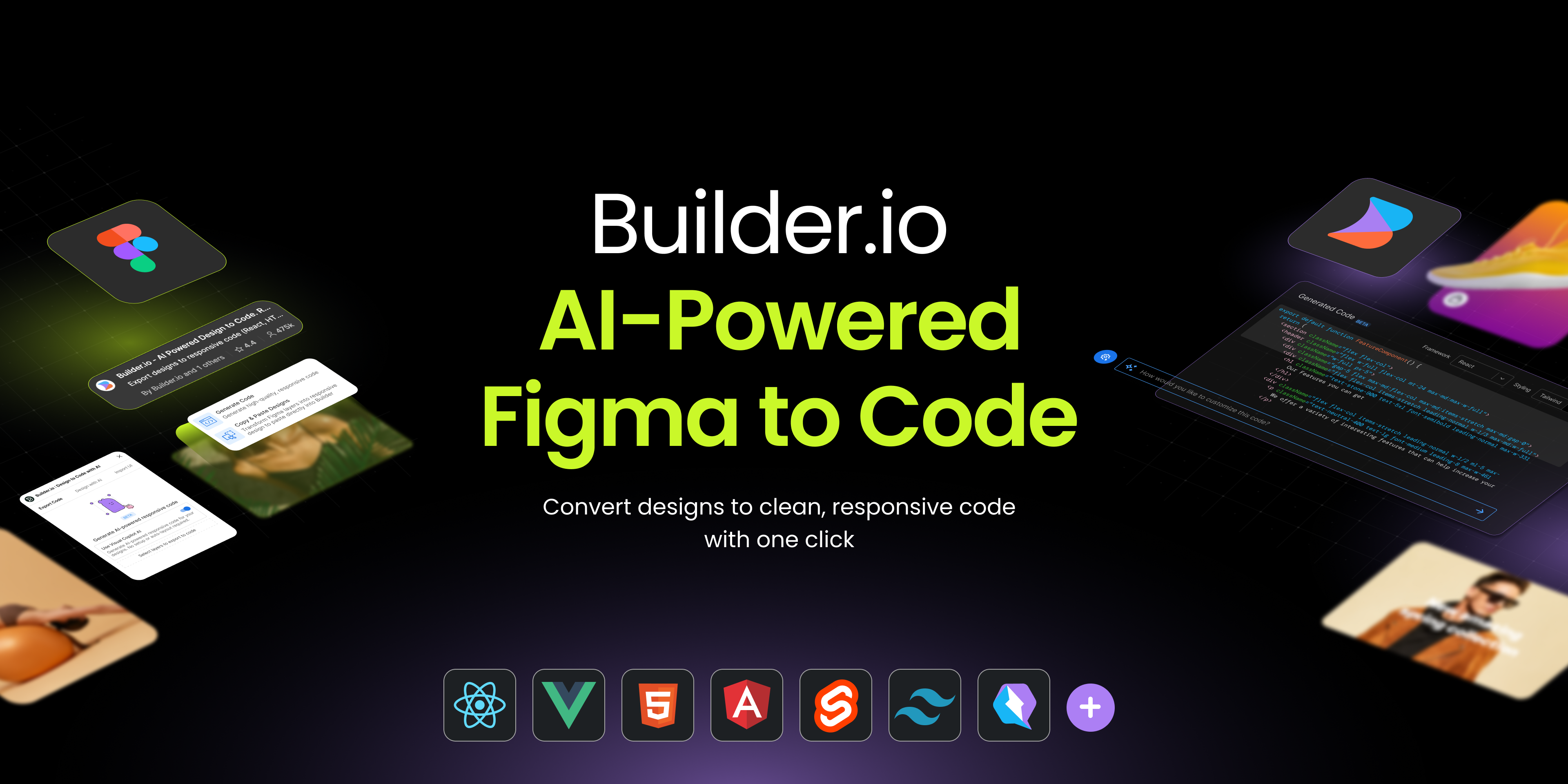
The Builder plugin uses AI to generate code in languages such as React, Svelte, and HTML. Its output aims to match what a developer would write manually, and it can be trained to align with your specific code style. The plugin can also make designs responsive automatically. A built-in web interface lets you test and tweak the generated code in a separate page before bringing it into your project.
Figma to Code: Open Source for Web and Mobile
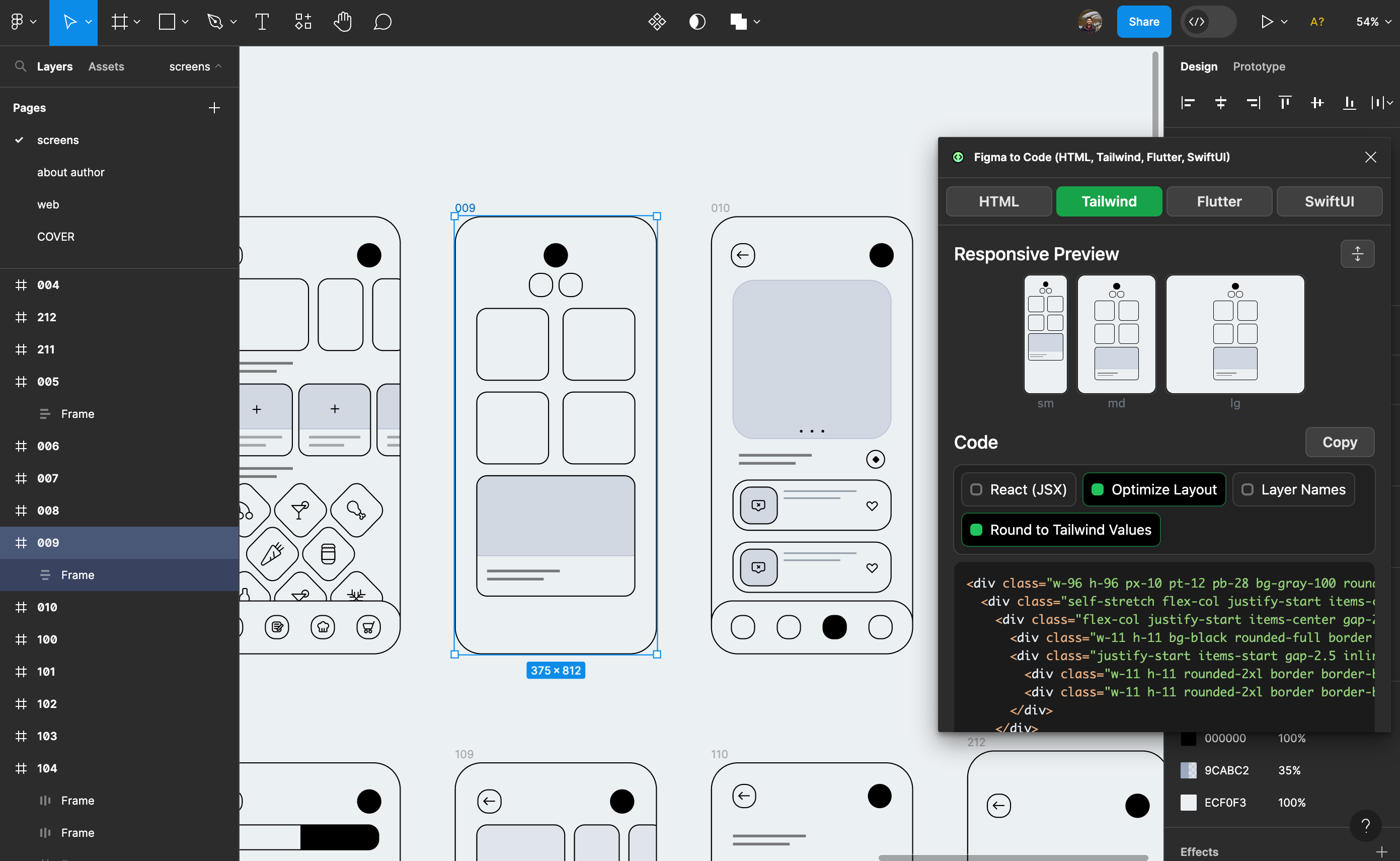
The free, open-source Figma to Code plugin from the Figma Community converts designs into code for responsive websites (HTML or Tailwind) and mobile apps (Flutter or SwiftUI). You can run the plugin, inspect the generated Tailwind markup, and copy it straight into your editor.
Locofy.ai: Full-Screen Code in a Free Beta
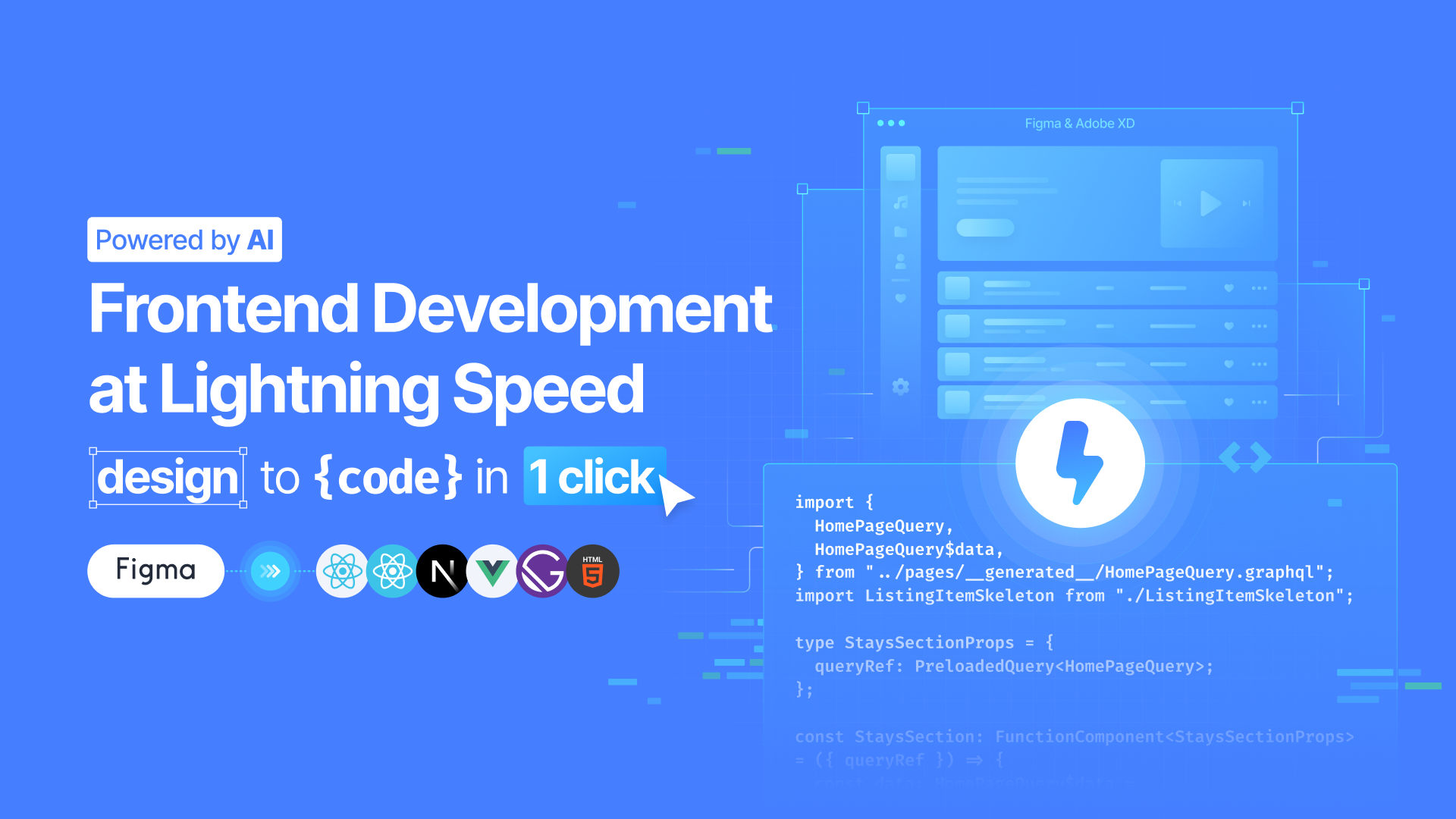
Locofy.ai is available in free beta and generates interactive code for full screens and components across web and mobile. It supports React, HTML/CSS, Next.js, Gatsby, and Vue. Locofy handles several front-end concerns at once:
- Applies design optimizations like auto layout and frame grouping
- Adds interactivity by tagging semantic elements, libraries, and actions
- Builds in responsiveness for different screen sizes
- Produces components and props for cleaner modular code
- Generates contextual, human-readable class names for collaboration and scalability
Beyond code export, Locofy supports shared prototypes, data binding, and Storybook exports. For continuous integration, it can sync changes directly to GitHub with automatic merge and conflict resolution.
Replit: From Designs to React Prototypes
The Replit plugin converts Figma designs into high-fidelity prototypes. It turns your design system into React code, lets you iterate on the design using natural language prompts, and can connect the generated code to live data for user testing.
These plugins cover a range of outputs — from simple copy-paste snippets to full-screen interactive prototypes. Check the broader list of Dev Mode plugins to find support for your specific languages and frameworks, and review the documentation on working with plugins in Dev Mode for more details.



