
Beyond the Versus: WordPress and Jamstack on Their Own Terms
At the recent virtual Jamstack Conf, a panel pitched as a showdown between Jamstack and WordPress never really happened—at least, not the way the billing suggested. What became clear instead is that the two approaches answer different questions, and that the debate over which is "better" misses the point.
Defining the Two Sides
The difficulty with the comparison starts with the categories themselves. Jamstack is a loose architectural philosophy centered on static files served from CDNs, with JavaScript-based services handling any dynamic needs. WordPress is a CMS running on the LAMP stack. These aren't equivalent things.
If you compare stacks strictly, you'd be weighing static hosting plus services against LAMP. With static hosting, anything dynamic—forms, auth, data storage—comes from external services. A LAMP stack includes MySQL for data and PHP for server-side logic out of the box, so you reach for outside services less often.
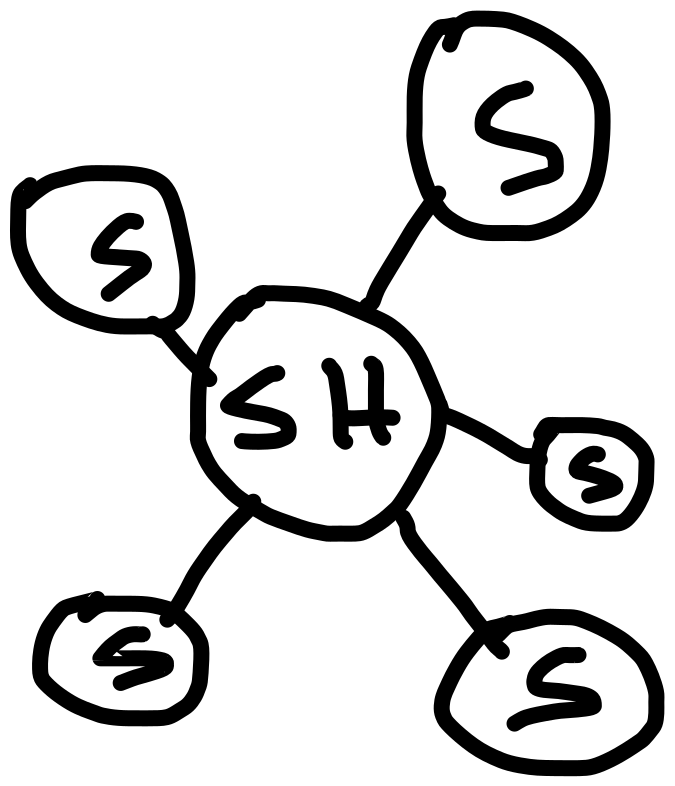
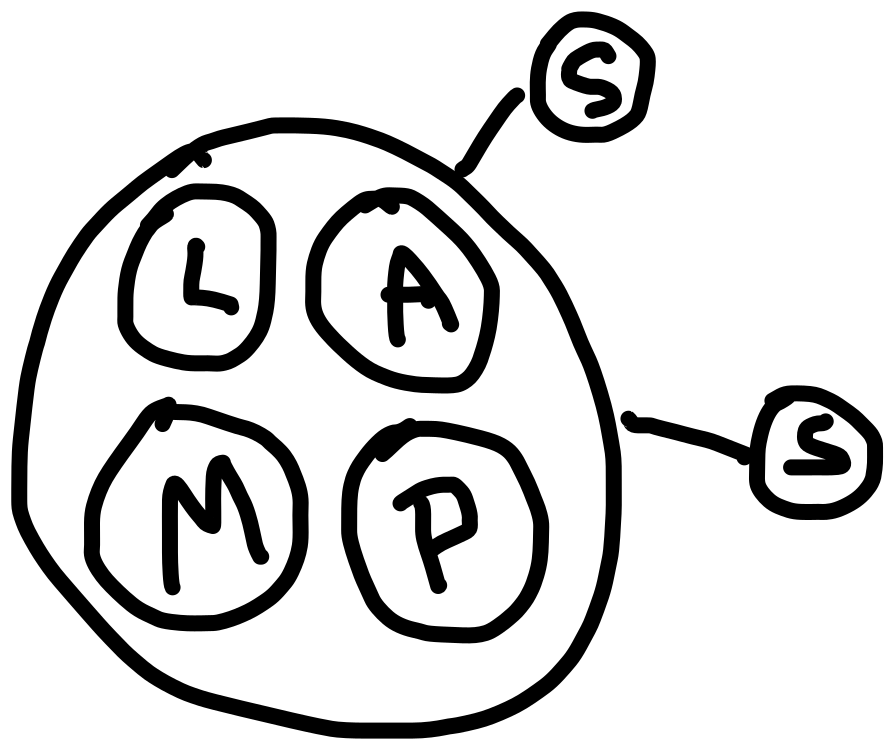
LAMP: Server that does a bunch of work as the hub, reaching out to a few services if needed.
The debate's key terminology turned out to be slippery. One side called LAMP a "monolith." The other preferred "integrated approach." Under one common definition—a single-tiered application where UI and data access code are combined—WordPress looks like a monolith. But a monolith is also defined as software designed without modularity, and WordPress's hook and plugin architecture is decidedly modular.
The practical distinction matters more than the label. Self-hosted WordPress runs on a server with a full stack available, making it natural to use that server for as much as possible. With Jamstack, the server is abstracted away, and needs are divvied up across services. Neither approach precludes the other's habits; WordPress sites still use services like Stripe or Cloudinary, and Jamstack sites can lean on single-purpose services heavily. Both are ultimately conglomerations of technologies, and both have failure points—a borked plugin on one side, an expired API key on the other.

What It Costs
WordPress.com offers a free tier, but developer-level access starts at the $25 per month business plan. Self-hosted WordPress is open source, but the LAMP hosting it requires is not free. Entry-level shared plans run around $3.95 per month at Bluehost, Flywheel starts at $14, Media Temple at $20, and Pressable at $25 per month.
Jamstack hosting, by contrast, often starts free. Vercel charges once you need team members or password protection (a single password-protected site runs $150 per month). Netlify similarly offers per-site features like analytics ($9 per month) or auth (5,000 active users for $99 per month) on top of free hosting. AWS Amplify's free tier gives way to metered usage; one example in their docs figures a web app with 10,000 daily active users at $65.98 per month. Azure Static Web Apps has not announced pricing yet.
The takeaway is not that Jamstack is cheaper. Costs depend heavily on usage, and Jamstack with enterprise-level services can climb fast. Netlify's enterprise tier starts at $3,000 per month before you add a CMS or data storage. On the WordPress side, a high-traffic site can require a server in the vicinity of $1,000 per month, before CDN, email, forms, and premium plugins, easily pushing total costs into the low thousands. There's no sea change in pricing here.
Performance Is Mostly Front-End Work
The first request back from a server accounts for a fraction of overall performance—roughly 20 percent—but it has to be fast or nothing else matters. Static files on global CDNs are the gold standard for that first byte, and that's the foundation of Jamstack hosting.
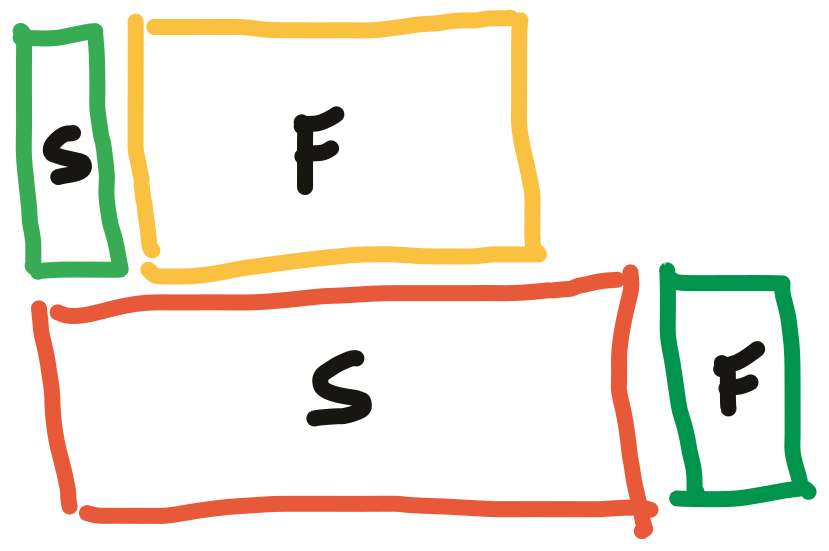
WordPress doesn't produce static files by default. A request hits a single origin, runs PHP, queries the database, and assembles a response. That can be quick, but it's not as robust as serving a cached file, and it's easier to overwhelm. Hosts compensate with page caching at the infrastructure level, like WP Engine's built-in cache, which effectively turns pages into static assets. Adding Cloudflare in front of a self-hosted WordPress site gets even closer to the Jamstack model—Cloudflare recently added automatic caching of HTML for WordPress—which makes WordPress sites faster by serving essentially static content from a global CDN.
In practice, with Cloudflare in front, WordPress first-response numbers can match what you'd see on Netlify without Cloudflare: mid-double-digit milliseconds. The rest of performance is front-end tactics, which are identical regardless of back end.


Security and Attack Surface
WordPress sites get hacked more often than Jamstack sites in headlines, but it isn't a fair comparison. WordPress has decades of history and orders of magnitude more installed sites, meaning more stories regardless of relative security. Whitehouse.gov runs on WordPress, so the software itself can handle the highest security requirements.
What changes is the attack surface. A static file on static hosting has few vectors: the hosting account, the Git repo, the DNS chain, or the CDN account. A WordPress site adds vectors: server-side code, database vulnerabilities, outdated versions, and a login system exposed at /wp-login.php. That's more ways in, even if addressing them is routine—strong passwords, current versions, locked-down file permissions.
Scaling Costs Either Way
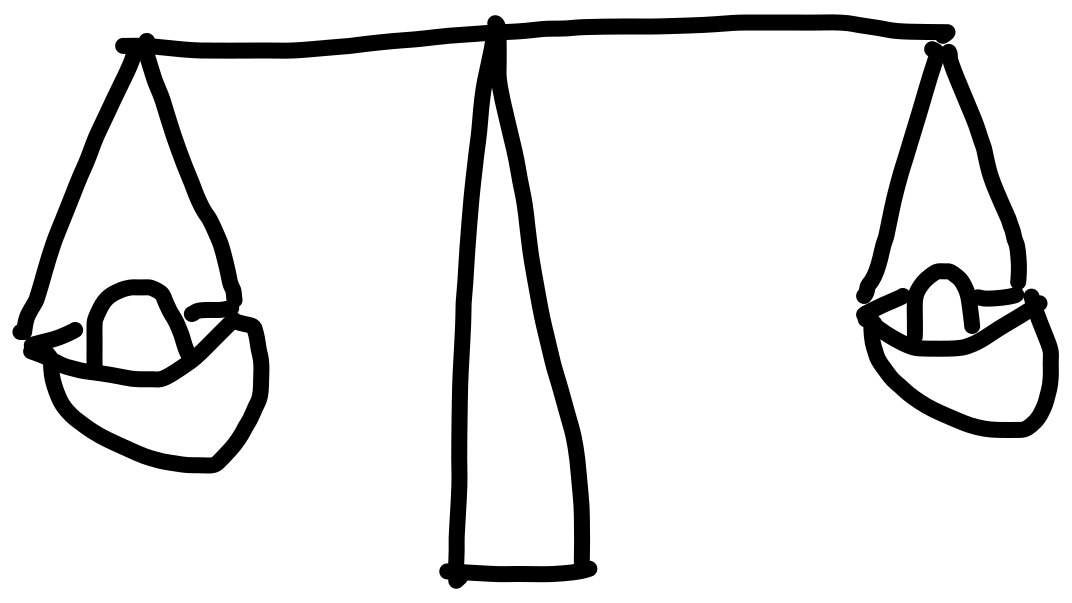
Scaling up either approach eventually costs money. At one site's scale—roughly 5 TB of bandwidth per month through Cloudflare—a Netlify Business plan would land around $979 per month, similar to the cost of a WordPress server running the same site.
WordPress scaling is a matter of working with a capable host with proven caching and putting a CDN in front of everything. Jamstack scaling asks less of you at the infrastructure level, but every service at scale comes with pricing to monitor. And if a particular service—say, a headless CMS—becomes too pricey, migrating is nontrivial; at least moving a WordPress site between hosts is cheaper than switching CMSes.
As one developer in a Slack conversation put it:
Jamstack: Use whatever thing to build your thing, there's addons to help you, and use our thing to deploy it out to a CDN so it won't fall over.
WordPress: Use our thing to build your thing, there's addons to help you, and you have to use certain hosts to get it to not fall over.
Another kind of scaling is user count. WordPress handles unlimited users with granular permissions for free. Jamstack services often price per user—Vercel and Netlify bill per seat for teams, Contentful starts at $489 per month, and GitHub Team costs $4 per user.
Front-End Freedom vs. Integrated Approach
A major draw of Jamstack is the decoupling of front and back ends. If all content and functionality live behind APIs, the front end can be static, client-rendered, pre-rendered, or any mix. That flexibility is attractive on new projects, and it also promises future flexibility: re-architect the back end without breaking the front end, or vice versa, as long as the APIs stay stable.
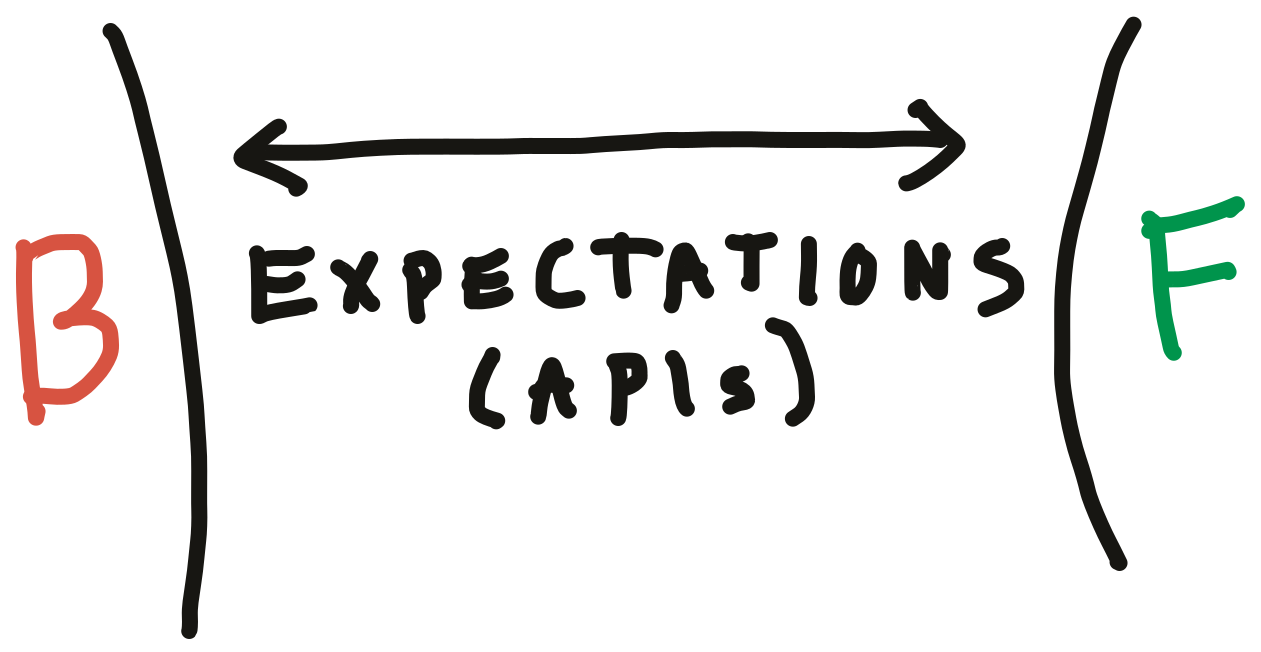
WordPress can be split in the same way—its REST API makes that possible—but out of the box it's an integrated system where themes built in PHP rely on WordPress-specific APIs. No separation.
Developer Experience
Jamstack has made developer experience a core selling point. You work in a local environment you control; Git is a first-class citizen with preview URLs for every pull request. You choose your own tooling—a static site generator, a React app, or whatever framework is current—and deploy the built folder. The absence of chores matters, too: no managing HTTPS, caching, file permissions, or CDN config.
WordPress's developer ergonomics are less polished. Running WordPress locally means wrangling an (X)AMP stack; the community often relies on tools like Local by Flywheel. What belongs in Git is murky—many developers settle on committing the entire /wp-content folder. Deployment is often just an SFTP credential. Databases move awkwardly. These problems have community solutions, but the core project doesn't prioritize local-first workflow. In practice, many WordPress sites end up production-only environments where changes are made directly on the live server—an alarming situation for anyone used to staging and version control.
The roots of this difference run deep. Jamstack fundamentally requires developers—there is no Jamstack without one. WordPress scales down to site owners with no coding experience, which makes its focus on user experience over DX a rational choice.
CMS Strength and End-User Experience
WordPress's real strength is its CMS and the experience for site editors. Users get content previews, granular user management, eCommerce, forms, and a plugin ecosystem that covers almost any need. It's rare to hit a wall with WordPress.
Jamstack can do all of that, but with much more work. Storing data means writing CRUD functions for a cloud database. Simple eCommerce via Stripe APIs is feasible, but inventory management, shipping zones, and product variations quickly make you wish for something prebuilt.
When developers build for clients, the question is whether the solution empowers the people managing it. WordPress wins there without custom development. Jamstack has its own advantages, though—for user-submitted content specifically, an editable-file-in-Git approach, or Netlify CMS with its Open Authoring feature, lets contributors propose changes in the browser that maintainers can approve with a merge.

Using Both, Or Neither
The most practical answer for many is not "either/or" but "both." WordPress exposes a REST API by default and can support GraphQL, so hitting that API from a Jamstack build is straightforward. But it means running a WordPress site as well as your static site—cost and overhead included—and you lose most of WordPress's value beyond the data: a plugin that adds a fancy Gutenberg block won't auto-enqueue its scripts and styles in your separately hosted static front end.
Several tools bridge the gap. Frontity is a React framework for WordPress that runs a Node server to render pages server-side while delivering an SPA. WP2Static is a WordPress plugin that produces and auto-deploys a static version of your site. Strattic hosts your WordPress site, treats it as staging, and deploys a static version when you publish. Shifter gives you a choice: keep WordPress headless and use only its API, or deploy it statically to their hosting or elsewhere.
Beyond these two worlds, there's a universe of other architectures. A Ruby on Rails site is neither Jamstack nor WordPress, though it shares characteristics of both. The web is growing, and both WordPress and Jamstack are growing with it. Choosing between them isn't the crux—most developers evaluating a project start from its needs and pick the technology that follows suit.


