

Roundup: Animated Jigsaws, View Transitions Toolkit, Name-Only Containers, and Beyond
clip-path: from jigsaw pieces to rounded polygons
Amit Sheen took a full jigsaw puzzle and made it entirely in CSS, and the walkthrough is a solid way to get comfortable with the evolving clip-path property. But if you're reaching for it soon, be aware things are still moving: Chrome Canary shipped support for the polygon() round keyword:
I and Jason are currently working on implementing the CSS `polygon() round` keyword in Chrome. This is one of my favorite CSS features! Thanks to @lea.verou.me for bringing it to CSS. Enable the `enable-experimental-web-platform-features` flag in Chrome Canary [...][link]
Beyond that, there's been discussion of more corner-shape keywords such as bevel. For a purely visual list, Karl Koch has a collection of particularly nice clip-path animations — brought up now because of how useful it is being missed.
Testing view transitions
Chrome DevRel has published a view transitions toolkit — a group of utility classes and components intended to make working with the API less painful. One of its most useful pieces in the current release is being able to attach view-transition timelines and animations to arbitrary elements rather than whole-page effects, and the toolkit has demonstrations so you can see it in action.
It could hardly arrive sooner: Chrome shipped element-scoped view transitions only this month, so the wall of opportunity is opening up at the same time as the tooling catches up.
The containment debate
Name-only containers — specifying a container name without a query — are the subject of Chris Coyier's recent piece, which compares them with class-name scoping and @scope. Class-name scoping produces HTML with classes everywhere; name-only containers give you a hook for styling a subtree without adding class names at all. Which of the two you prefer comes down to how much you'd rather keep declarations inside a CSS file, and whether @scope's structural approach suits your project.
Subgrid isn't dead
Two and a half years after landing as Baseline Newly Available, subgrid's practical use in the wild is still low — despite solving a lot of grid issues cleanly. David Bushell's friendly walkthrough of subgrid makes it one of the more beginner-friendly entries available, whether or not you're new to CSS.
CSS instead of JavaScript
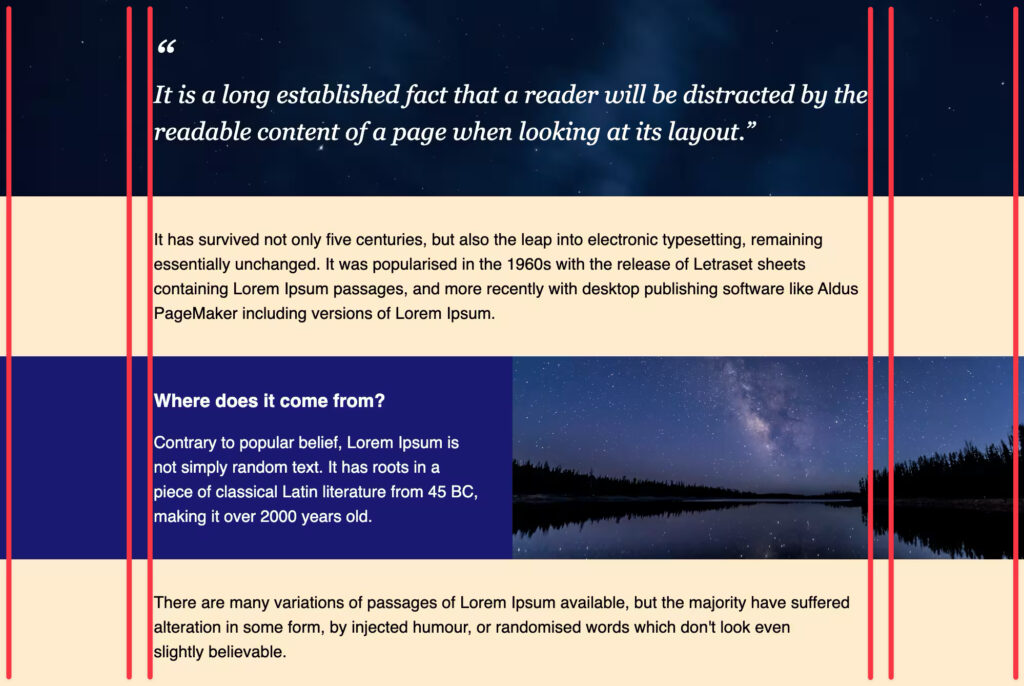
Pavel Laptev's "The Great CSS Expansion" lays out which CSS solutions now cover tasks that previously required a JavaScript library — taking its cue from the spirit of the classic "You Might Not Need jQuery" with more than "use the browser, dammit." The argument is that many of these techniques now make your output smaller and faster, often removing the need for helper libraries entirely.
Release notes and oversights
Chrome 147
contrast-color()is now Baseline.border-shapehas no Safari or Firefox support.- The
CSSPseudoElementJavaScript interface has no Safari or Firefox support. - The
scrollrange for view timelines has no Safari or Firefox support. - Element-scoped view transitions also lack Safari and Firefox support.
Safari TP 240 and 241
- Safari TP 240 adds the
revert-rulekeyword, already supported by Chrome and Firefox. - Safari TP 241 adds
overflow-anchorandstretch— the former already works in Chrome and Firefox, the latter in Chrome.
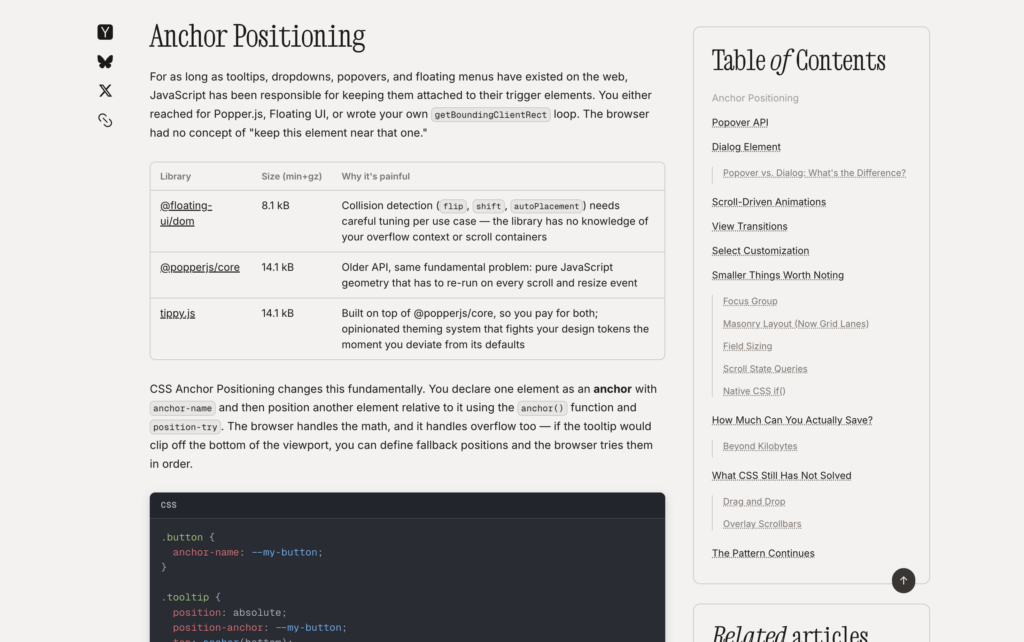
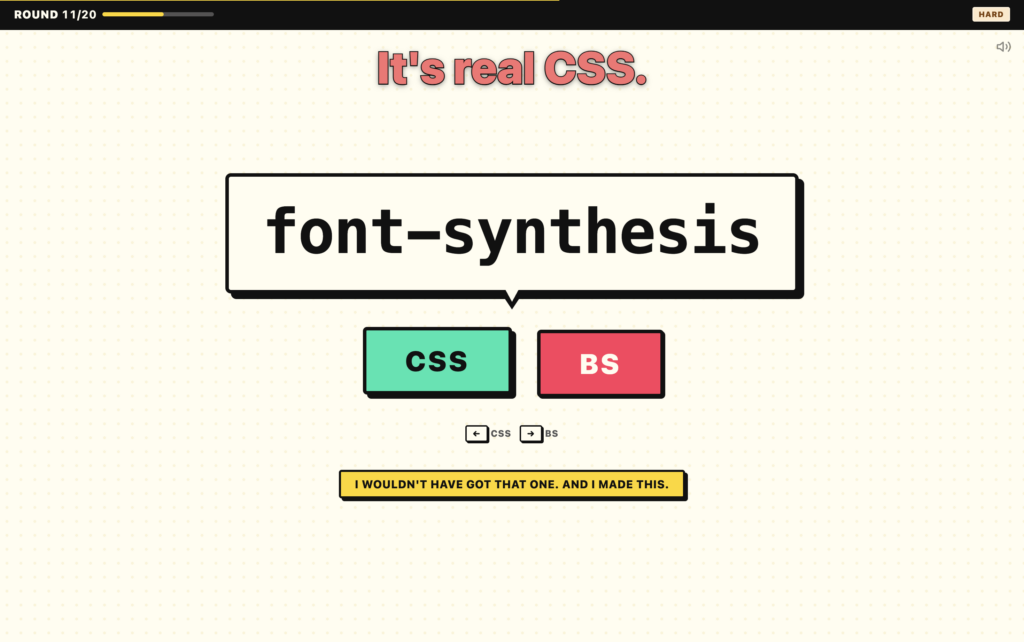
All of which makes keeping up with new CSS a full-time trade. We tried Keith Cirkel's "CSS or BS?" quiz a number of times and topped out at 18/20.

Sponsor CSS-Tricks!
We've got lots of ways to help you connect with the greatest front-end community in all the land.

CSS-Tricks Newsletter
Ads are self-hosted



