What makes a PWA installable?
Progressive Web Apps (PWAs) use web technology to deliver app-like experiences that function reliably even under poor network conditions. Installation is a core part of the PWA model: it gives the app a consistent place to live on the operating system, which in turn makes it easier for users to discover and return to it.
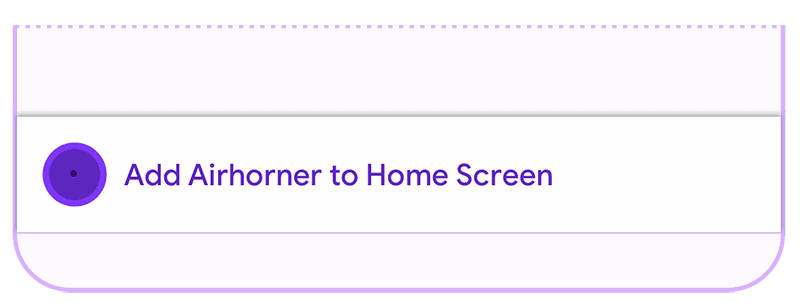
Installed apps show up in familiar OS launch surfaces: the Applications folder on macOS, the Start menu on Windows, or the home screen on Android and iOS. They also appear in the activity switcher, in OS-level search such as Spotlight, and in share sheets.
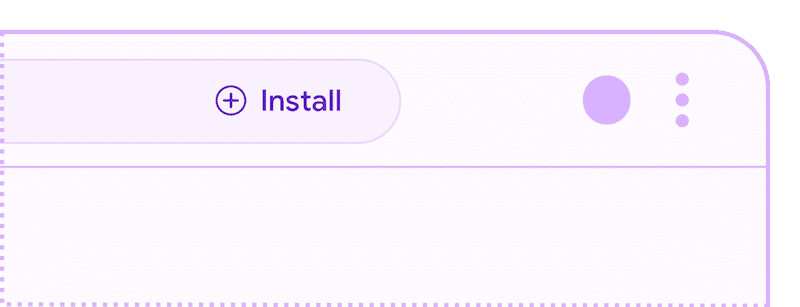
Browsers commonly signal installability once a web app meets their specific requirements. This signal can be an Install button in the address bar or an item in the browser's overflow menu. When these conditions are satisfied, many browsers also dispatch a beforeinstallprompt event, giving your app a chance to provide its own custom installation UI inside the app itself.
The technical checklist
For Chrome to fire beforeinstallprompt and display its own installation UI, a web app must satisfy the following:
- The app is not already installed.
- User engagement heuristics are met:
- The user must have clicked or tapped on the page at least once, at any point, even during a previous load.
- The user must have spent at least 30 seconds viewing the page at some point.
- The app is served over HTTPS.
- A web app manifest is present with:
short_nameornameicons— including both a 192px and a 512px versionstart_urldisplay— set to one offullscreen,standalone,minimal-ui, orwindow-controls-overlayprefer_related_applications— either absent or explicitlyfalse
Other browsers apply similar installability rules, though the specifics vary. See Microsoft's requirements for Edge and MDN's documentation for Firefox for the full details.


