

Job Summaries bring Markdown to GitHub Actions run pages
GitHub Actions now supports Job Summaries, letting jobs write custom Markdown content directly to the run summary page. The feature uses the same rendering engine that powers pull requests, issues, and README files, so anything you can format there will display correctly in the Actions UI.
Common uses include aggregating test results, generating build reports, or surfacing custom output that doesn't belong in the raw logs. Job Summaries complement existing annotations, which remain the right tool for highlighting errors and warnings.
How to create a summary
Writing a summary requires only one step: append Markdown to the new $GITHUB_STEP_SUMMARY environment variable. Any content added to that file appears on the run summary page.
steps:
- name: Adding markdown
run: echo '### Hello world! 🚀 ' >> $GITHUB_STEP_SUMMARY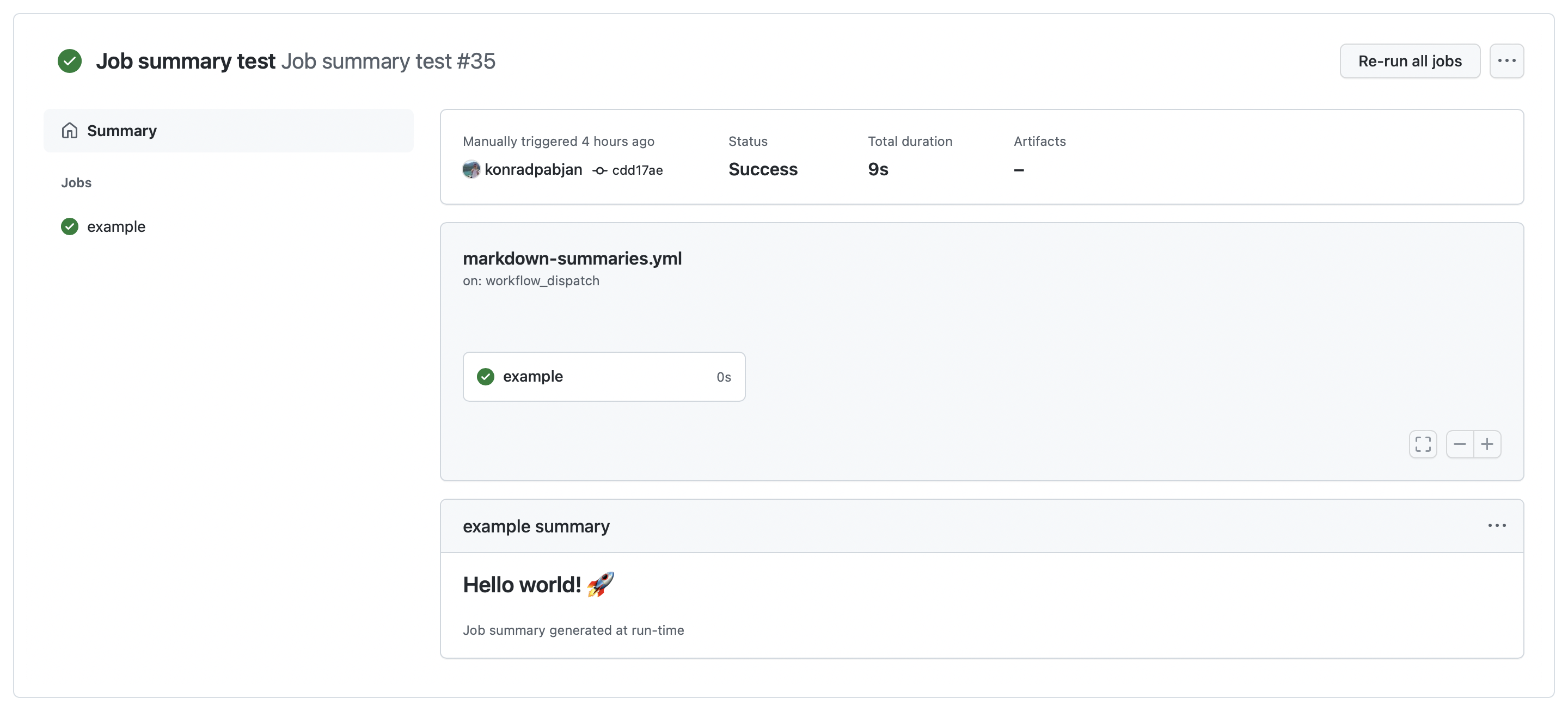
The mechanism mirrors how $GITHUB_ENV works for defining environment variables, so it should feel familiar to Actions authors.
For convenience, the @actions/core npm package includes a helper utility for generating summaries. It supports appending individual lines or larger Markdown blocks, and includes a method for building tables, which is expected to be a frequent use case.
import * as core from '@actions/core'
  await core.summary
  .addHeading('Test Results')
  .addCodeBlock(generateTestResults(), "js")
  .addTable([
    [{data: 'File', header: true}, {data: 'Result', header: true}],
    ['foo.js', 'Pass ✅'],
    ['bar.js', 'Fail ❌'],
    ['test.js', 'Pass ✅']
  ])
  .addLink('View staging deployment!', 'https://github.com')
  .write()
Closing a long-standing feature gap
Previously, user-generated content from Actions was limited to logs and annotations. Logs are poorly suited for grouping large amounts of information, and annotations are designed for highlighting specific problems rather than displaying rich output like test summaries or reports.
Workarounds existed but were not practical. Some teams manually created check runs via the API using the GITHUB_TOKEN provided during a run, which added overhead and reduced productivity. Job Summaries eliminate that need by giving users a native path for structured output directly on the run summary.
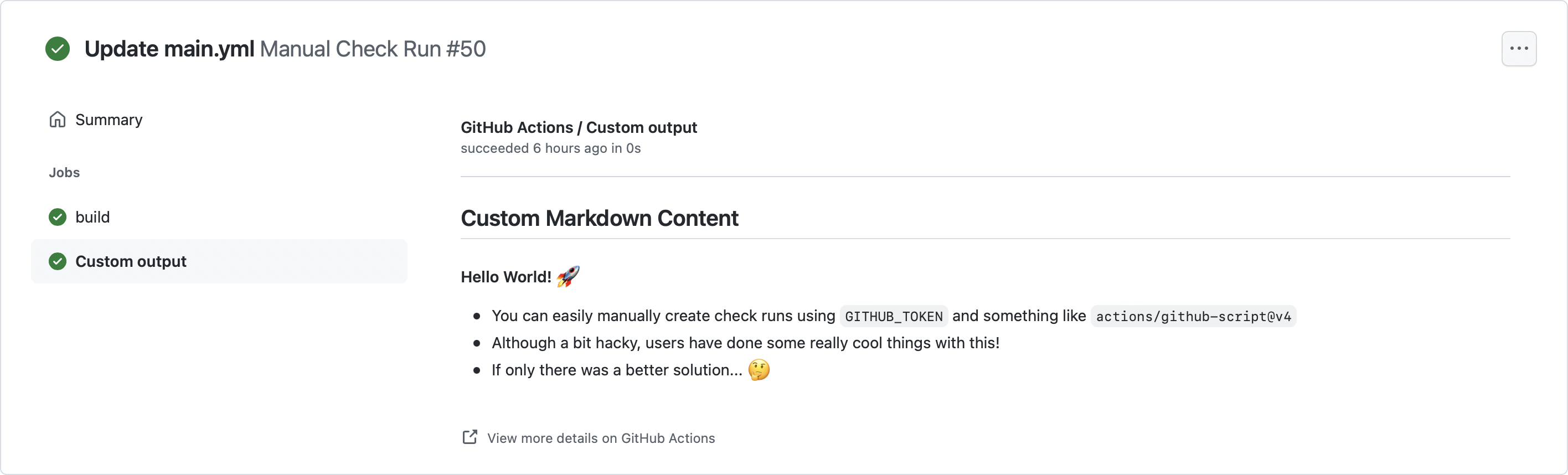
What the Markdown renderer supports
Job Summaries accept GitHub Flavored Markdown, the same syntax used across pull requests and issues. This gives users access to a wide range of formatting options, including tables, code blocks, links, and embedded content.
Examples of what the renderer can handle:
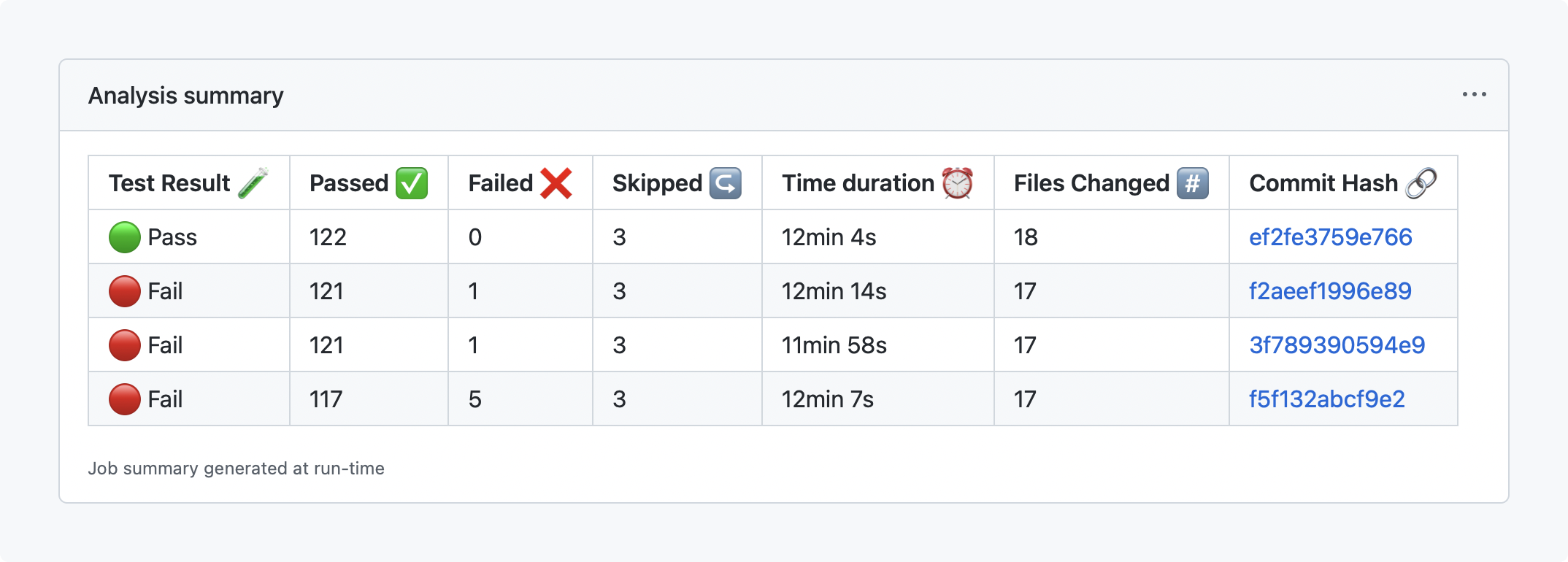
Test results displayed with formatting.
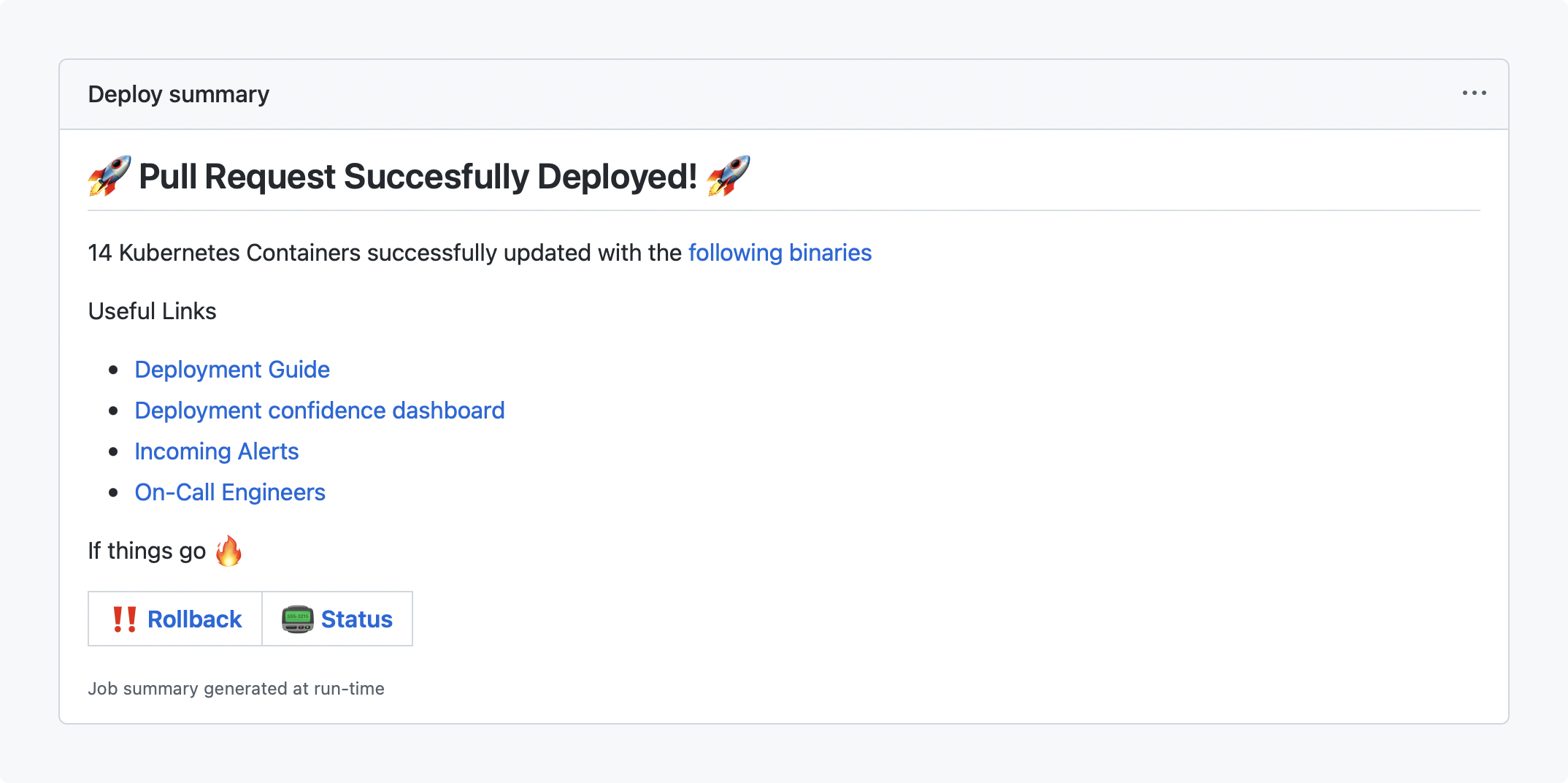
Links and documentation references.
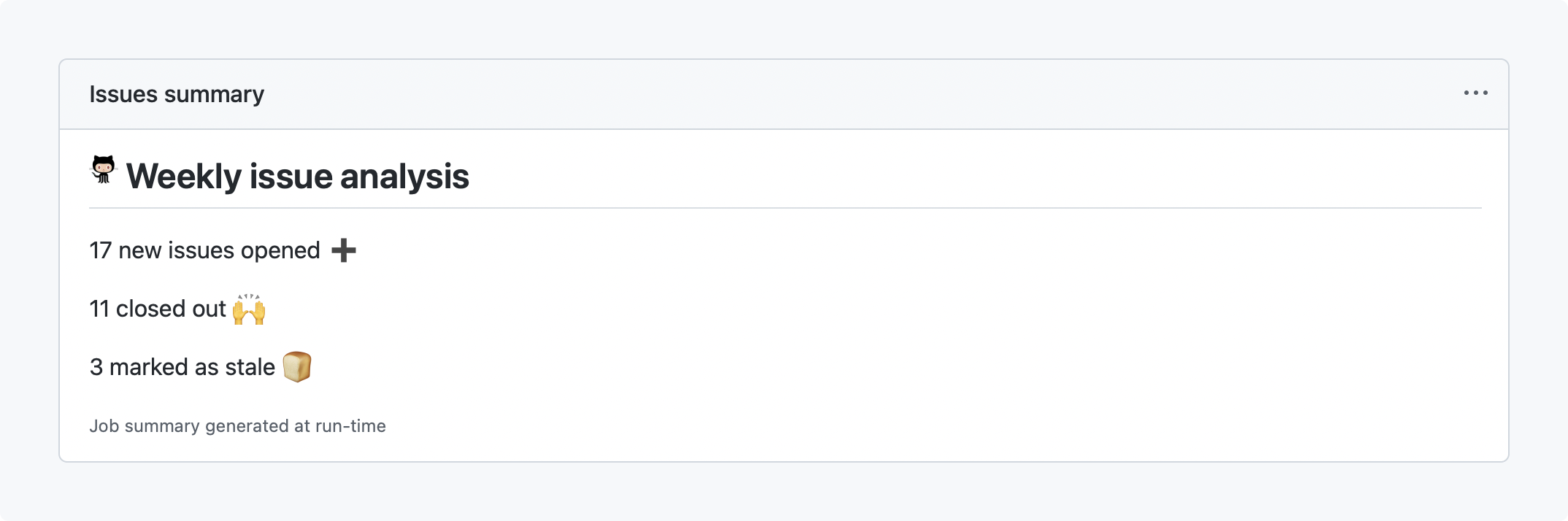
Raw HTML and emoji rendering.
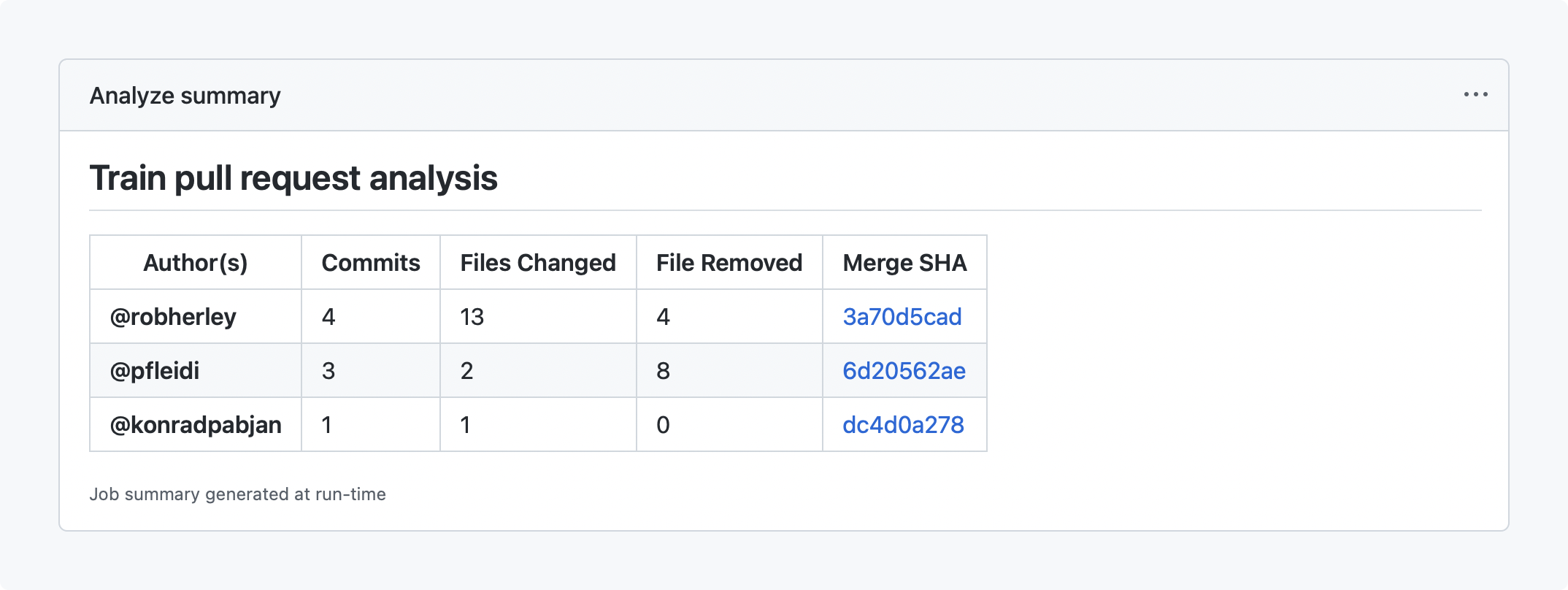
Markdown tables and hover cards triggered by @mentions.
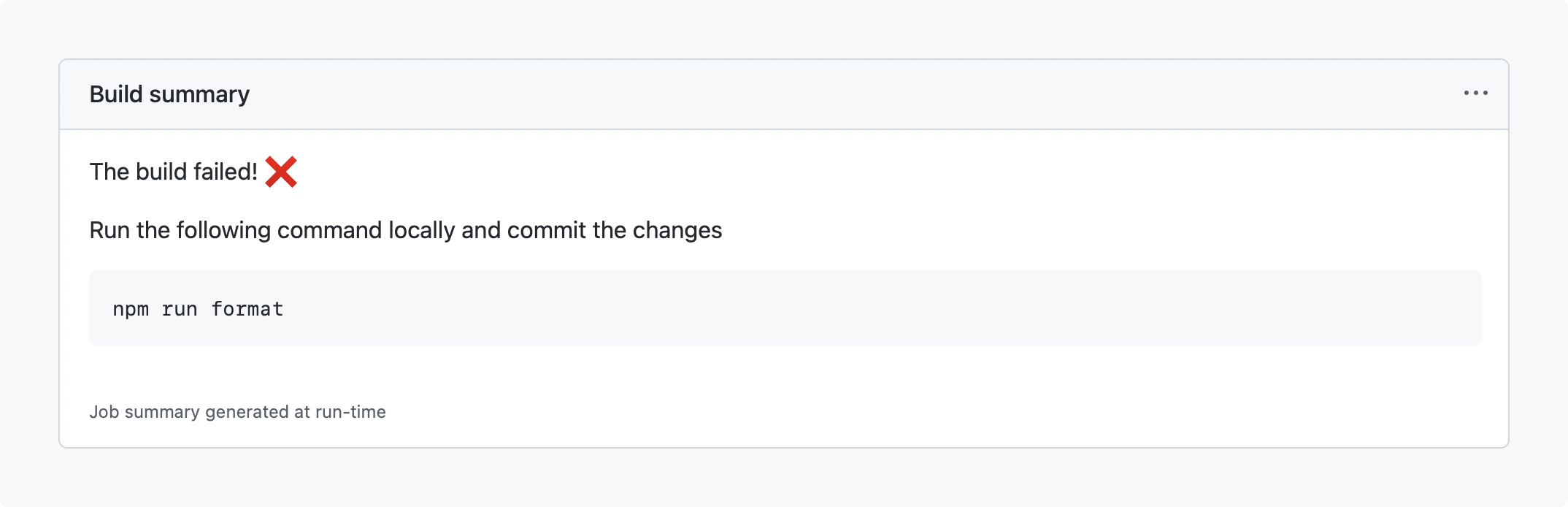
Code blocks with copy/paste support.
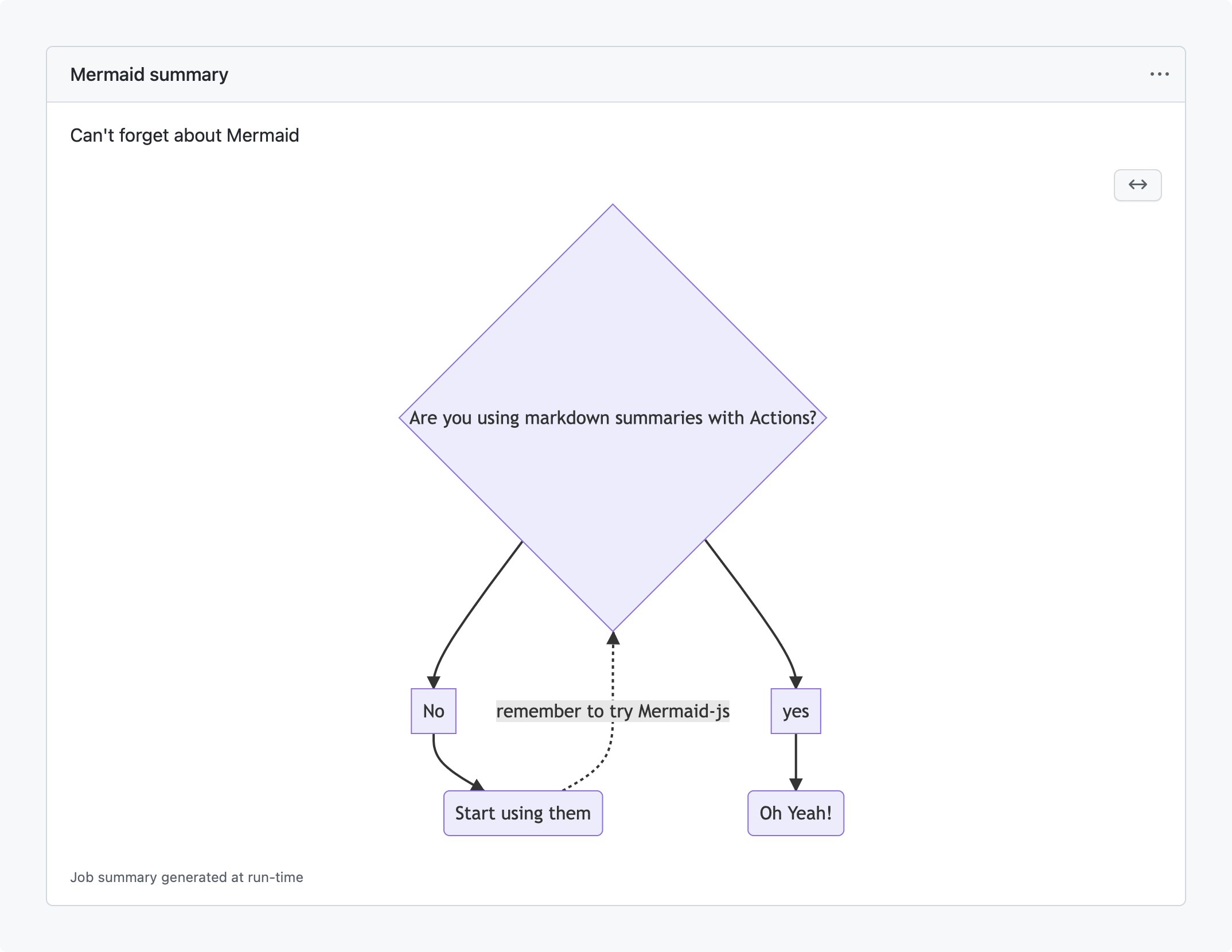
Mermaid diagrams, which were recently added to GitHub's Markdown renderer.
Full syntax details are available in the documentation for adding Job Summaries.


