

Global Shoppers Expect Local Prices
Amazon has long let visitors switch prices into their own currency. That same pattern — showing product prices in a shopper's home currency — is a straightforward way for any online store to improve the buying experience. Exchange rates move constantly, so a hardcoded table of conversions won't stay accurate. A real-time API for exchange data removes that problem. ExchangeRatesApi.io is one such service, covering 168 currencies with current and historical data.
The Currency Selector Pattern
On Amazon product pages, prices render in the site's default currency (British pounds on the UK storefront). A currency selector sits in the country/region settings, presenting a dropdown of supported currencies. Choosing one, say the Euro, reloads the page and all visible prices are shown converted to that currency.

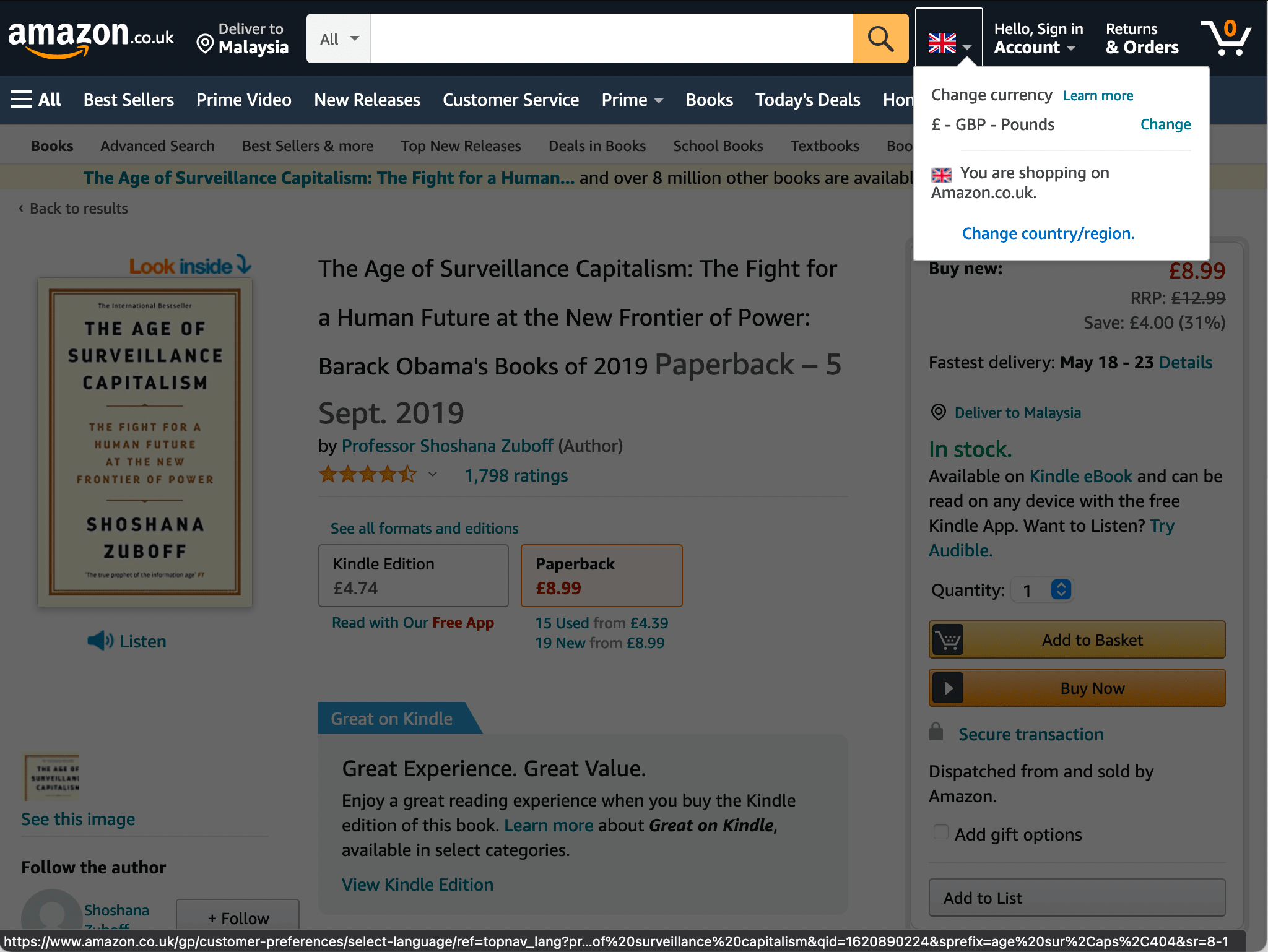
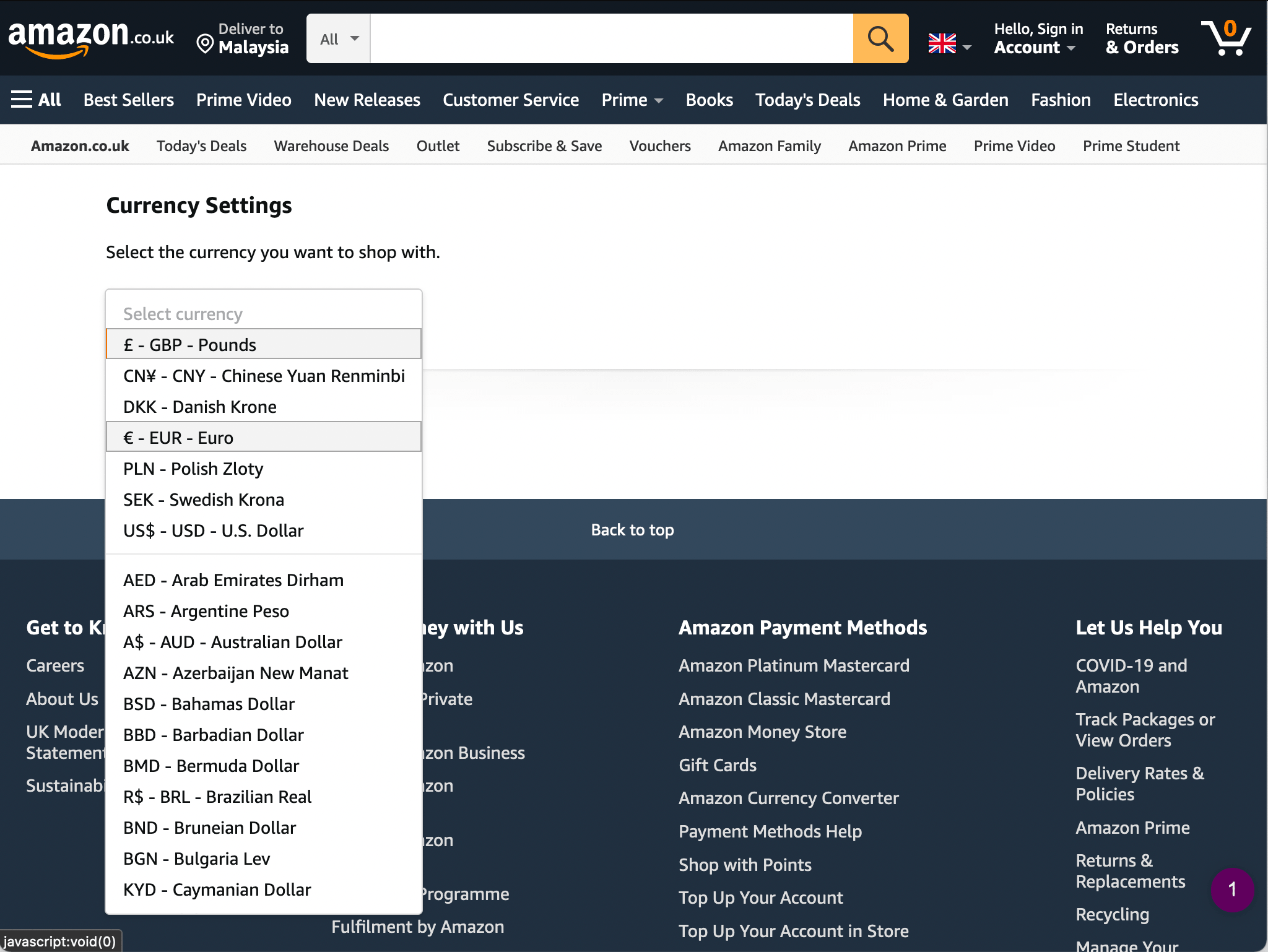

With a REST API providing live exchange data, the same functionality can be added to any shop.
Getting Started With ExchangeRatesApi.io
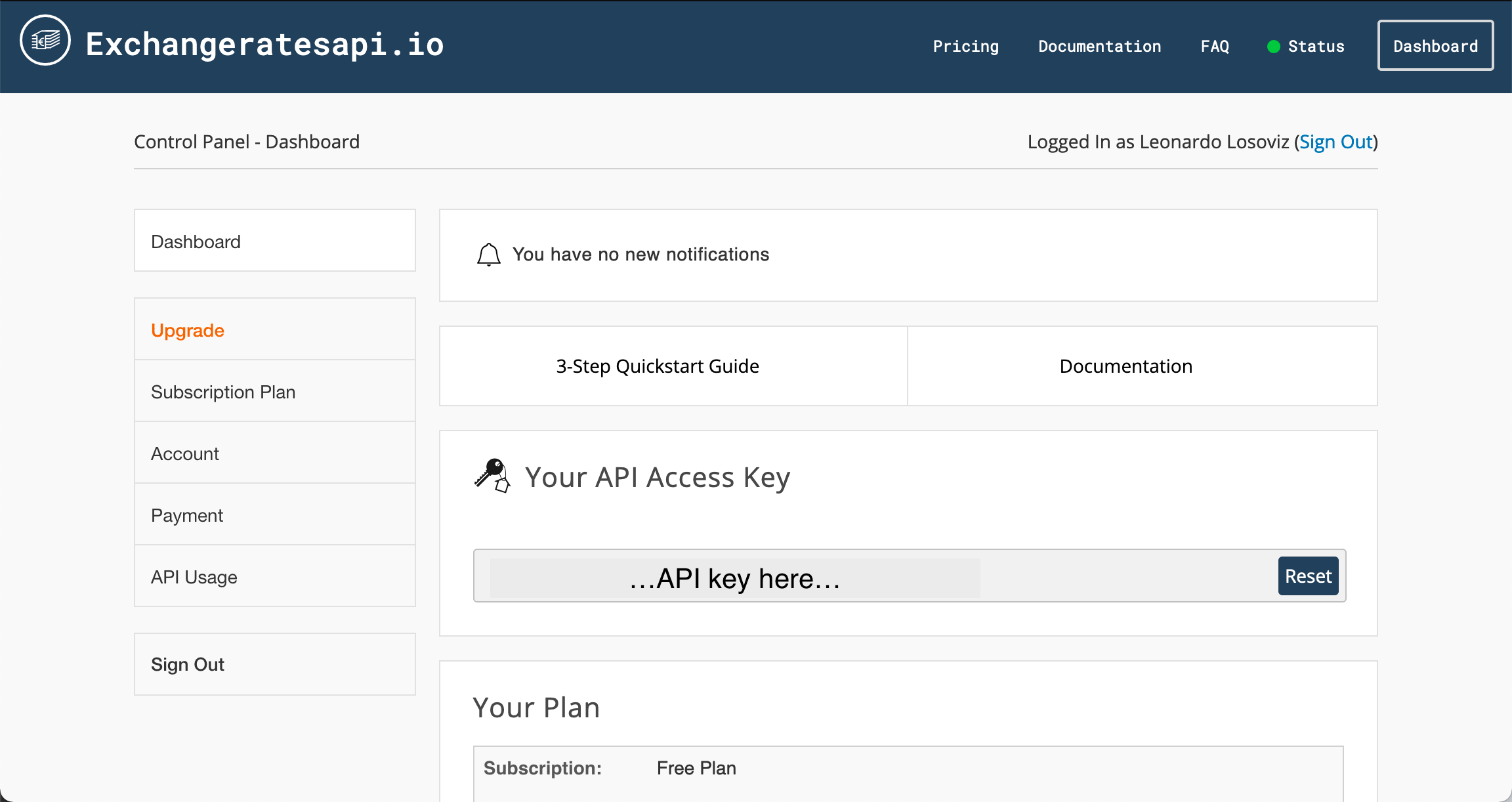
The service offers a free tier, and signing up gives you an API access key. You append that key to the API base endpoint https://api.exchangeratesapi.io/v1/.
https://api.exchangeratesapi.io/v1/latest
 ?access_key=YOUR_API_KEY
Pasting the endpoint with your key into a browser shows a JSON response with rates for all 168 currencies against the default base of Euro.

To limit the results, pass currency codes in a symbols parameter. For instance, requesting USD, GBP, AUD, JPY, and CNY against the Euro:
https://api.exchangeratesapi.io/v1/latest
 ?access_key=YOUR_API_KEY
 &symbols=USD,GBP,AUD,JPY,CNY
The abbreviated response looks like this:
{
 "success": true,
 "timestamp": 1620904263,
 "base": "EUR",
 "date": "2021-05-13",
 "rates": {
   "USD": 1.207197,
   "GBP": 0.860689,
   "AUD": 1.568196,
   "JPY": 132.334216,
   "CNY": 7.793428
 }
}
What the API Offers
Depending on your subscription tier, several REST endpoints are accessible. Each is appended to https://api.exchangeratesapi.io/v1/ along with your access_key parameter.
latestprovides real-time rates for all currencies or a specified set.convertconverts an amount from one of the 168 supported currencies to any other.- Historical rates are fetched via a date endpoint shaped
YYYY-MM-DD, e.g.,2021-03-20. timeseriesreturns daily historical data between two dates, up to 365 days apart.fluctuationgives fluctuation data between specified dates, also with a 365-day window.
Fetching a Conversion
The convert endpoint (available from the Basic tier) is the primary tool for building a convertor. A request such as:
https://api.exchangeratesapi.io/v1/convert
 ?access_key=YOUR_API_KEY
 &from=GBP
 &to=JPY
 &amount=25
returns a response that includes the rate and the calculated result:
{
 "success": true,
 "query": {
   "from": "GBP",
   "to": "JPY",
   "amount": 25
 },
 "info": {
   "timestamp": 1620904845,
   "rate": 154.245331
 },
 "historical": "",
 "date": "2021-05-14",
 "result": 3856.079212
}
Because the data is served via REST, no extra SDK is needed. Client-side and server-side code can both fetch it directly.
Client-Side JavaScript
The JavaScript below hits the API and logs the converted amount and exchange rate to the console:
// Set endpoint and your access key
const access_key = 'YOUR_API_KEY';
const from = 'GPB';
const to = 'JPY';
const amount = 25;
const url = `https://api.exchangeratesapi.io/v1/convert?access_key=${ access_key }&from=${ from }&to=${ to }&amount=${ amount }`;

// Get the most recent exchange rates via the "latest" endpoint:
fetch(url)
 .then(response => response.json())
 .then(data => {
   // If our tier does not support the requested endpoint, we will get an error
   if (data.error) {
     console.log('Error:', data.error);
     return;
   }

   // We got the data
   console.log('Success:', data);
   console.log('Converted amount: ' + data.result);
   console.log('(Exchange rate: ' + data.info.rate + ')');
 })
 .catch((error) => {
   console.error('Error:', error);
 });
Server-Side PHP
Fetching the same data from a PHP application follows the pattern shown here:
// Set endpoint and your access key
$access_key = 'YOUR_API_KEY';
$from = 'GBP';
$to = 'JPY';
$amount = 25;

// Initialize CURL:
$ch = curl_init("https://api.exchangeratesapi.io/v1/convert?access_key=${access_key}&from=${from}&to=${to}&amount=${amount}");
curl_setopt($ch, CURLOPT_RETURNTRANSFER, true);

// Get the JSON data:
$json = curl_exec($ch);
curl_close($ch);

// Decode JSON response:
$conversionResult = json_decode($json, true);

// Access the converted amount
echo $conversionResult['result'];
The general process for any language is consistent:
- Build the endpoint URL with your access key.
- Fetch the JSON response.
- Decode the JSON into an object or array.
- Read the converted amount from the
resultproperty.
Built on an Open Source Legacy
ExchangeRatesApi.io began as an open-source Python project publishing European Central Bank forex rates. For a quick integration, the hosted service adds broader data sources, near 100% uptime (99.9% over the last 12 months), and language-agnostic REST access — everything needed to add a smooth currency convertor alongside the products you sell.



