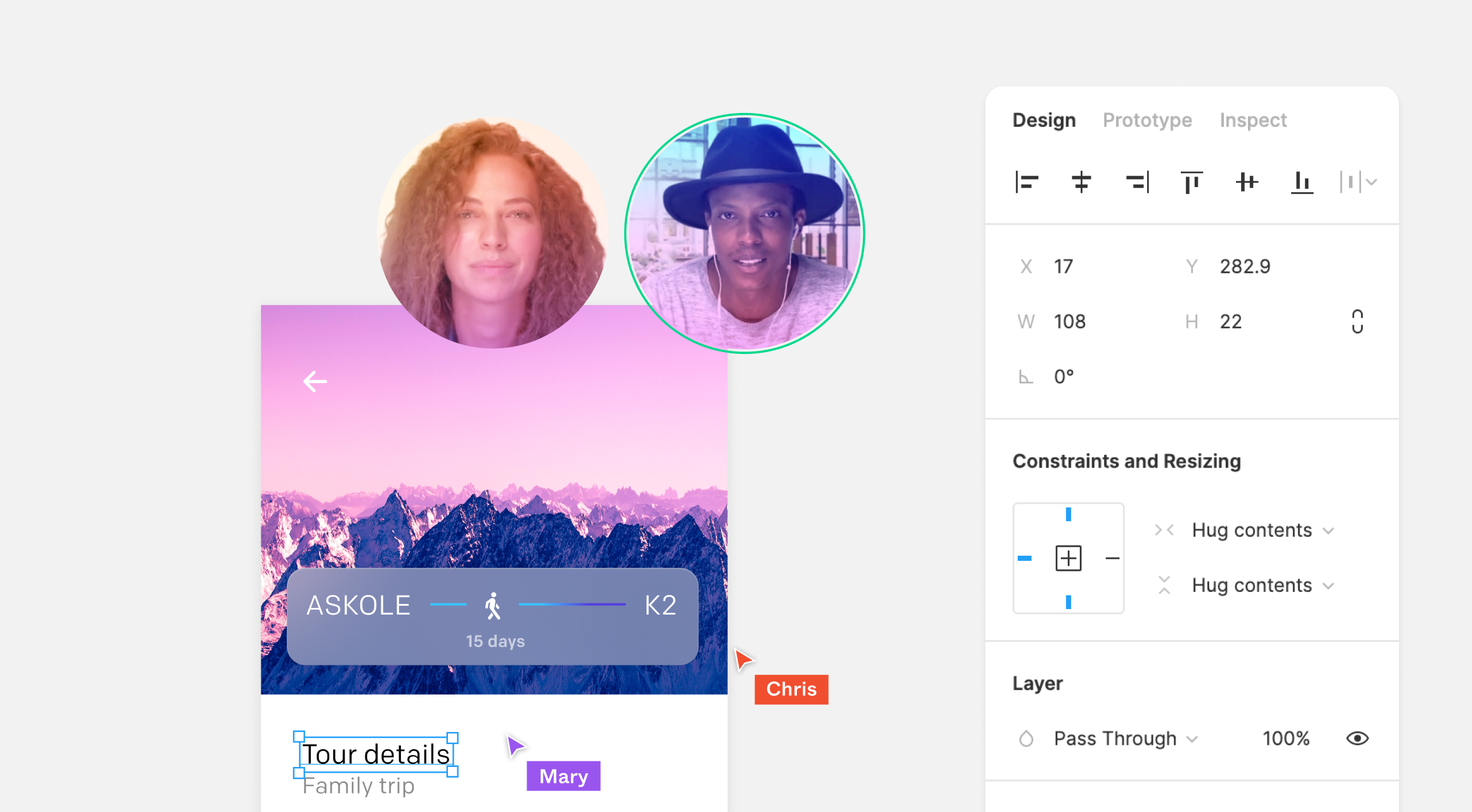
Around is a video call application built around a design-first premise: instead of presenting each participant as a large rectangular tile, it renders people as small floating circles containing only their face. The result is a call experience that feels noticeably different from conventional video conferencing, particularly in group conversations and with people you speak to regularly.

Why the circles matter
The appeal is partly practical and partly psychological. Participants still get the face-to-face connection, but the rest of the room — cluttered shelves, laundry, dead plants — stays out of frame. Even with a tidy background, having a camera pointed at your whole space for an extended period produces a tangible fatigue. Sharing only a cropped circle reduces that, and it also lowers the pressure to hold eye contact.
Face detection drives the framing. The virtual camera zooms to size your face correctly within the circle and pans to keep you centered when you move. The color filters, which look like pure novelty, serve a similar purpose by further reducing video fatigue.
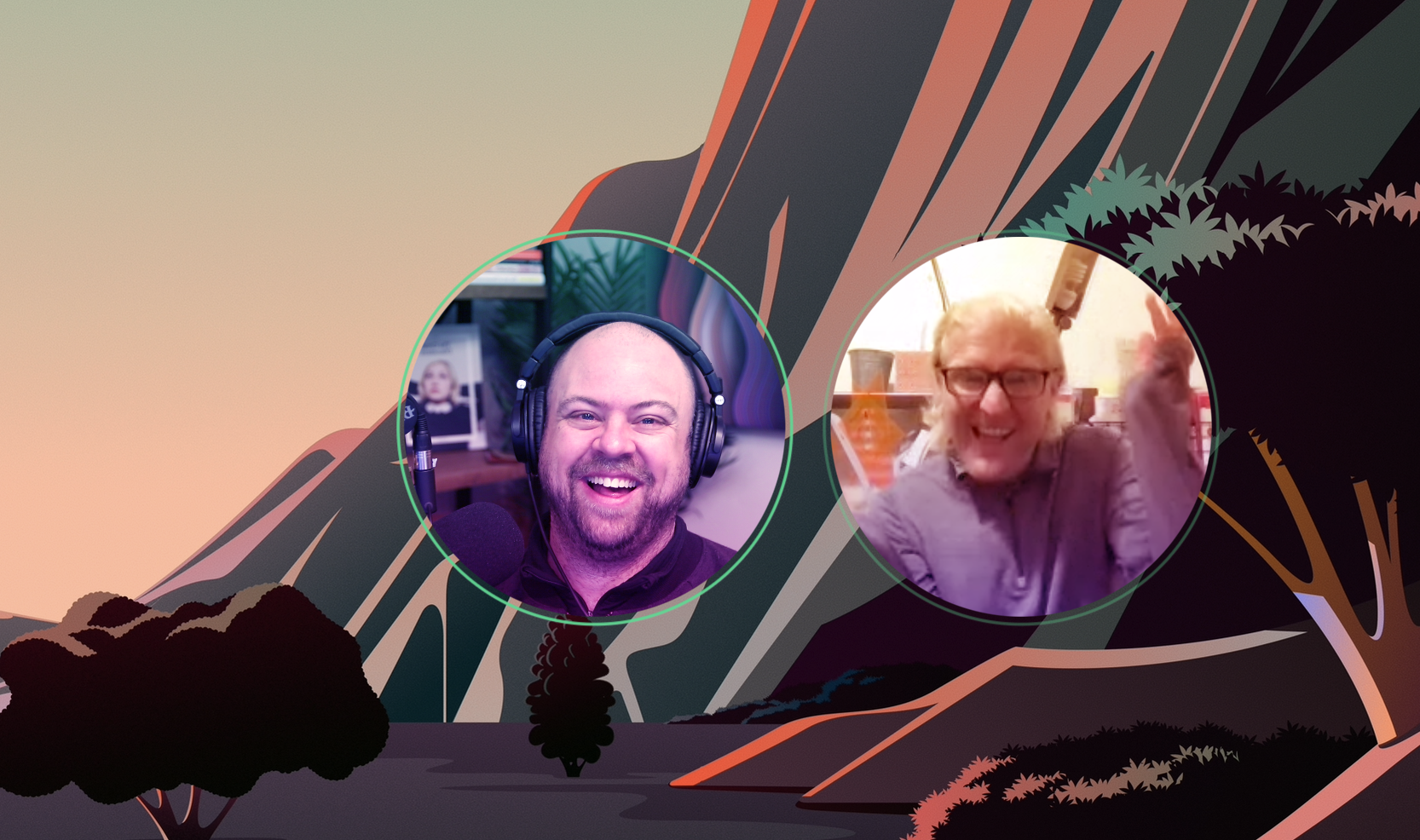
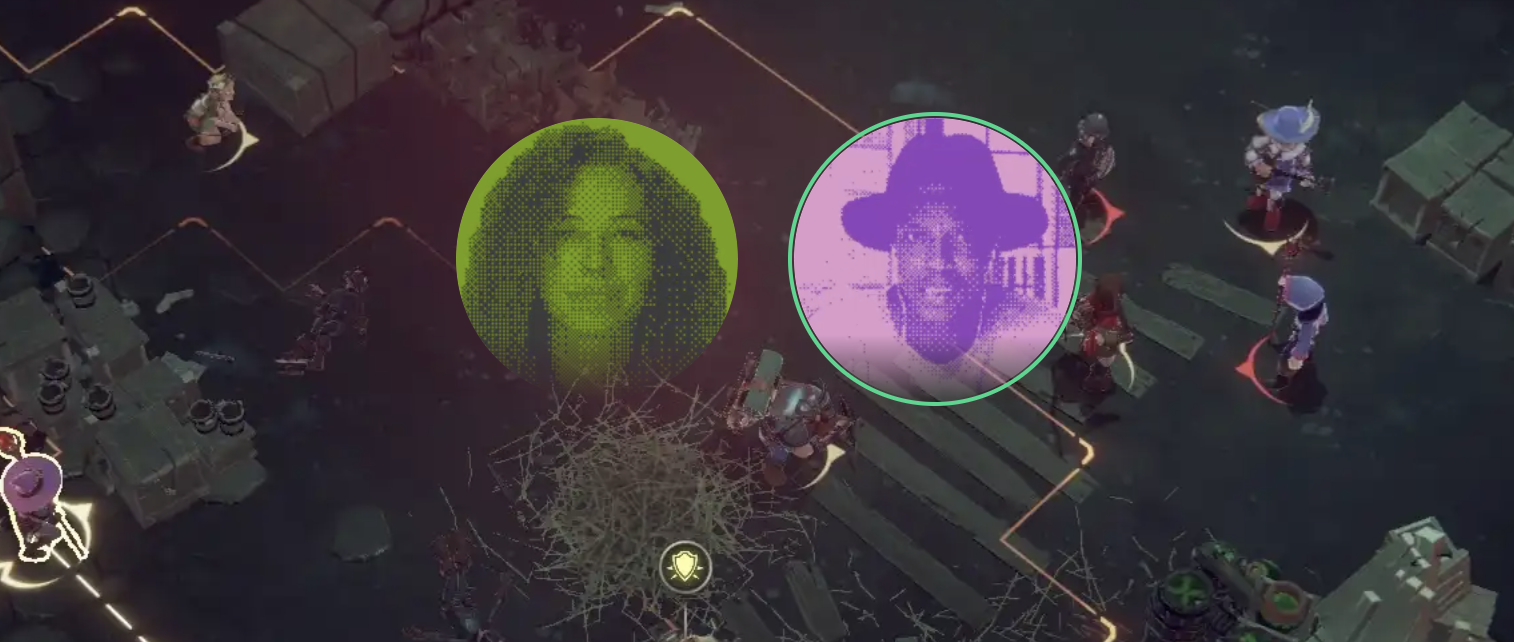
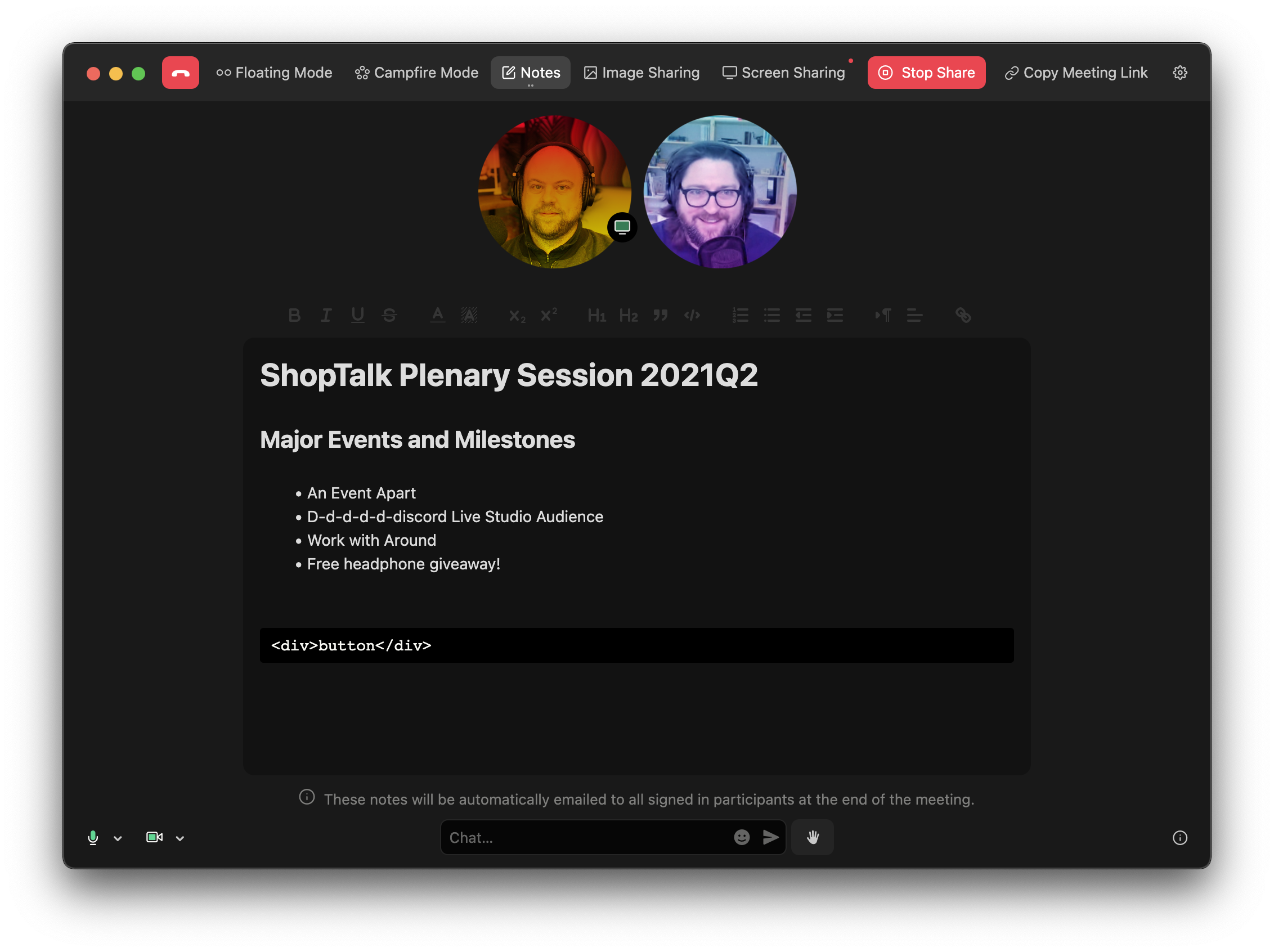
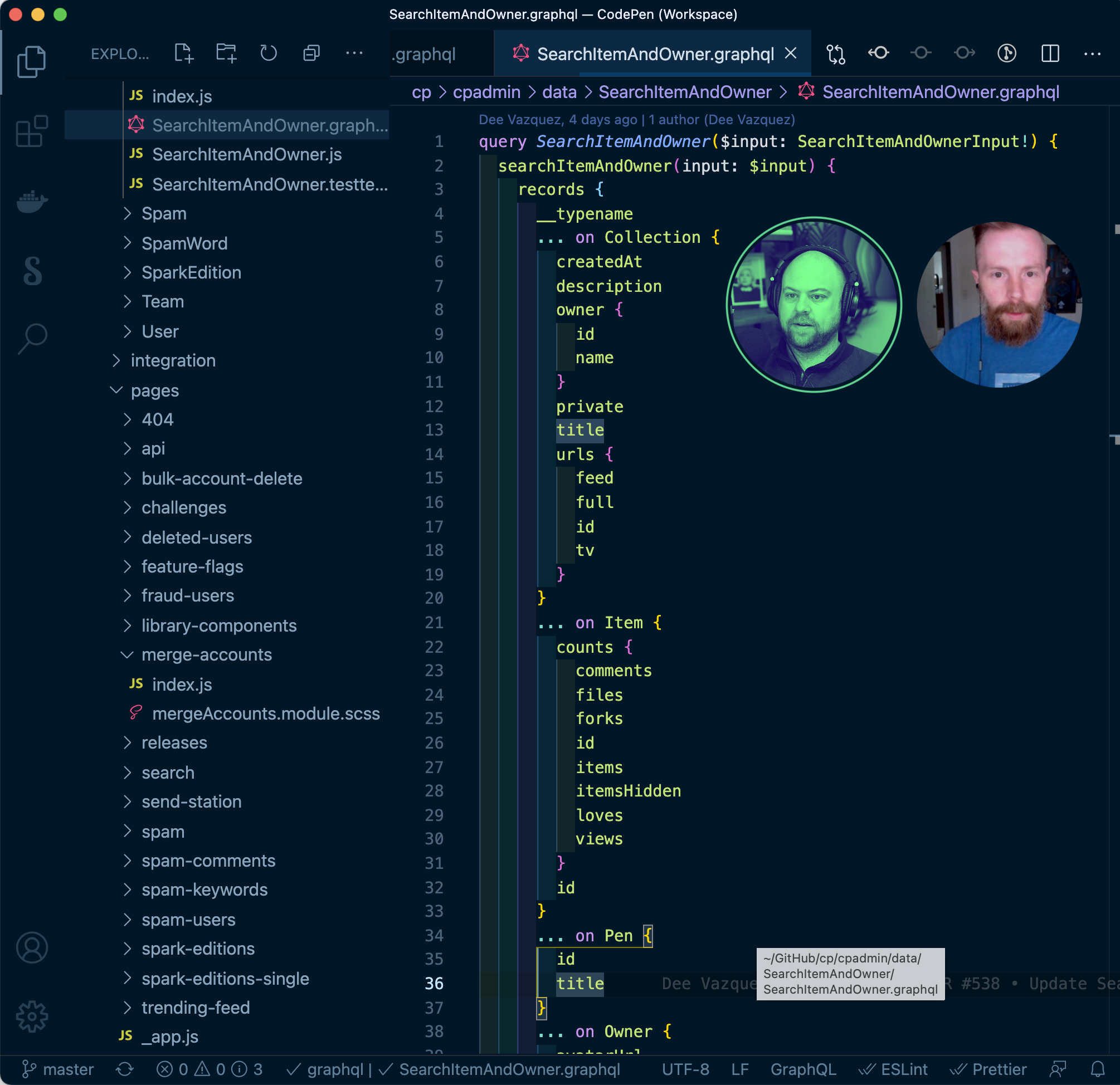
The circle representation persists across the app rather than being tied to a single view. Floating circles are the preferred mode, but Campfire places everyone together in a more conventional dedicated window, and the circles follow along into Notes and Image Sharing views.
Collaborative notes and email delivery
Every call includes a collaborative Notes view with a polished editor built for genuine formatted note-taking, not a chatroom-style afterthought, and real-time synchronization works as expected.
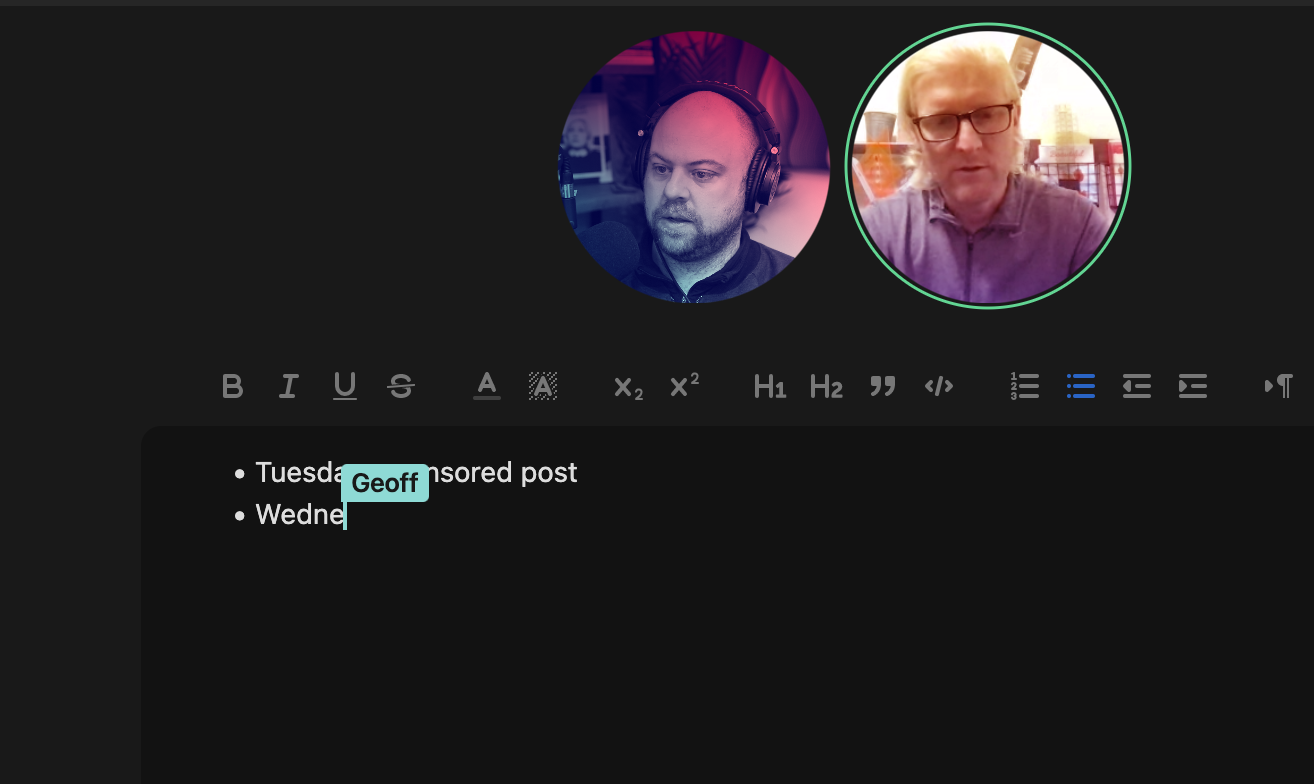
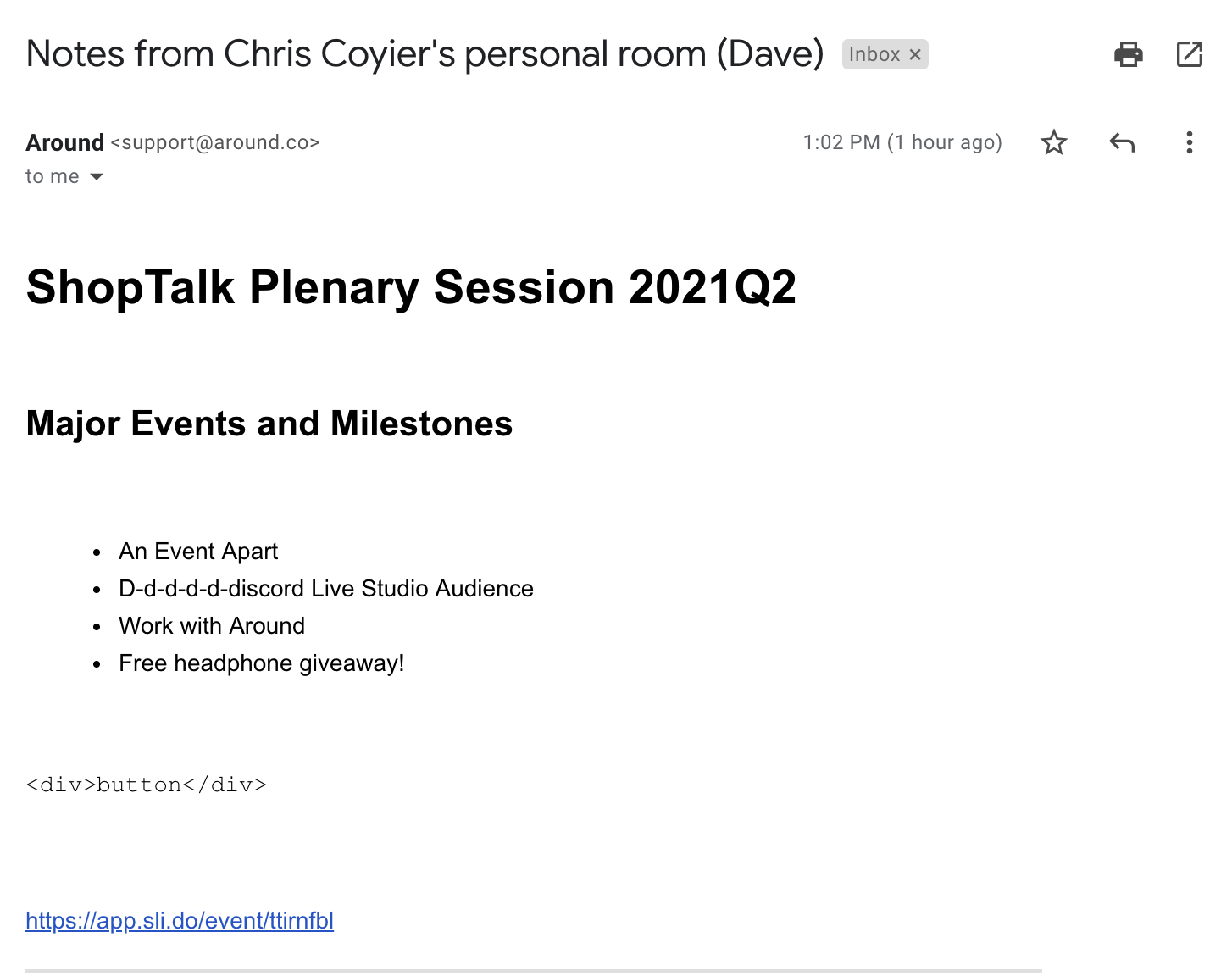
The standout behavior comes at the end of a meeting: everyone in the call is emailed a copy of the notes automatically.
Chat, images and screen sharing
Around also offers a chat feature with a deliberate twist. A sent message appears next to your floating head and remains there until you remove it — exactly one message at a time. That fits the medium: participants are already talking, so the usual need is to drop a link or a quick piece of information rather than run a parallel text conversation.
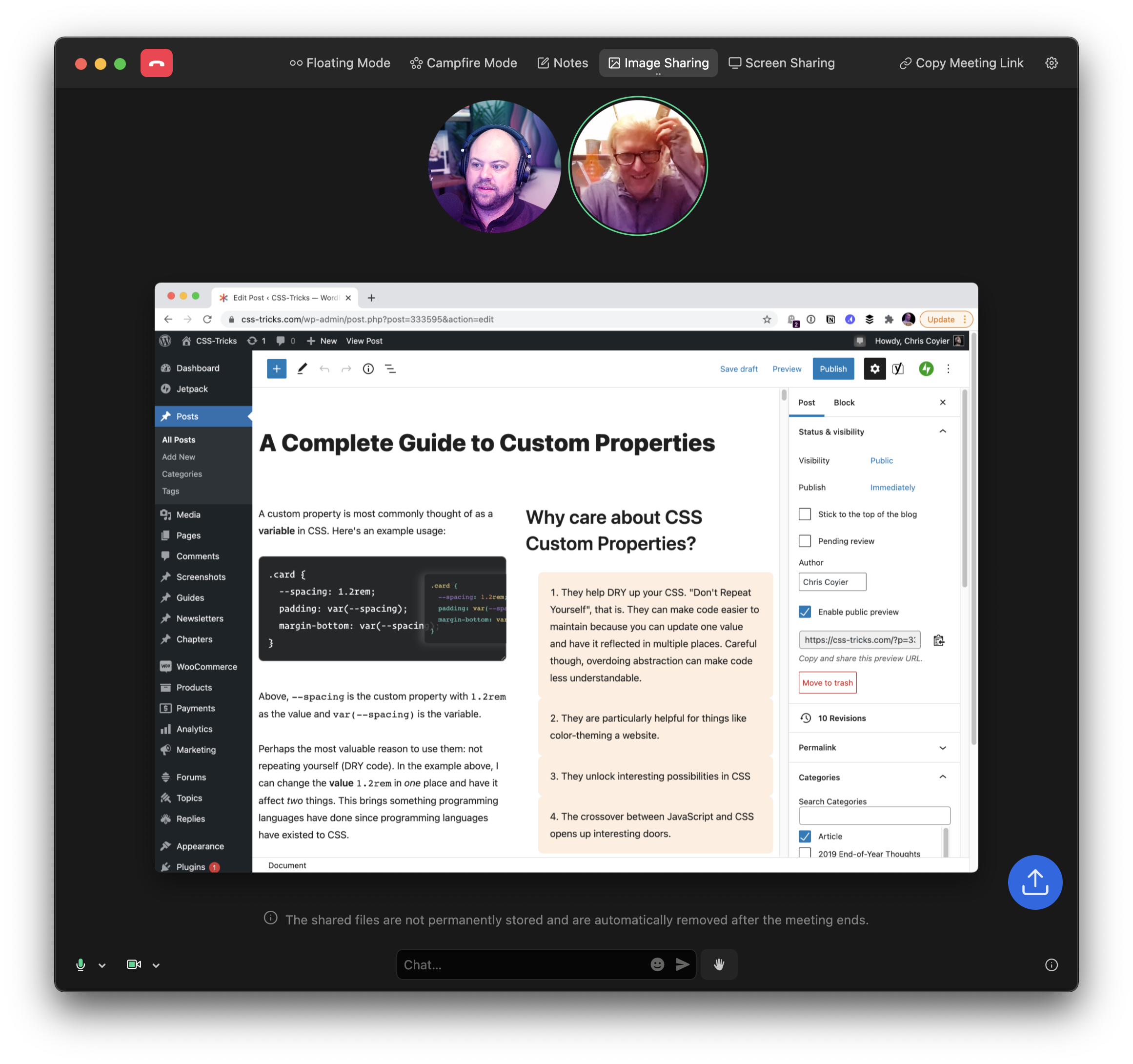
Image Sharing is a focused view for getting everyone to look at the same thing at once.
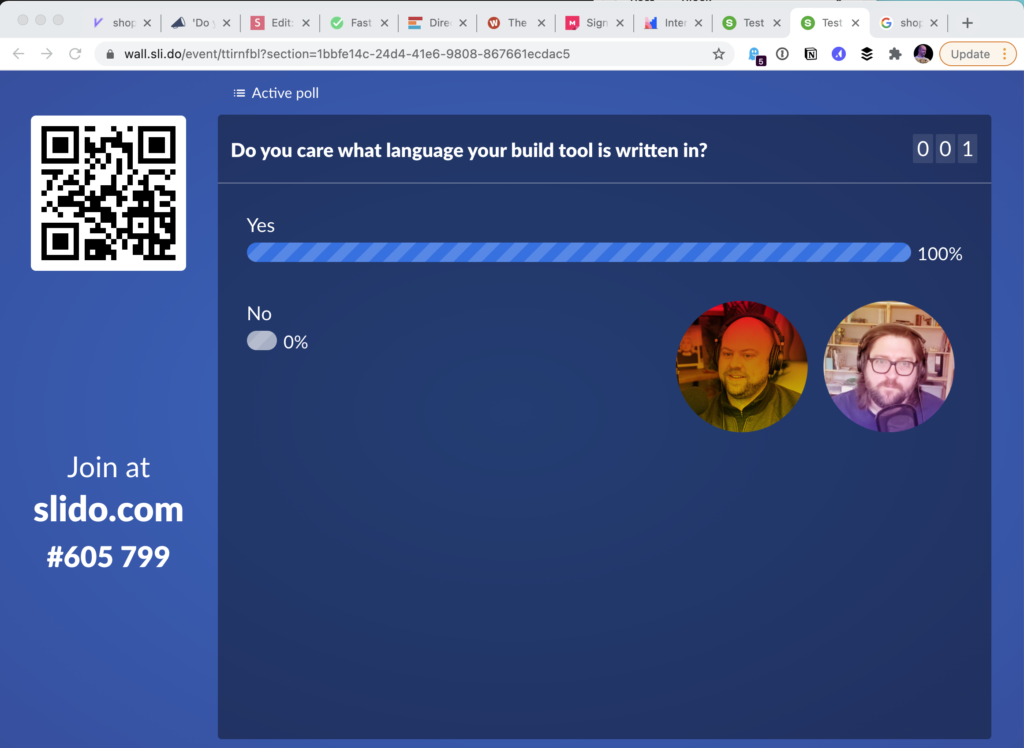
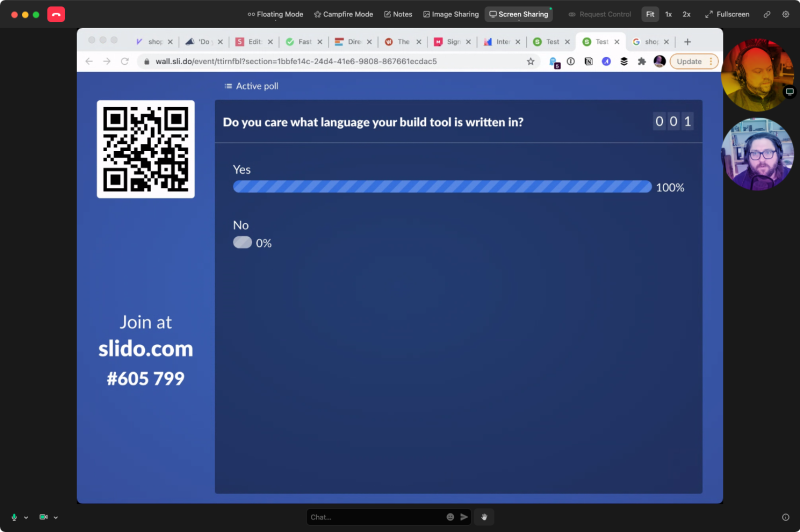
Screen sharing covers the expected ground: share the entire screen or a single selected window, and hand control of your machine to the person you are sharing with, which is useful for pair programming.
Audio handling and EchoTerminator
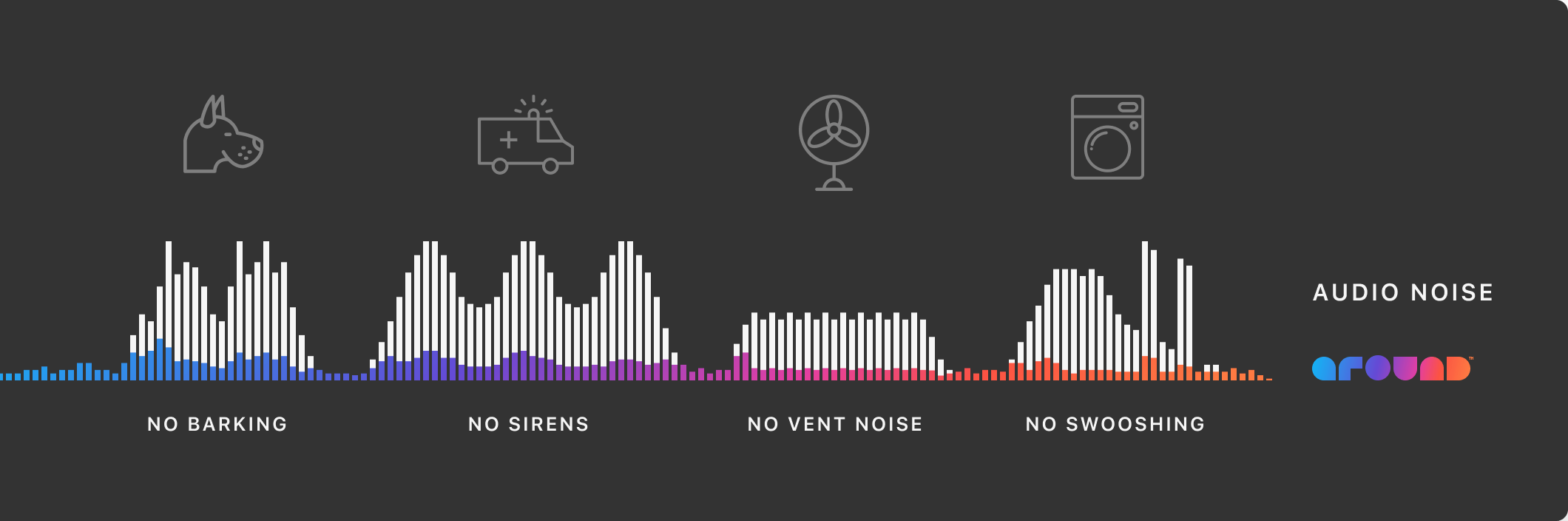
Built-in noise reduction contributes to audio quality that is immediately noticeable on a call. Around also ships EchoTerminator, which extends echo cancellation to a case ordinary conferencing handles poorly: multiple people in the same physical room joining the same call. Rather than muting everyone but one speaker and hoping for the best, the echo and feedback are handled without user intervention.
Integrations
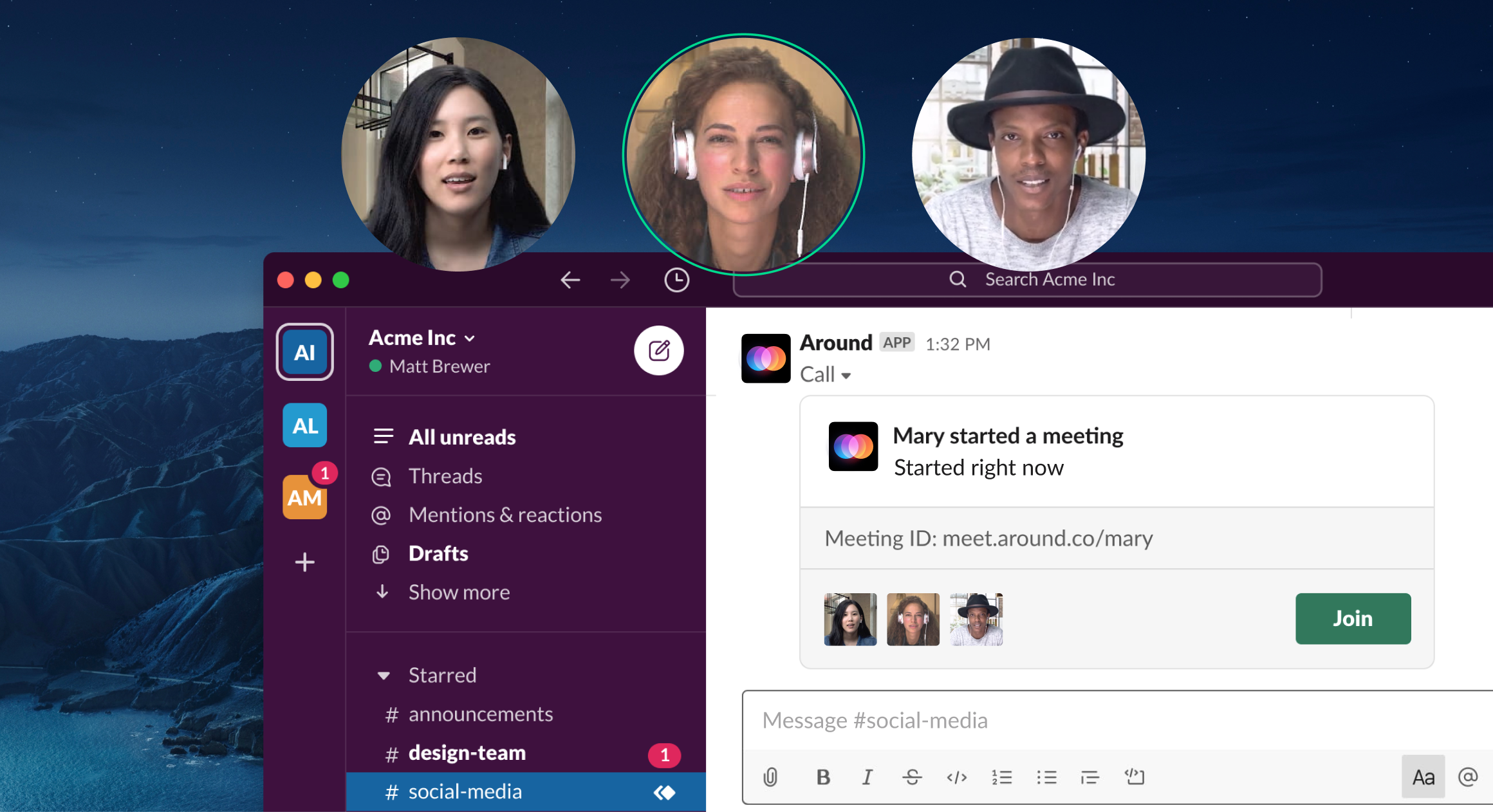
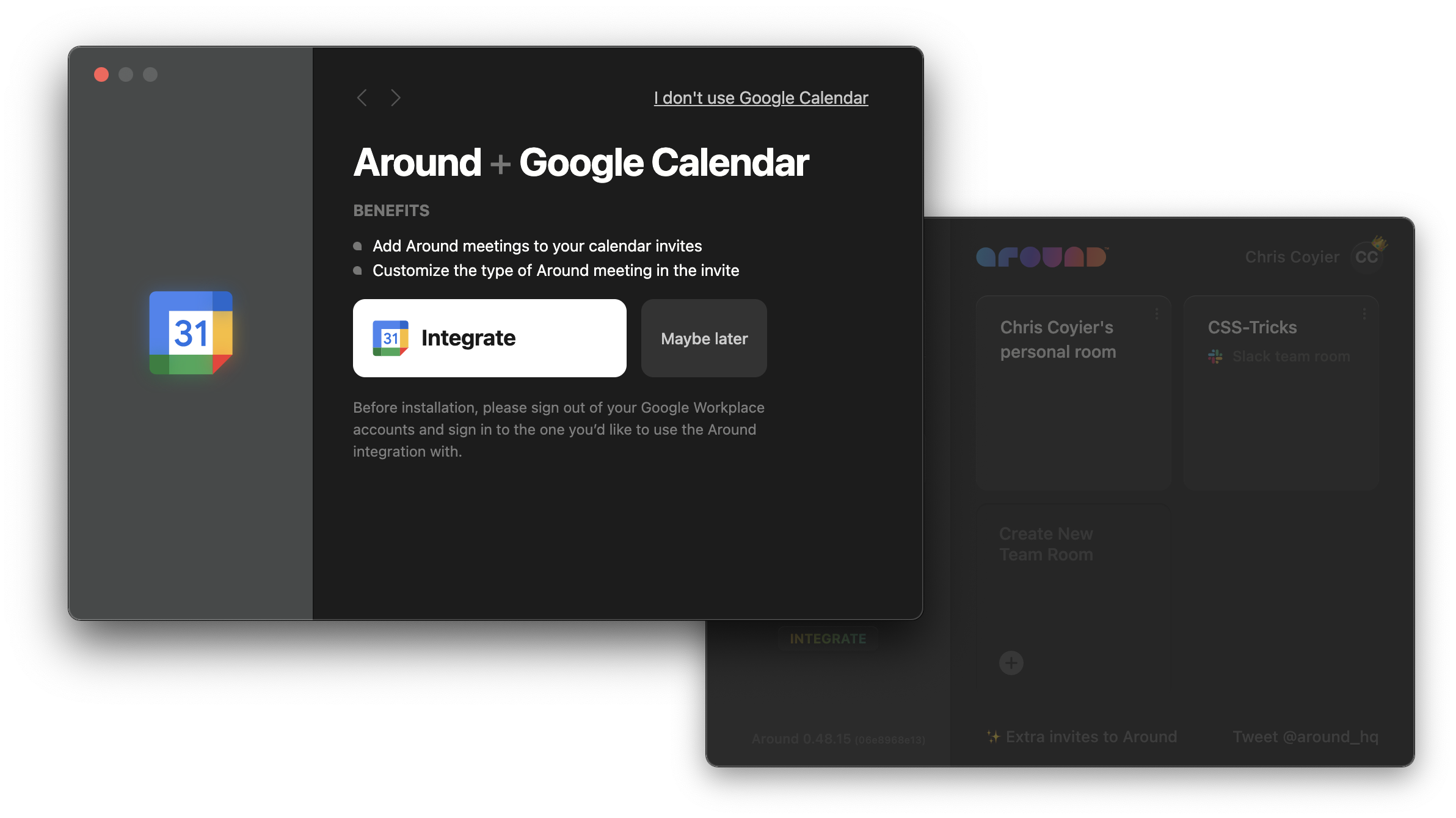
For day-to-day use, Slack is the integration that matters most, since calls frequently start from where coworkers already are. The /around slash command launches one directly. Google Calendar integration is included as well.

Security model
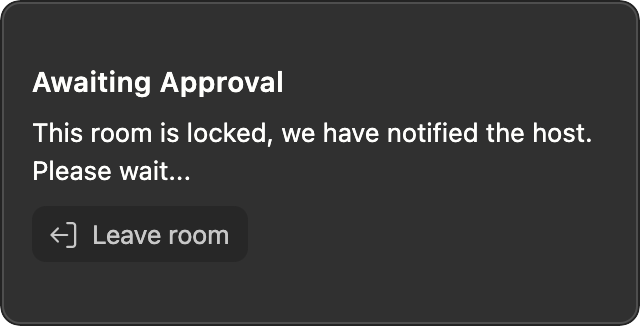
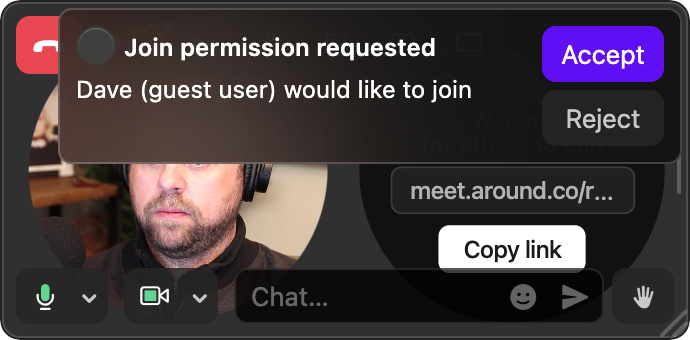
Shared images live on Around's servers only for the duration of the call and are deleted afterward. All text is encrypted. Meeting rooms carry one-off IDs plus entrance controls, which limits the risk of unwanted participants joining.
Availability
Around is free to download, with pricing planned for later this year.



