
Put a Background on Open Details Elements
An open <details> element can leave it slightly unclear where its content begins and ends. It's not a particularly difficult problem, and it doesn't always matter, but it came up recently as a small quirk worth noting.
A visual example shows the issue:
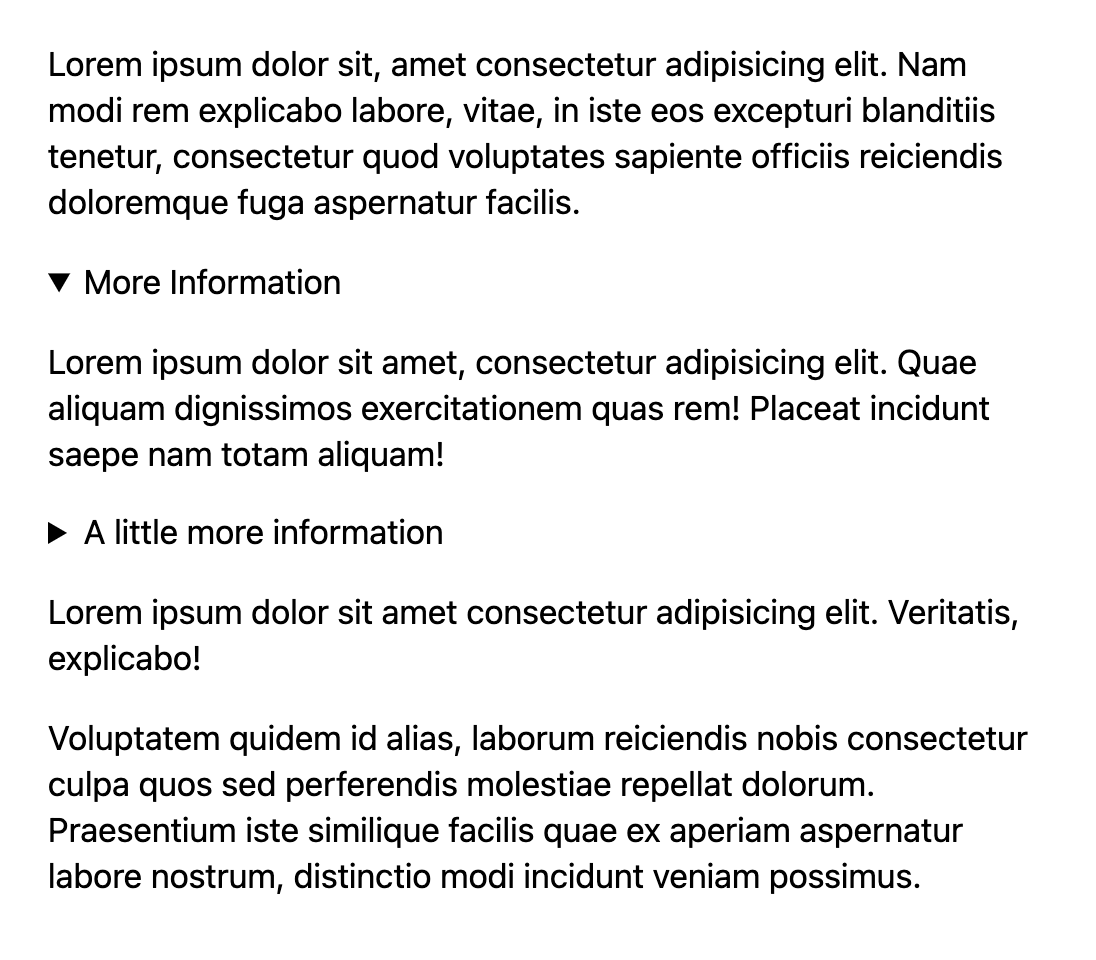
<details> and what isn’t?The fix is CSS. Give the <details> a somewhat distinct style and the ambiguity disappears. This works even if you want the typography to stay the same, or you don't want any special styling until the element is open. An alpha-transparent fill also keeps deeper-nested <details> elements clear.
For <details> that you just slug into inline content (like a "spoiler" UI or something) I like the idea of some kind of border or background showing where the content ends. Nice for nested details as well.@CodePen https://t.co/1aVadri1Ci pic.twitter.com/jIvUquIbbw
— Chris Coyier (@chriscoyier) June 3, 2021
Here's that CSS:
details[open] {
  --bg: rgb(0 0 0 / 0.2);
  background: var(--bg);
  outline: 1rem solid var(--bg);
  margin: 0 0 2rem 0;
}
And the demo: