
Escaping Waterfall Thinking
As Slack has grown, engineering and product teams have at times fallen back into a sequential, waterfall workflow: propose an idea, research it, spec it, then build it. The problem is that the cost of reversing course rises with every phase you pass. Realizing a fundamental flaw during implementation means going back to the drawing board, which can feel like a failure of planning rather than a natural part of discovery. The obvious fix is to get clarity earlier — to work iteratively instead of linearly. But that requires a level of trust and autonomy that teams have to build deliberately. We've found that making the prototyping process explicit is an effective way to break this pattern. What follows isn't a rigid methodology; it's a simple framework you can adapt to fit your team's context.
What Prototyping Is For
Prototyping is best understood as a process for learning and evaluating. Use it when you have an assumption to validate, a specific direction that needs feedback, or a technical plan you want to stress-test before committing. It's equally valuable for exploring broad opportunities cheaply: building a rough version of a long-discussed feature can tell you whether it's worth pursuing at all. Crucially, prototyping provides the guardrails to fail productively — failure here is a planned outcome that yields learning, not a post-mortem surprise.
The process breaks down into three steps: hypothesize, execute, and evaluate.
1. Hypothesize: Define Success and Failure Up Front
Before writing any code, write down the precise statement your prototype is meant to prove or disprove. Equally important is defining what failure looks like. This forces you to be clear about your assumptions and prevents you from moving the goalposts once you're invested in a direction. A failed prototype is not a dead end — more often it leads to a reformulated hypothesis and a new iteration.
A few real hypotheses from Slack projects illustrate the point:
💡 What-you-see-is-what-you-get messages can be displayed seamlessly alongside existing messages in the database.
- ✅ Older messages continue to display correctly alongside newer WYSIWYG-formatted messages.
- ✅ The search infrastructure can be modified to return results from both formats.
- ❌ All old messages need to be migrated to a new format to support WYSIWYG.
Result: Success. This early prototype paved the way for the WYSIWYG engineering project.
💡 CSS-in-JS will make it easier and lower-risk to implement dark mode.
- ✅ We put together a basic dark mode prototype using a CSS-in-JS solution.
- ❌ The CSS-in-JS migration path causes us to fork our styles into two places that don't stay coordinated without additional tooling.
- ❌ CSS-in-JS doesn't unlock new technical possibilities for us.
Result: Failure. The migration path wasn't worth the investment, and we instead opted to use CSS variables.
💡 We could make Slack render in under 1 second by serving static HTML from the CDN rather than rendering a template from the server.
- ✅ Our proof-of-concept is close to, or under, 1 second of load time.
- ❌ We hit an insurmountable technical snag.
- ❌ We can't come convincingly close to 1 second.
Result: Success. This was the original prototype that led us to rearchitect the Slack client.
2. Execute: Write Throwaway Code
A prototype is your chance to validate an idea without production-quality baggage. If you plan to discard the code, shortcuts like hardcoding data, skipping tests, and ignoring the linter are fair game. For safety, isolate the prototype in its own repo or a distinct page, and always take the time to plan your technical approach.
3. Evaluate: Document and Decide
The output isn't the deliverable — the learning is. Take time to assess what went well, what didn't, and whether you met your criteria. Documenting your findings creates a valuable historical artifact: future teams can benefit from your experience by reading "we tried that; here's what we found." After evaluation, a failed prototype leads to a new hypothesis; a successful one might be captured in a detailed technical spec that seeds a full engineering project.
Prototyping in Practice
The framework sounds formal, but applying it is messier. Teams, stakeholders, and project realities shape how you execute. The Desktop Redesign gave us ample room to practice with varying levels of fidelity. In the early days, teams of designers and frontend engineers paired up daily. They'd settle on a concept and criteria each morning — say, a "start menu" UI — then spend the day building it, typically hacking through existing code to communicate the concept quickly. At day's end, they'd share a build with the team for feedback. This cadence required a high degree of trust and an ability to suspend disbelief; evaluators had to understand the criteria and imagine away rough edges. Good communication of what you're testing is essential.
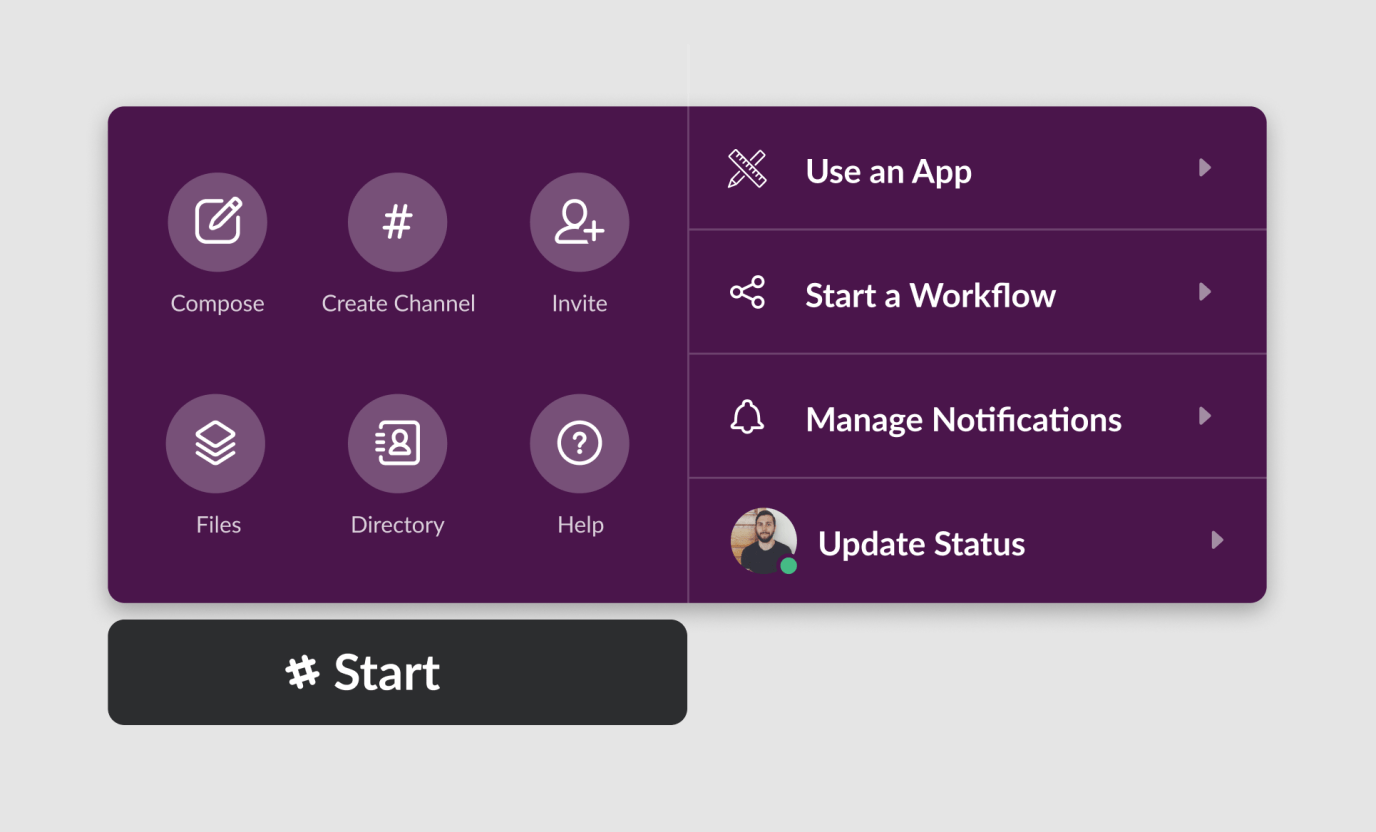
As concepts matured, prototypes needed a wider audience. We built several variations into the codebase with the ability to switch between them. The fidelity bar was higher — internal audiences have less tolerance for broken pieces — but we still asked for specific feedback against pre-defined criteria. Care was taken to mark the code clearly as prototype and ensure it was safe to check in.
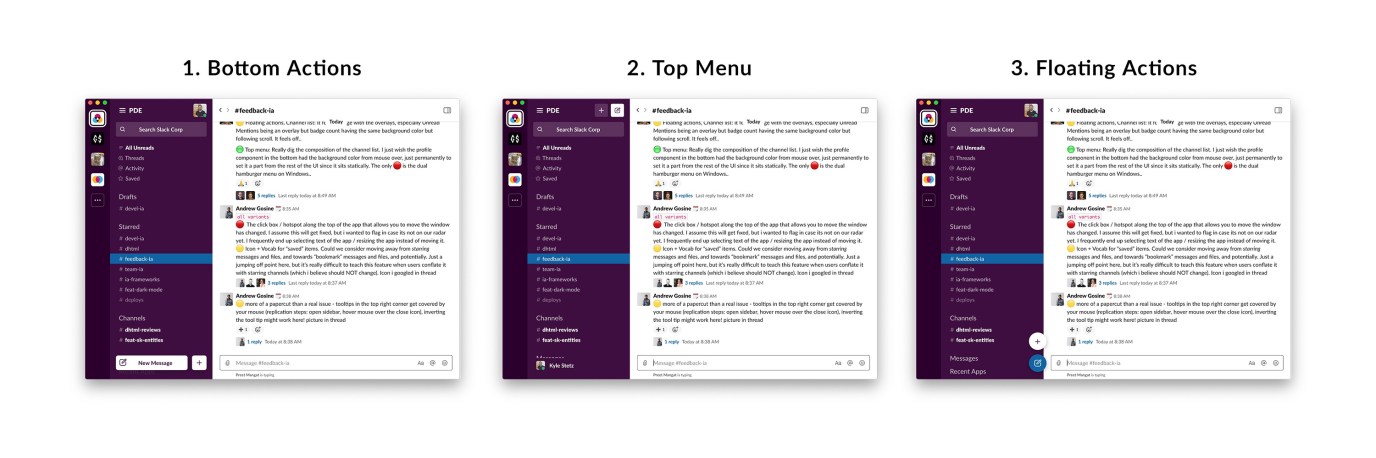
Even during final production implementation, we kept iterating on smaller details. Each completed piece prompted new questions: What if this was centered? What if it used the user's theme color? What if we built it another way? The iterative spirit persisted to the end, keeping us connected to our larger goals.
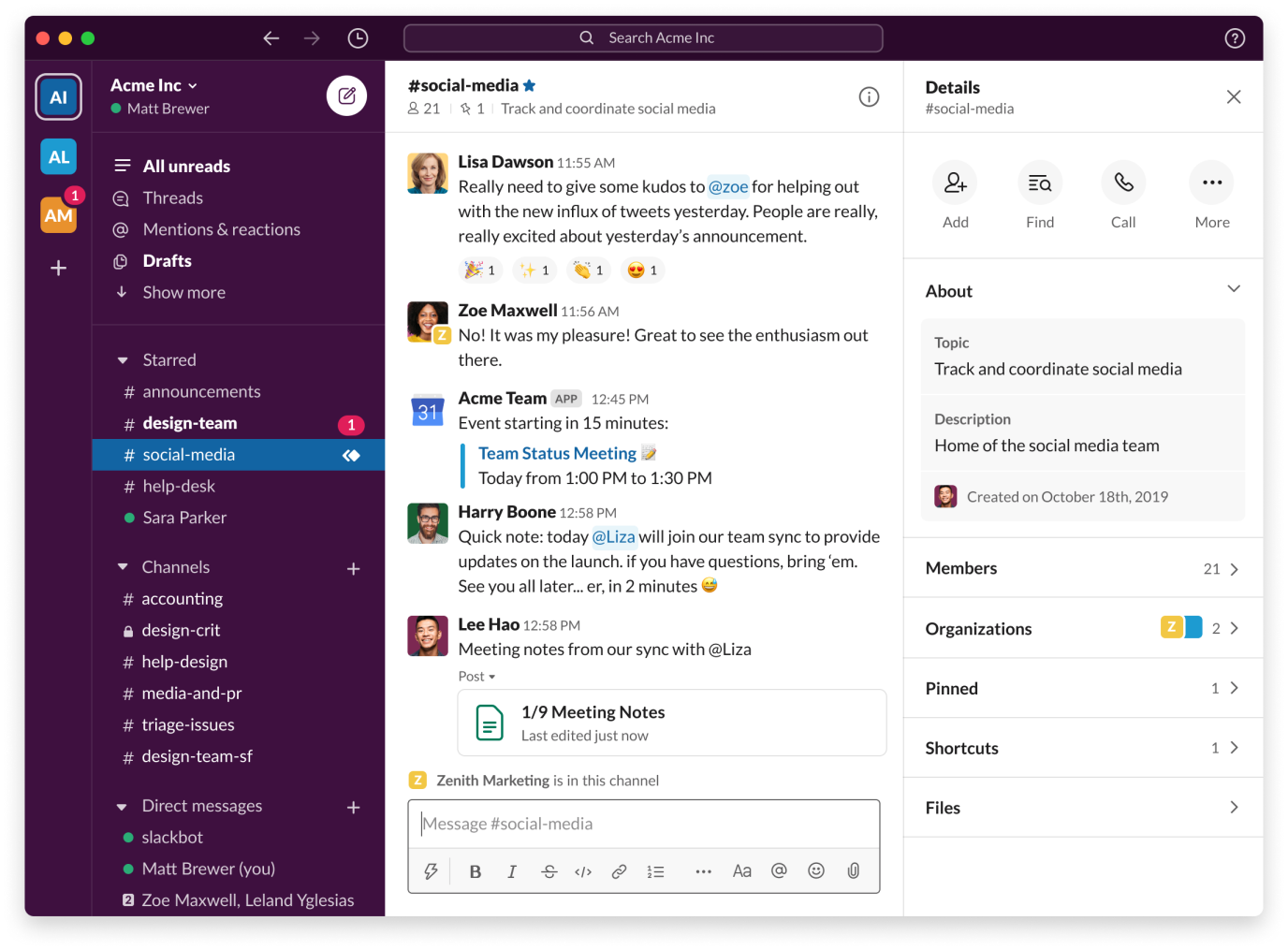
Adoption of prototyping at Slack is still growing. We've codified it into company-wide product principles and continue encouraging teams to find new ways to iterate.


