PaperWM brings a linear tiling model to GNOME
PaperWM is a GNOME extension that layers a tiling window manager experience on top of the stock GNOME desktop. Rather than replacing the desktop environment, it adds window-management behavior as a JavaScript extension, preserving the rest of GNOME's integrated functionality.
The extension was created for users who appreciate the keyboard-driven efficiency of standalone tiling window managers but don't want to give up the conveniences of a full desktop environment. It is also notable for taking a different approach from conventional tiling systems: instead of allowing arbitrary tiling layouts, PaperWM arranges all windows in a single horizontal sequence.
How the "paper" model works
The core concept is that windows are placed in a continuous line, which PaperWM's documentation associates with the linear window manager concept demonstrated in the 10/GUI video. This contrasts sharply with traditional tiling window managers, where the user partitions the screen into a custom grid of windows.
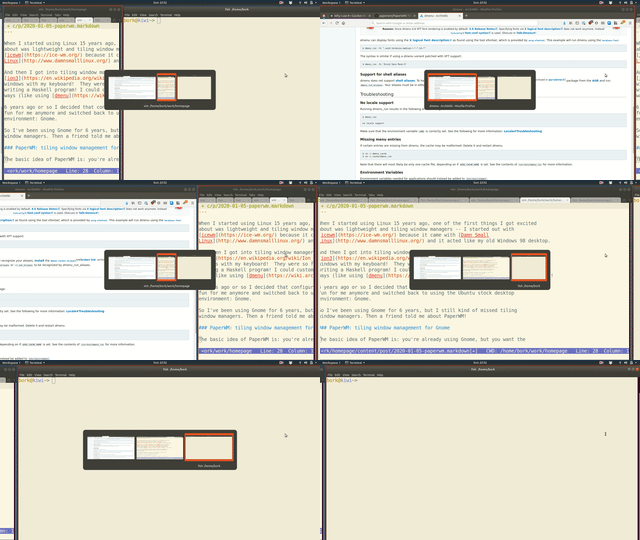
In practice, the linear layout simplifies window management significantly: navigation becomes a matter of moving left or right through the sequence to find the desired window, rather than mentally tracking a 2D arrangement:
Essential keybindings
While PaperWM offers many features, most daily workflows can be handled with a small set of default keyboard shortcuts:
- Switch between windows:
Super + ,andSuper + .for left/right - Reorder windows:
Super + Shift + ,andSuper + Shift + .move them left or right - Toggle full-screen:
Super + f - Shrink a window back to a smaller size:
Super + r
Configuration-free usability
The extension is configurable via a JavaScript configuration file, but it also functions well with its default settings. That makes it immediately usable without requiring the user to research or fine-tune options, a trait that sets it apart from highly customizable window managers such as xmonad.
This design philosophy — sensible defaults that don't demand configuration — has allowed the extension to become a long-term daily driver even for users who previously abandoned tiling window managers to move back to stock GNOME.


