The gap between web apps and native apps is shrinking
Everyone says Progressive Web Apps are "just websites." Microsoft's documentation, web.dev, and even the folks who coined the term all say it. It's true that underneath everything, a PWA is built with web technology. But the user experience can be far richer than a typical browser tab, closing much of the gap with platform-specific software.
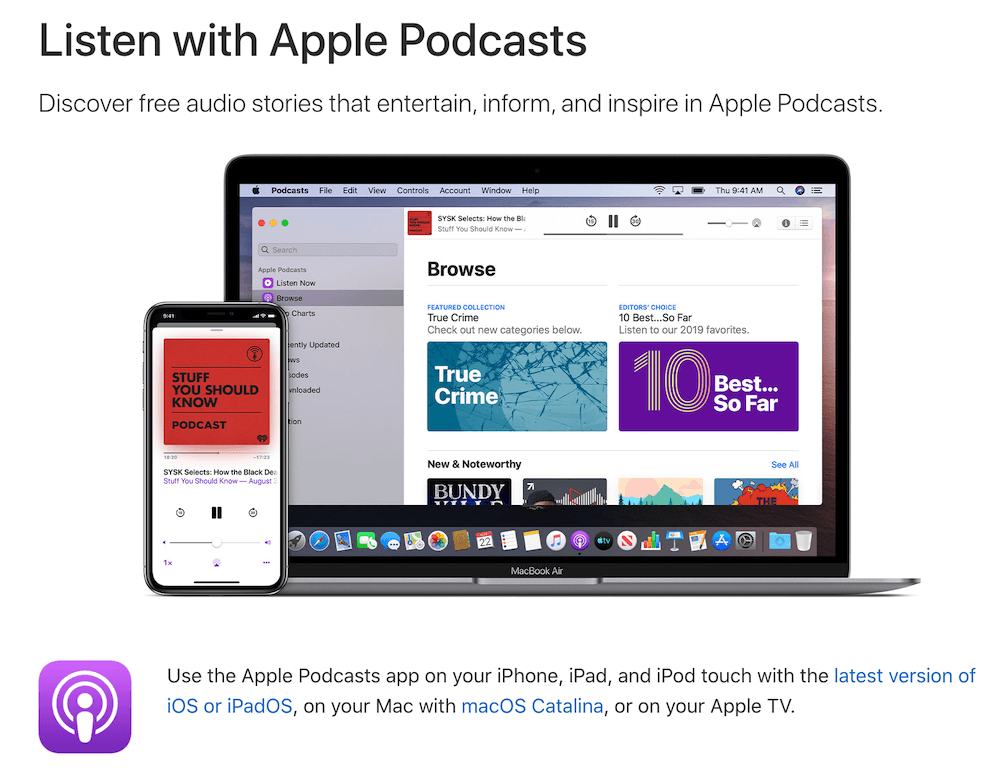
A useful benchmark for this is the Apple Podcasts app. It's a media player available on macOS, iOS, and iPadOS, and it demonstrates a set of behaviors that users have come to expect from "real" applications. Let's look at how those behaviors map to web platform APIs.
Works without a connection
Native apps open even when you have no signal. Apple Podcasts, for example, opens offline and acknowledges the lack of connectivity politely — the **Top Charts** section shows a "Can't connect right now" message with a **Retry** button, rather than a blank screen or an error page.
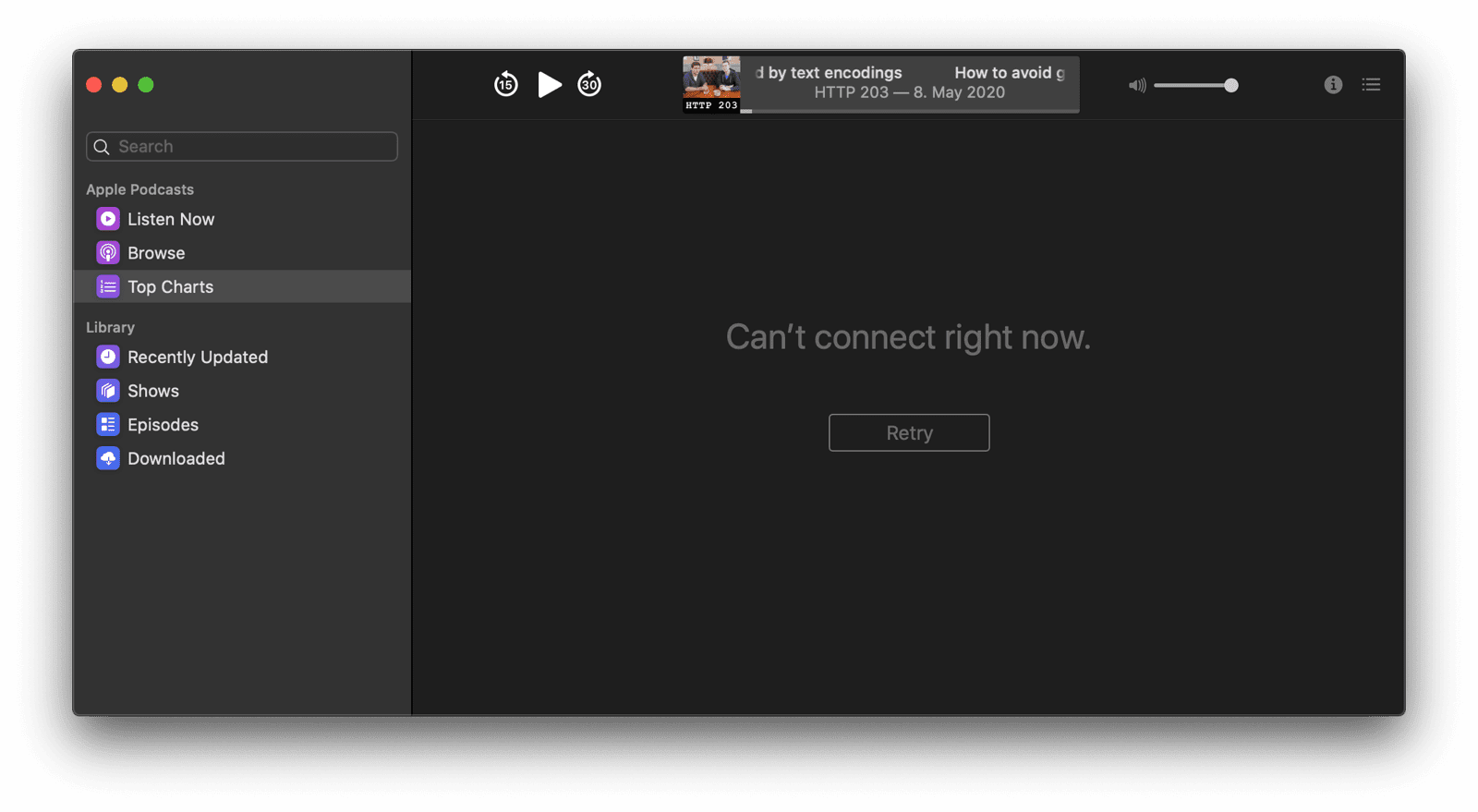
This is achievable on the web with the app shell model. The static parts of the app — UI chrome, icons, and core player controls — are cached locally so they render instantly. Dynamic data is fetched on demand, and when that fetch fails, the cached shell and fallback content remain accessible. The App Shell Model article explains the architecture in depth.
Offline media and persistent storage
Beyond the shell, real apps let you consume content that was fetched earlier. In Podcasts, the **Downloaded** section stays fully browsable offline, with all artwork, descriptions, and metadata intact, and episodes play back from local storage.
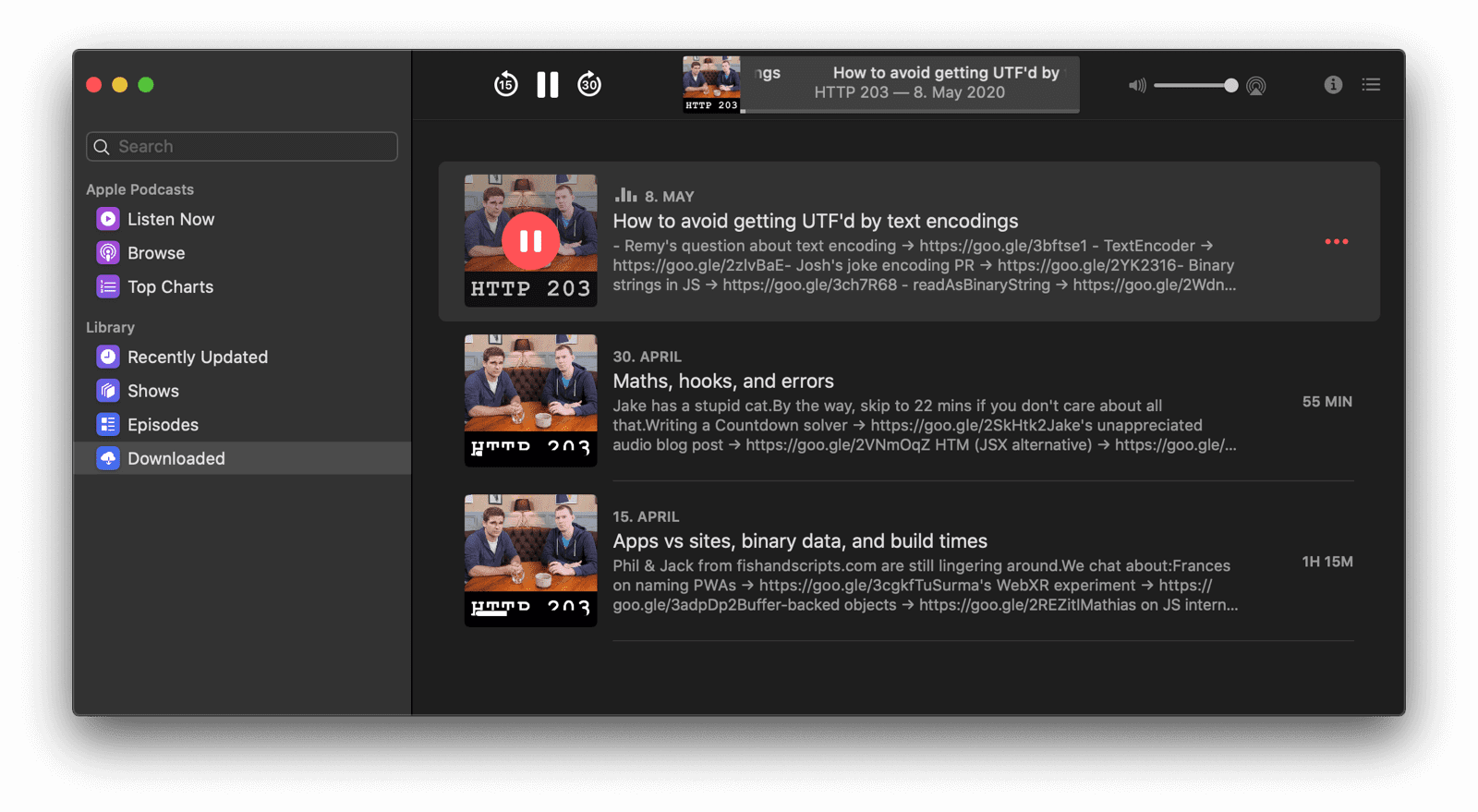
For the web, the Serve cached audio and video recipe in the Workbox library handles this media playback scenario. For other types of content, you can choose between the cache and IndexedDB, with the details covered in Storage for the web. If your content absolutely cannot be evicted, the Persistent Storage API can prevent the browser from purging it under memory pressure.
Background downloads
In the Podcasts app, subscribing to a show triggers an immediate download of the most recent episode. This action doesn't require the app to stay in the foreground, and it completes without user intervention.
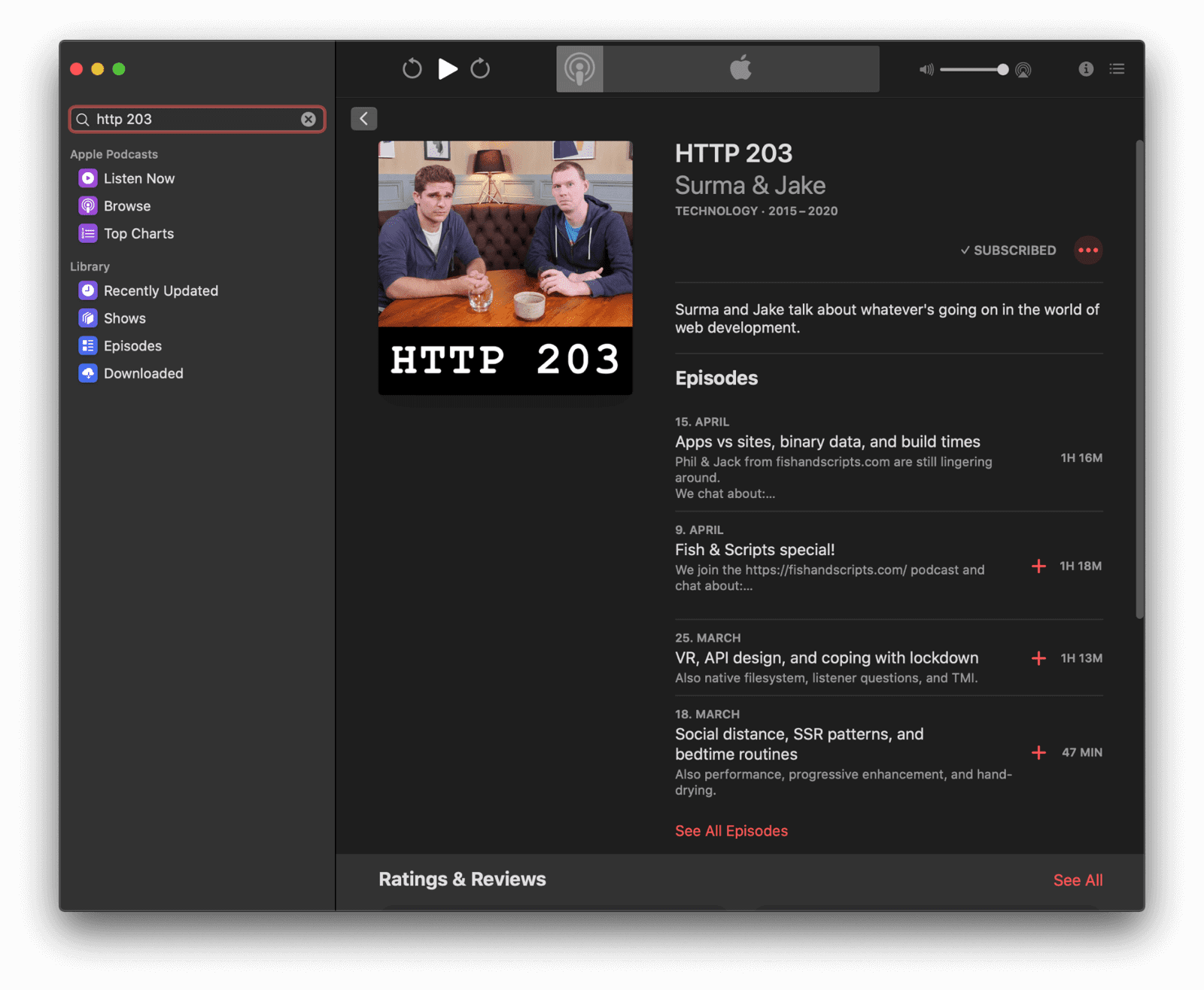
The export route for long downloads is the Background Fetch API. It hands the download job to the browser. On Android, the browser can delegate the job to the operating system entirely, so the browser itself doesn't need to stay running. When the transfer finishes, your service worker is woken up and can process the result.
Talking to other apps
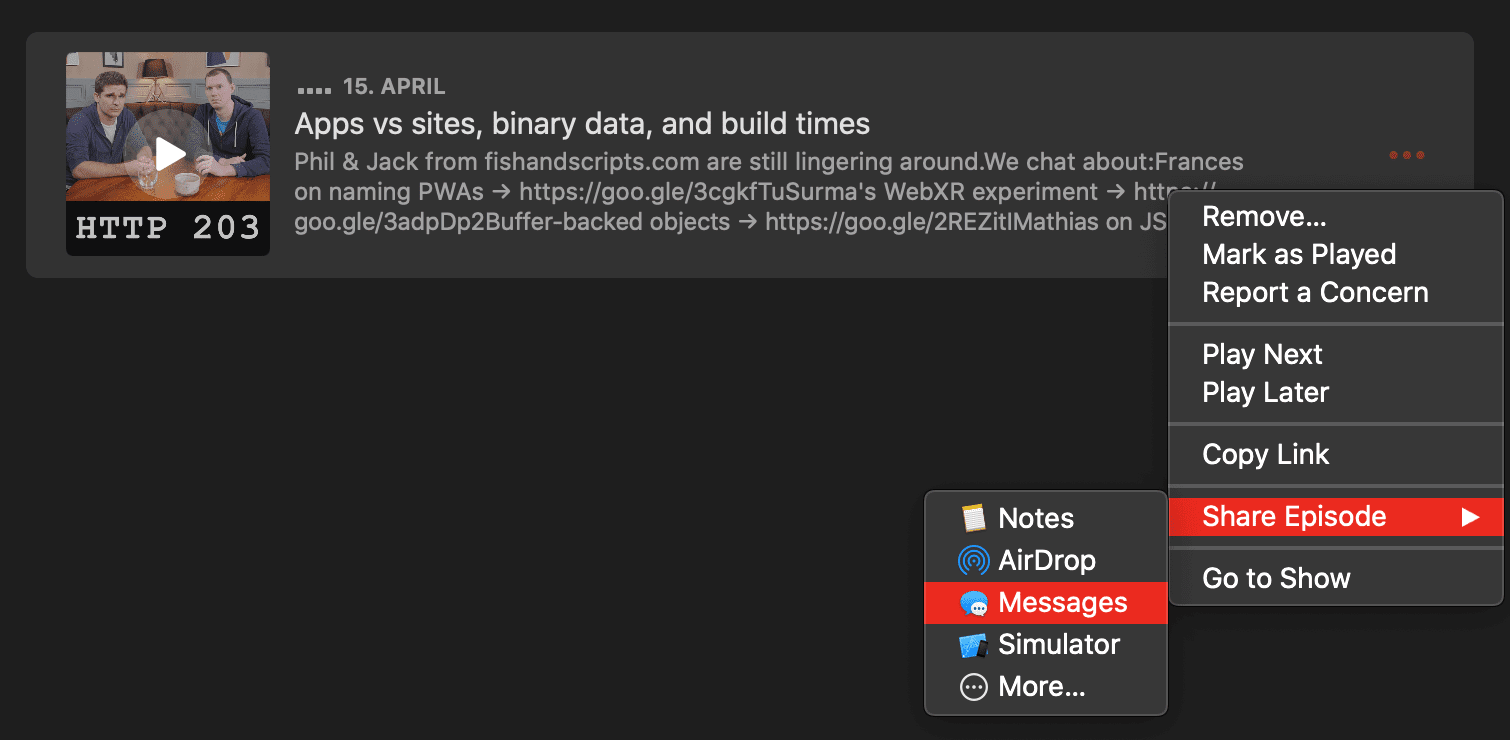
Native apps on a device don't exist in isolation. Podcasts lets you share episodes to the Messages app, and you can right-click an episode to copy its link to the clipboard. A web app now has similar capabilities.
The Web Share API and the Web Share Target API let you send and receive text, files, and links to and from other installed applications. The Async Clipboard API permits programmatic reading and writing of text and PNG images to the system clipboard from your web page. On Android, the Contact Picker API enables an app to let a user select an entry from their device contacts. And if you have both a native app and a PWA, the Get Installed Related Apps API can determine if the native app is already installed, which helps avoid pressuring a user to install the PWA or subscribe to push notifications they may already be getting through the app.
Refreshing content in the background
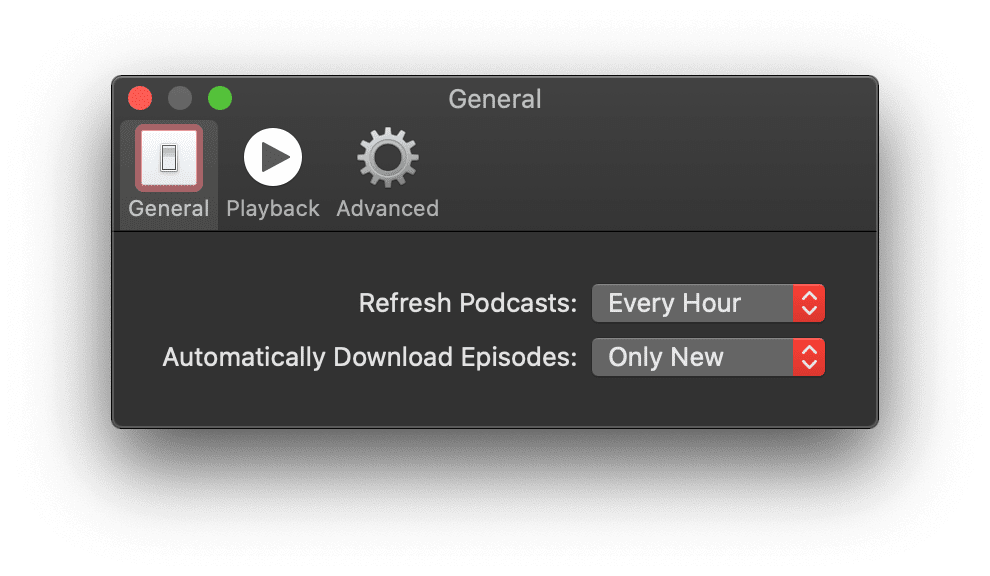
Configuring the Podcasts app to download new episodes automatically means the content is always up to date when you launch it. Nothing requires you to remember to hit "refresh."
The Periodic Background Sync API provides this proactive refresh cycle for your web app. Your service worker can fetch fresh content on a schedule while the app isn't running, so the moment a user opens the PWA, the new material is there waiting.
A caveat applies, but the Periodic Background Sync article details how to implement it.
Cloud-synchronized state
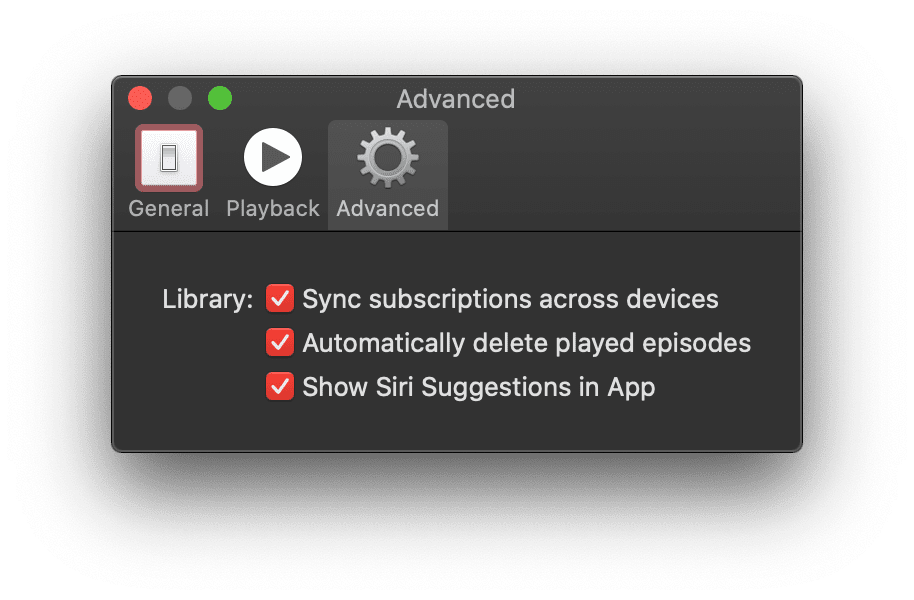
In Apple Podcasts, your subscriptions are synced across devices without manual intervention — you don't need to figure out which state is on which device, and any overhead of duplicate data is handled. Playback position follows you.
For the web platform, the Background Sync API fits this pattern neatly. The synchronization barely matters to the user, as long as it happens — whether that's "right now" or "at some point very soon." The API is designed to allow that eventual sync even after the user closes the PWA.
Hardware media keys
Native apps respond to global media controls across the operating system. If you're reading a webpage in the browser but the Podcasts app is playing audio in the background, the hardware play/pause or skip keys on your laptop still control the audio.
The Media Session API extends the identical set of controls to web pages. You can bind your media player to hardware keys on keyboards and headphones, and also to software controls on smartwatches. For extra polish, the API can trigger haptic feedback via a vibration pattern when the user seeks past a meaningful segment boundary, such as a chapter.
Installation, identification, and multitasking
An app must be a first-class citizen in your list of apps. It has a distinct icon, can be pinned to a dock or home screen, and runs in its own window separate from the browser.
PWAs support installation from a proactive prompt or from developer-controlled code. What does it take to be installable? gives the complete picture. For the operating system, this happens on desktop and mobile. The moment the PWA is installed, its launch appears as an independent application alongside others during multitasking.
Interface shortcuts
In addition to the installable surface, mac-style apps often expose key actions through a context menu on the app icon.
In the Podcasts dock menu, common actions like **Search** and **Check for New Episodes** are one right-click away. The Options menu permits the app to be configured to start at login.
The PWA app icon shortcuts specification defines a way to expose similar context-menu items tied to specific routes in your app. On some platforms, a right-click on an installed PWA may natively offer settings to launch at login. There is also an ongoing proposal for web app developers to request "run on login" behavior explicitly from the web platform.
Deep linking via custom URL schemes
One way a native app persists in a user's workflow is by being linkable from other web properties, emails, or a podcasts:// style URL. Clicking any of these links opens the appropriate application seamlessly.
Right now, standard web URLs (e.g., https://) perform the equivalent job for most PWAs. However, bespoke protocol schemes aren't supported. New standards work under URL Protocol Handling aims to fill this gap. In the meantime, browsers support registerProtocolHandler() with schemes prefixed by web+.
Access to local files
Even apps like Podcasts need to persist data to the file system, though they might keep it in an application-specific container directory, not a folder users normally navigate. For instance, downloaded episodes land in ~/Library/Group Containers/243LU875E5.groups.com.apple.podcasts/Library/Cache on your hard drive, tucked away from ~/Documents and similar user-visible directories.
The File System Access API provides that level of access to your PWA's code. With direct access or through helpers browser-fs-access to fall back in unsupported browsers, you can read from and write to system folders. Just as native apps hide their internal workings, certain operating-system directories are unavailable for security, but any folders the user grants you permission to access remain available to your PWA.
Matching the platform's visual language
Native apps inherit the host OS's visual conventions almost for free. The Podcasts app, for instance, uses the system font, respects the user's color theme (including dark mode), and makes its UI text non-selectable. These details are easy to overlook, but they contribute significantly to how native the app feels.


On the web, the user-select CSS property with a value of none prevents accidental selection of UI elements like button labels—though it should never be applied to actual app content. Setting font-family to system-ui pulls in the platform's default UI font. For theming, respect the user's prefers-color-scheme preferences, optionally offering a dark mode toggle to override it. If you need custom scroll-boundary behavior, such as pull-to-refresh implementations, the overscroll-behavior CSS property gives you that control.
Taking over the title bar
Rather than the standard integrated title bar and toolbar you get in a browser window, the Podcasts app uses a customized chrome that looks like a sidebar docked to the main player. This is a deliberate design choice that reinforces the app's identity.


Title bar customization on the web is possible but has limited availability. The fundamental step is to set the display and theme-color properties in your web app manifest. These control the overall window look and determine which default browser controls are shown—potentially none at all.
Fluid, responsive motion
Animations in Podcasts feel immediate. The Episode Notes drawer slides in smoothly, and when an episode is removed from downloads, the remaining list items gracefully move up to reclaim the space. These transitions aren't just decorative; they communicate state changes clearly and quickly.
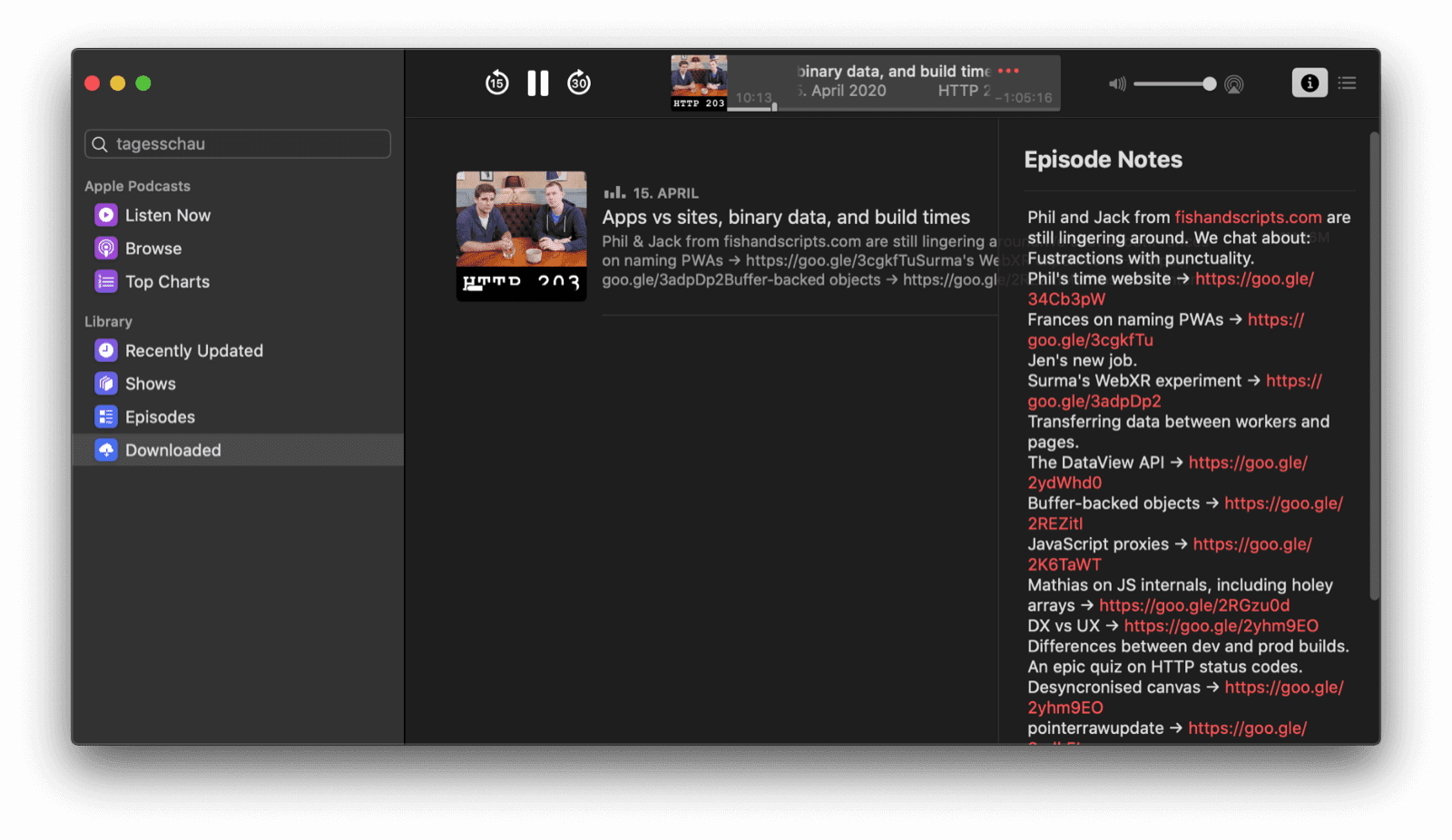
On the web, performant animations require observation of best practices around compositor-friendly properties and avoiding layout thrashing. For scroll-driven interactions common in carousels or paginated content, CSS Scroll Snap can be a massive performance win. When you need fine-grained control over keyframes and timing, the Web Animations API provides a scriptable approach.
Reaching users beyond the app window
The Podcasts app doesn't restrict itself to its own UI. It surfaces content through iOS widgets and Siri Suggestions—proactive, tap-to-act shortcuts that drive re-engagement without being nagging.
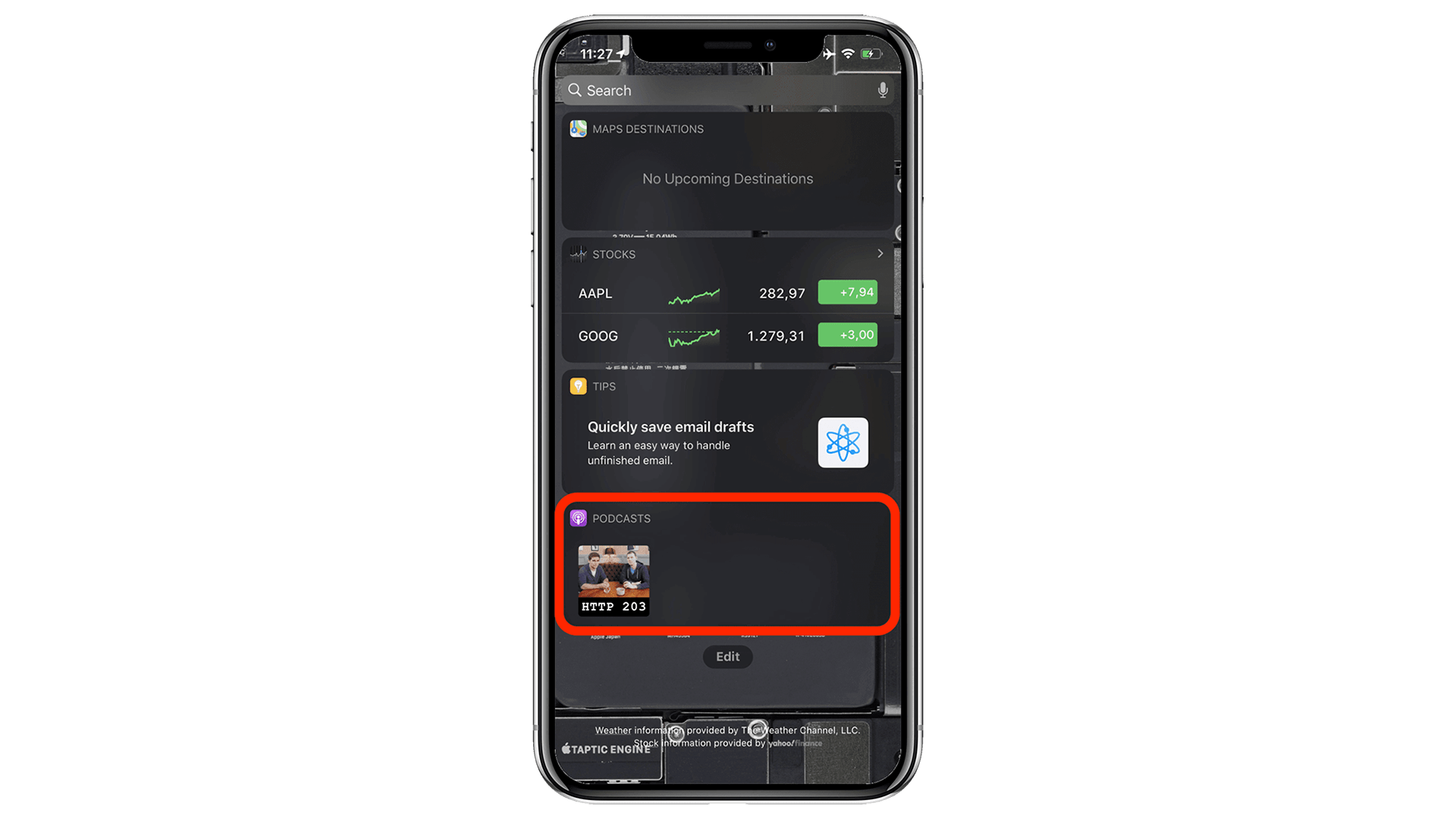
Your PWA can do something similar with the Content Index API, which tells the browser what content is available offline; that content can then appear outside the main app. Marking content as speakable and using structured markup can also help search engines and virtual assistants like the Google Assistant present your offerings effectively.
System-level media integration
When audio is playing, the Podcasts app feeds a rich media widget on the lock screen, complete with artwork, episode title, and podcast name.
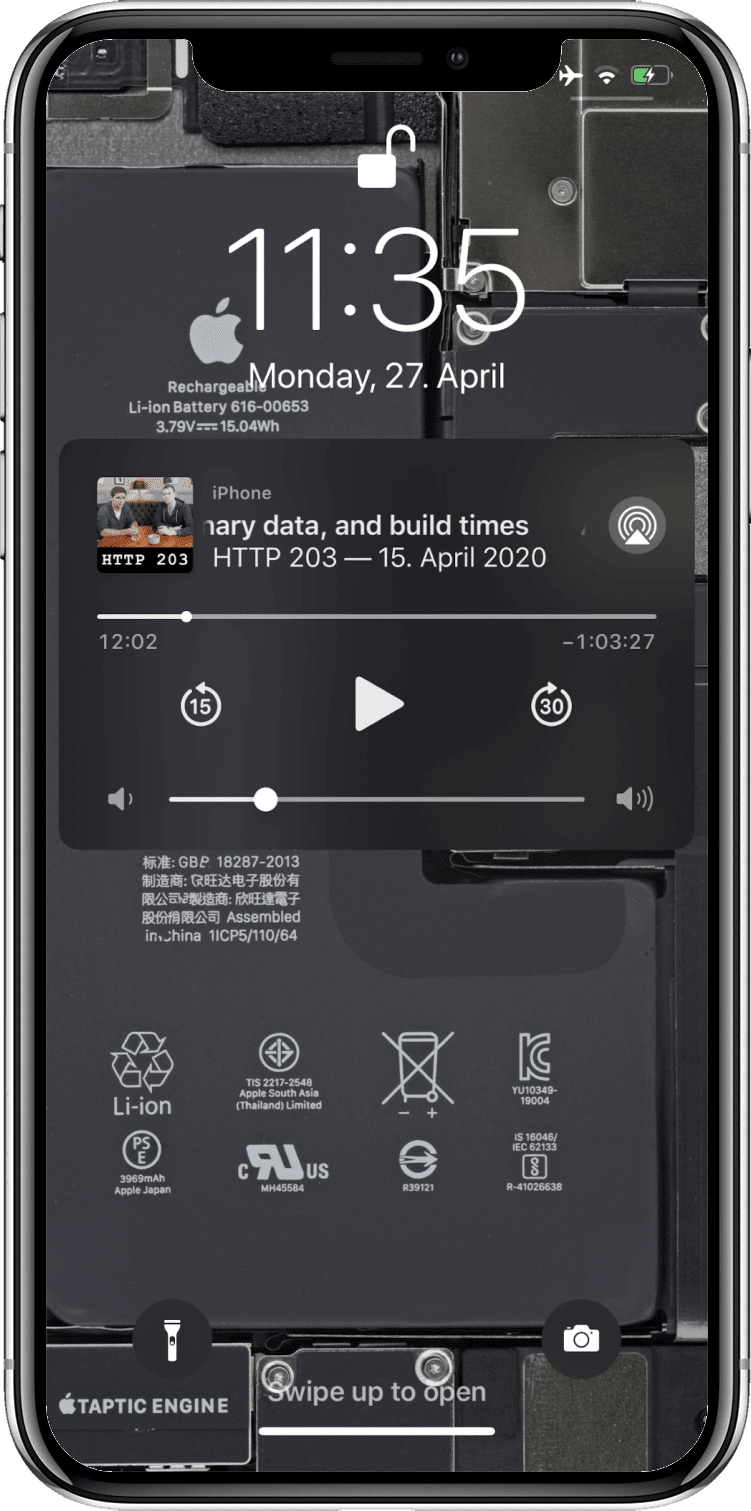
The Media Session API is the web's equivalent. It lets you specify metadata—artwork, track titles, and more—for display on lock screens, smartwatches, and browser media widgets.
Notifications that respect the user
Web push notifications have understandably earned a reputation for being disruptive, though quieter permission prompts have helped. Used correctly, however, they're valuable. The Podcasts app eventually notifies you of new episodes or features, if you opt in.
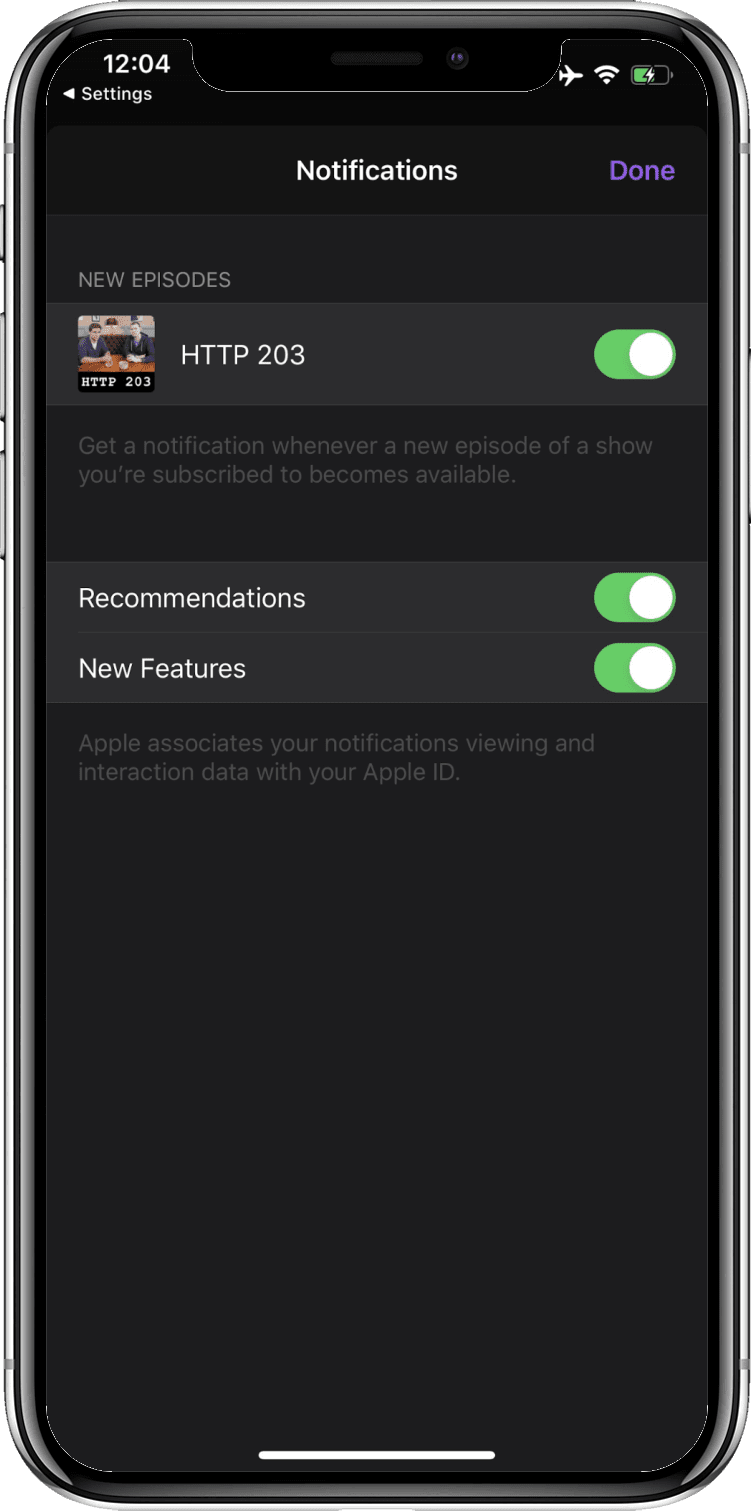
The Push API is available to your PWA for alerting users to noteworthy events. For notifications scheduled to fire at a known future time without requiring a network connection, the Notification Triggers API is the tool.
Badging for gentle nudge
An icon badge appears on the Podcasts home screen icon whenever new episodes are available. It's a subtle, unobtrusive prompt to return to the app.
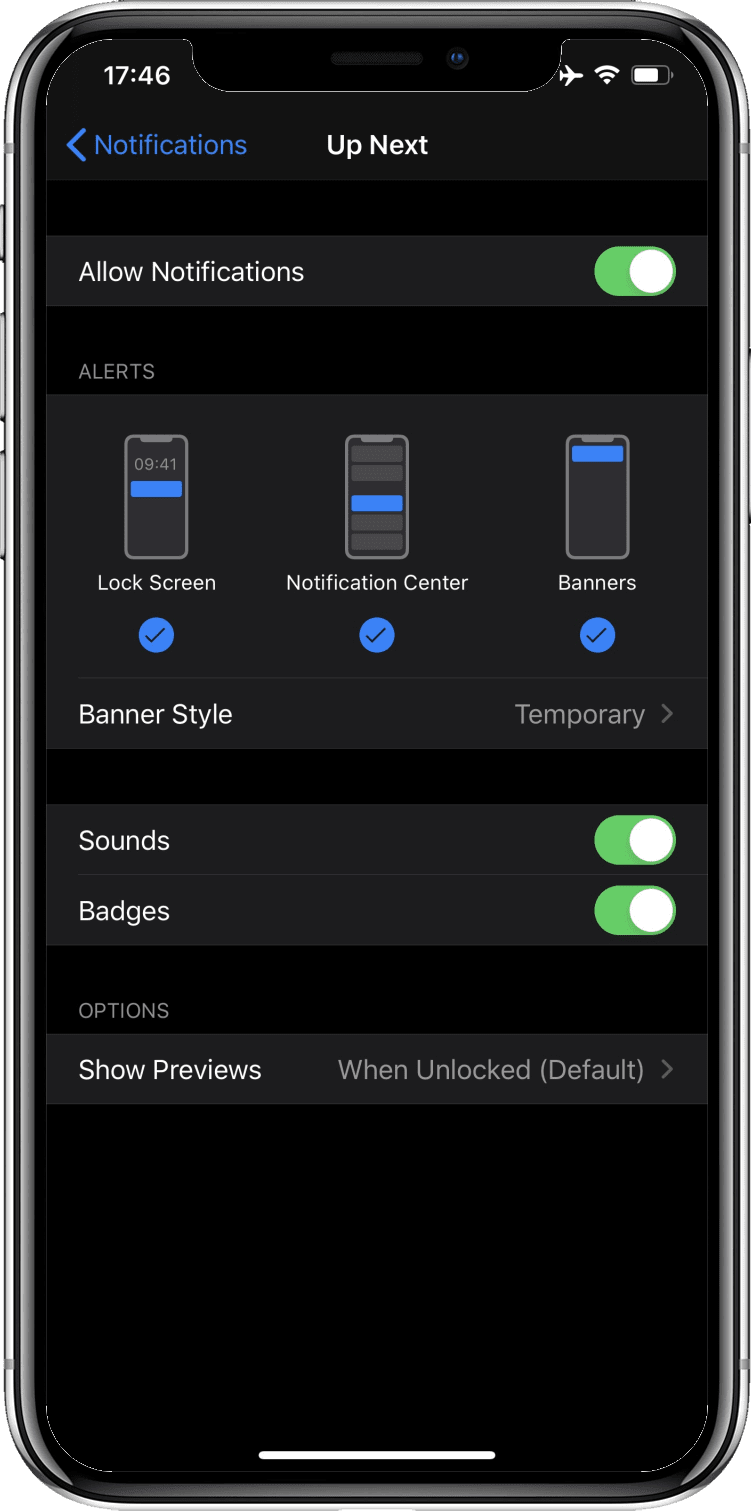
App icon badges on the web are set via the Badging API. It's particularly useful if your PWA tracks unread items or you'd like way to quietly draw attention back to the app.
Power management exemptions for media
With Podcasts playing, your display can fall asleep, but the system won't. Your app can also specifically request to keep the screen on—handy for displaying lyrics or captions.
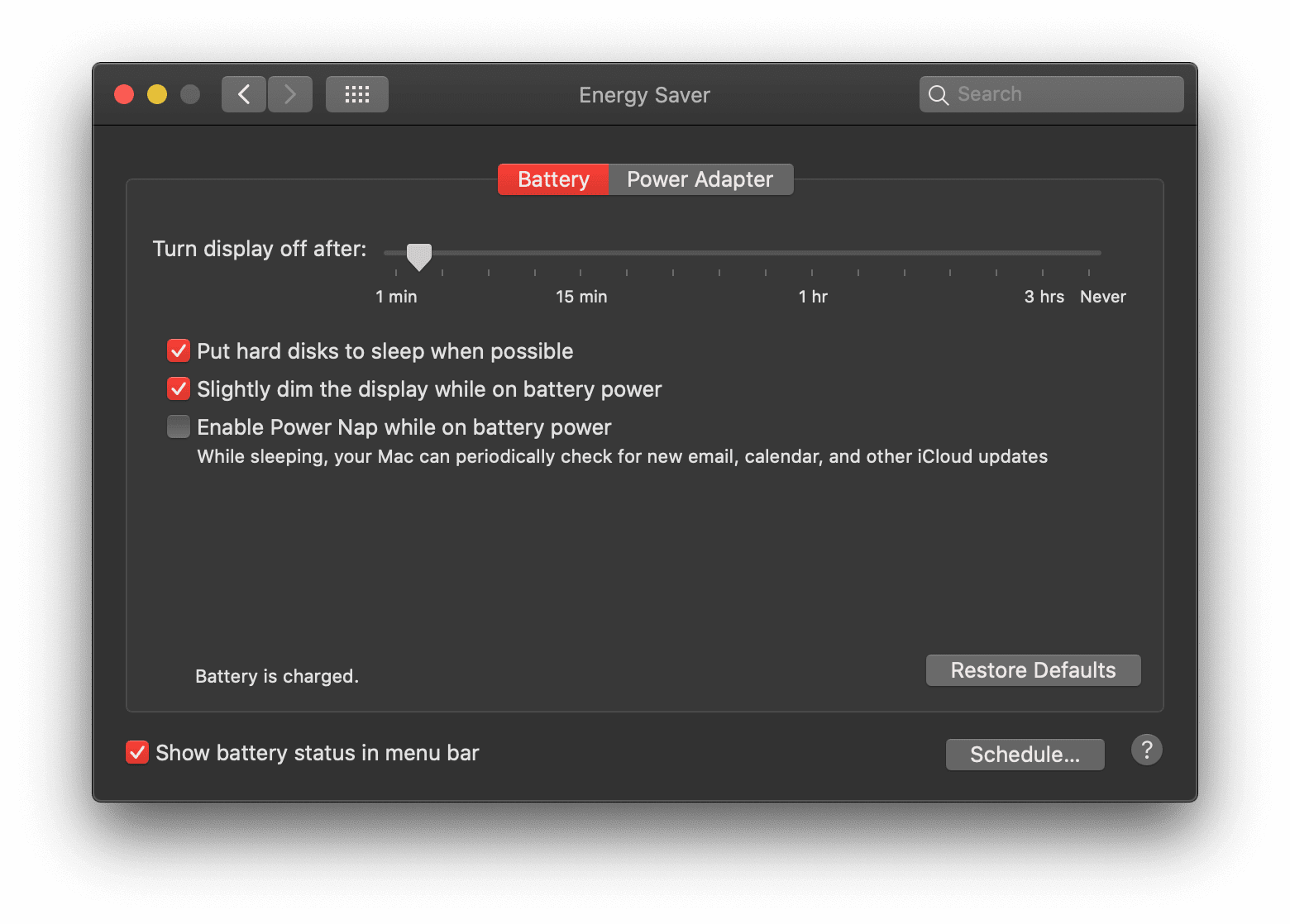
The Screen Wake Lock API prevents the display from turning off when needed. For audio and video playback, the web platform already ensures the system doesn't enter standby.
The storefront path to installation
The Podcasts app ships with macOS, but iOS users head to the App Store, where searching for podcast, podcasts, or apple podcasts turns it up immediately.
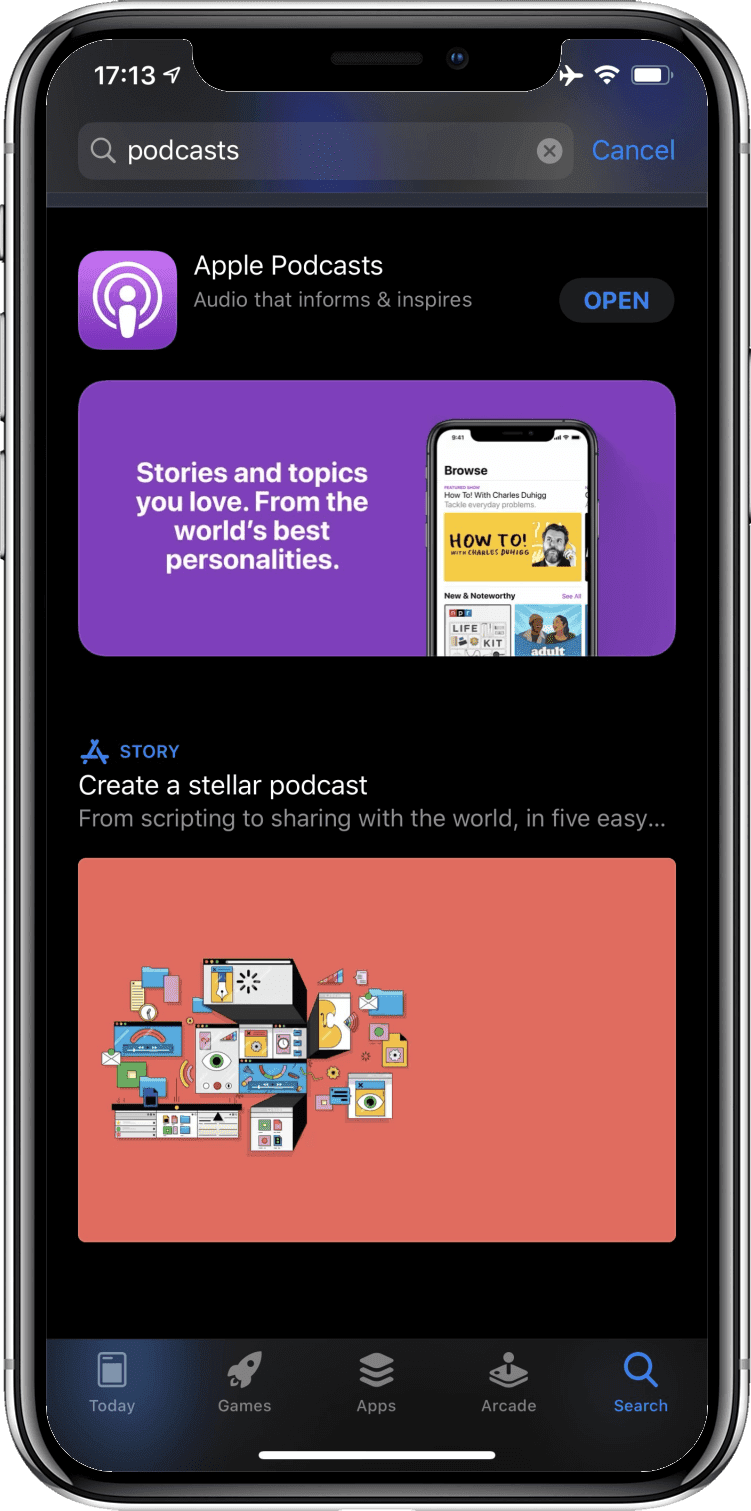
User bases differ. Apple's App Store doesn't accept PWAs; Android's ecosystem does, via a Trusted Web Activity wrapper. The bubblewrap script handles the packaging through the command line, and PWABuilder's Android export feature provides the same capability without the terminal.
Feature overview
The following table summarizes the capabilities discussed and points to relevant web platform resources.
Conclusion
PWAs have evolved considerably since they first appeared in 2015. Under Project Fugu, the cross-company Chromium effort continues to close the remaining gaps between web and native applications. Applying even some of the techniques in this piece will move your PWA closer to a genuine app-like experience. In the end, your users typically aren't concerned with how an app gets built, only with whether it behaves like one they'd be happy to keep on their devices.


