The case for bespoke developer tooling
Writing custom DevTools for an application lets those tools work at a higher level of abstraction than general-purpose browser tooling, handling things like user interactions or tracking-event debugging. The tradeoff is that the tools must be built and maintained, but they can be shaped around a specific app and the engineers who work on it. A custom tool pays off even when it serves only its author; building one for an entire team, and leaving room for teammates' ideas, compounds the value further.
What wealthfront ships
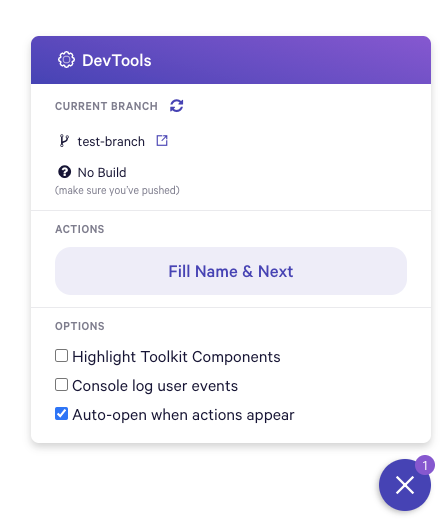
Spencer Miskoviak described a set of team tools at Wealthfront, gathered under a UI popup widget. According to the writeup, the tools:
- Show the current branch and CI status
- Fill out forms, perform user actions and switch between users
- Highlight components
The lighter-weight approach at CodePen
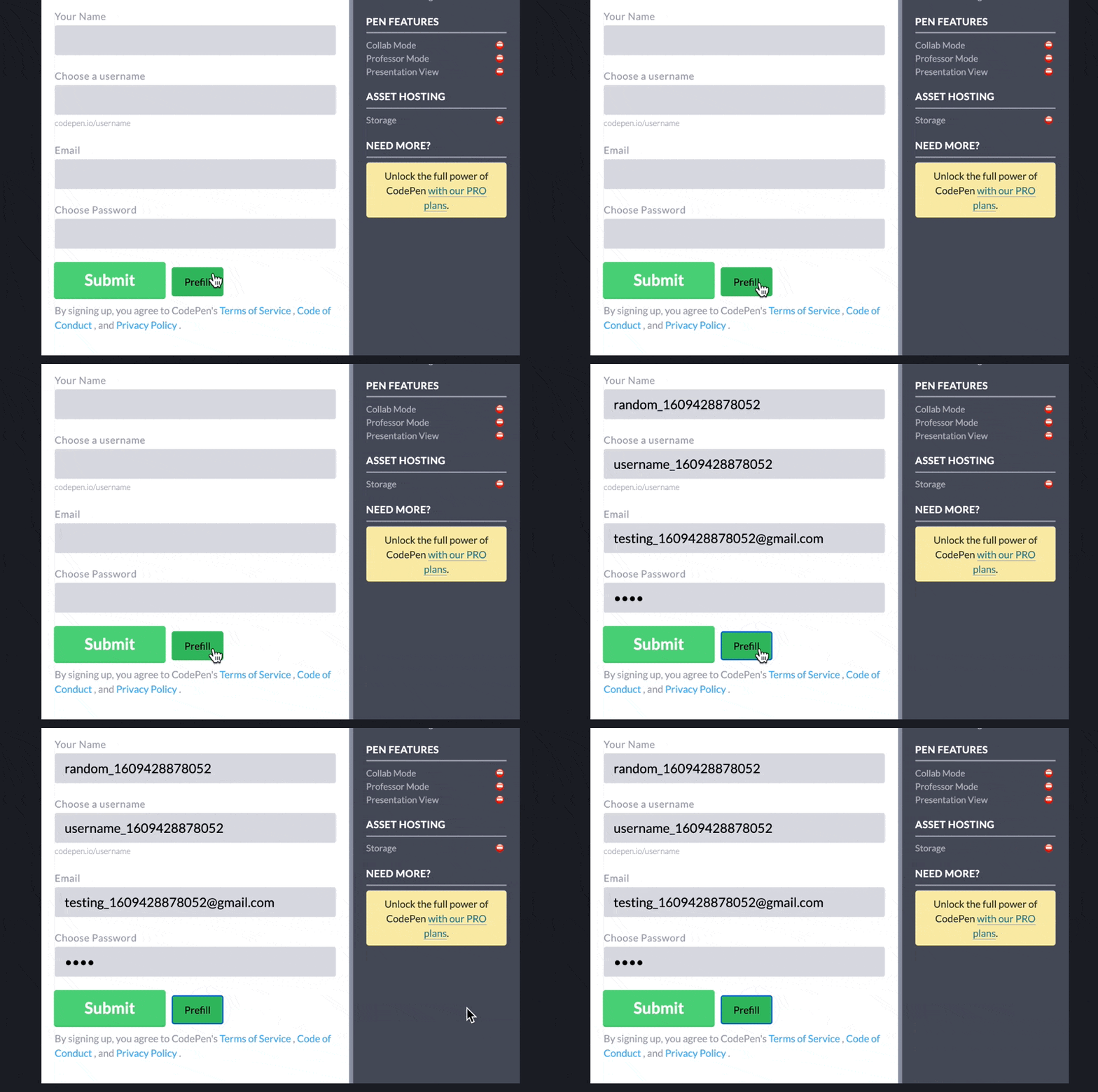
CodePen has no equivalent popup widget, but productive functionality is sprinkled through the app itself. Many forms carry a prefill button that appears only for developers.
A custom tool for the support inbox supplies context about the users and content a ticket refers to.

The site also has a protected admin area for a broad range of admin and developer-focused tasks.
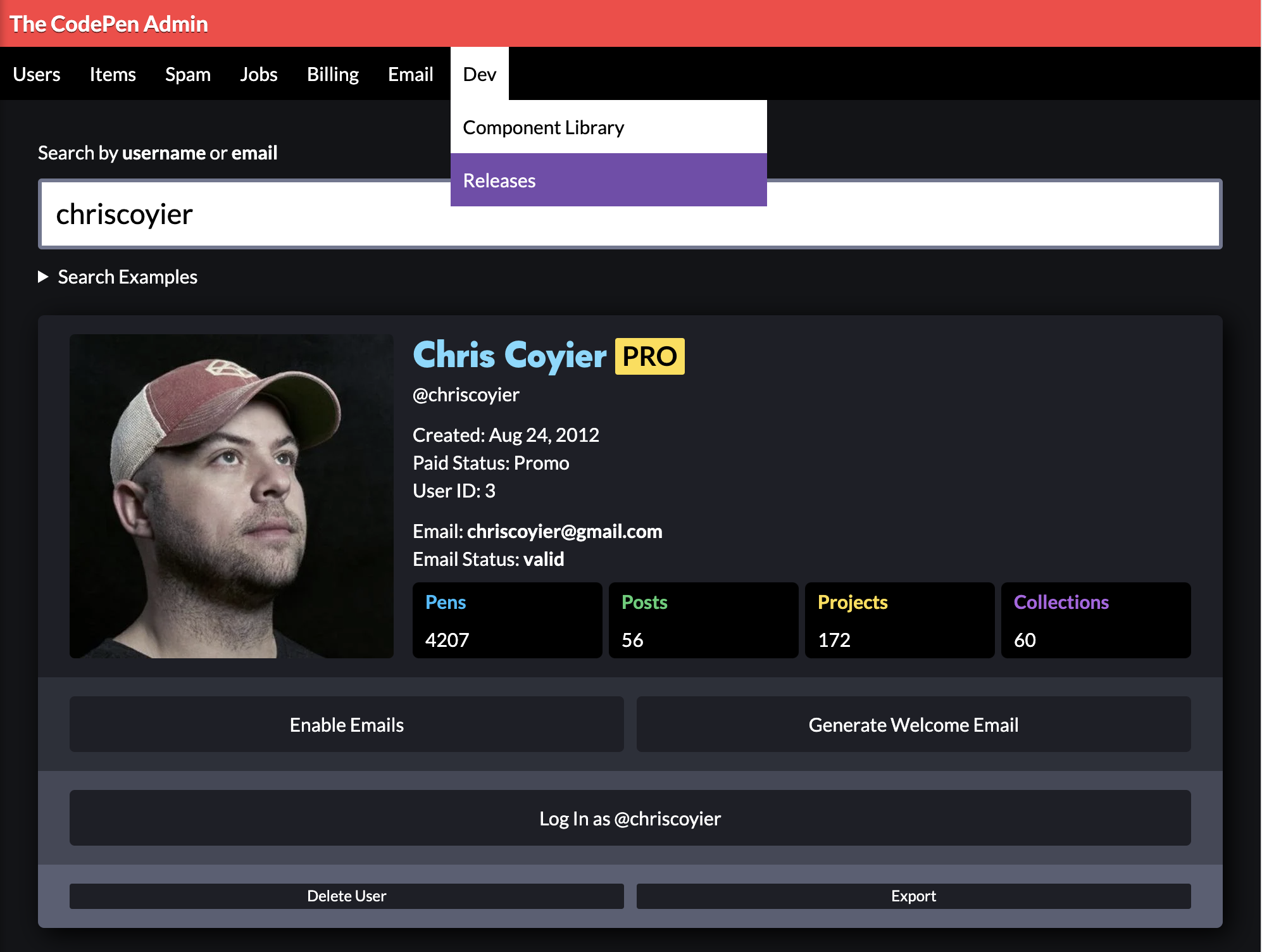
The component highlighter
The highlighter stands out because React DevTools, while useful for seeing which components make up the current page, does not annotate the page itself. The idea of adding a 🔗 beside each title that would open the corresponding file in VS Code was floated as an extension.

You're allowed to make your own tools
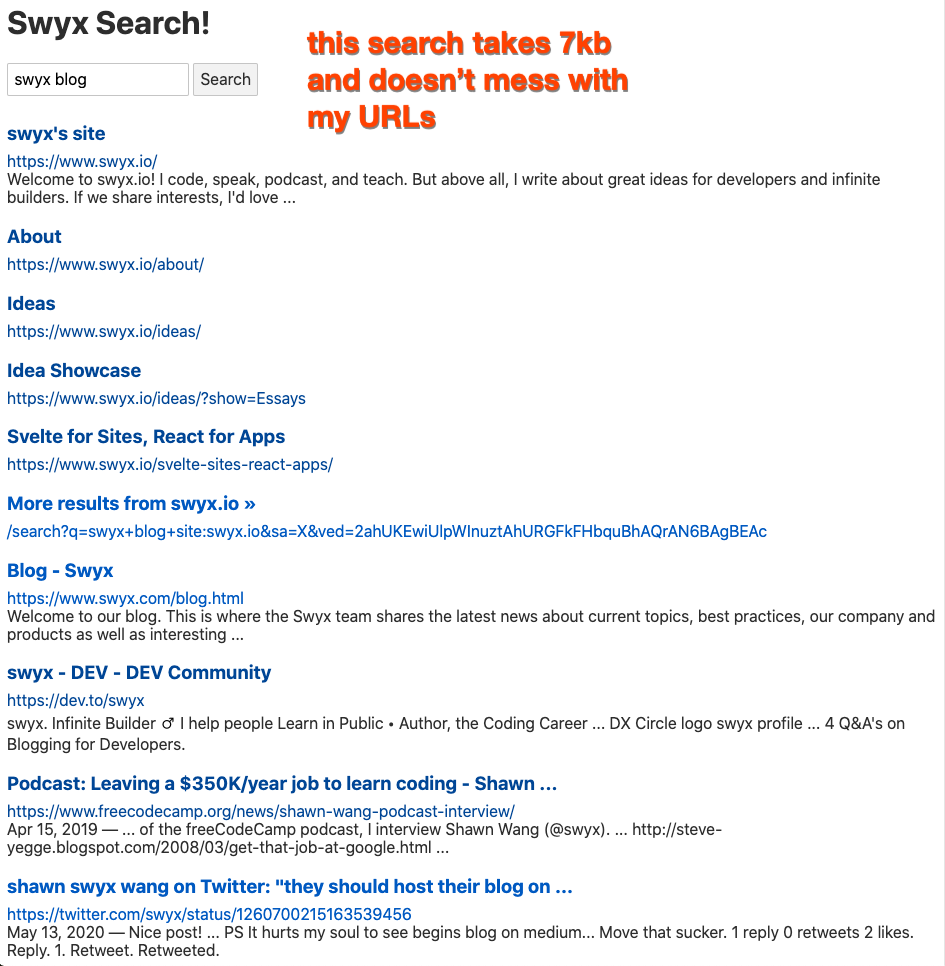
Shawn Wang's essay "You're Allowed To Make Your Own Tools" makes the point that even the greatest software has parts that aren't so great for a given user, and that the difference between that user and everyone else is the ability to code. Among the examples: custom stylesheets, a UI query generator, personal CLIs (in the spirit of Mina Markham's dotfiles) and custom proxies. Wang wrote his own proxy for Google Search Results to optimize and present them the way he prefers.
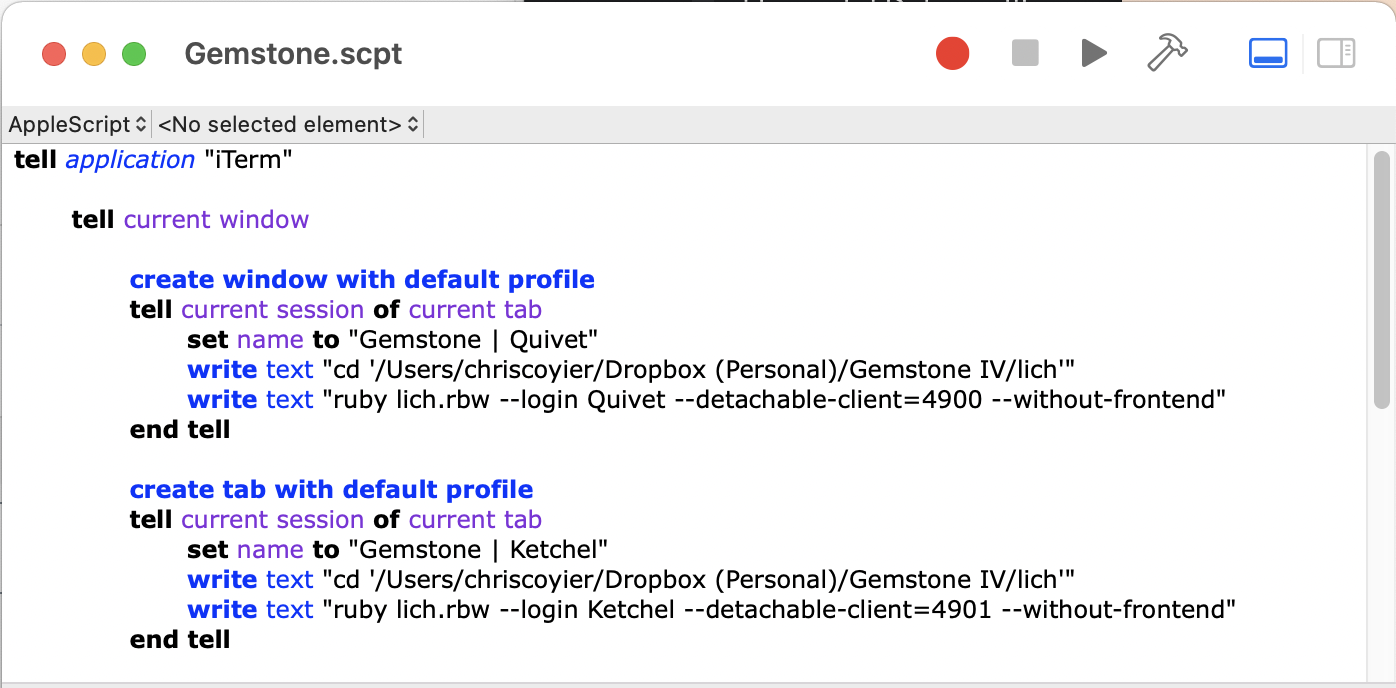
The same instinct applies to smaller chores: learning VS Code tasks well enough to "Run Gulp as You Open a VS Code Project" took struggling through odd problems, and scripting the opening of a text-based multiplayer game saved time. A strong DevOps person at a company would be expected to pursue this kind of work, thinking constantly about developer experience for their own colleagues.