
Saving Game State with Conflict Resolution Rules
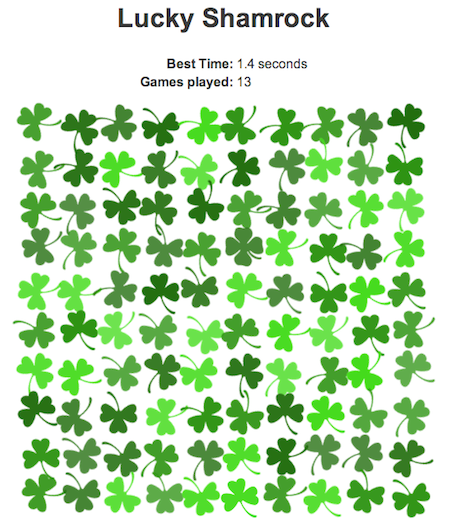
To celebrate St. Patrick’s Day, we built a simple game called Lucky Shamrock that uses the Dropbox Datastore API to illustrate how to persist game state and handle data conflicts. In the game, players search a field of three-leaf clovers for the single four-leaf clover.
Conflicts arise when two devices change the same datastore field at the same time, or when data is modified while one or both devices are offline. The Datastore API resolves these conflicts through resolution rules, which dictate how a field should be updated when conflicting changes occur.
Lucky Shamrock tracks two pieces of game data: the player’s best time and the total number of games played. Each is stored with a specific resolution rule that matches its intended behavior.
Choosing the Fastest Time with min
The player’s best time is kept in a field named min_time. Its resolution rule is set to min, so whenever a conflict occurs, the API selects the smallest value — in this case, the fastest recorded time.
table.setResolutionRule('min_time', 'min');Aggregating Plays with sum
The total number of games played is stored in a field called game_count with a resolution rule of sum. When a conflict occurs, the API adds up the values from all devices or game instances to preserve the correct overall count.
table.setResolutionRule('game_count', 'sum');Lucky Shamrock is a straightforward demonstration of saving game state with the Datastore API and applying conflict resolution rules to field-level data. If you’d like to see the data change as you play, you can observe it live in the datastore browser. The complete source code is available here.
Note: The Sync and Datastore SDK has been deprecated. Learn more here.


