

Learning Paths Give Students a Clear Route Into GitHub
GitHub Education has helped over four million students build their skills. Now the program is broadening its reach with Learning Paths on Global Campus, a feature designed to guide learners through their first steps on the platform, regardless of whether they're brand-new to GitHub or already have some experience.
Learning Paths appear at the top of the Global Campus dashboard for verified students. The path displayed depends on the learner's history: newcomers get the Get Started with GitHub track, while those who've used GitHub before receive the GitHub Deep Dive track.
Get Started With GitHub Learning Path
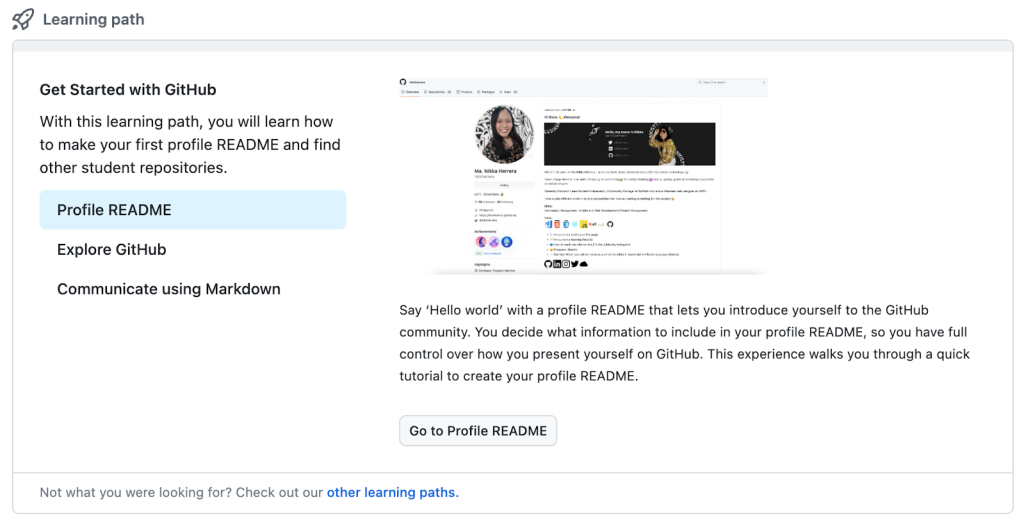
This track is built for first-time users and consists of three modules. Learners set up a GitHub Profile README, explore the community by creating and curating a repository watchlist, and take a guided tutorial on writing with Markdown. Each module combines a series of tasks with a key skill that helps students connect with fellow developers and express their interests on their profile.
GitHub Deep Dive Learning Path
Aimed at students who already know the basics, this path includes two modules that extend the material covered in Get Started with GitHub. The first walks through the GitHub Flow step by step, covering branch creation, committing files, and opening and merging pull requests. The second offers a primer on GitHub Codespaces, the cloud-hosted development environment.
Learning Paths are available now on the Global Campus dashboard. Students who haven't yet joined can apply for Global Campus benefits, and those looking to engage with the wider community can join the GitHub Education Discussions.


