Running a WordPress theme workflow from an iPad is possible once the editing environment lives somewhere other than the tablet. The approach here puts code-server — a hosted, open-source build of VS Code with full file-system access to the server — on a Linux box, and treats the iPad as a browser and SSH client. The same setup works from a Chromebook or any other device with a browser and a keyboard.
Prerequisites
- A Linux server with root access. A VPS works; a Raspberry Pi is viable but the additional steps fall outside this guide.
- An iPad or similar device that normally can't be used for programming.
The guide assumes code-server runs on the same server as the WordPress site, and was written against Ubuntu 20.04.2 LTS. Managed platforms such as Coder, Gitpod, GitHub Codespaces or Replit are alternatives, but they lack the command-line and root access this approach depends on.
Installing code-server
Log in over SSH — on iPad, Termius works well — and install code-server as root or with sudo. Installation is a single terminal command, and the same command upgrades an existing install:
curl -fsSL https://code-server.dev/install.sh | shConfiguration: HTTPS and GitHub authentication
Running code-server on its own works, but serves plain HTTP with only basic authentication. The documented route to HTTPS is a reverse proxy such as NGINX or Caddy in front of Let's Encrypt, which requires considerably more manual configuration.
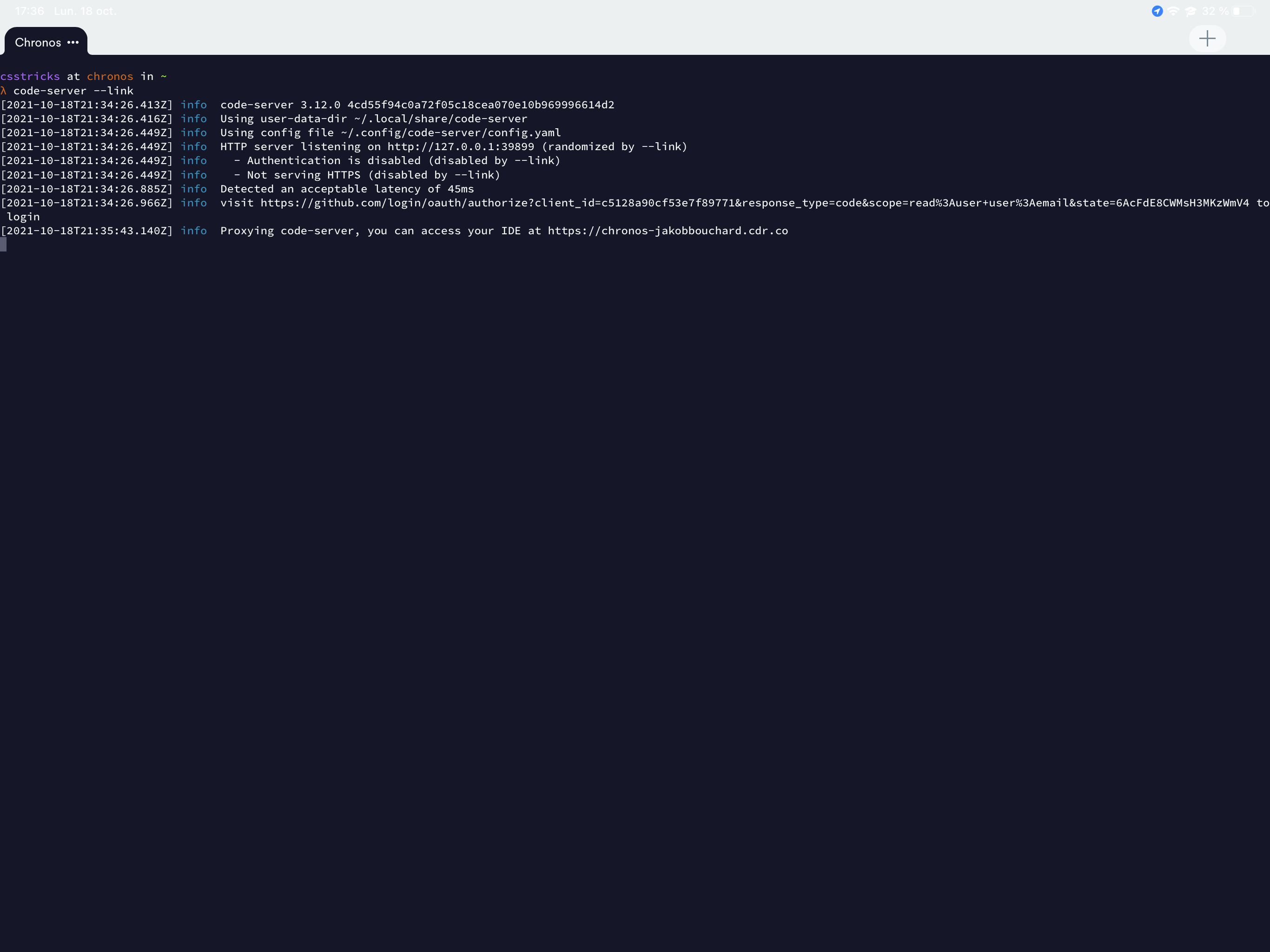
The alternative is the --link flag, currently in beta. It provisions a TLS certificate, GitHub authentication and a dedicated cdr.co URL with no configuration on your side. No root or sudo access is needed; any regular user can run it:
code-server --linkThe command produces a URL for logging in to GitHub so the service knows which account to authorize, after which you receive a dedicated URL. Each Linux user has their own configuration and GitHub account, so running multiple instances for multiple people looks technically possible, though untested.
Once the GitHub account is configured, stop the process with Ctrl+C.
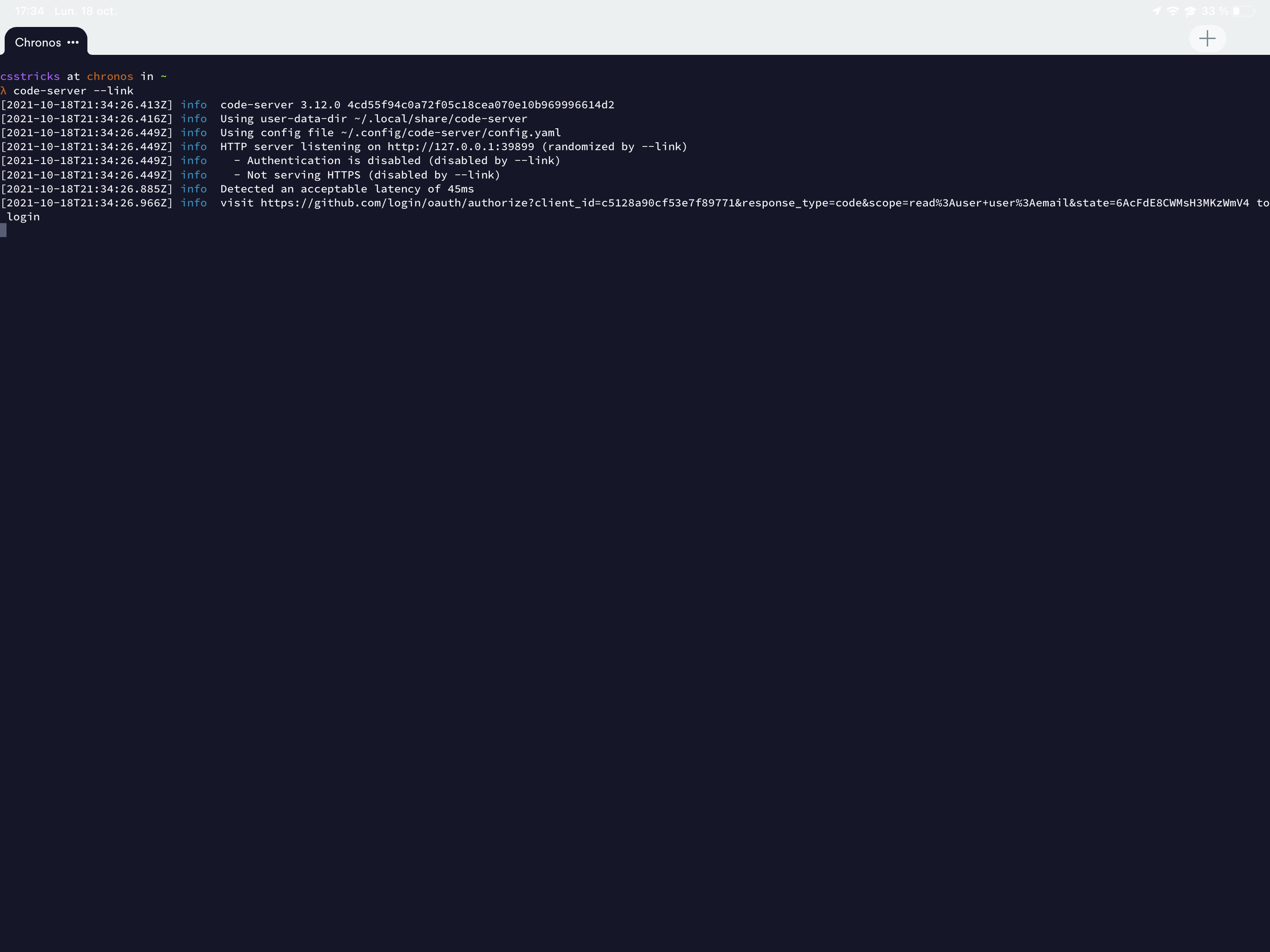
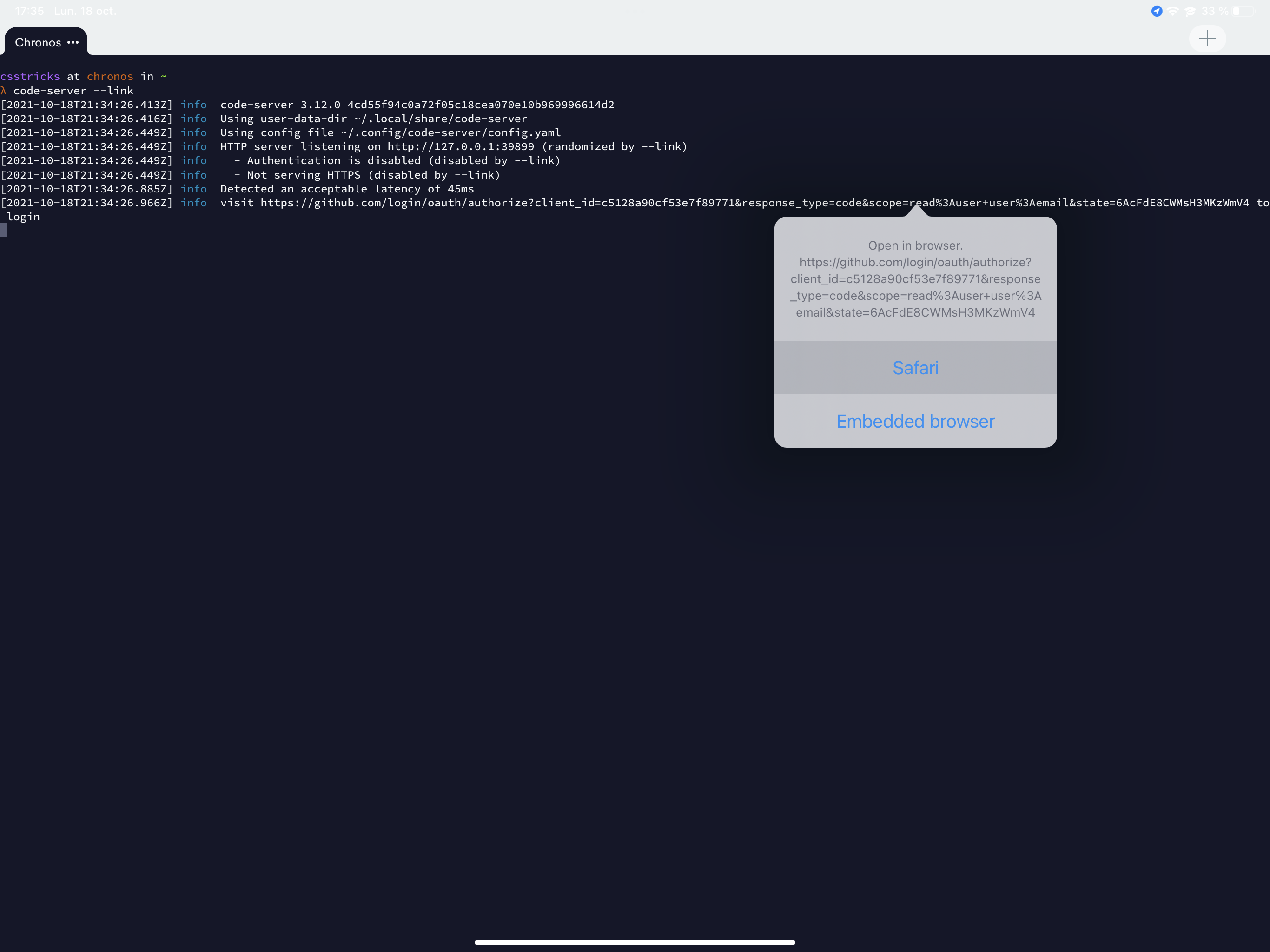
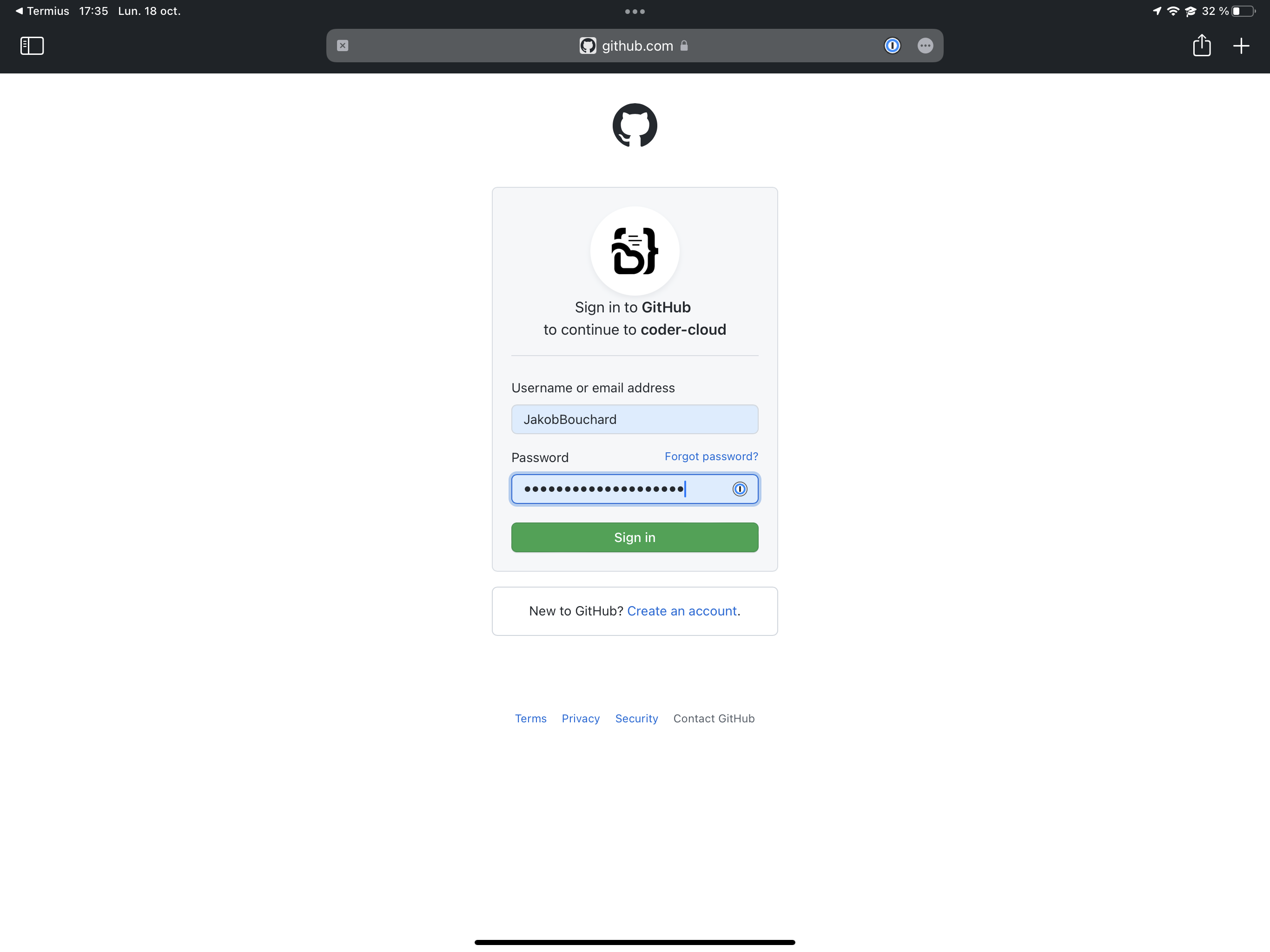
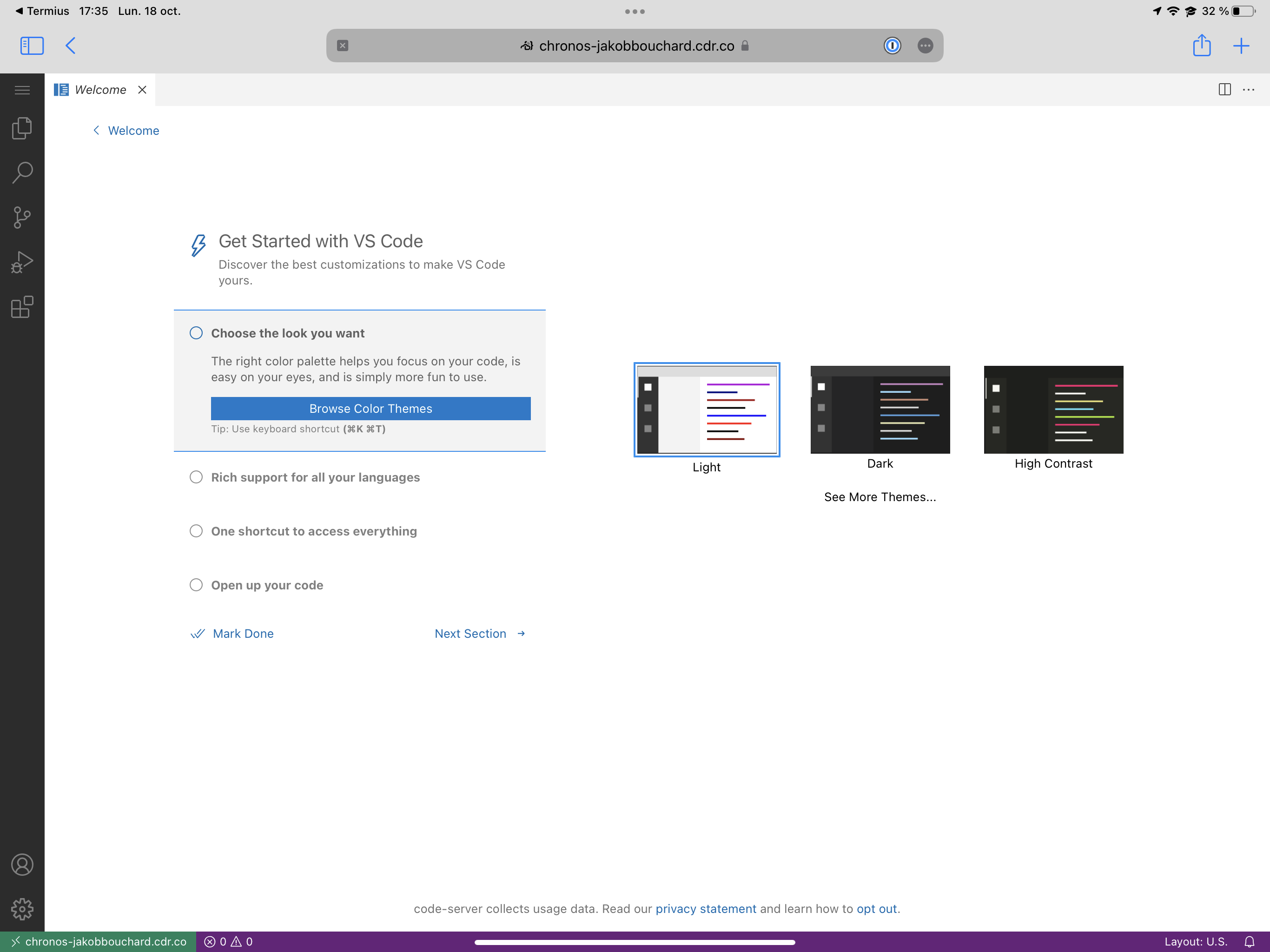
Restarting with code-server --link yields a login URL. Opening that URL from Termius hands it to Safari, GitHub authorizes the account after login, and approving the app drops you into the familiar editor interface. Back in the SSH session, the permanent URL is available — it only resolves while code-server is running.
Preparing theme tooling
Automattic's underscores (_s) is the starting point here. It needs Composer, installed following the steps on Composer's own site; because the WordPress site lives on the same server, PHP is already present. Node.js comes next:
cd ~
curl -sL https://deb.nodesource.com/setup_16.x -o nodesource_setup.sh
sudo bash nodesource_setup.sh
sudo apt install nodejs
node -v
These commands add the updated Node PPA — Ubuntu's bundled version is outdated at Node 10 — install Node, and print its version. The last command should report something like v16.6.1.
Scaffolding and installing the theme
Run npx degit automattic/_s my-cool-theme to download the _s code into a folder named my-cool-theme. To place the theme directly in the WordPress themes directory, either move the folder, symlink it, or pass the full path in the command above. Zipping with npm run bundle and unzipping inside themes manually is another option.
Start code-server --link again, open the URL in the browser, and open the theme folder in VS Code. Follow the _s quick start steps to name the theme, then run composer install and npm install in the integrated terminal to pull in the required packages.
Limitations compared with desktop VS Code
Because code-server is built on the open-source VS Code rather than Microsoft's distribution, some features are absent. It does not use Microsoft's extension marketplace, so not every extension is available. Settings sync via a Microsoft or GitHub account is unavailable; the Settings Sync extension is an alternative, though extension syncing proved troublesome in practice. Settings and extensions are stored per Linux user under ~/.local/share/code-server, in a structure similar to a regular VS Code install.
code-server can also be run as a service so it stays up continuously instead of living inside an SSH session; opening it only when needed is the simpler habit.
iPad workflow tips
- Enable Termius's location tracking feature so the SSH connection survives while the app runs in the background.
- Open the site in Safari and use the Share Sheet to add it to the home screen as a PWA.
- Safari caches aggressively and has no hard refresh; the only reliable clear found was wiping browser history. Chrome may handle this better.
- A Bluetooth keyboard or keyboard case makes the experience far closer to a laptop than an on-screen keyboard does.
- If the editor loses focus when switching apps and refuses input, tap the sidebar and then the editor to restore it.



