

Images often fail to complement the text they accompany, and instead cost users in load time and bandwidth. The performance side of this problem is largely solvable today: WebP (and possibly JPEG XL on the horizon), responsive images, and tools such as ImageOptim all help.
Lazy loading is a particularly effective option:
<img href="image.webp" alt="Image description">With lazy loading the image is fetched only when it scrolls into view, so it stays out of the initial page load. But some images arguably should never load unless a user asks for them — a text-only page such as the one NPR serves at text.npr.org shows how readable and fast a site without images can be, including for users without JavaScript, screen readers, and those on slow connections.
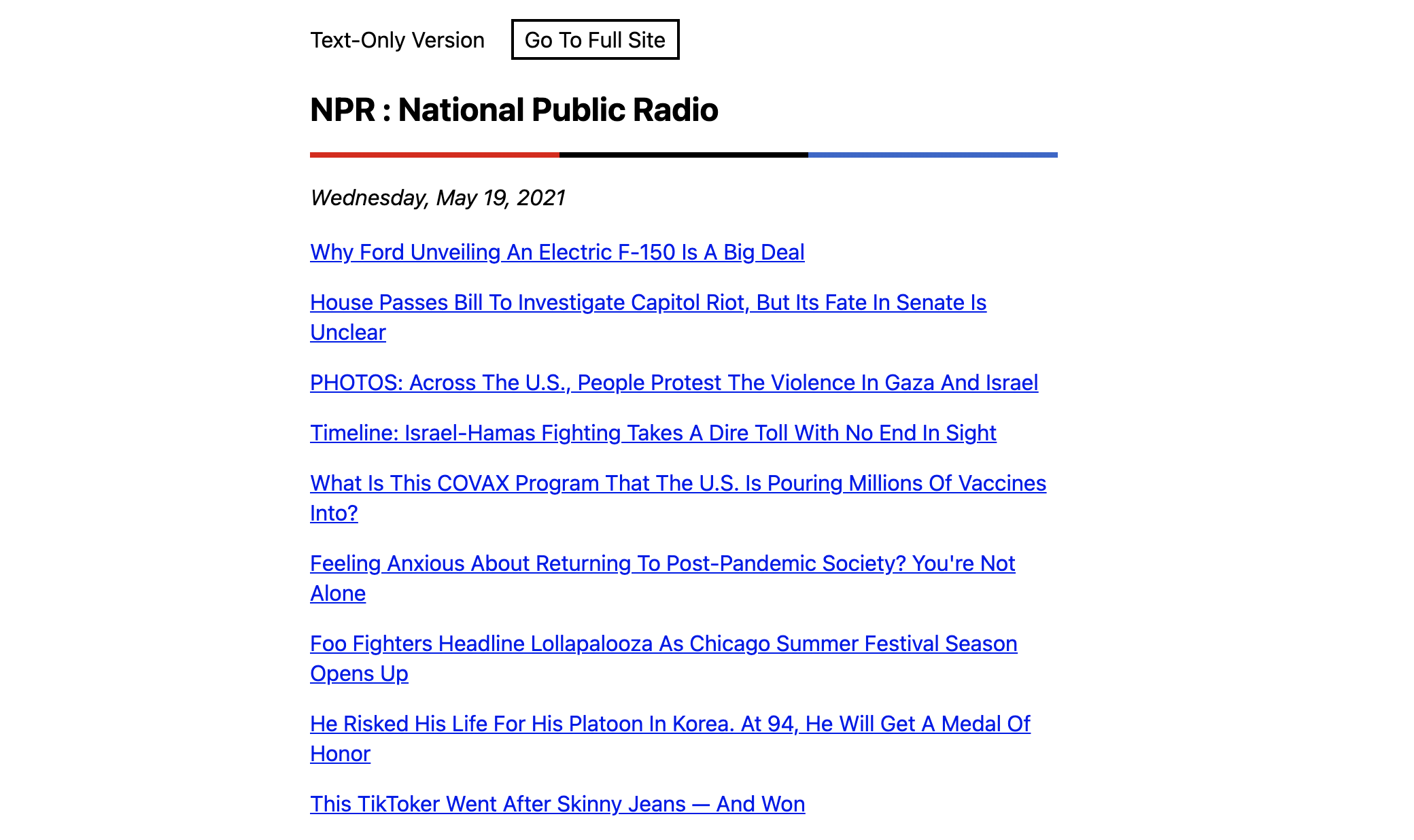
That raises the question: can you show a placeholder and swap in the real image only on click or tap? There are two approaches.
Approach 1: an <img> with no src
Removing the src attribute hides an image; the file path can live in an attribute instead, such as data-src:
<img src="" alt="Photograph of hot air balloons by Musab Al Rawahi. 144kb">Most browsers then render a broken image icon. The alt text is shown automatically, so this is at least somewhat accessible, and a little JavaScript can copy the attribute value into src:
document.querySelectorAll("img").forEach((item) => {
  item.addEventListener("click", (event) => {
    const image = event.target.getAttribute("data-src");
    event.target.setAttribute("src", image);
  });
});
Styling the result is the problem. Some browsers display a small broken image icon even once styles are applied, and CSS gives you no way to remove it (which is probably for the best). Styling the alt text is awkward too. Dropping alt altogether removes the icon, but then the <img> is useless without JavaScript — not acceptable.
There doesn't appear to be a way to make this method work cleanly.
Approach 2: a link that becomes an image
Start with a plain hyperlink to the image:
<a href="image.jpg">Photograph of hot air balloons by Musab Al Rawahi. 144kb<a>This just renders a link to the image. Accessibility is sound: without JavaScript, all a visitor gets is a link they can optionally follow, and performance is as good as plain text. With JavaScript, you can intercept the click, read the link's href, create an image element, insert it into the page, and remove the link:
document.querySelectorAll(".load-image").forEach((item) => {
  item.addEventListener("click", (event) => {
    const href = event.target.getAttribute("href");
    const newImage = document.createElement("img");
    event.preventDefault();
    newImage.setAttribute("src", href);
    document.body.insertBefore(newImage, event.target);
    event.target.remove();
  });
});
The placeholder link can be styled beyond this example. The technique isn't novel, but for prioritizing performance beyond first paint and initial load it is a reasonable solution — and for a text-only site it is clearly the right one. The same pattern could be packaged as a web component, or gated on prefers-reduced-data so images load only for visitors with bandwidth to spare.



