Clipchamp builds a cloud-native bridge between video editing and Dropbox
Clipchamp is an online video editor used by more than 10 million creators for personal, business, and educational projects. The platform runs entirely in the browser, offering professional features such as cropping, resizing, transitions, motion titles, and Green Screen, alongside a stock library of over 40,000 video and audio files. Users export finished projects in various resolutions and aspect ratios suited for platforms like YouTube and Instagram.
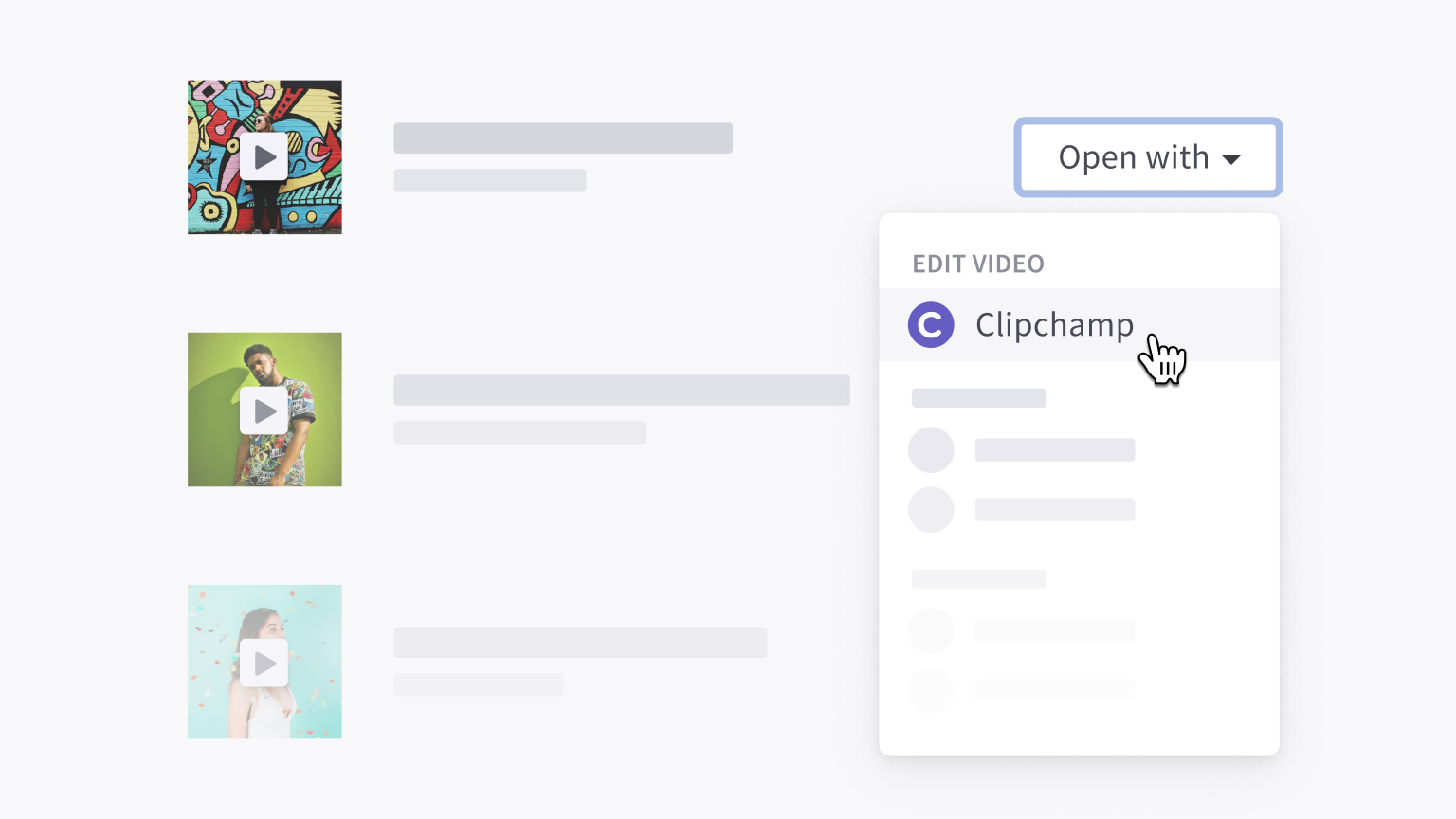
Video editing often means juggling many files, multiple revisions, and contributions from several collaborators. Clipchamp's partnership with Dropbox addresses that by letting users open videos directly from their Dropbox library in the browser and export finished edits back to the same location — no download step required. The integration is available through the Dropbox App Center.
What the integration offers users
Beyond keeping media files in the cloud and off local storage, the integration is built around workflows that involve sharing and iteration:
- Organized storage. Files stay in Dropbox, accessible from any device, and open directly in Clipchamp's browser editor without a download.
- Team access. A shared Dropbox team folder lets multiple members work from the same video library through their own Clipchamp accounts without making accidental overwrites.
- Collaborative feedback. After exporting a video back to Dropbox, collaborators can leave time-based comments. The creator incorporates that feedback in Clipchamp and exports again to share the updated version.
How the extension works
At the core is the Dropbox Extensions API. When a user selects a file with Clipchamp's extension, the API supplies a temporary download link and metadata identifying the user, which supports uploading the edited file back to Dropbox. The in-browser nature of Clipchamp created a few engineering questions: how would users resume a project from a different machine, what happened when the browser's cache evicted the file, and how could users export the project back after the upload access window had expired?
The answer arrived in the form of Dropbox's Chooser and Saver file pickers, which support browser-based file transfer and often skip authentication. These tools resolved the major limitations of the extension model and let users pull in files beyond the single one that the Extensions API provides.
The combined approach keeps the experience in the cloud while preserving the privacy and speed advantages of handling files locally in the browser.
Adoption and roadmap
Clipchamp reports strong reception among its Dropbox-using customers, who value the ability to move files through their normal workflow without disruption. Work ahead focuses on broadening access and expanding control, with plans that include: making the import/export option visible to all Dropbox users, building a native Dropbox file picker into Clipchamp, improving control over exports including file names and target folders, supporting import of whole folders, and pushing richer metadata such as full video transcripts back to Dropbox for better searchability.


