
An open-source gallery for a worldwide photo contest
The Gallery section of the Google Photography Prize site displays an infinite scrolling feed of photos submitted via Google+. The entire frontend and backend are available as an open source project called Gallery+, hosted on Google Code.

Submissions are collected from Google+ posts that carry one of the contest hashtags, such as #megpp or #travelgpp. The backend, an AppEngine app, runs a Google+ API search for those posts and holds the results in a moderation queue. A content team reviews the queue weekly and flags entries that violate the contest guidelines. After review, unflagged photos are moved into the public collection that feeds the gallery page.
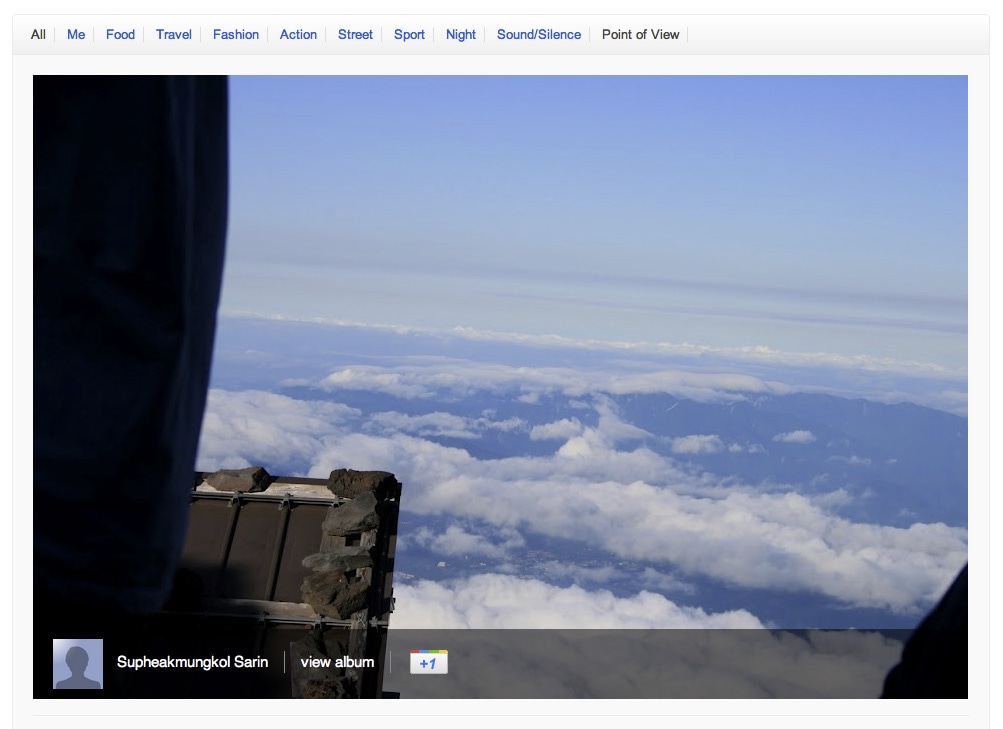
Closure-based frontend architecture
On the client side, the gallery is a component built on the Google Closure library. The component is declared as photographyPrize.Gallery at the top of the source file, alongside the necessary Closure library imports.
goog.provide('photographyPrize.Gallery');

goog.require('goog.debug.Logger');
goog.require('goog.dom');
goog.require('goog.dom.classes');
goog.require('goog.events');
goog.require('goog.net.Jsonp');
goog.require('goog.style');
Photo data is fetched from the AppEngine backend through JSONP, a cross-origin technique that injects a script tag calling a function like jsonpcallback("responseValue"). Closure's goog.net.Jsonp component handles this protocol.
Rendering the photo list
Each retrieved batch of photos becomes a set of HTML elements. The display method walks the list, builds elements and +1 buttons, and appends the result to the gallery's root element. The code follows Closure compiler conventions, with JSDoc type annotations and @private visibility markers. Private methods are named with a trailing underscore.
/**
 * Displays images in imageList by putting them inside the section element.
 * Edits image urls to scale them down to imageSize x imageSize bounding
 * box.
 *
 * @param {Array.<Object>} imageList List of image objects to show. Retrieved
 *                                   by loadImages.
 * @return {Element} The generated image list container element.
 * @private
 */
photographyPrize.Gallery.prototype.displayImages_ = function(imageList) {

  // find the images and albums from the image list
  for (var j = 0; j < imageList.length; j++) {
    // change image urls to scale them to photographyPrize.Gallery.MAX_IMAGE_SIZE
  }

  // Go through the image list and create a gallery photo element for each image.
  // This uses the Closure library DOM helper, goog.dom.createDom:
  // element = goog.dom.createDom(tagName, className, var_childNodes);

  var category = goog.dom.createDom('div', 'category');
  for (var k = 0; k < items.length; k++) {
    var plusone = goog.dom.createDom('g:plusone');
    plusone.setAttribute('href', photoPageUrl);
    plusone.setAttribute('size', 'standard');
    plusone.setAttribute('annotation', 'none');

    var photo = goog.dom.createDom('div', {className: 'gallery-photo'}, ...)
    photo.appendChild(plusone);

    category.appendChild(photo);
  }
  this.galleryElement_.appendChild(category);
  return category;
};
Infinite scroll mechanics
To trigger the next load, the gallery listens to the window's scroll event. When the scroll position nears the page bottom, a new batch is requested. Closure utility functions normalize browser differences: goog.dom.getDocumentScroll() yields the current scroll position as an {x, y} object, goog.dom.getViewportSize() gives the visible window dimensions, and goog.dom.getDocumentHeight() returns the full document height.
/**
 * Handle window scroll events by loading new images when the scroll reaches
 * the last screenful of the page.
 *
 * @param {goog.events.BrowserEvent} ev The scroll event.
 * @private
 */
photographyPrize.Gallery.prototype.handleScroll_ = function(ev) {
  var scrollY = goog.dom.getDocumentScroll().y;
  var height = goog.dom.getViewportSize().height;
  var documentHeight = goog.dom.getDocumentHeight();
  if (scrollY + height >= documentHeight - height / 2) {
    this.tryLoadingNextImages_();
  }
};

/**
 * Try loading the next batch of images objects from the server.
 * Only fires if we have already loaded the previous batch.
 *
 * @private
 */
photographyPrize.Gallery.prototype.tryLoadingNextImages_ = function() {
  // ...
};
Fetching images with JSONP
A goog.net.Jsonp instance is constructed with a goog.Uri pointing to the server endpoint. Queries are sent with a parameter object and a success callback.
/**
 * Loads image list from the App Engine page and sets the callback function
 * for the image list load completion.
 *
 * @param {string} tag Fetch images tagged with this.
 * @param {number} limit How many images to fetch.
 * @param {number} offset Offset for the image list.
 * @param {function(Array.<Object>=)} callback Function to call
 *        with the loaded image list.
 * @private
 */
photographyPrize.Gallery.prototype.loadImages_ = function(tag, limit, offset, callback) {
  var jsonp = new goog.net.Jsonp(
      new goog.Uri(photographyPrize.Gallery.IMAGE_LIST_URL));
  jsonp.send({'tag': tag, 'limit': limit, 'offset': offset}, callback);
};
The project relies on the Closure compiler for minification and type checking. Using @type annotations in JSDoc comments keeps property types consistent, and the compiler flags methods that are missing comments.
Automated test scaffolding
Closure's built-in unit testing framework, which follows jsUnit conventions, handled the test suite. To speed up authoring, a small Ruby script parses the gallery's JavaScript and generates a failing test stub for every method and property. Starting from an input like:
Foo = function() {}
Foo.prototype.bar = function() {}
Foo.prototype.baz = "hello";
The generator outputs an empty test per property:
function testFoo() {
  fail();
  Foo();
}

function testFooPrototypeBar = function() {
  fail();
  instanceFoo.bar();
}

function testFooPrototypeBaz = function() {
  fail();
  instanceFoo.baz;
}
These stubs produce failing tests first, which makes it natural to fill in real assertions one by one. Combined with a code coverage tool, the workflow turns test writing into an incremental effort to turn everything green.
Gallery+ is an open source project demonstrating a moderated display of Google+ photos filtered by hashtag. The frontend uses the Closure library, while the backend is written in Go and hosted on App Engine. A companion article by the App Engine Developer Relations team covers the backend implementation.


