

GitHub Discussions arrives on Enterprise Server
GitHub Discussions is now available on GitHub Enterprise Server, extending the collaborative forum feature beyond its original focus on open source communities. The rollout follows the feature’s general availability a year ago and responds to demand from enterprises that want a dedicated space for internal developer conversations alongside their code.
The feature works at both the repository and organization level, giving teams a structured place for Q&A, announcements, decision-making, and knowledge sharing. That structure is useful for distributed teams, where questions and answers can otherwise get scattered across chat threads or email. GitHub Discussions provides several mechanisms to keep those conversations organized.
Keeping conversations and answers organized
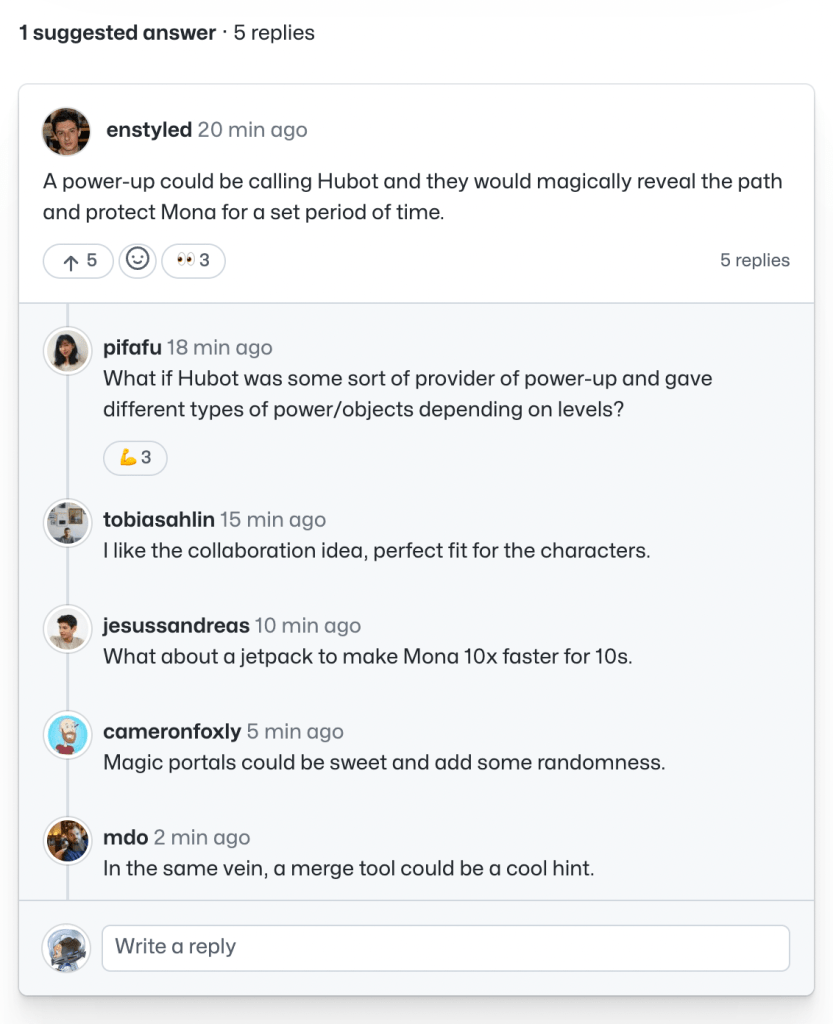
Discussion threads are fully nested, so replies stay in context and a conversation doesn’t fragment into parallel tangents. When a question does get a particularly useful response, maintainers can mark it as the answer. That highlights the quality reply and makes it easier for teammates to find the resolution without reading the full thread.
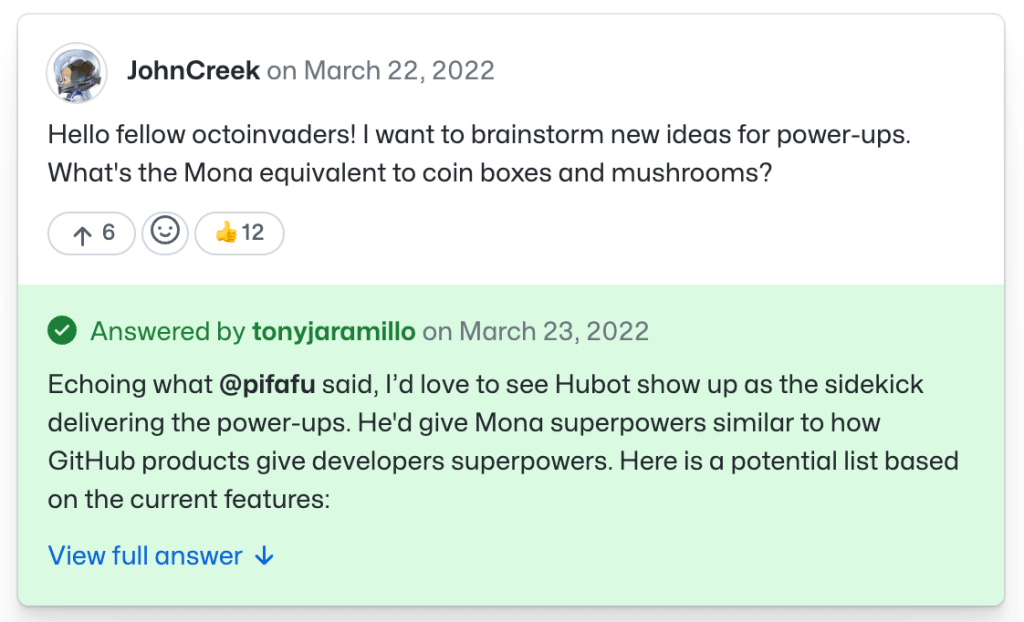
Threaded replies preserve the flow of a conversation.
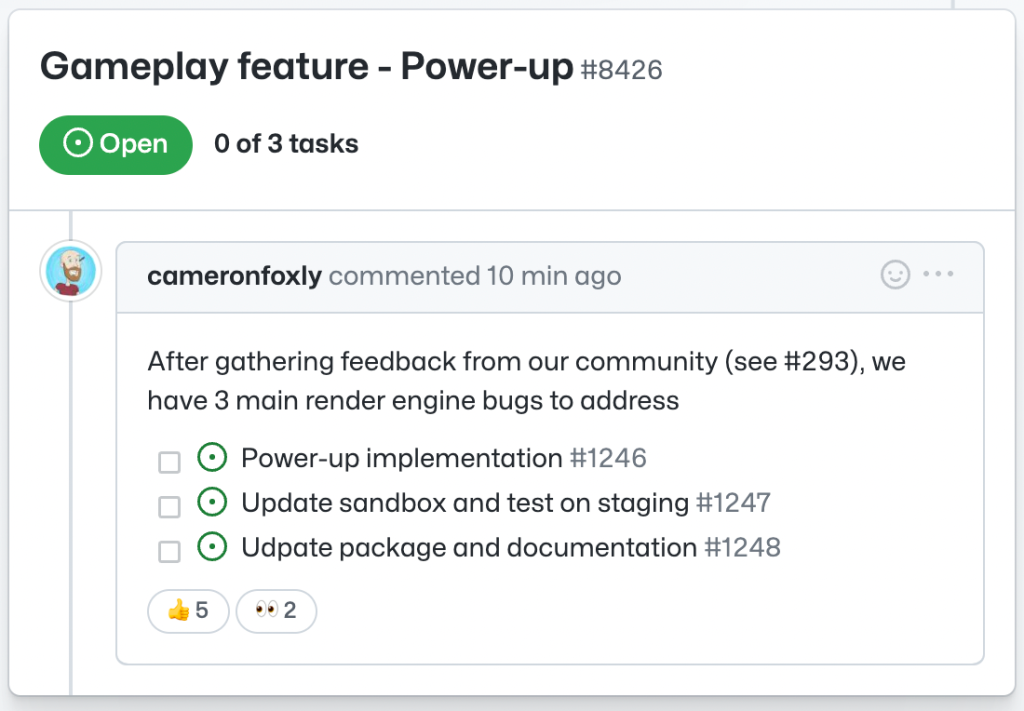
Discussions also bridge naturally with existing issue workflows: a discussion can be converted into an issue once the team reaches a decision and the work needs to be scoped and tracked. This avoids losing the context of a conversation when it moves into development.
Beyond the core features, several other capabilities are worth knowing about when adopting Discussions on Enterprise Server:
- Organization-level discussions can be enabled to give the whole company a space for announcements and internal Q&A, separate from repository-specific chatter.
- Labels on discussions make it easier to group topics and filter for the conversations most relevant to a given team.
- Pinned discussions keep important notices and ongoing decisions at the top of the conversation list.
- Polls are built into discussions, so teams can quickly decide on questions like tooling choices or event logistics without leaving GitHub.
- GraphQL API and webhooks let teams integrate discussions into custom workflows or trigger GitHub Actions.
- Mobile access means participants can join or respond to discussions from outside the office.
Enabling Discussions
Admins and repository maintainers can enable Discussions by navigating to the repository settings and toggling the feature under "Features." More details are available in the GitHub Discussions documentation, and feedback can be submitted in the GitHub Community discussions category dedicated to the feature.


