
Check a branch's full impact before you push
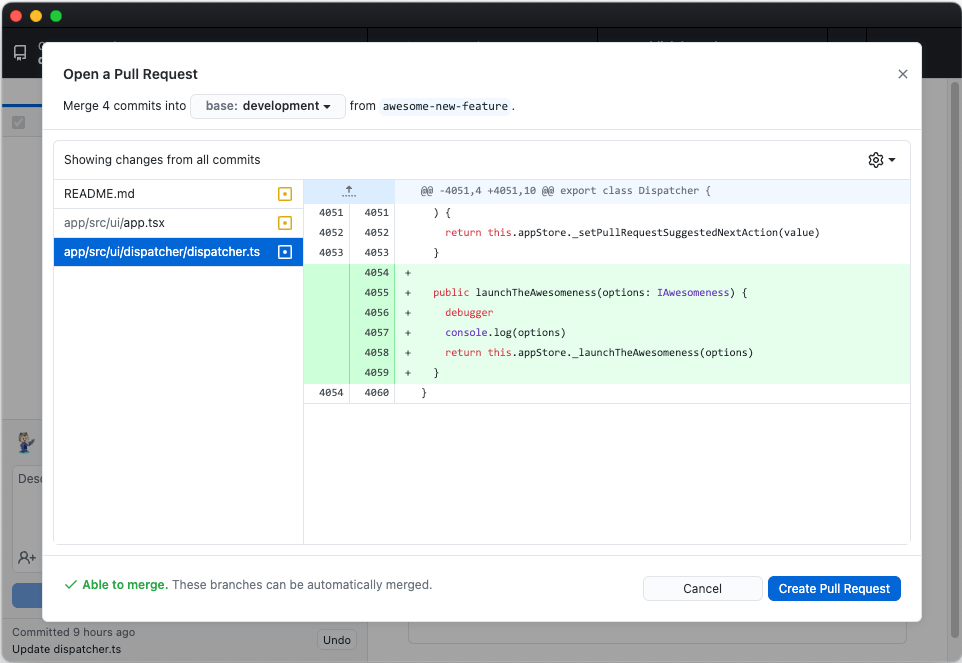
GitHub Desktop 3.2 introduces a "Preview Pull Request" option that shows the complete diff of everything your feature branch would introduce into your repository's default branch. The goal is to catch problems such as a stray debugger statement or an unintended file change before you push and open a pull request, rather than discovering the issue after the PR is live and having to go back, fix, commit, and push again.
What else is new since 3.1
Several other improvements have landed since the 3.1 release, covering common branch-management and repository-maintenance tasks.
Force push and fetch from the menu
Force pushing is no longer restricted to situations where you have just performed an action like rebasing. If your branch is in any diverged state, you can now choose to force push from the repository menu—for example, when commits exist on the remote and you intend to overwrite them.
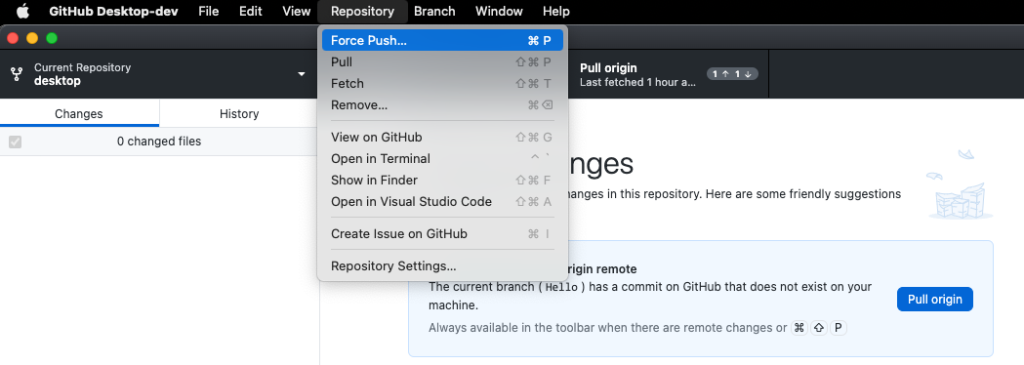
Fetching got a similar update. If you are on a new local branch you have not published yet, you can fetch to check for new changes on your main branch without switching branches first; the repository menu item handles it directly.
Notifications arrive on forks
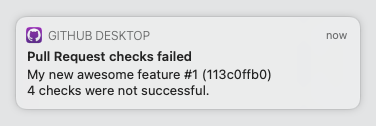
Pull request notifications, already available for repositories, are now supported on forks as well.
Better submodule visibility
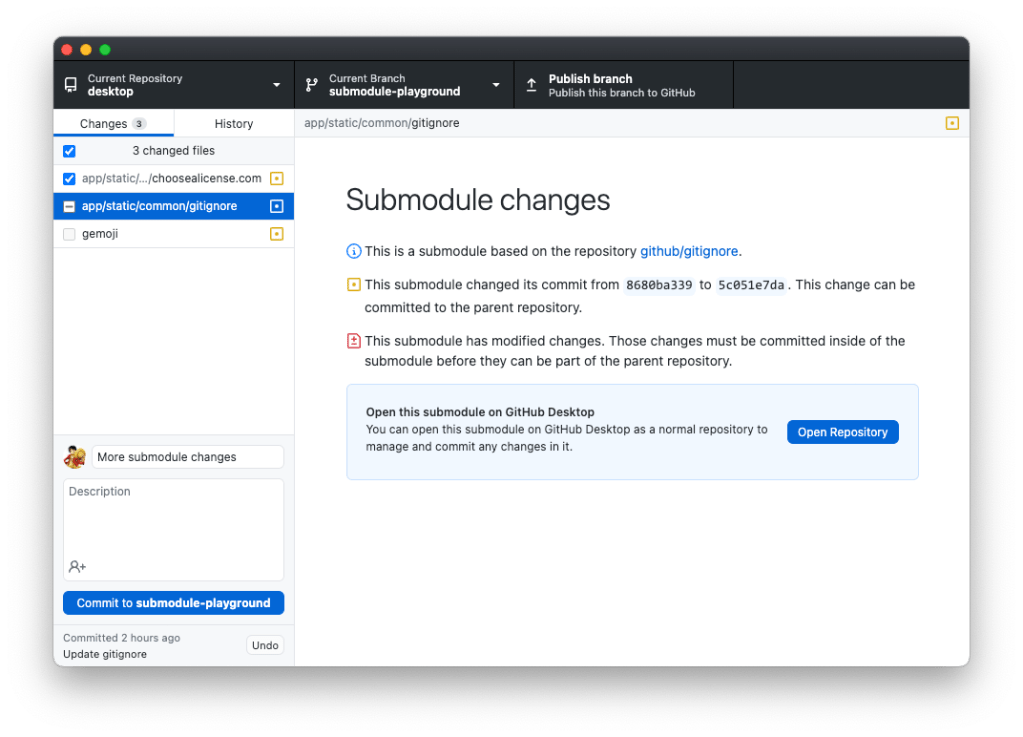
Submodule diffs are now more informative. When you have changes, you can tell whether a submodule merely points to a different commit or contains changes that need to be committed. You can also open the submodule directly with a single click.
Diff across multiple commits
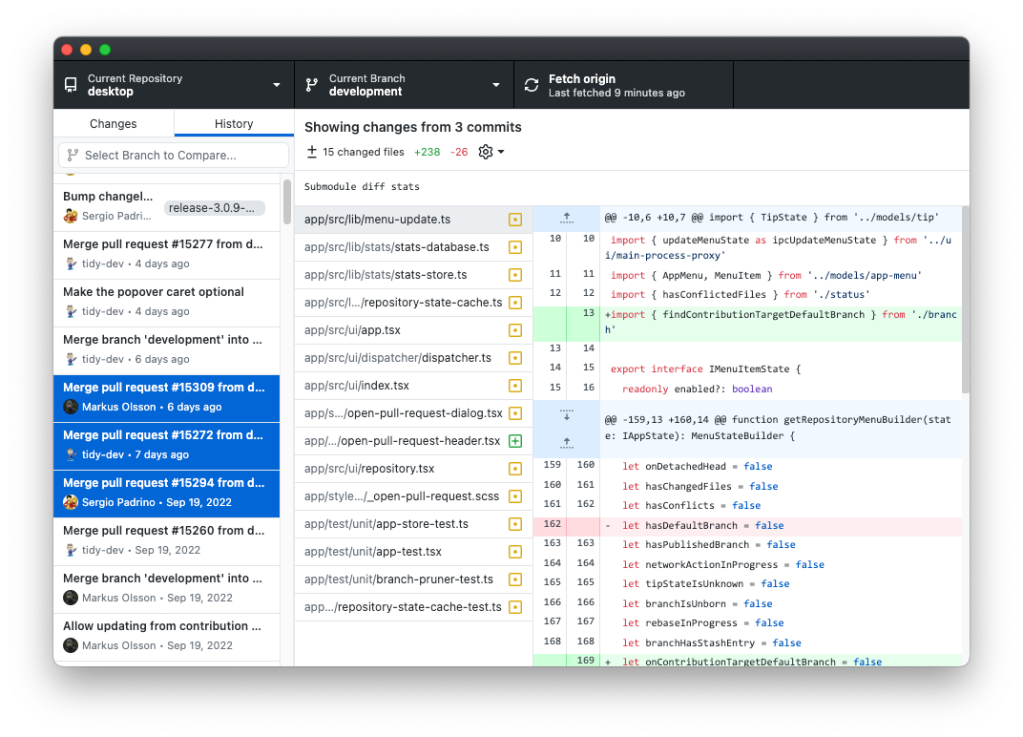
Selecting multiple commits shows all changes across that range, so you can verify exactly what you are about to push or merge and make sure no unintended edits slipped in.
Open source contributions
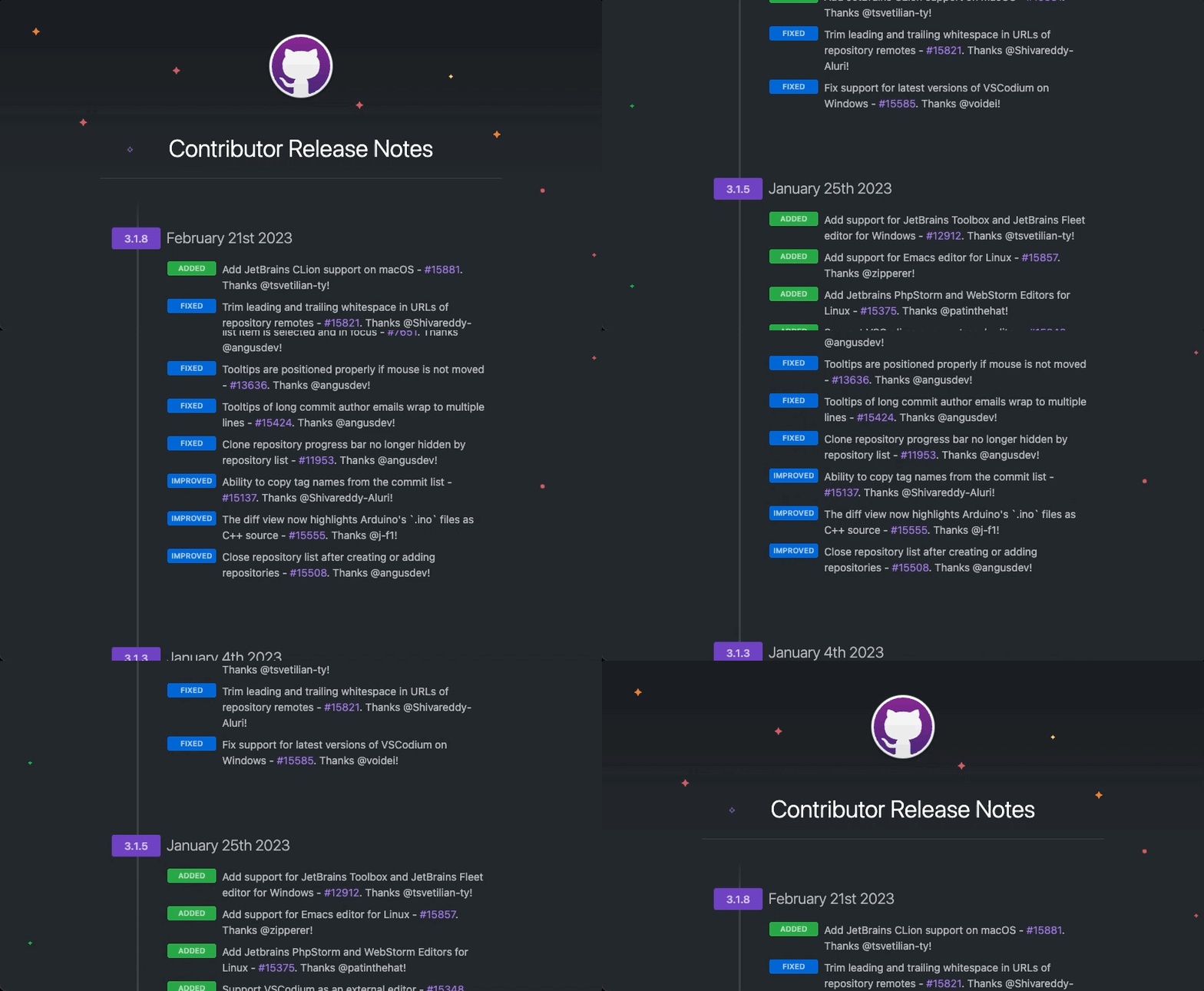
GitHub Desktop is an open source project, and community members have shipped 17 enhancements and fixes since version 3.1, with 5 more arriving in 3.2. Contributions have ranged from issue reports and beta feedback to suggestions and direct code improvements, all of which help shape the product for everyone.