

Developer-oriented Shortcuts baked into iOS 15
iOS 15 shipped with a set of built-in tooling that front-end developers can put to work without installing anything extra. The most underrated of these is the Shortcuts app, which works roughly like IFTTT or Zapier for iOS: you wire hooks between apps so one action triggers another. The Gallery tab in the Shortcuts app already contains a handful of ready-made recipes useful for front-end work.
Inspecting markup on the phone
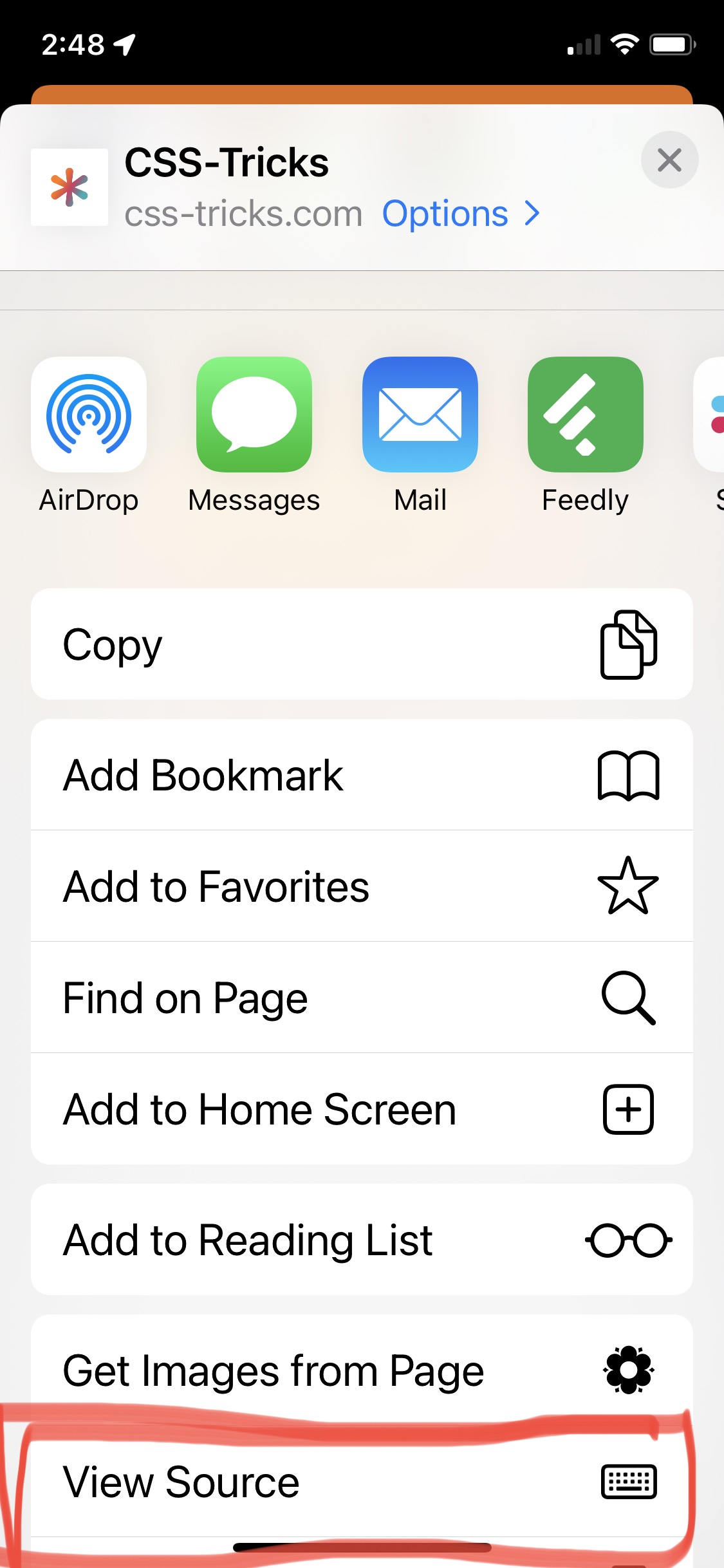
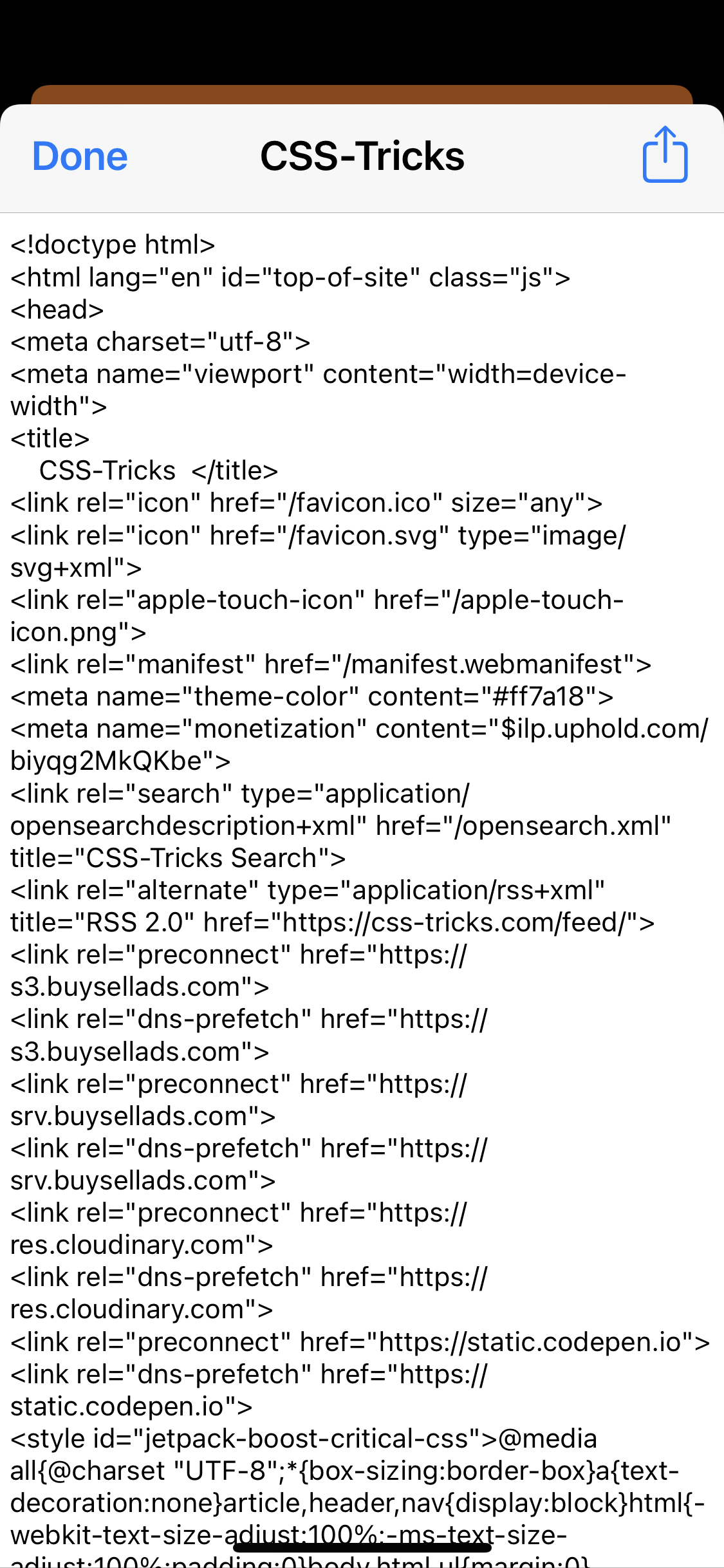
Among the Gallery entries is a prefabricated shortcut that displays the source of any webpage. Once installed, it can be triggered by asking Siri to view source while on a page, or by opening the Share Sheet. It works, though it falls well short of a desktop inspector: there are no line numbers, no syntax highlighting, no monospace font and no zooming.
Pulling images off a page
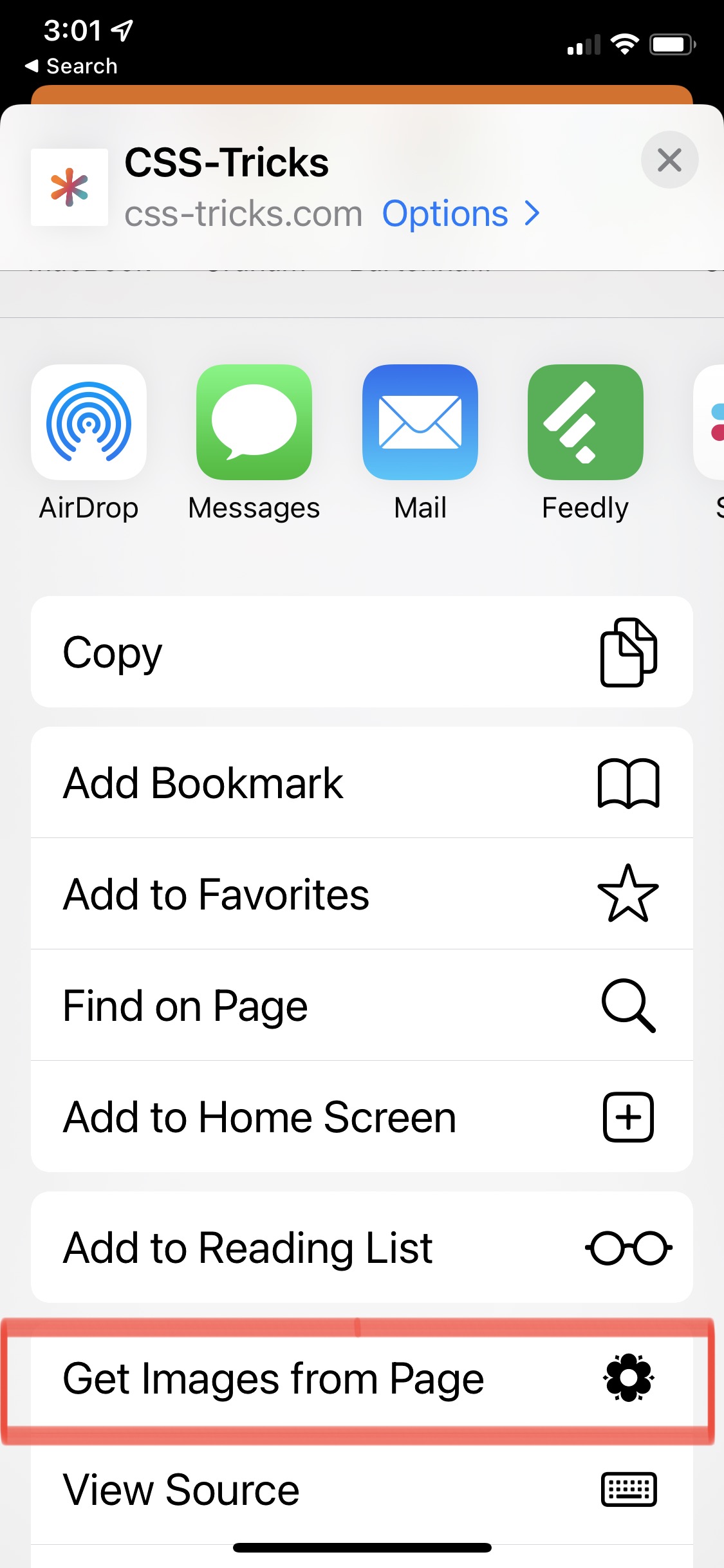
Another Gallery recipe collects the images from the current page. The author notes a distaste for scraping assets off webpages, especially in bulk, but also that not every image collection has to be nefarious.

Past versions, and live edits
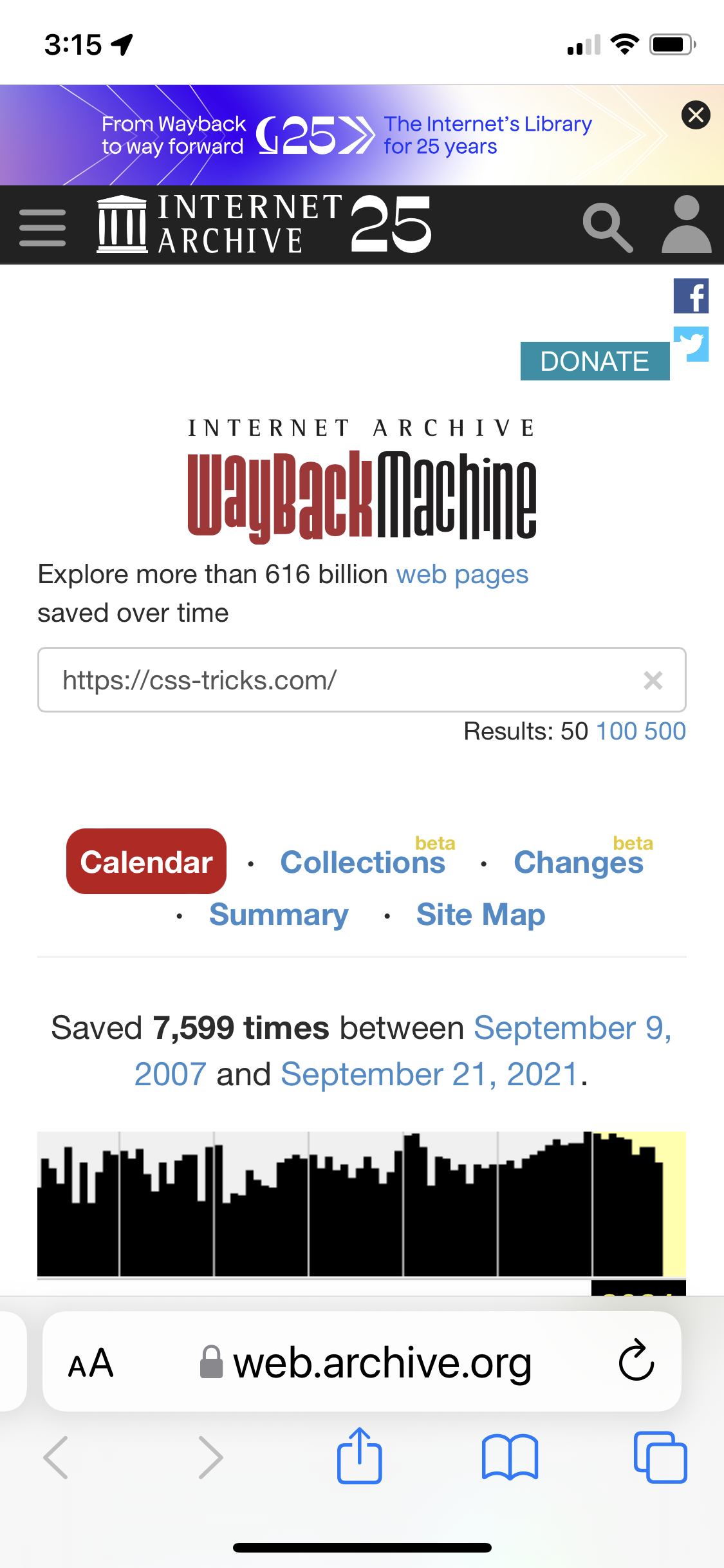
A shortcut devised by someone in the community opens the current page in the Wayback Machine so you can compare it against earlier versions.
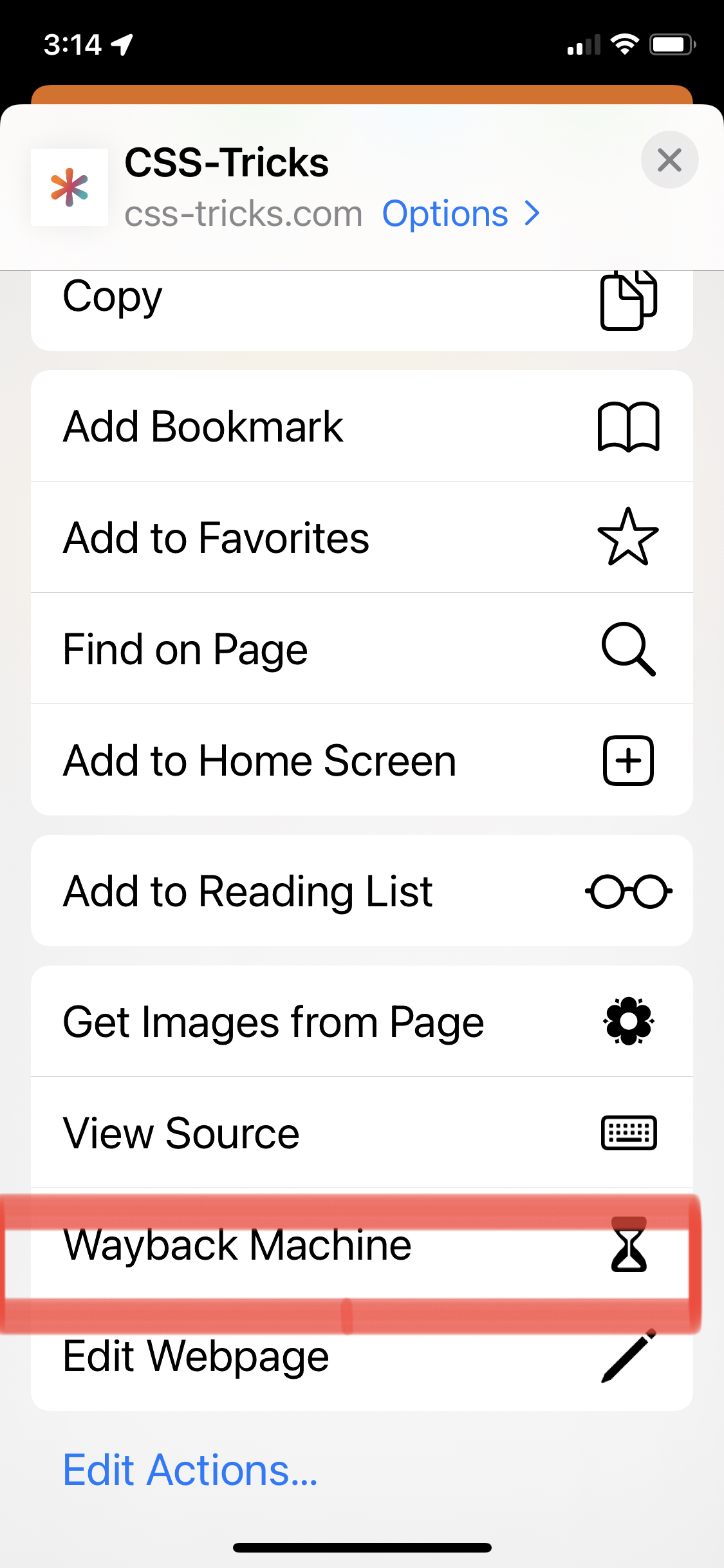
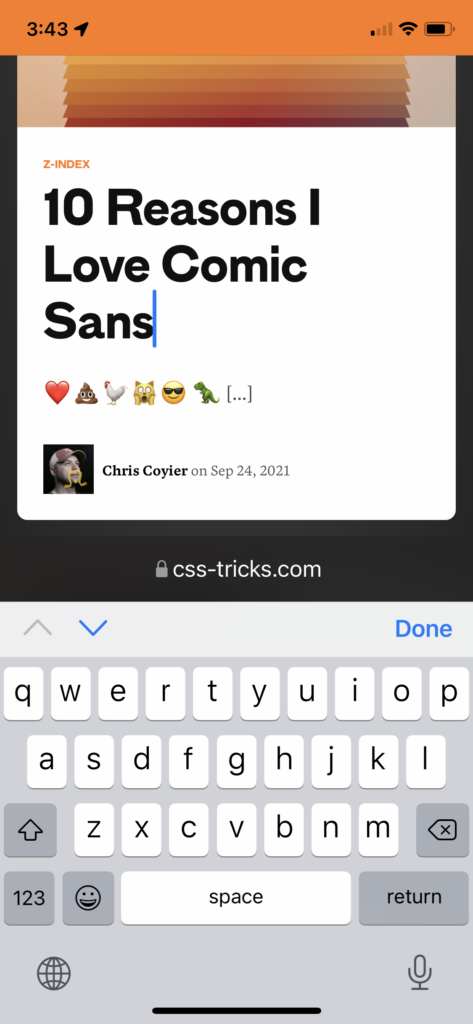
The most genuinely useful of the set, though, is the webpage editor. It drops contenteditable on every element of the page, which makes it possible to test content inside a design and see exactly how it looks on mobile.
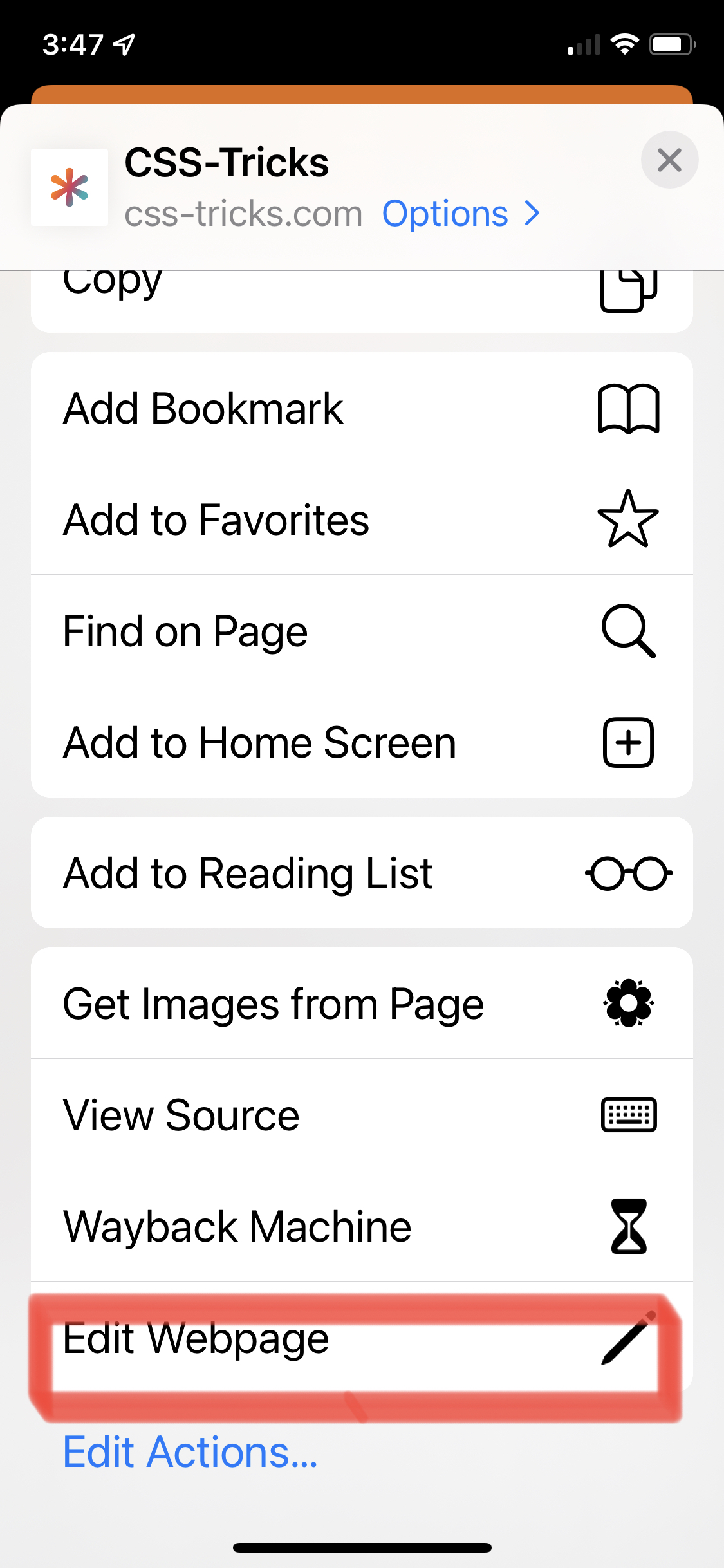
Where to find them
All four are available directly in the Shortcuts app under the Gallery tab, and there may be others worth discovering.



