

GitHub Actions expands runner options and hardens deployment controls
GitHub Actions continues to evolve as a CI/CD and automation platform with a batch of releases aimed at improving build performance, simplifying policy enforcement, and strengthening security around deployments and hosted runners. Here is a look at what has shipped recently.
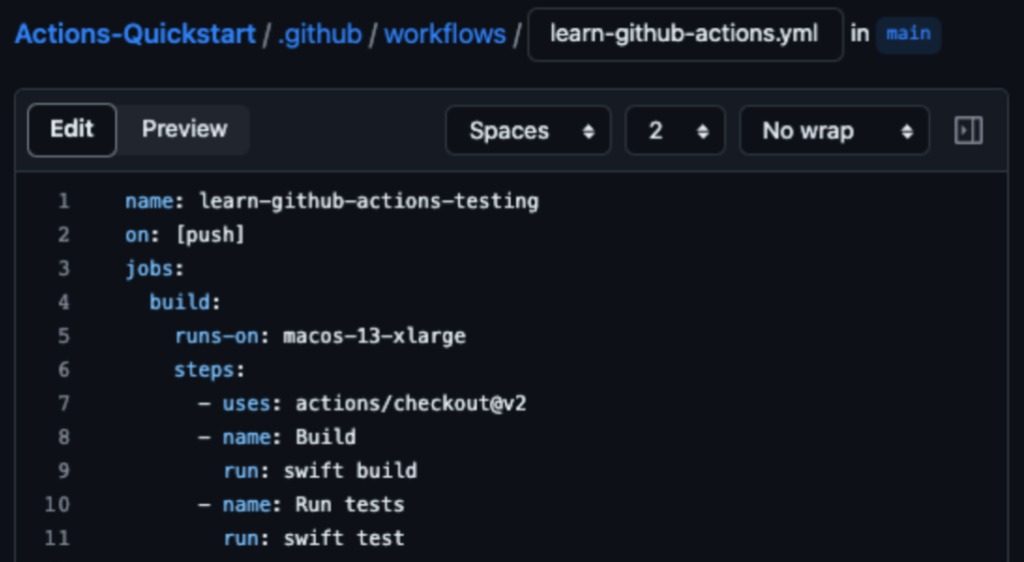
Apple silicon runners for faster macOS builds
GitHub Actions now offers M1 macOS runners with GPU hardware acceleration enabled by default, moving workloads from the CPU to the GPU for better performance and efficiency. The runner specs include a 6-core CPU, 8-core GPU, 14 GB of RAM, and 14 GB of storage. According to GitHub, build times can drop by up to 80% compared to the existing 3-core Intel standard runner, and by up to 43% compared to the 12-core Intel runner.
Required workflows via repository rulesets
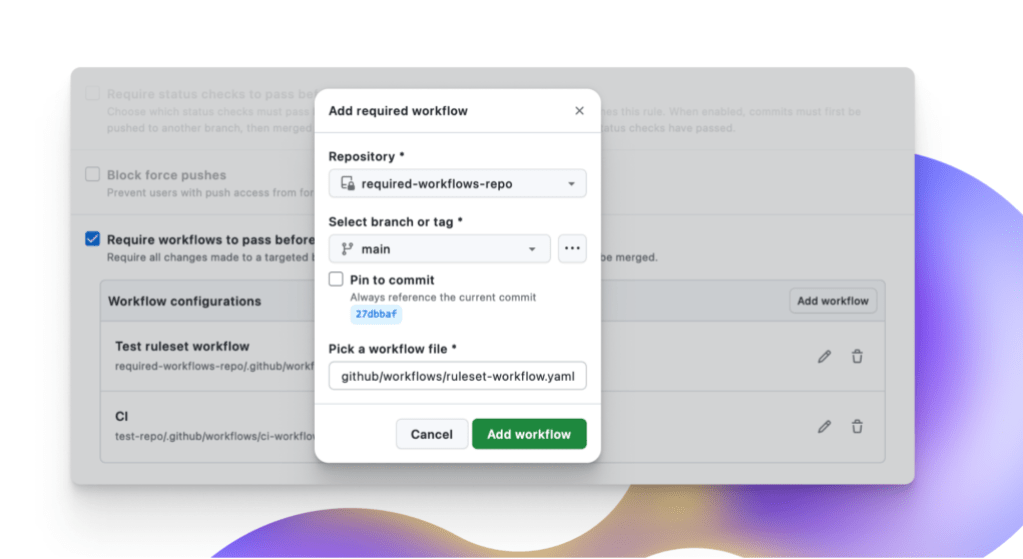
For GitHub Enterprise Cloud customers managing policies across hundreds of repositories, GitHub has simplified central workflow management with repository rulesets. Organizations can now require that specific workflows run successfully before code is merged, ensuring contributions comply with defined CI/CD policies. The ruleset system also brings branch targeting, bypass rules, and dry-run evaluation mode to the workflow configuration process.
New controls for secure deployments
Several deployment-focused features have landed to give teams more visibility and control:
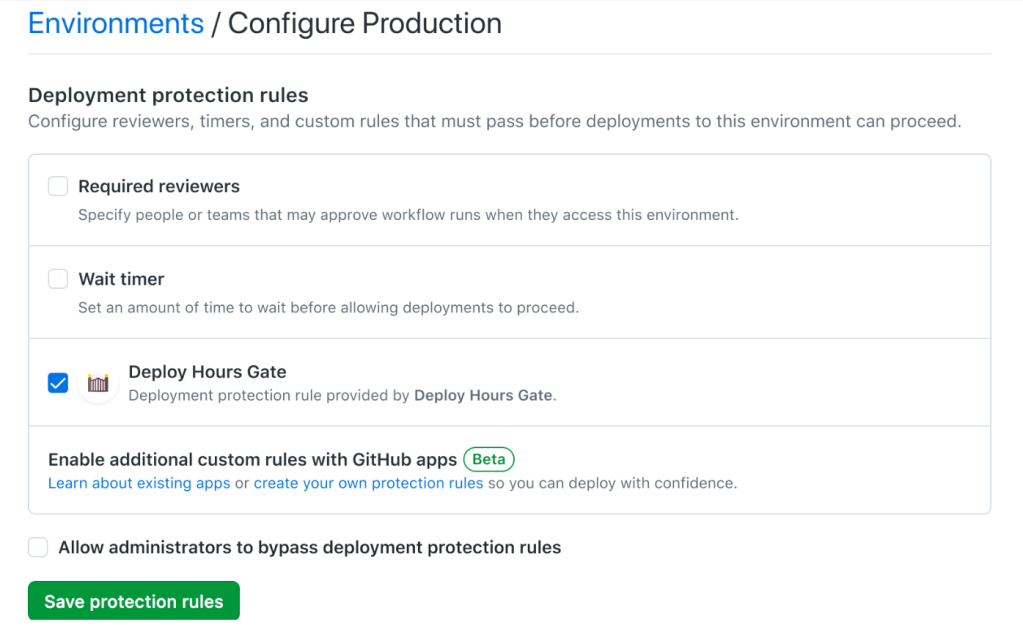
- Custom deployment protection rules (public beta) are powered by GitHub Apps and can be enabled on any organization, repository, or environment. External systems can approve or reject deployments by evaluating readiness conditions, making automated deployments safer.
- New dashboard views for deployments across environments let developers and DevOps managers track the full deployment history in a repository or filter across environments. They can view active deployments, monitor status, trace a deployment back to its source workflow, and inspect logs for troubleshooting.
- Tag-based deployment controls allow teams to specify selected tags or tag patterns on protected environments for more controlled rollout scenarios.
- Self-review prevention gives admins the ability to set controls that stop users from approving their own deployments to GitHub Actions environments.
Private networking for GitHub-hosted runners
As more teams rely on GitHub-hosted runners for CI/CD, network security has become a key concern—particularly around accessing private resources, controlling outbound traffic, and monitoring network activity during deployments. GitHub has responded with private networking via Azure Virtual Networks (VNET), now in public beta for GitHub Enterprise Cloud.
Customers using Azure can connect their GitHub Enterprise instance to an Azure VNET owned and managed by their Azure account, allowing GitHub-hosted runners to be deployed into that network. This keeps the benefit of GitHub-managed resources while giving customers full control over the networking policies applied to them. Once connected, workflows can securely reach Azure services such as Azure Storage, or on-premises resources like an artifactory, through existing VPN gateway or ExpressRoute connections. Any networking policies applied to the customer-owned VNET—including network security group (NSG) rules for controlling inbound and outbound traffic, and firewall policies—also apply to the runners, giving platform administrators direct control over the security of their build infrastructure.
Learning pathways for automation
GitHub has also published free learning pathways based on customer implementations. The Automation pathway offers prescriptive modules that build foundational knowledge through guided tutorials, customer stories, and best practices from engineering leaders, with the goal of helping teams reduce repetitive work and focus on development.


