
Why Figma built a developer-focused workspace

Figma was designed as a collaborative platform rather than a design-only tool, but developers now account for a third of weekly active users — even though the product wasn't originally optimized for their workflows. To better serve this growing audience, Figma set out to create a purpose-built space for developers working with designers, product managers, and other collaborators.
The effort began in 2021 with the acquisition of Visly, a team of eight engineers and designers who had built a React component development tool. That team brought hands-on experience and months of developer tooling research, giving Figma the insight needed to design for developers rather than just listen to them. Their key observation was that developers shouldn't need to learn design mode interactions — the experience should be tailored to them.
After roughly a year and a half of iteration, the team settled on a hybrid model: a mode within Figma that developers can switch into without leaving the file entirely. This balance keeps design context close, while optimizing the interface for development tasks like inspection, measurement, and code export.
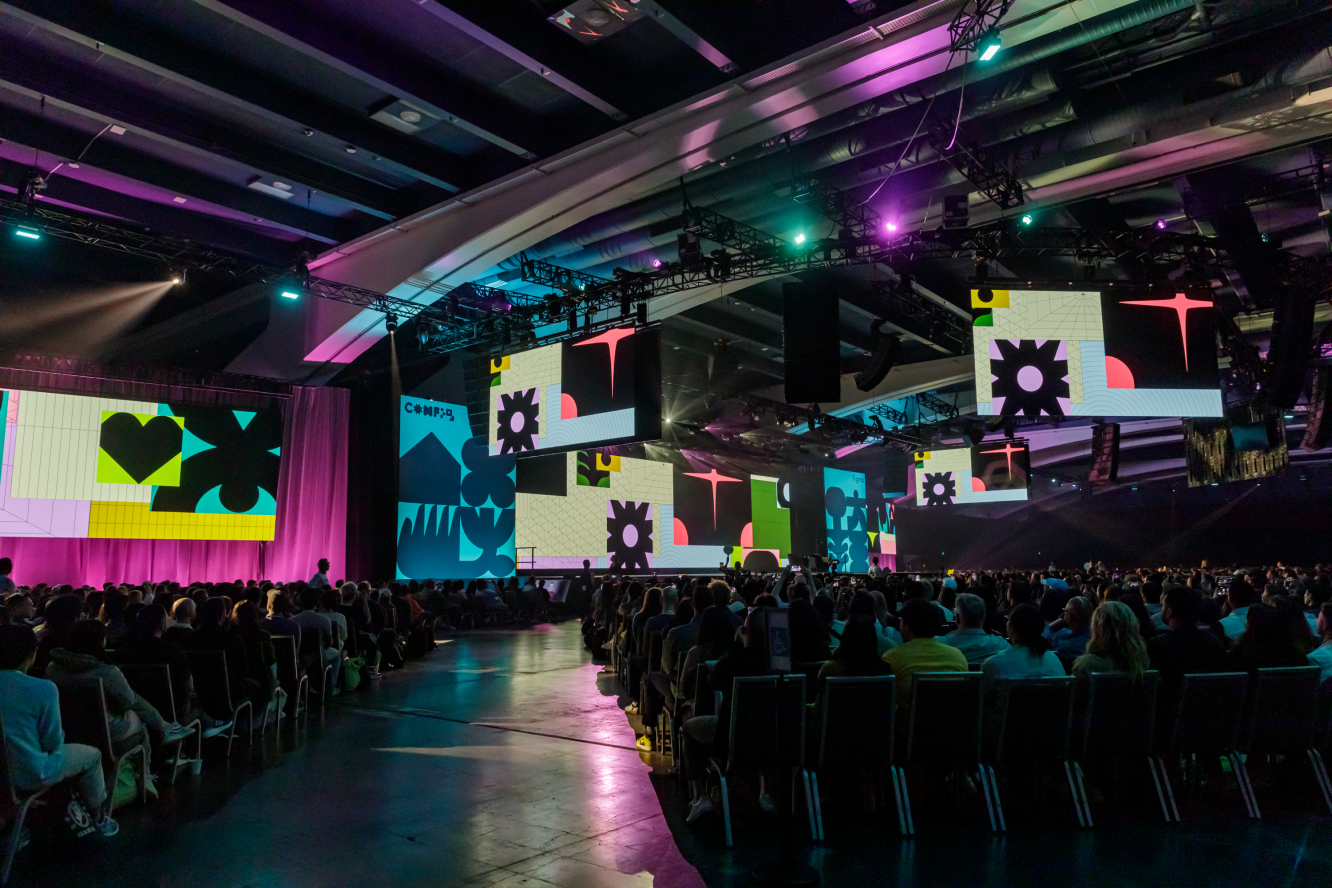
Dev Mode launched as an open beta at Config 2023. Customer feedback drove rapid iteration, with more than 200 of the most-requested updates shipped in the first two months of the beta.
Annotations and change tracking
Dev Mode introduces annotations that live-update as designs change, letting designers attach specs and context directly to frames. Developers see those notes inline while inspecting, without designers needing to manually craft callouts or organize separate handoff pages. Annotations can be automated and customized through plugins.
The diffing experience has also been redesigned. You can now compare any two frames to see design iterations, including differences between detached components and overrides against the main component. The diff modal is more interactive and includes code diffs alongside visual changes.
Extending Dev Mode into your existing workflow
Dev Mode is built to sit alongside the tools teams already use. Plugins connect design files with Storybook, Stark for accessibility checks, and project management tools like Jira, Linear, and GitHub.
The Figma for VS Code extension brings Dev Mode into your code editor, allowing you to review designs, see notifications and comments, and autocomplete code based on the design currently being inspected. The extension's navigation was recently redesigned — instead of panning across a large canvas, you can select from a grid of frames and view them individually with focus mode. Plugins can also be run directly in VS Code, including private plugins configured through Figma's documentation.
Code generation and design system adoption
Generated code in Dev Mode is meant as a starting point rather than production-ready output. It includes box model visualization, modern syntax with a tree view, and the option to toggle between rems and pixels. For language-specific output, plugins like Anima and Figma to Code can produce working HTML & CSS, React, or Tailwind code.
For teams that need to stay aligned with their design system, Dev Mode supports custom codegen plugins, integration with the Code Snippet Editor for dynamic snippets that mirror component code, and the Variables REST API for bidirectional sync of design tokens. Enterprise admins can now pin plugins and set them to auto-run by default in Dev Mode across all organization files.

Annotations and collaboration updates land in Dev Mode
Dev Mode is officially out of free beta, and the latest release brings a set of features focused on improving the workflow between design and engineering. The headline addition is support for annotations within Dev Mode, alongside updates to compare changes, plugin capabilities, and the Figma for VS Code extension.
The underlying goal is straightforward: treat handoff less like a single handover event and more like a continuous collaboration loop between designers and developers. By tightening the connection between code components and design components, Figma wants to reduce friction in the daily build cycle.
The new features were shaped by feedback collected during the beta period. A livestream event in the coming weeks will walk through the launches in detail and feature the teams responsible for building them.
Annotations in Dev Mode
Annotations have been a long-requested addition, and they are now part of the core Dev Mode experience. These are designer-authored notes that attach directly to layers, frames, or specific regions of a design, providing context without cluttering the canvas. The intent is to reduce the back-and-forth in comment threads by surfacing relevant implementation guidance right where the developer is working.
The design of the annotation system was a deliberate exercise in restraint. The focus is on making notes easy to scan and act upon, rather than creating another full-fledged documentation surface. For deeper context, annotations are directly linked to the fast-follow releases that delivered over 200 fixes, which focused on quality-of-life improvements like keyboard shortcuts, faster frame navigation, and peek previews.


