
Emojis are the missing channel in digital communication
Communicating over text strips away body language, tone, and all the other cues that make face-to-face conversation legible. Emojis step in to restore some of that lost signal. They are not a replacement for actual conversation, but in email, chat, or Dropbox Paper, they help close the gap between what you type and what you mean.
When Dropbox Paper first launched, the browser couldn't natively render emojis at all. The engineering team solved this by storing text markers like :sunglasses: in the backing document and rendering images on the fly using Paper's multi-layered rendering system, the same mechanism used for auto-linking URLs and highlighting code.
That worked, but it introduced friction. Deleting an emoji reverted it to its textual marker, forcing users to delete every backing character. Copying text out of Paper preserved the markers, which wasn't the intended experience. The team eventually used Paper's migration system to convert existing documents to actual native Unicode emoji characters. The browser still needed fallback images for rendering, but the backing text became portable and forward-compatible.
Behind the migration: MySQL and multi-character emojis
Paper's migration system applies changesets to transform documents from one format to another. Converting legacy markers like :nerd_face: into their native Unicode counterparts sounds trivial, but it ran into a database constraint: MySQL's default utf8 encoding does not support emojis. Storing them requires utf8mb4. The upgrade forced Paper into maintenance and read-only mode for a couple of hours while the databases migrated.
The bigger challenge was that emojis are not always single characters. A Spock emoji with a Fitzpatrick skin tone modifier renders as one visual glyph but is actually two characters:
🖖 + 🏿 = 🖖🏿
The sequences get more complex. The emoji of two people kissing renders as a single visual unit but is composed of eight separate characters:
👩 + U+200D + ❤ + U+FE0F + U+200D + 💋 + U+200D + 👩 = 👩❤️💋👩
Even the plain Spock emoji is internally two characters. In JavaScript, operations like regular expressions fail in subtle ways when they assume one visual character equals one code unit.
"🖖".length = 2 // !!!
"🖖".charCodeAt(0).toString(16) == "d83d"
"🖖".charCodeAt(1).toString(16) == "dd96"
/foo.bar/.test('foo🖖bar') == falseThis distinction between rendered length and actual character count matters for Paper's logic, which is written in TypeScript on both frontend and backend. Applying a changeset that removes characters near an emoji requires knowing where the emoji starts and ends, otherwise you could delete half of it and corrupt the document with replacement characters like �. Paper engineer Travis Hance implemented detection of emoji boundaries so they can be treated as single logical units even when they span multiple code points.
Design overhaul and EmojiOne
The Unicode Consortium kept adding new emoji versions, plus skin tone modifiers and other variations. Across browsers and operating systems, support was inconsistent, and even where it existed, the rendering quality varied drastically.
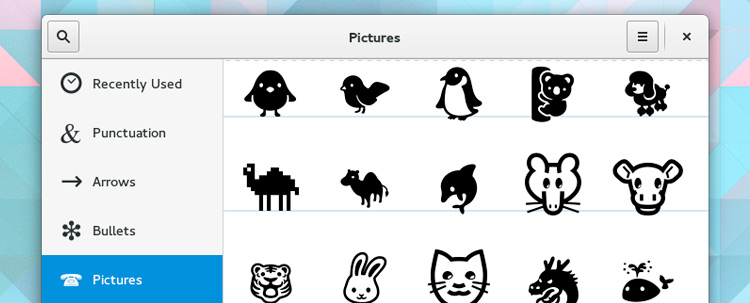
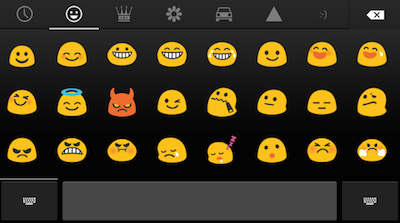
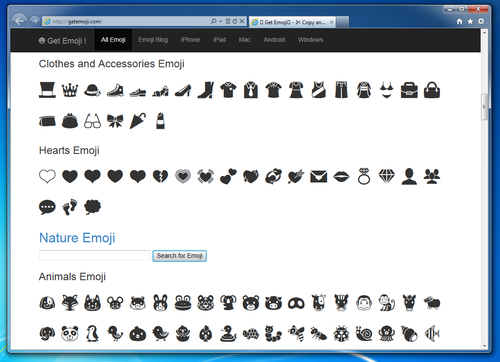
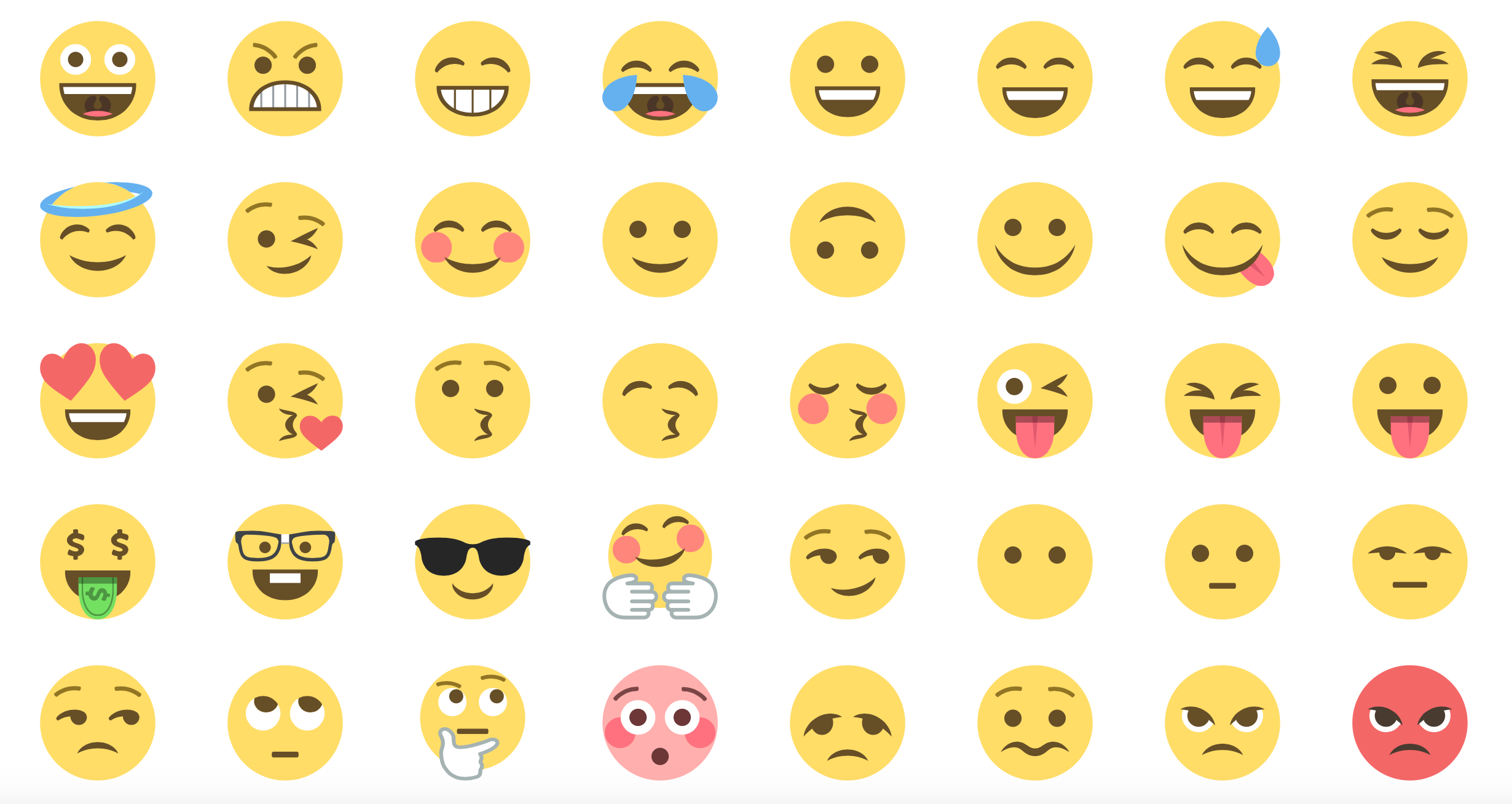
Dropbox Paper switched to EmojiOne to provide a consistent visual experience across platforms. Along with the rendering change came a design update. The original picker was a small alphabetically sorted dropdown; the new interface supports browsing by category, skin tone selection, and custom emojis. Displaying 1500+ emojis instead of 20 put a strain on React's rendering, even with pure components. Engineer Sergio Almécija Rodríguez solved the performance problem by caching individual emoji components within the list, which eliminated the multi-second delay on page load.
Custom emojis as Magic Objects
The built-in emoji set is never enough for team-specific jokes and memes. During Dropbox Hack Week, the Paper team added custom emoji support rather than waiting for Unicode to standardize things like cupcake or red panda. (The cupcake emoji is now officially a Unicode character.)
Understanding how Paper stores documents explains why custom emojis needed a specific approach. A Paper doc consists of attributed text, abbreviated atext, and an attribute pool (apool). Rich objects like lists, headers, checkboxes, images, tables, and at-mentions are represented by a * character in the text layer, with attributes that tell the renderer which React component should paint in its place.
text: A Paper doc consists of attributed text (atext for short)...
attributes: *0+15*0*d+5*0|1+c
apool: {
  "0":["author","d.YHOvhpCS9BNxz1xJE78xjz4q7DRColaUpHFBqz"],
  "d":["inline-code","true"]
}
*0+15 // Apply the 'author' attribute to the first 41 characters ('15' is in base 36)
*0*d+5 // Next, apply the 'inline-code' & 'author' attributes to the next 5
// characters, on the word 'atext'
*0|1+c // Finally, apply just the 'author' for the rest of the line[
["magicObject", "customEmoji"],
["customEmoji",
"{
'url': 'https://d2mxuefqeaa7sj.cloudfront.net/s_3E96F0DC82F6167C312B4C5D5168AA5B78613CFB37B684B23B628387E0E77CBC_1447989593464_87c2578fe0ce2023.png',
'tags': 'cupcake'
}"
]
]The renderer sees the * and draws the image referenced by the URL, while the editor treats it like a regular character for selection and deletion.
The initial custom emoji implementation used Unicode's Private Use Area, which worked but was not portable across teams. Since custom emojis are team-specific, copying text containing these characters into another team's doc produced replacement characters. Migrating custom emojis to Paper's standard atext and Magic Object system made the underlying data far easier to manipulate and share correctly.
From Emojis to Reacji: Fostering Friendly Communication
The emoji features in Paper soon shaped other parts of the product. Shortly after their introduction, the Dropbox team added stickers to the commenting area, followed by emoji reactions ("reacji") so colleagues could express how they felt without typing a word. These additions might seem playful, but they serve an important purpose: helping people feel more comfortable in an environment where messages are easily misunderstood. They also make the workday more enjoyable and help teams communicate with greater ease and fluidity.
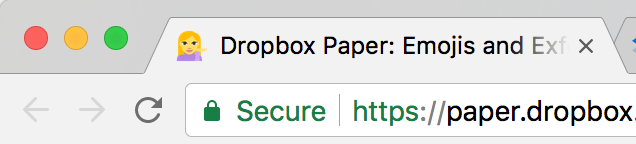
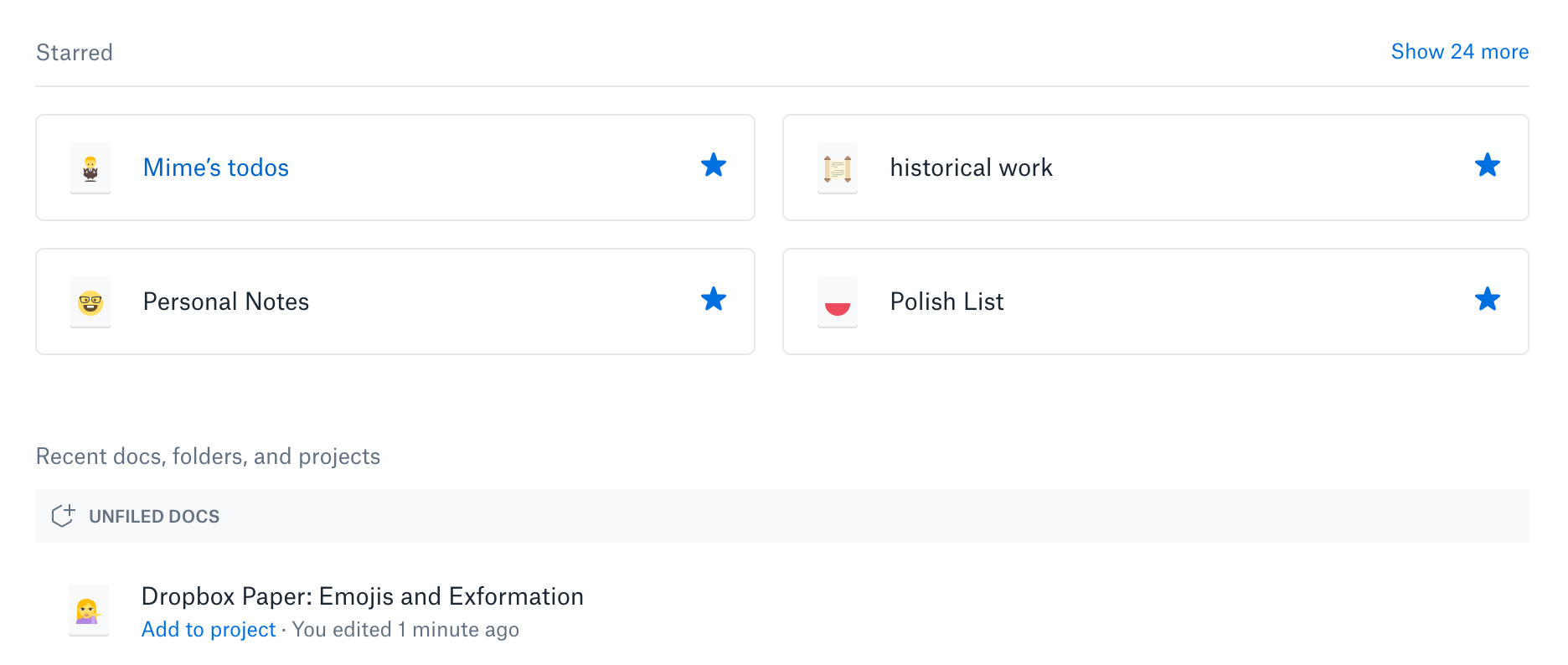
The team has since rolled out another emoji-driven feature. When users add an emoji at the start of a Paper document's title, the favicon displayed in the browser tab changes to that emoji for quick visual identification. The same emoji is also used as the document's icon on the Paper homepage doc list.
With clearer, more lighthearted communication out of the way, the question remains: can teams actually agree on what some of these emojis mean? 💁 🙆 🙇 🙏
Mime Čuvalo🕴️
Staff Engineer on Paper 


