
Chrome 83 Reskins Form Elements
Chrome 83 introduces visual changes to the browser’s default form element styling. Gradient colorization is removed entirely, most visibly from the extra-shiny <meter> rendering. The author finds the new uniformity welcome, especially the matching look between inputs and textareas, though the restyled <select> isn’t to their taste.
Accessibility Trade-offs and Styling Gaps
That select styling reportedly reflects a significant body of accessibility research, which makes it difficult to object — and it can be overridden with custom CSS if desired. Hakim El Hattab posted a side-by-side comparison of the new defaults on May 26, 2020.
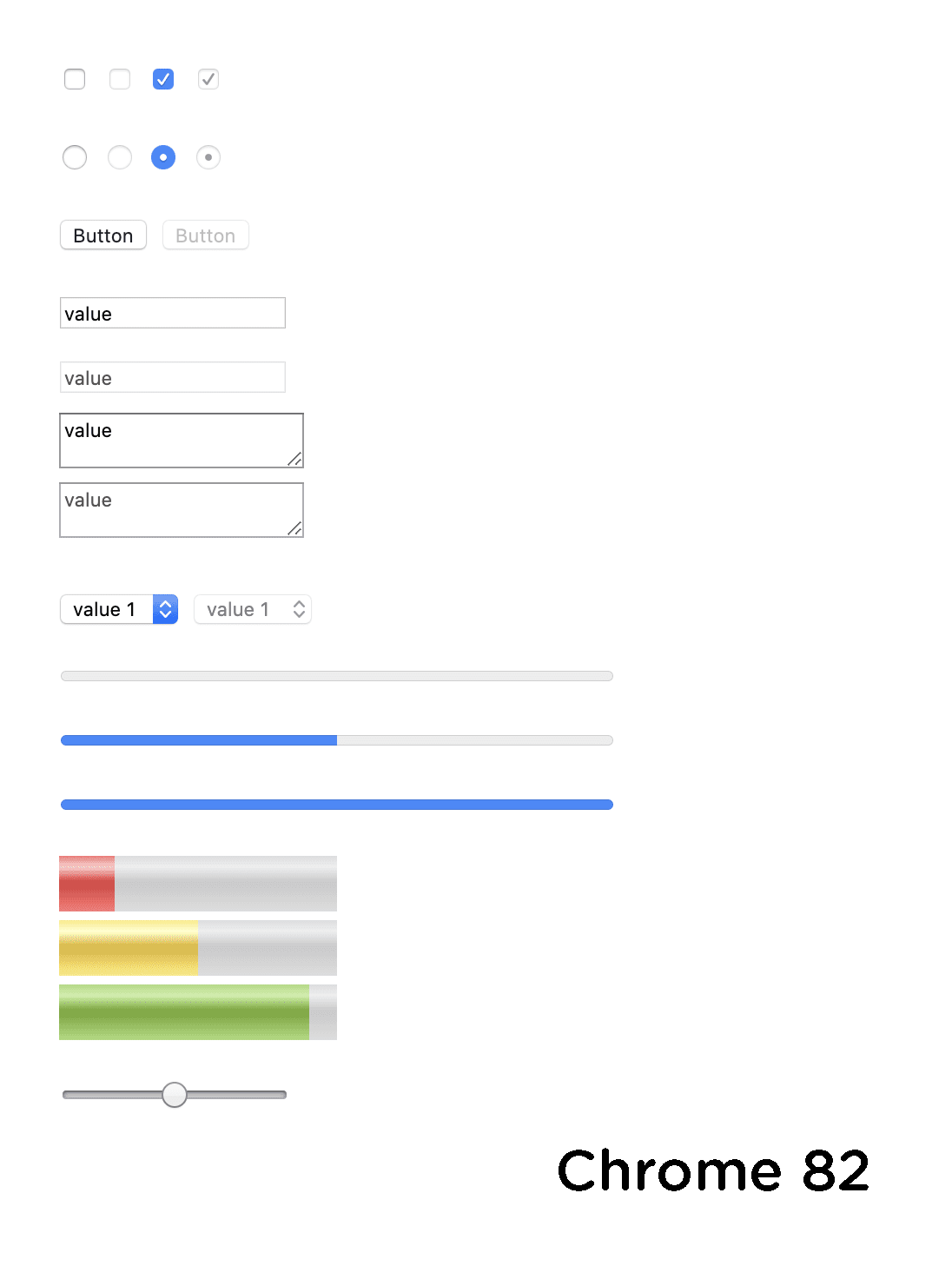

Notably, Chrome 83 does not ship standardized CSS hooks for restyling form elements. Browsers are aware of the gap and appear to be edging closer to a solution, and the author sees this release as a step in that direction.
New Time Input Controls
The release also revamps <input type="time">. The earlier version had no UI controls at all:

The new version adds a full set of controls:

According to Reddit, this picker relies on the same pseudo-element used by date pickers, so it can be scoped to these input types and removed if unwanted.
input[type="time"]::-webkit-calendar-picker-indicator {
  display: none;
}
The author considers the new time input an improvement — UI controls are useful — but says it reinforces the need to style these elements, particularly if the goal is for people to actually use native controls rather than poorly rebuild them.