
Canceling a Stuck or Unneeded Deployment
Deployments that are no longer required—or that are holding up the queue for newer builds—can now be stopped mid-flight. Previously, the only option was to let the build finish and then delete it. Today, a new "Cancel" button on the dashboard lets you halt an ongoing deployment immediately.

Once a deployment is canceled, any builds queued behind it will automatically start running.
Clearing the Build Queue
If you push multiple deployments in quick succession, the most recent ones may sit in a queue until the oldest finishes. Canceling one or more of those queued builds can unblock the rest. For teams that regularly hit this bottleneck, however, a more permanent fix is to raise the Concurrent Builds limit on the Billing settings page.
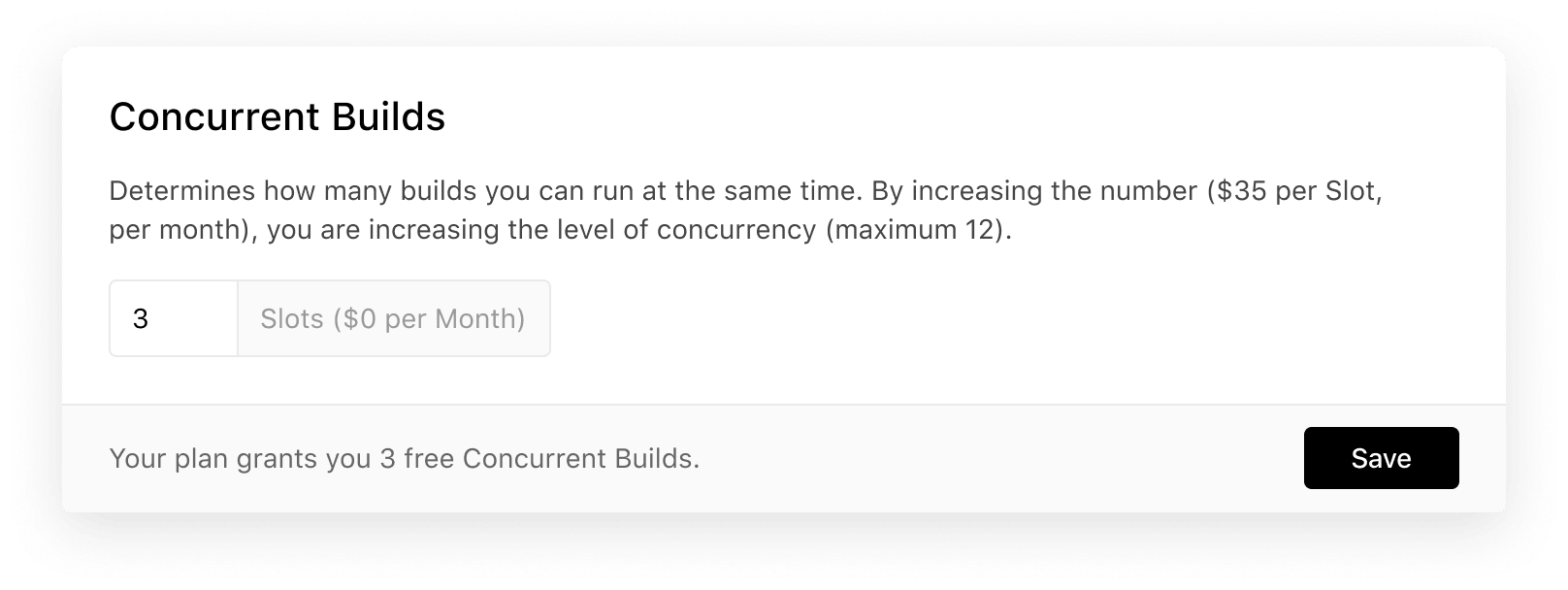
Note that the Concurrent Builds option is available only to teams, not to individual accounts.
Summary
Halting an unnecessary deployment is now a single click. Teams that frequently outpace their build capacity, though, should consider increasing their Concurrent Builds allowance instead of repeatedly canceling and restarting.


