
What a pull request actually is
Pull requests are not part of Git itself. The functionality comes from the hosting platform: GitHub, GitLab, Bitbucket, AzureDevops and others each build their own version of it into their product.
When a merge is not enough
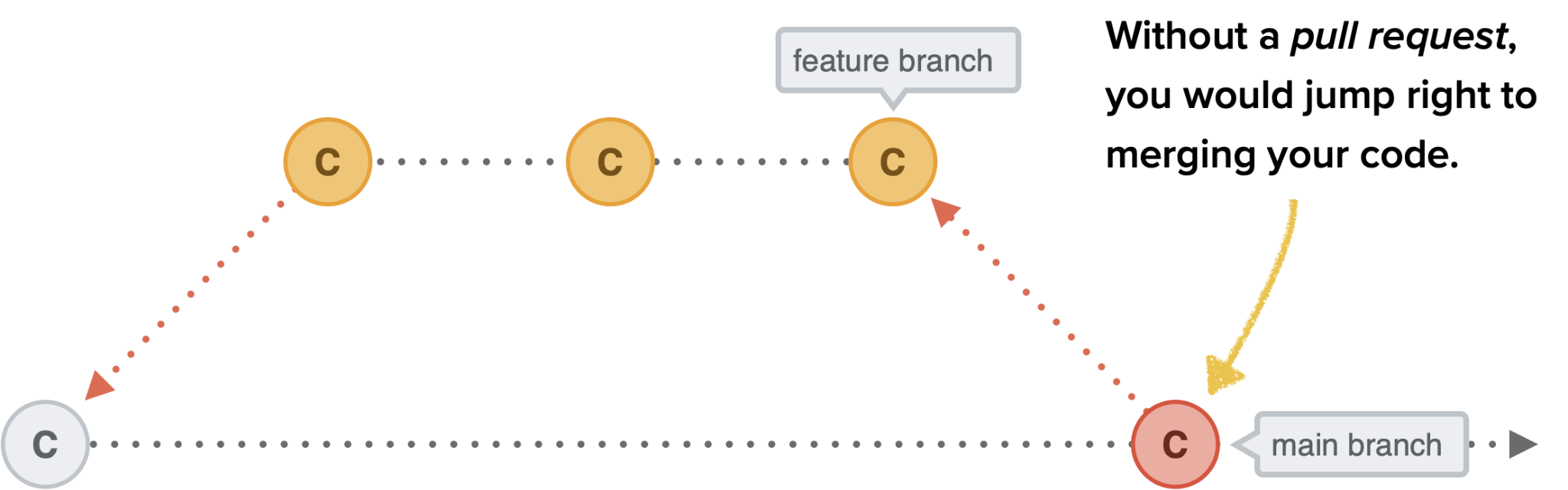
Suppose you have just finished a feature on a feature branch and the next step is merging it into master or main. If you are the only developer on the project, or you are confident your team will welcome the change, going ahead is fine.
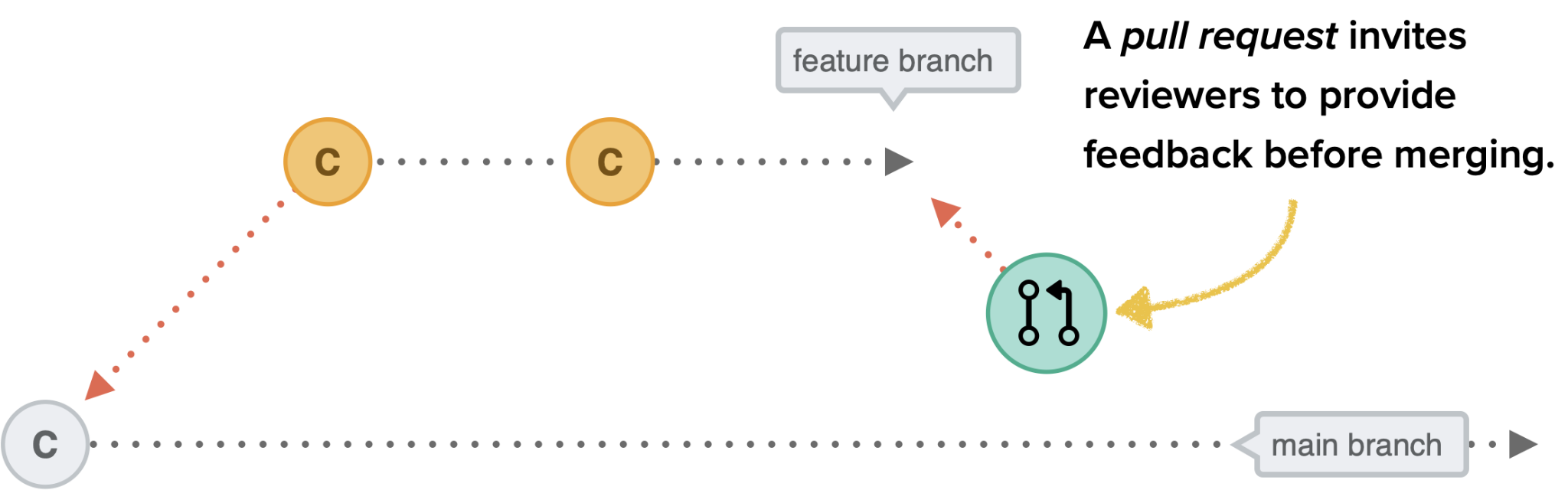
For anything more complex, pulling in a second pair of eyes helps, and that is the purpose of a pull request: you invite others to review the work and give feedback. Once it is open, you can discuss the code with other developers; most platforms let users add comments and suggest changes, and after approval the work can be merged into another branch.

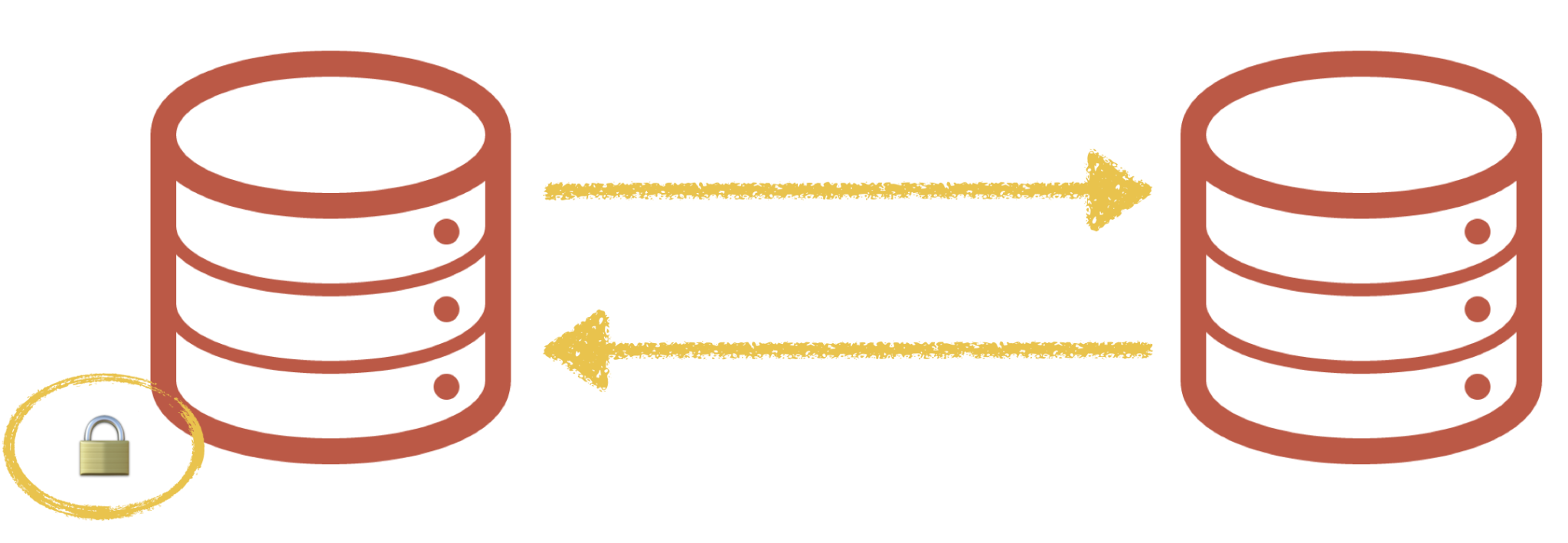
Contributing without write access: forks
Review is not the only reason to use pull requests. They are how you contribute to repositories you cannot write to. On an open source project, you can propose a new feature or submit a patch without joining the project as a main contributor.
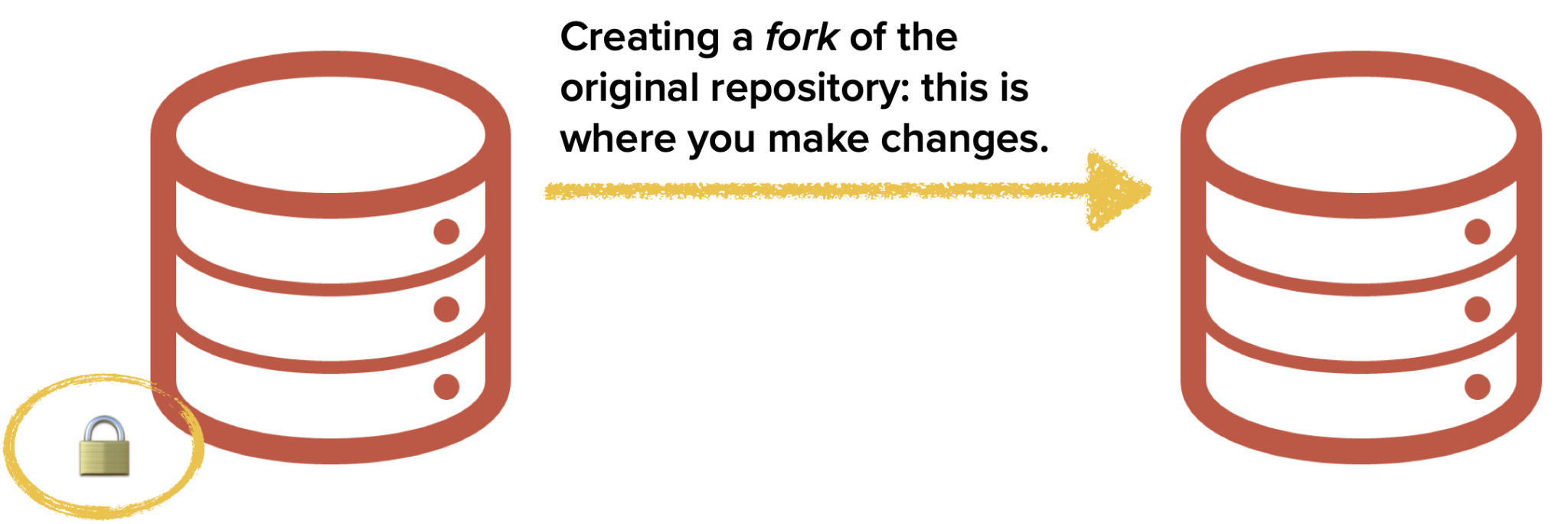
This is where forks come in. A fork is your personal copy of an existing repository, and it is the first step: you fork the original, edit your own copy, then open a pull request asking the owners to include your changes. A maintainer or another core contributor reviews the code and decides whether to take it.
One rule to remember: pull requests are based on branches, never on individual commits. When you open one, you point at a branch and request that the branch be included.
The workflow, step by step
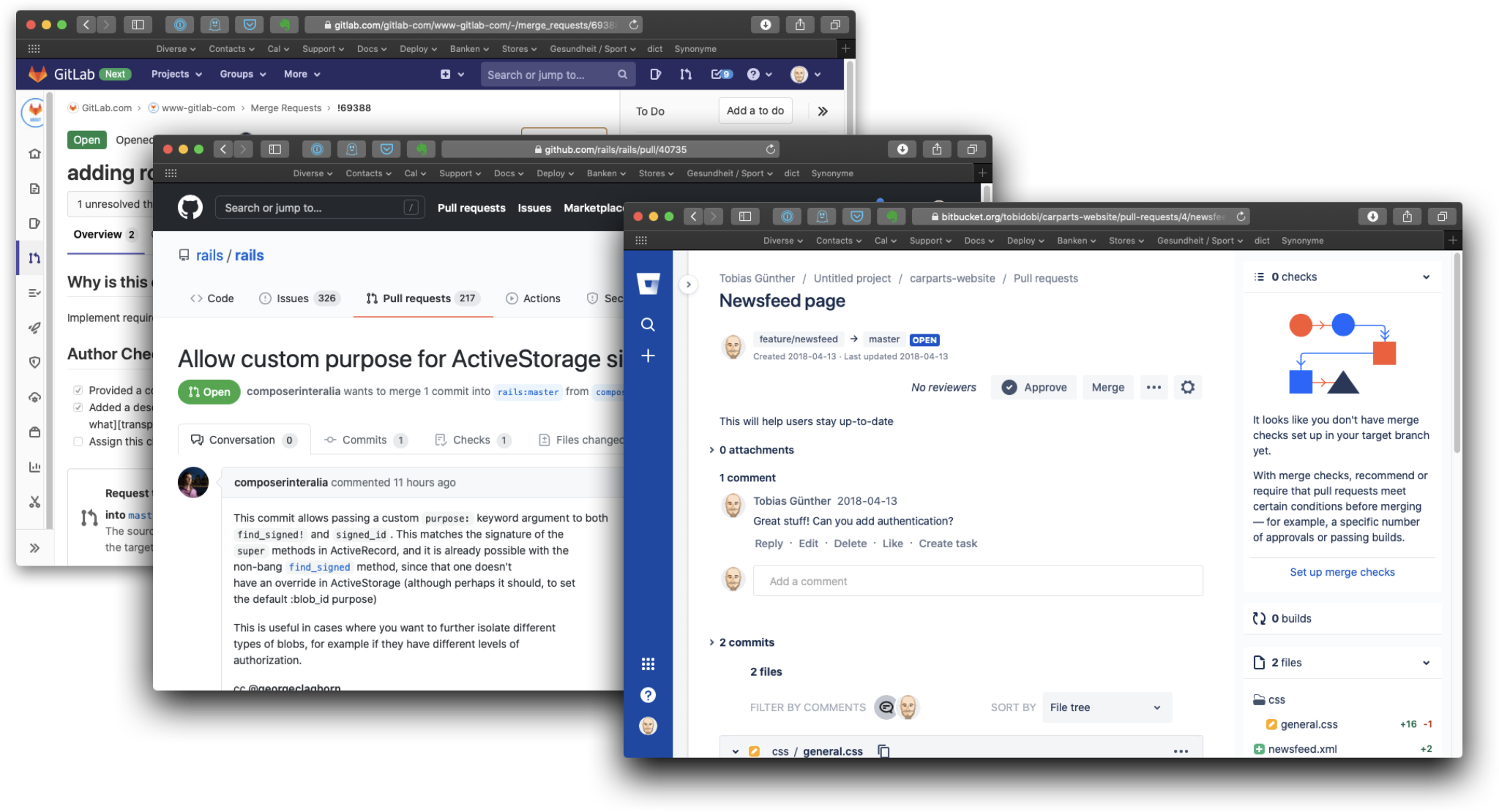
Each platform designs pull requests differently: they look different on GitLab, GitHub, Bitbucket and elsewhere, and each tracks, discusses and reviews changes in its own way.
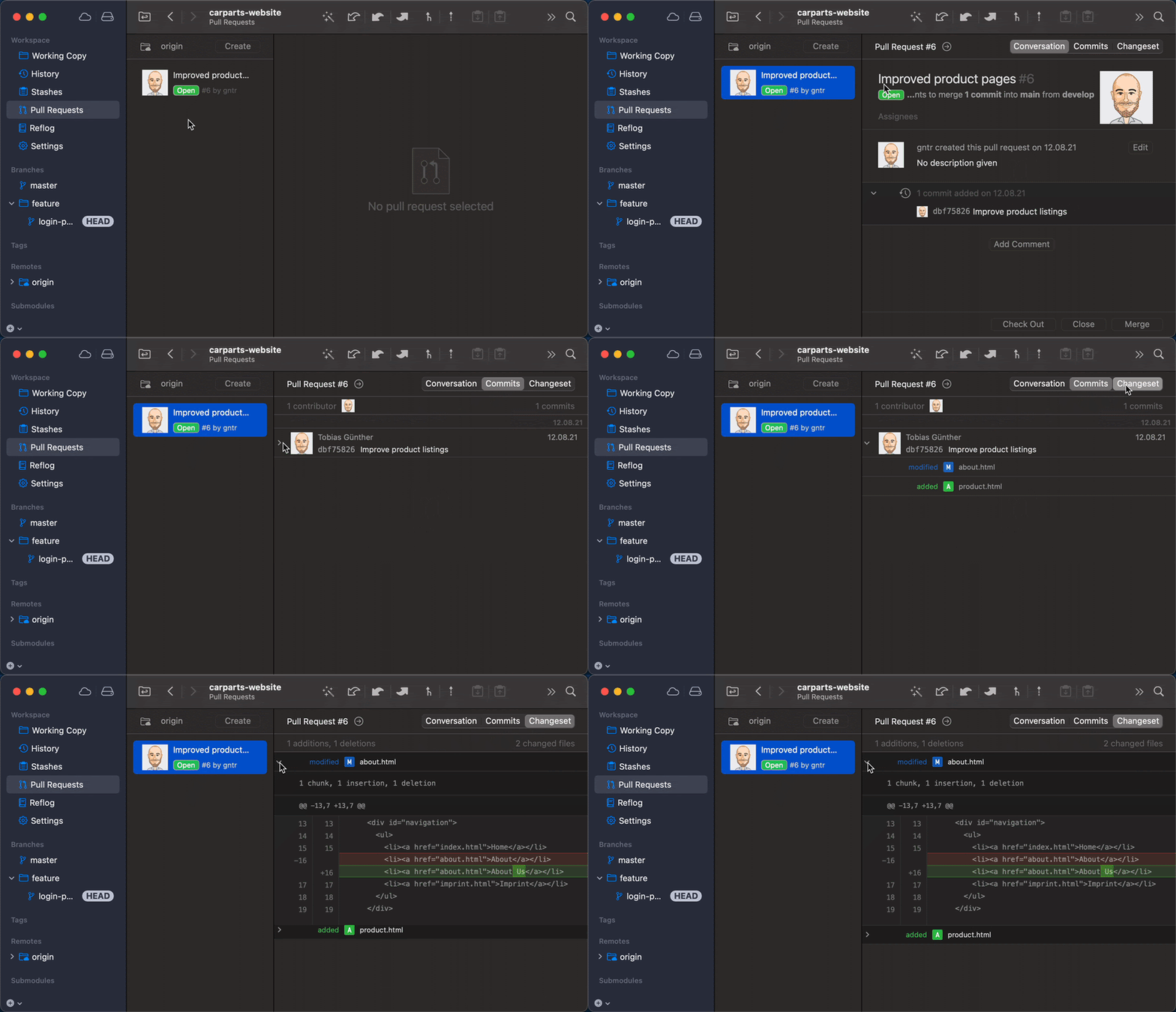
Desktop GUIs such as the Tower Git client offer one consistent interface regardless of which hosting service you use.
Underneath those differences, the sequence is always the same:
- If you lack write access, fork the repository to get your own version.
- Create a new local branch in your fork — based on a branch, not a commit.
- Make your changes on that branch and commit them.
- Push the branch to your own remote repository.
- Open the pull request and start the discussion.
Writing a request a reviewer can handle
Keep the pull request short so it can be reviewed quickly: 3,000 lines are far harder to understand than 30. Give it a self-explanatory title and a meaningful description covering what you changed, why you opened the request, and how the change affects the project. Most platforms also accept a screenshot, which is a useful way to demonstrate the change.
After the review
Once the work is approved, you or someone with write access can merge the forked branch into the main branch. If the reviewer is not ready to merge in the current state, simply add commits and push the branch — the existing pull request picks up the update. If the change is unwanted, the owner or another user with write access can decline the request.
Why teams rely on them
Pull requests are a communication and collaboration tool first of all. Asking others to review your work keeps low-quality code out of the codebase and acts as a safety net for the whole team.



