
App Metrics in the Dropbox App Console
Dropbox developers now have a built-in way to track how their apps are performing. The Dropbox App Console includes a new App Metrics tab that shows usage data for any app you have registered. The metrics cover three core areas:
- Total number of users of your app.
- New users gained each day.
- Number of API calls made each day.
These graphs can help you answer practical questions, such as how many users interact with a new release or how your user base is growing over time. No additional setup or configuration is required — the data is collected and displayed automatically for your app.
Viewing Your App's Metrics
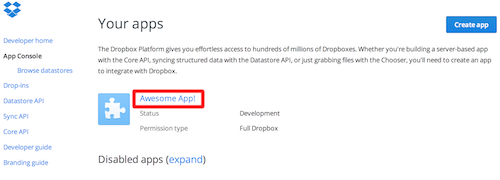
To access the metrics, open the App Console and select the app you want to inspect.
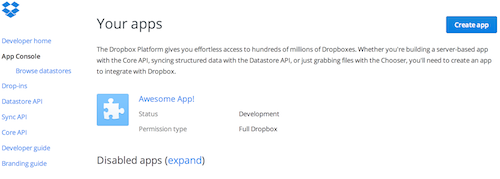
After selecting your app, click on the App Metrics tab.
From there, you can review the relevant graphs and usage details.
The App Metrics feature gives developers a straightforward way to monitor adoption and API activity without leaving the console — useful for checking the impact of a release or simply keeping an eye on your app's health.


