
FigJam in the classroom: templates for every lesson
Educators have been finding creative ways to use Figma and FigJam to make classrooms more collaborative, whether students are brainstorming, solving problems together, or digging into a text. The templates below are built around that idea, and they span everything from community-building icebreakers to quick comprehension checks. FigJam's sticky notes, drawing tools, and widgets — including voice recordings and photobooths — let students express themselves in ways that go beyond a typical introduction or worksheet.
“FigJam has completely redefined collaboration in the classroom,” says Alyssa Faubion, Instructional Design Coach at Forward Edge. “It's given every student the confidence to contribute, knowing their voice matters just as much as anyone else's. The way it fosters creativity, teamwork, and critical thinking is incredible—it's no longer just a few students leading the conversation; everyone feels empowered and engaged.”
Starting the year with connection
The beginning of a semester or a new group project is a natural time to help students get to know each other. These activities use FigJam's interactive canvas to surface shared interests and build a positive classroom culture early on.
Students can describe their interests using stickies, stickers, and sketches.
This template prompts students to share more about their personalities, hobbies, dreams, and favorite subjects.
Students make new connections by finding peers who like to read, come from a different state, or match other criteria.
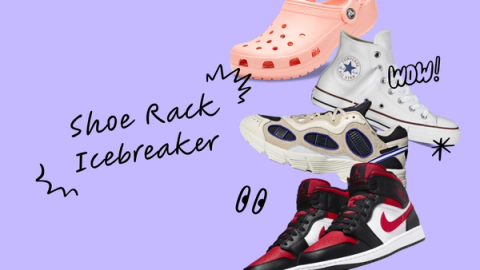
A virtual shoe rack offers a lighthearted way to highlight what makes each student unique.
Bringing ELA and history to life
FigJam gives reading and discussion a shared visual space. Students can map characters, track plot developments, and work through historical debates together. These templates turn what are often solo reading tasks into group discovery exercises.
Students build excitement for books by creating short “book commercials” to share with the class.
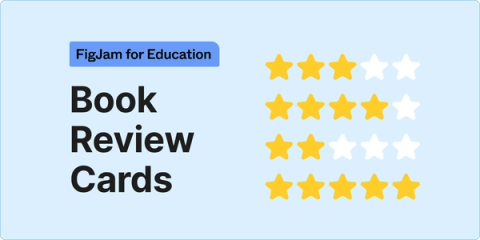
This activity introduces the format of a book review to help students practice literary critique.
Students summarize key points from book chapters to reinforce reading comprehension.
A structured debate template helps students form arguments and collect supporting evidence.
Students build vocabulary by writing their own definitions for new words and rating how well they understand each one.
A pre-writing exercise walks through the components of a story arc — exposition, rising action, climax, and resolution.
Making abstract STEM ideas concrete
When students can manipulate and annotate what they're learning, abstract STEM concepts click more easily. These templates turn lessons into hands-on, collaborative problem-solving sessions.
Base ten blocks make math interactive on a digital canvas.
Students practice telling time by drawing the hands of a clock directly in FigJam.
This card game activity has students manipulate a deck to reach the number 24 — useful for math drills.
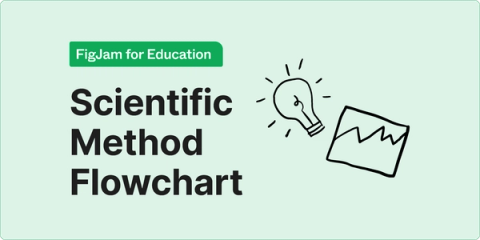
A scientific method flowchart guides the steps from forming a question, to developing a hypothesis, through experimentation and communication of results.
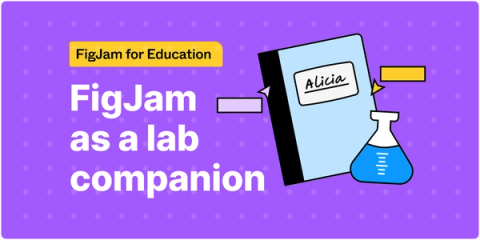
A virtual lab notebook incorporates stickers, images, and voice memos.
Quick creative resets
Sometimes a class needs a short, low-stakes break to re-energize before the next topic. These activities double as icebreakers and are handy for transitions or rainy-day moments.
A basketball-themed game reinforces vocabulary.
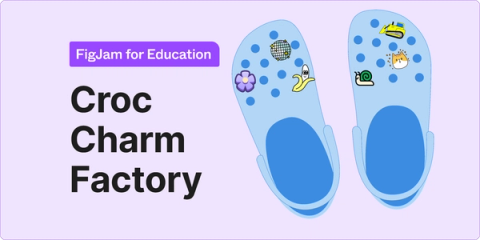
Students decorate Crocs with stickers to showcase their interests.
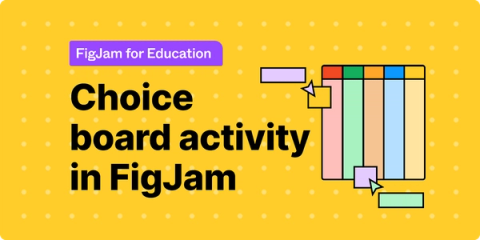
This template lets students choose whether to watch, read, write, practice, or create something for the lesson.
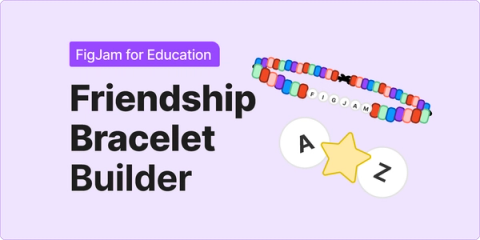
Customizable friendship bracelets encourage a bit of creativity between lessons.
A collaborative drawing exercise — “pass the doodle” — adds an element of surprise.
The classic Battleship game gets remixed with quiz questions.
Moving beyond the traditional exit ticket
Exit tickets remain a quick way to check understanding at the end of class. These FigJam templates offer students more than one format to show what they learned, and they give teachers faster feedback on which areas still need work.
Students recap the day's lesson in no more than 170 characters, tapping into social-media conventions.
Designing a bumper sticker is a visual way for students to sum up what they learned.
An activity that sorts predictions, related ideas, questions, and learnings into a hierarchy helps gauge comprehension.
Students translate lesson takeaways into text lingo.
A selection of exit ticket options includes a “tip jar” format where classmates leave advice for one another.
Students rate their own progress using star ratings and emoji to note their “glows” and “grows.”
More education templates are available in the Figma community, and schools can learn about bringing Figma into their classrooms through the Figma for Education program.


