
Generating Smaller Image Variants With get_thumbnail
Camera sensors keep getting denser, and the files they produce keep getting larger. A current smartphone might write 6–8 MB JPEGs, where a phone from a few years ago produced 2–3 MB images. That extra data is fine when you’re previewing files in the Dropbox website or mobile apps, which are built to handle large assets. It becomes a problem when you want to hand those images to another API — an image recognition service, say — that has upload size caps. Sending a scaled-down copy can also cut upload and processing time significantly.
The Dropbox API has a tool for this: the get_thumbnail endpoint (and its batch variant, get_thumbnail_batch). These endpoints return scaled-down versions of images stored in Dropbox, without modifying the originals. The request accepts files up to 20 MB in the following formats: jpg, jpeg, png, tiff, tif, gif, and bmp. Three request parameters control how the response is generated.
format— the output encoding, eitherjpegorpng.size— the target resolution, from a fixed set of options spanning32x32up to2048x1536pixels.mode— how the image is scaled to that size:strictfits within the given box,bestfitfits within the box or its transpose, andfitone_bestfitcompletely covers the box or its transpose.
Note that the aspect ratio is never altered during this process.
What the Different Modes Produce
To see how these parameters behave in practice, consider two smartphone photos in portrait (3024×4032, 5.3 MB) and landscape (4032×3024, 5.7 MB) orientations. Requesting a 2048×1536 thumbnail — the largest size currently offered — gives these results.
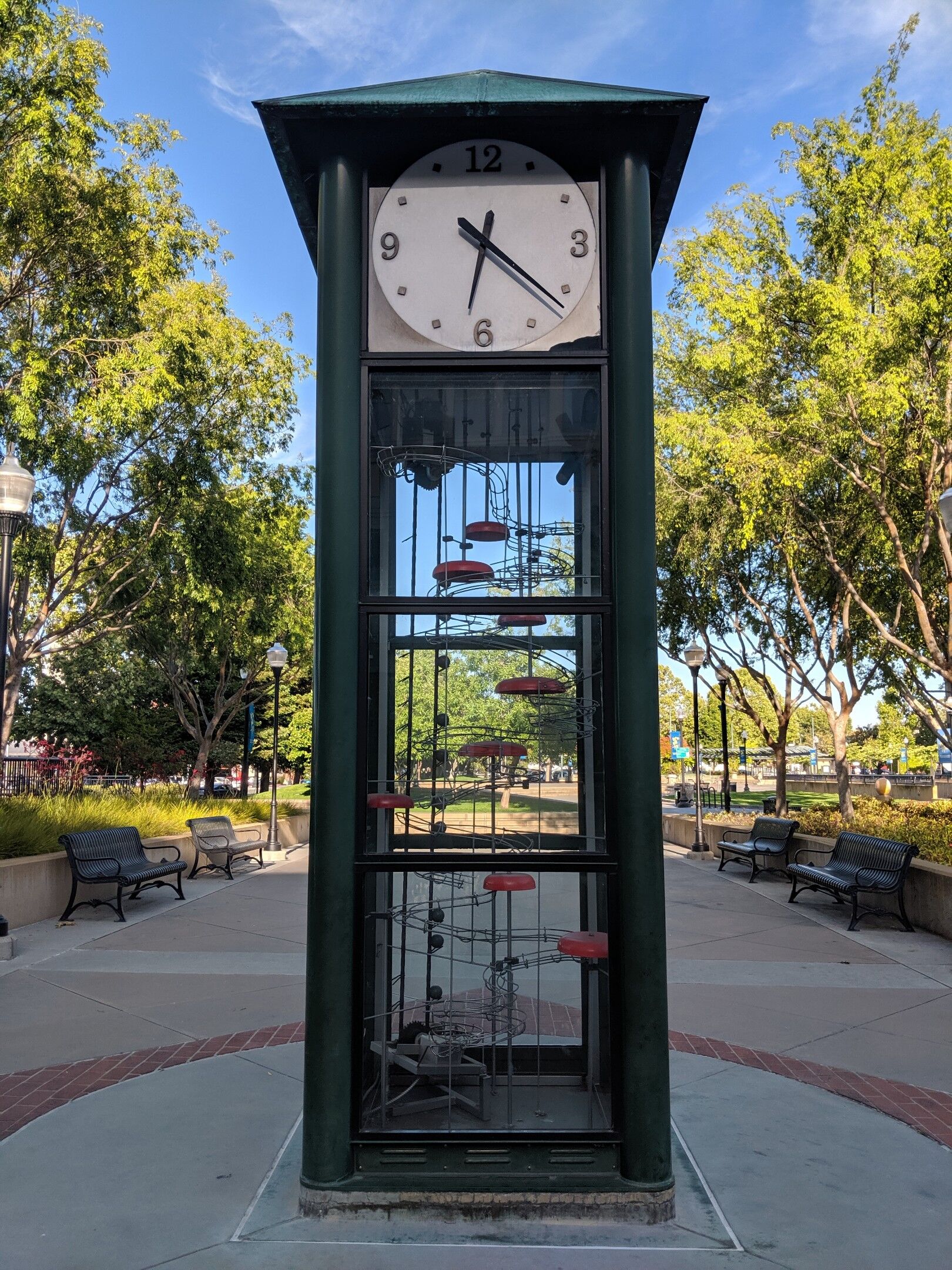
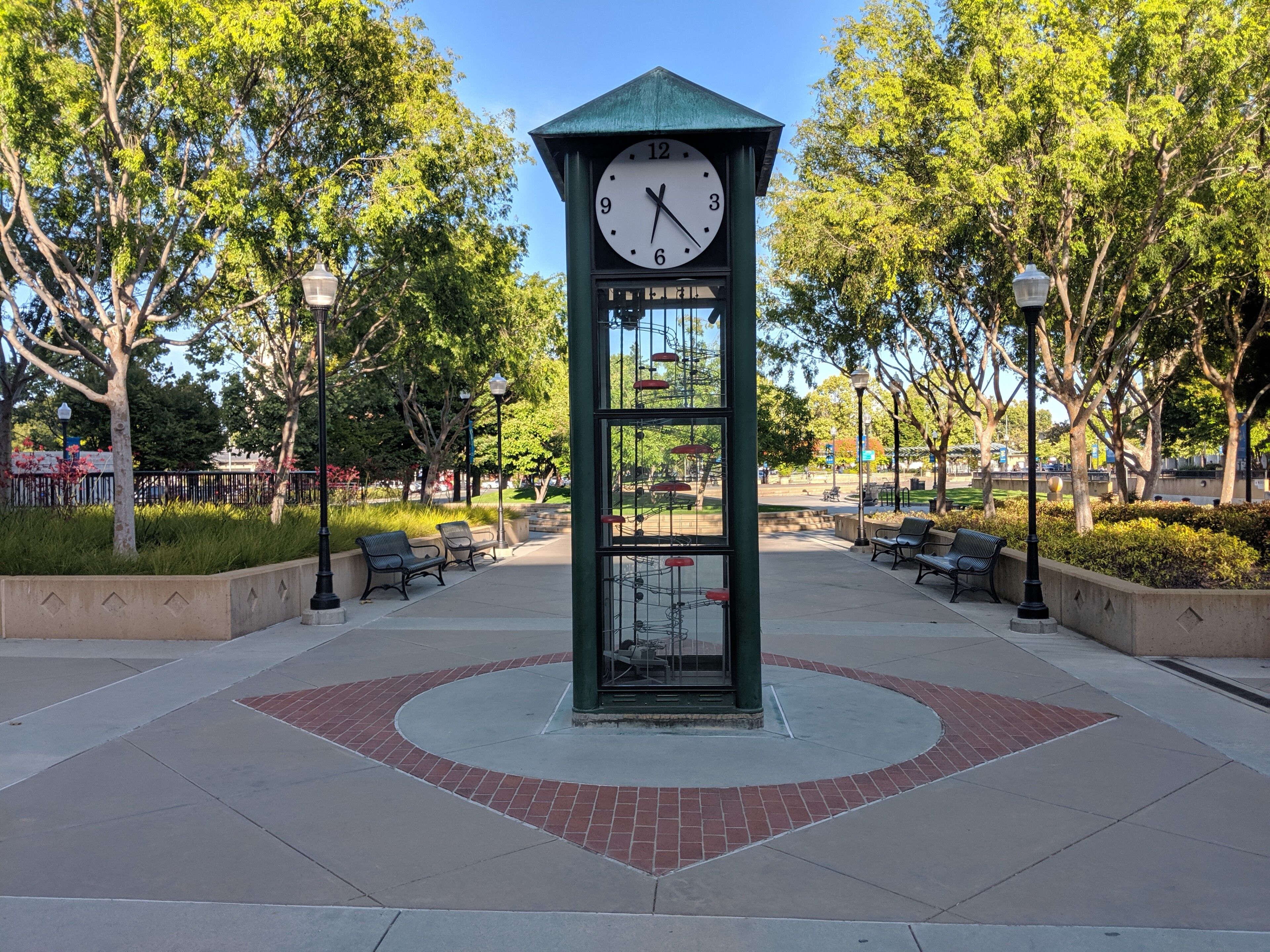
Results for the portrait image:
| Parameters | Final Dimensions (w x h) | Final aspect ratio | Final Size |
| w2048h1536 strict | 1152 × 1536 | 3:4 | 438 KB |
| w2048h1536 bestfit | 1536 × 2048 | 3:4 | 759 KB |
| w2048h1536 fitone_bestfit | 2048 × 2731 | 3:4 | 1.3 MB |
Results for the landscape image:
| Parameters | Final Dimensions (w x h) | Final aspect ratio | Final Size |
| w2048h1536 strict | 2048 × 1536 | 4:3 | 839 KB |
| w2048h1536 bestfit | 2048 × 1536 | 4:3 | 839 KB |
| w2048h1536 fitone_bestfit | 2731 × 2048 | 4:3 | 1.4 MB |
In both orientations, fitone_bestfit produced the largest response, and strict produced the smallest. All output files are dramatically smaller than the originals, enough to be accepted by most third-party services. The original aspect ratios are preserved.
What happens when you request a thumbnail larger than the source image? In that case, the API returns the file at its original dimensions — regardless of the parameters — as long as the requested size isn’t smaller in either dimension. This at least lets you convert an image to jpeg or png if you need a format change. The table below shows the result for a 768×1024 source image.
| Parameters | Final Dimensions (w x h) | Final aspect ratio | Final Size |
| w2048h1536 strict | 768 × 1024 | 3:4 | 211 KB |
| w2048h1536 bestfit | 768 × 1024 | 3:4 | 211 KB |
| w2048h1536 fitone_bestfit | 768 × 1024 | 3:4 | 211 KB |
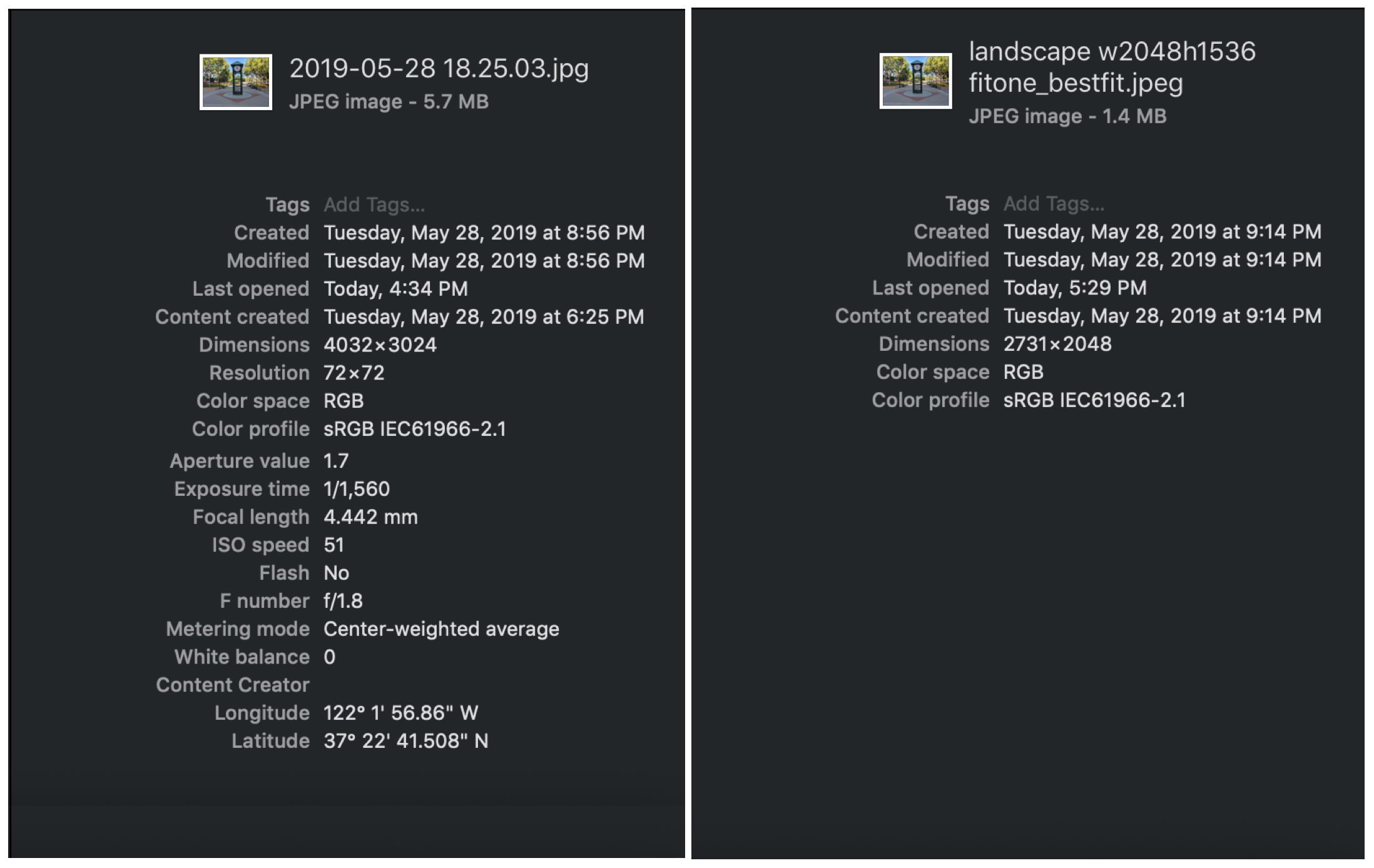
There’s one caveat about metadata. The thumbnail response includes only a subset of the file metadata, such as location and capture time, and none of the original’s metadata is copied onto the generated file. For a quick way to experiment with these options, the Dropbox API Explorer is handy for testing different combinations of format, size, and mode.
A Node.js Script for Bulk Downsizing
To automate the process, Dropbox has published a script that scales down every image in a given folder that exceeds a specified size limit, and moves the originals into a nested subfolder. The flow is straightforward: list the folder contents, filter for eligible image files above the size threshold, request thumbnails one at a time, upload the results, and finally move the originals aside.
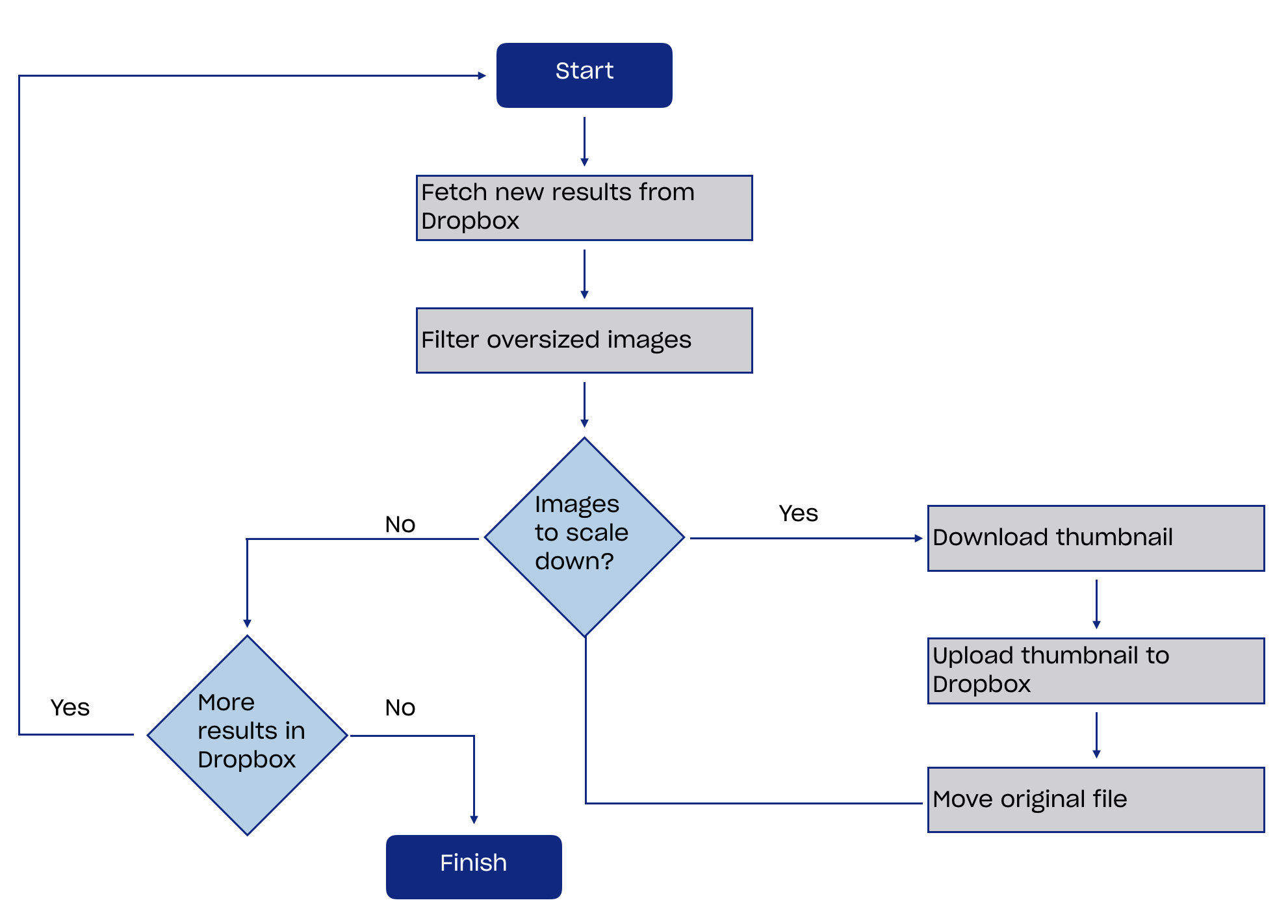
This implementation fetches and writes each thumbnail individually. A batch thumbnail download would simplify the code, but the response payloads can quickly become large, so that approach is better reserved for small images or for backend processing.
The script uses Node.js — version 8.3 or later — and the Dropbox JavaScript SDK. To run it, copy the sample script into a local file, set the DROPBOX_ACCESS_TOKEN, FOLDER_PATH, FORMAT, SIZE, MODE, and optional SIZE_LIMIT variables, then install dependencies and execute:
npm install dropbox isomorphic-fetch

node -e 'require("./scaledownimgscript").run()'
As it processes files, the script logs each image it downsizes and moves. The access token in the request is meant to be short-lived — for a real integration, obtain one via the OAuth flow.


