

Markdown as source code: a new workflow for AI coding agents
The typical AI coding agent workflow — “write app A that does X,” then iterate with “add feature Y” or “fix bug Z” — breaks down once the agent forgets your app's purpose or previous decisions. You end up repeating yourself, or worse, the agent contradicts its own earlier output.
Custom instructions files like copilot-instructions.md help, but updating them alongside every chat prompt feels redundant. So what if you just wrote the whole app specification in Markdown and let the agent compile it into code?
That's what I tried with my latest project, the GitHub Brain MCP Server, written in Go. I edit the Markdown spec almost exclusively; I rarely touch the generated Go code directly. This approach should work with any AI coding agent and language, but I'll use VS Code, GitHub Copilot, and Go as examples.
The four key files
.
├── .github/
│   └── prompts/
│       └── compile.prompt.md
├── main.go
├── main.md
└── README.md
The setup is simple: edit README.md or main.md, invoke compile.prompt.md to generate main.go, then build and run the Go code as usual. Break down:
README.md: user documentation doubles as spec input
Nothing special here — just regular documentation. The key is that this file gets embedded in the specification, so any update to the README is automatically reflected in the spec. If I add an alias for the -o argument in the docs, no extra steps are needed.
# GitHub Brain MCP Server

**GitHub Brain** is an experimental MCP server for summarizing GitHub discussions, issues, and pull requests.

## Usage

```sh
go run main.go <command> [<args>]
```

**Workflow:**

1. Populate the local database with the `pull` command.
2. Start the MCP server with the `mcp` command.

### `pull`

Populate the local database with GitHub data.

Example:

```sh
go run main.go pull -o my-org
```

Arguments:

- `-t`: Your GitHub personal access token. **Required.**
- `-o`: The GitHub organization to pull data from. **Required.**
- `-db`: Path to the SQLite database directory. Default: `db` folder in the current directory.

### `mcp`

Start the MCP server using the local database.

...README.md continues...
main.md: the actual source code
This is where the app really lives — written in Markdown and plain English. The spec can include conditional logic like if, loops like foreach, and continue statements, but described declaratively rather than imperatively. Imports are represented as Markdown links, and even the database schema is defined inline:
# GitHub Brain MCP Server

AI coding agent specification. User-facing documentation in [README.md](README.md).

## CLI

Implement CLI from [Usage](README.md#usage) section. Follow exact argument/variable names. Support only `pull` and `mcp` commands.

## pull

- Resolve CLI arguments and environment variables into `Config` struct:
  - `Organization`: Organization name (required)
  - `GithubToken`: GitHub API token (required)
  - `DBDir`: SQLite database path (default: `./db`)
- Use `Config` struct consistently, avoid multiple environment variable reads
- Pull items: Repositories, Discussions, Issues, Pull Requests, Teams
- Use `log/slog` custom logger for last 5 log messages with timestamps in console output

...main.md continues...
### Discussions
- Query discussions for each repository with `has_discussions_enabled: true`
- Record most recent repository discussion `updated_at` timestamp from database before pulling first page
```graphql
{
repository(owner: "<organization>", name: "<repository>") {
discussions(first: 100, orderBy: { field: UPDATED_AT, direction: DESC }) {
nodes {
url
title
body
createdAt
updatedAt
author {
login
}
}
}
}
}
```
- If repository doesn't exist, remove the repository, and all associated items from the database and continue
- Query discussions ordered by most recent `updatedAt`
- Stop pulling when hitting discussions with `updatedAt` older than recorded timestamp
- Save or update by primary key `url`
- Preserve the discussion markdown body
...main.md continues...## Database
SQLite database in `{Config.DbDir}/{Config.Organization}.db` (create folder if needed). Avoid transactions. Save each GraphQL item immediately.
### Tables
#### table:repositories
- Primary key: `name`
- Index: `updated_at`
- `name`: Repository name (e.g., `repo`), without organization prefix
- `has_discussions_enabled`: Boolean indicating if the repository has discussions feature enabled
- `has_issues_enabled`: Boolean indicating if the repository has issues feature enabled
- `updated_at`: Last update timestamp
...main.md continues...compile.prompt.md: the compiler prompt
This is just a prompt file in GitHub Copilot's format — kept simple on purpose, so it stays portable across other AI coding agents. All the real information is in main.md:
---
mode: agent
---

- Update the app to follow [the specification](../../main.md)
- Build the code with the VS Code tasks. Avoid asking me to run `go build` or `go test` commands manually.
- Fetch the GitHub home page for each used library to get a documentation and examples.
The development loop
- Edit the spec in
main.mdorREADME.md. - Invoke the compile prompt to turn it into Go code.
- Run and test. If something's off, update the spec.
- Repeat.
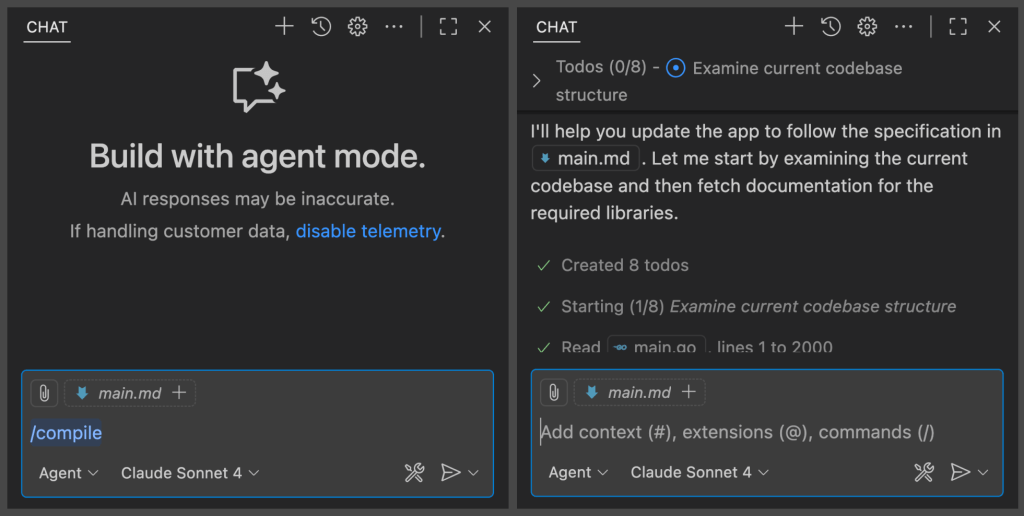
In Copilot for VS Code, I use the / command to run the prompt:
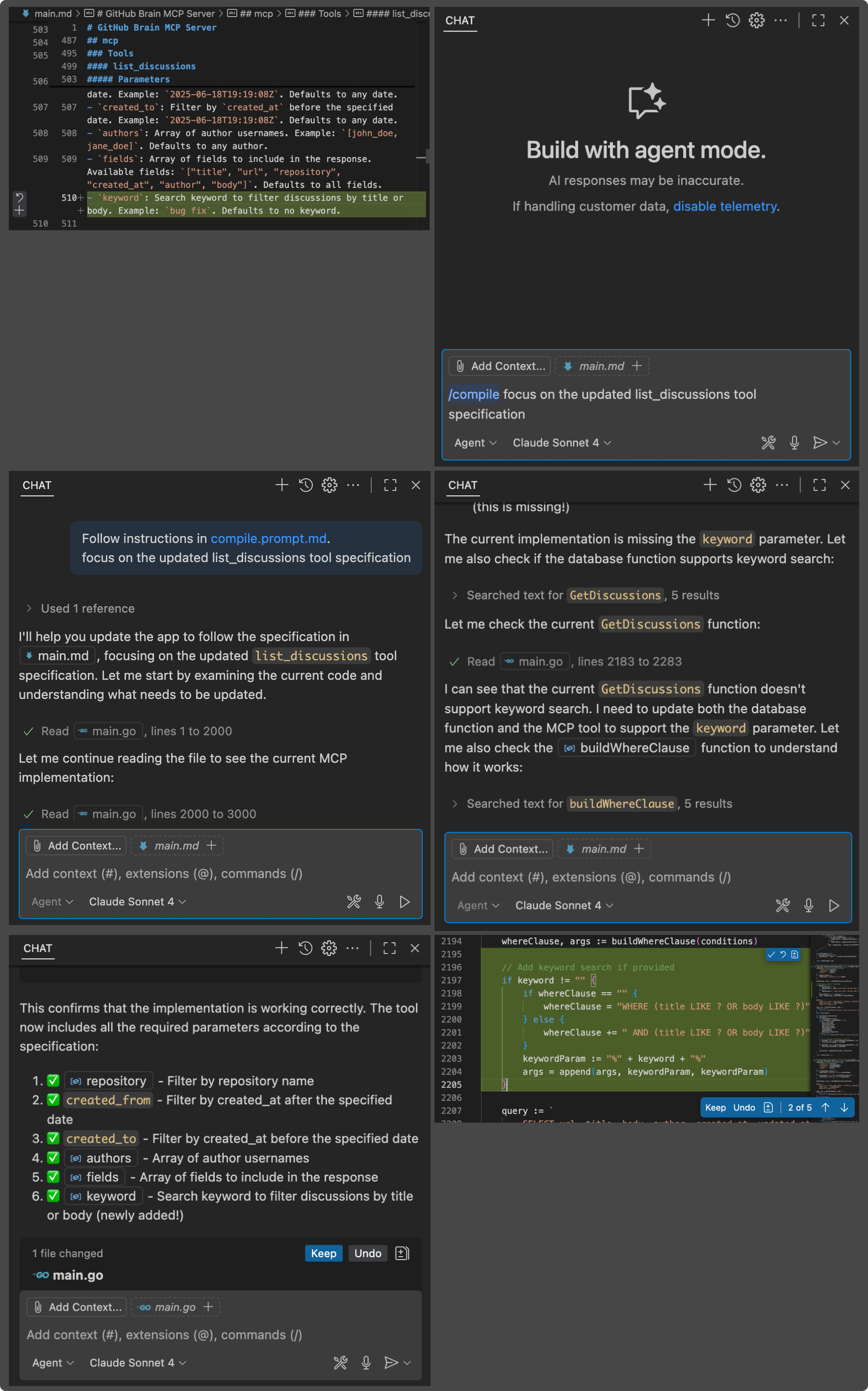
For smaller specs, Copilot often picks up changes automatically. As the spec grows, I add a hint like “focus on <the-change>” to keep it on track:
Writing the spec is the hard part
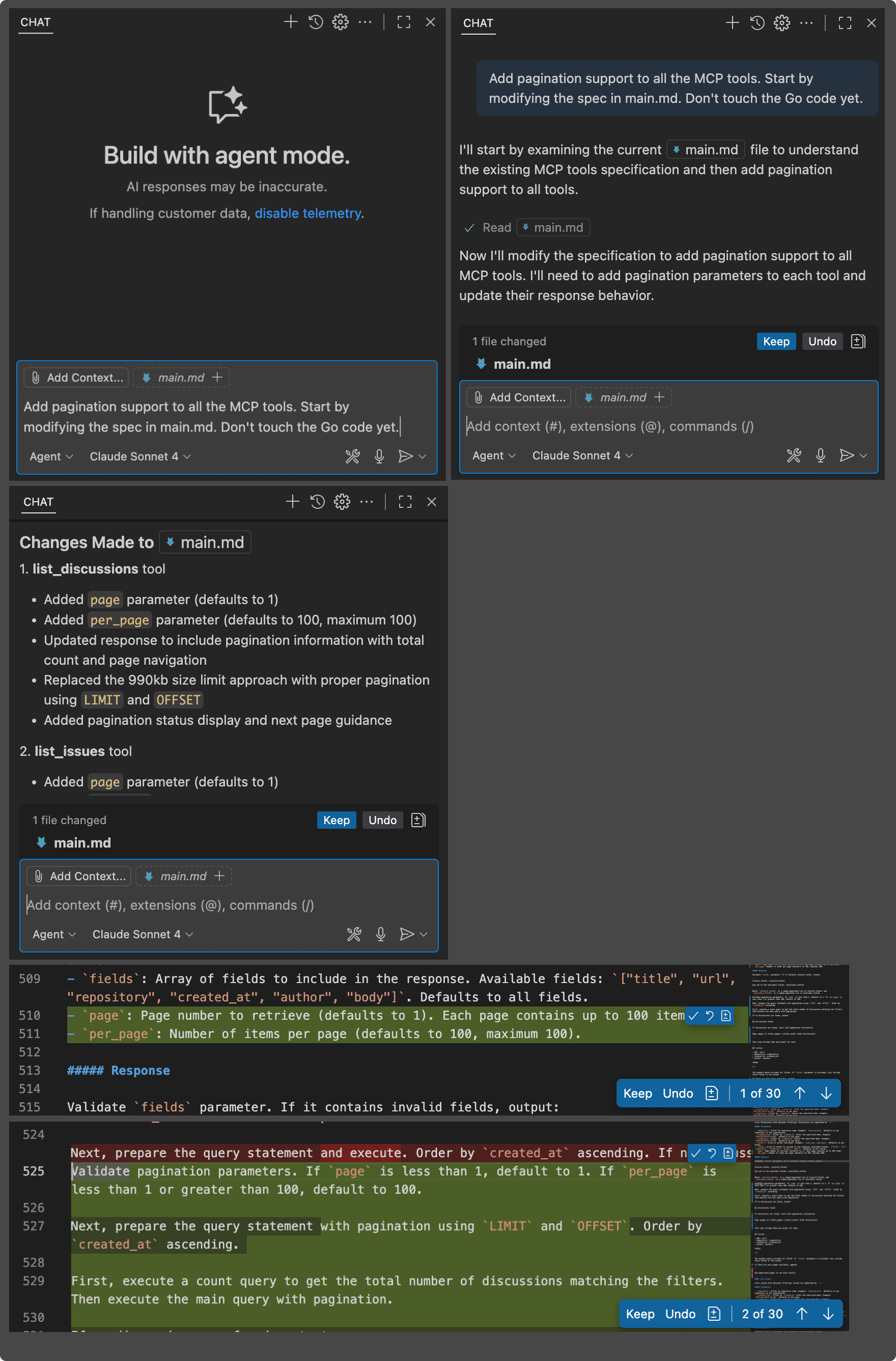
Describing what you want clearly in Markdown is sometimes harder than writing Go directly — but you can use Copilot for that, too. Here, it adds pagination to all MCP tools in the spec, picking proper parameter names itself:
Linting the spec
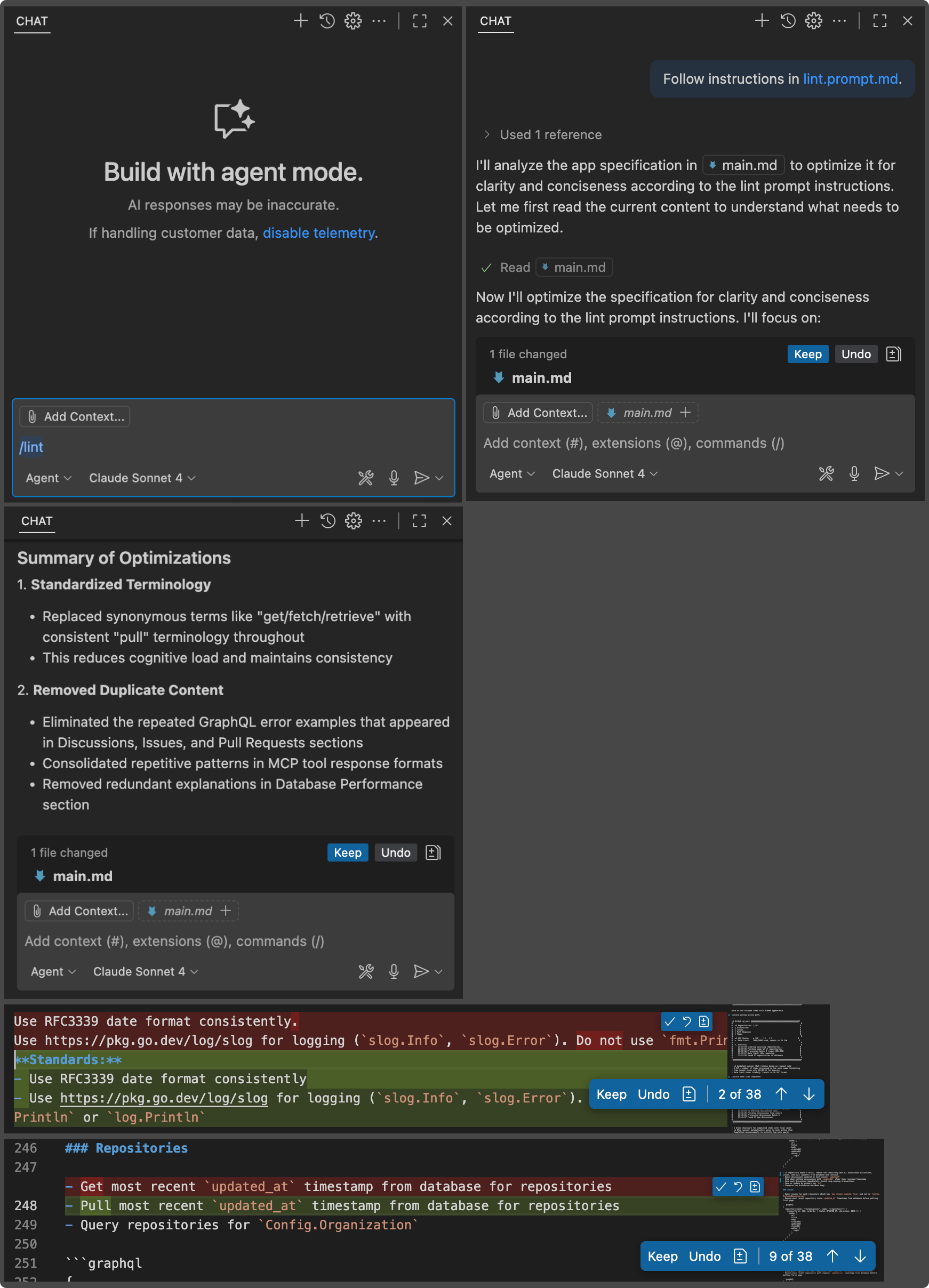
Like any source, main.md can get messy. A dedicated lint prompt cleans it up:
---
mode: agent
---

- Optimize [the app specification](../../main.md) for clarity and conciseness
- Treat the english language as a programming language
- Minimize the number of synonyms - i.e. pull/get/fetch. Stick to one term.
- Remove duplicate content
- Preserve all important details
- Do not modify the Go code with this. Only optimize the Markdown file.
- Do not modify this prompt itself.
If the result looks good, I compile it with compile.prompt.md.
Observations and limitations
- It works — and each agentic update to Copilot makes it better.
- Compilation slows down as
main.gogrows. The next step is to ask the agent to break each##section into its own module. - Testing is untouched. No test generation yet in this workflow — but tests remain essential. The spec describes intent; tests verify it.
I'm also curious whether throwing away all the generated Go and regenerating from the same Markdown spec in another language would work immediately. Given how fast this field is moving, I expect we'll have answers soon enough.


