
One platform from idea to deployment
Developers work best when their entire workflow lives in a single, integrated space. Scattered tools, isolated teams, and context switching all pull people out of the focused state where they do their best work. GitHub’s platform approach aims to remove those interruptions so developers can move from onboarding to shipping without unnecessary friction.
At GitHub Galaxy, CEO Thomas Dohmke and product leaders walked through how the company is addressing developer productivity, security, and collaboration for organizations of every size. Several announcements and product updates were highlighted, covering everything from AI-assisted development to supply chain security.
AI across the development lifecycle
GitHub Copilot has now been activated by over one million developers since its preview in 2021. Copilot for Business extends the pair programmer with organizational features and is already in use at 5,000 companies. Duolingo, for example, reported that engineering managers saw a 25% increase in developer speed and a 67% decrease in median code review turnaround time after adopting the tool.
| Research shows that developers using GitHub Copilot write code up to 55% faster and report feeling 75% more fulfilled. |
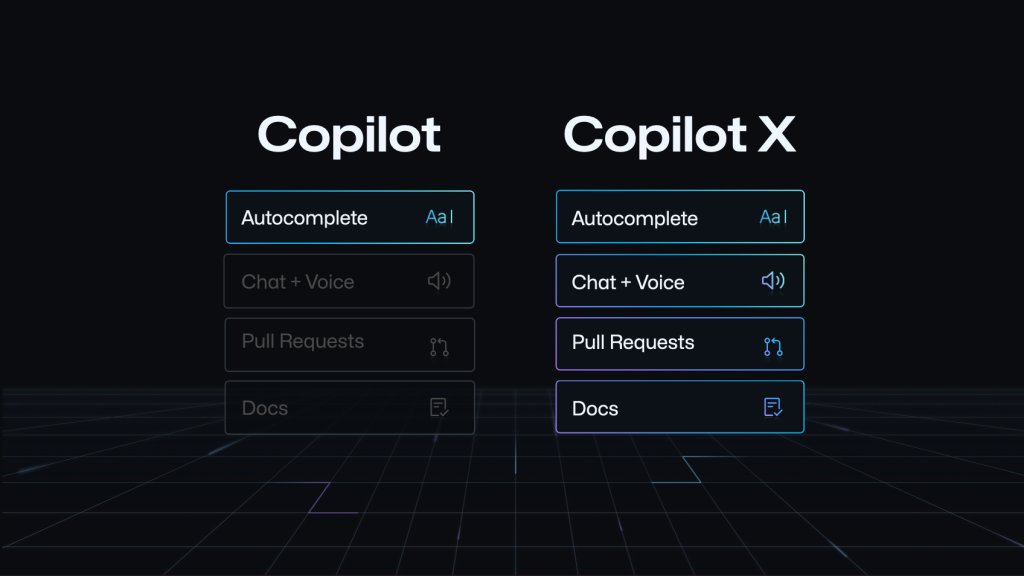
The next step is GitHub Copilot X, which expands Copilot from an editor companion into an AI assistant present throughout the entire software development lifecycle. GitHub Next, the company’s R&D group, is driving that evolution.
Lowering friction in daily workflows
Modern development involves new languages, frameworks, and codebases that add complexity. GitHub Enterprise is designed to reduce that friction by keeping collaboration and context in one place. Issues capture decisions, pull requests and commits trace codebase history, and Discussions plus READMEs surface the context newcomers need. GitHub Enterprise 3.8 is now generally available with added automation, security, and project collaboration features.
Finding the right code quickly is another productivity lever. GitHub’s code search, now in public beta, indexes the world’s largest public code corpus and supports complex queries with completions and suggestions. Code view tightly integrates search, browsing, and navigation so developers can inspect definitions and references without switching tabs. The search covers public repositories too, letting teams learn from open source code beyond their own org.
For environment setup, GitHub Codespaces eliminates the installation and configuration overhead. Developers can start in a CLI/VIM setup, local Visual Studio Code, or now JetBrains Rider. Admins control who can create codespaces, set port policies, configure prebuild schedules, and manage costs.
Security built into the workflow
More code means more vulnerabilities, and organizations need prevention rather than just detection. GitHub Advanced Security (GHAS) embeds security into the development workflow. Code scanning surfaces alerts directly in pull requests — developers fixed over 48% of those alerts in real time last year, dramatically reducing time-to-fix versus industry norms.
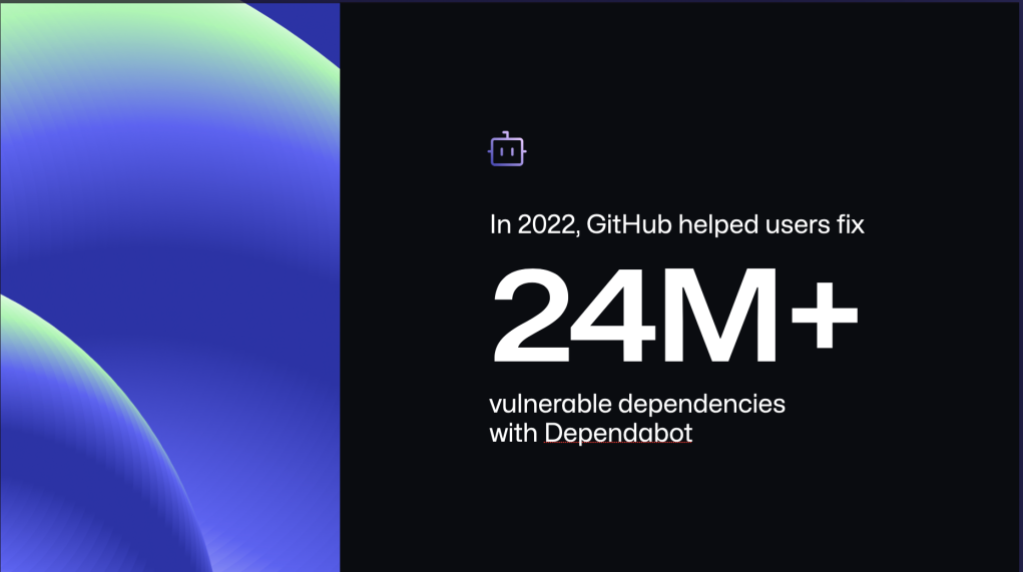
Push protection blocks secret leaks before they reach the repository by filtering pre-commit values. In the past year, GitHub’s free security tools, including Dependabot and the GitHub Advisory Database, helped secure 18 million projects and prevented more than 16,000 secret leaks. Dependabot automatically remediated over 24 million vulnerable dependencies in 2022.
GitHub Copilot has also gained an AI-based vulnerability prevention system that blocks insecure coding patterns in real time, replacing them with safer suggestions. The model targets common issues such as hardcoded credentials, SQL injections, and path injections.
Simplifying SBOM generation
Security and compliance teams increasingly require software bills of materials (SBOMs) to track open source components and assess risk. A new Export SBOM function on the dependency graph lets anyone with read access to a cloud repository generate one with a single click. The output is a JSON file in the industry-standard SPDX format, ready for use with security tools, compliance workflows, or review in a spreadsheet. Self-service SBOMs are free for all GitHub cloud repositories.
Supporting security researchers
Securing software at scale depends on the open source community. Two enhancements aim to help researchers and maintainers work more effectively:
- Multi-repository variant analysis (MRVA) scales variant analysis across thousands of repositories, helping researchers find and respond to newly discovered vulnerabilities.
- Private vulnerability reporting gives reporters a private channel to disclose suspected issues to maintainers of public repositories. Reports stay private until a fix is available.
GitHub continues to offer GHAS features like secret scanning and code scanning for free on public repositories. Dependabot and the GitHub Advisory Database remain free across both public and private repositories, keeping foundational security tooling accessible to all developers.
Automation and project visibility drive team throughput
Keeping communication close to the code is a major lever for team efficiency, whether in a startup or a large enterprise. GitHub ties collaboration directly into repositories, which helps break down silos and speeds up delivery. On the automation side, GitHub Actions plays a central role: more than 130 million CI jobs run every month, and teams using the platform report double the daily pull requests and a 33% reduction in time to merge.
A key enabler is the range of cloud-hosted runners, which currently extend to machines with up to 64 cores and 256 GB of RAM on Windows, macOS, or Linux. Workflows stored in the repository make collaboration straightforward and let organizations embed compliance through organization-wide CI/CD practices. The required workflows feature in beta and reusable workflows further support standardized release procedures for consistent deployment environments.
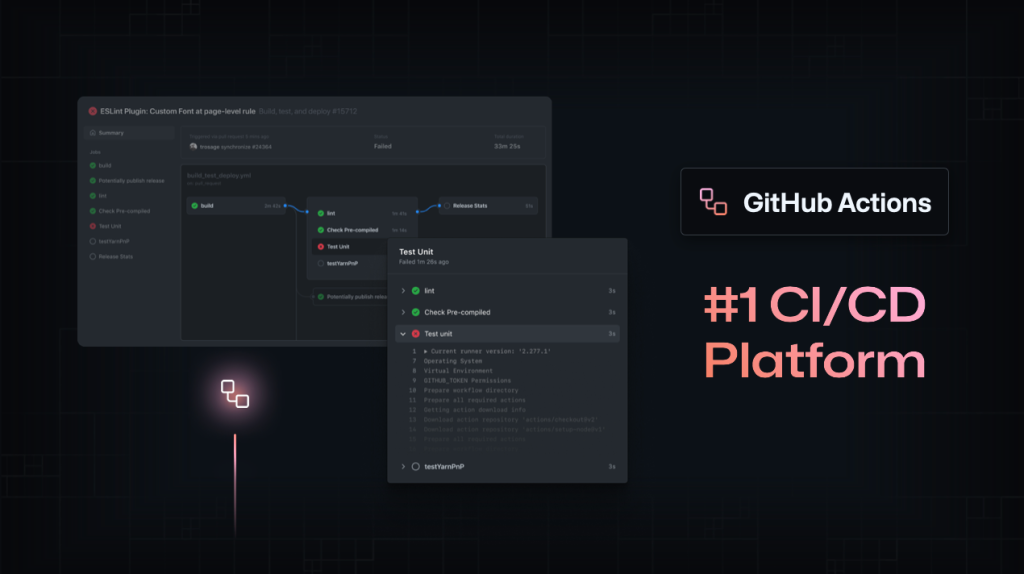
For teams migrating from existing pipelines, the GitHub Actions Importer reached general availability and automates conversion of workflows from platforms like Circle CI and Jenkins. Conversion rates have reached as high as 100%, with an 80% conversion target per workflow.
Planning and tracking without switching tools
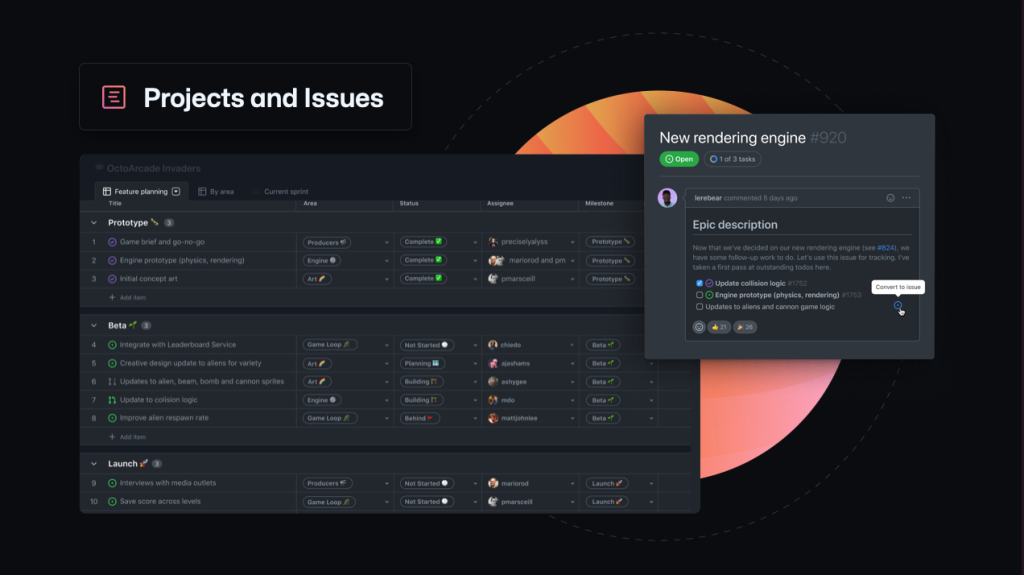
Project management on GitHub is built around planning, tracking, and communicating work without leaving the codebase. Key capabilities include:
- GitHub Projects for defining tasks and prioritizing, now with roadmaps generally available to visualize milestones and track adjustments.
- GitHub Mobile for accessing projects on the go, via repository, organization, or user profile.
Where to go deeper
GitHub Galaxy — running March 29-31 across three global regions with more than 50 regional speakers — offers live Q&A through fireside chats and interactive forums. The sessions cover GitHub Enterprise and GitHub Copilot for Business in the context of improving developer experience. Join to explore these product areas in depth and build for what comes next.


