
GitHub Beefs Up ML Workflows
The GitHub Universe 2022 announcements brought a wave of features aimed squarely at machine learning practitioners. The headline additions—GPU support, zero-config notebook setup, and richer notebook rendering—promise to make the platform a more viable home for the entire ML lifecycle, from exploration to training. I put these new capabilities to the test on an existing PyTorch forecasting project to see if the reality matches the hype.
Notebook Diffs Get a Major Upgrade
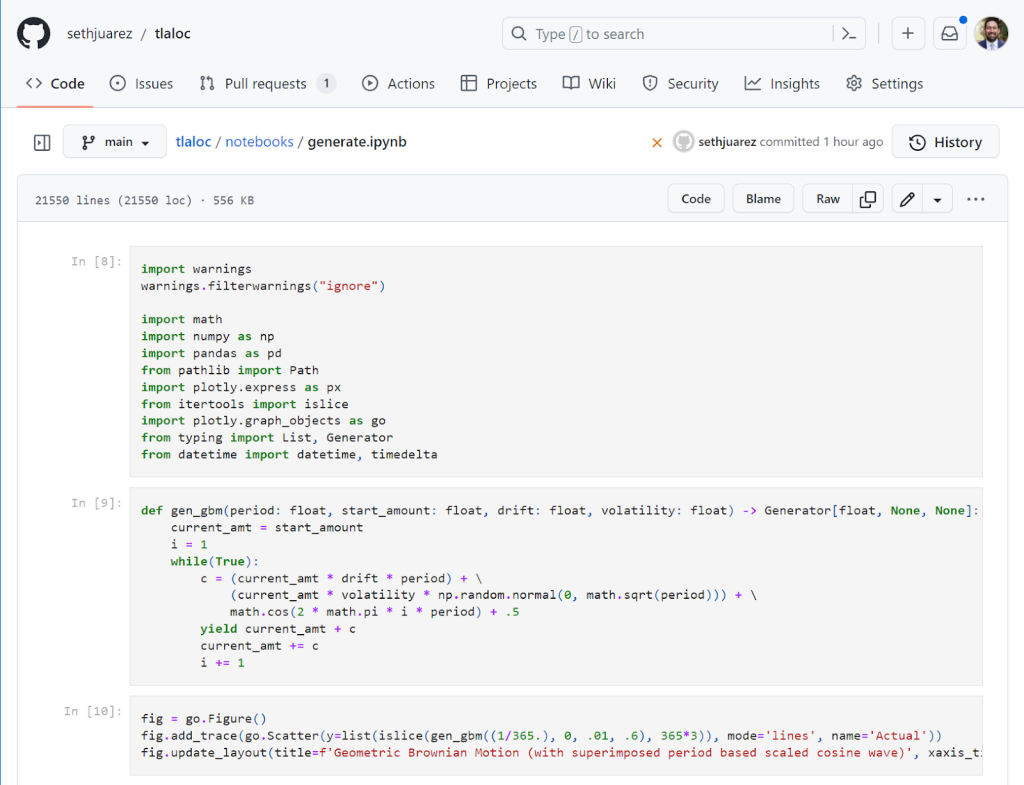
The first noticeable improvement is in how GitHub renders Jupyter notebooks. The exploration phase of ML is inherently messy, and version-controlling notebooks has always been painful due to opaque diffs. The new rendering, complete with a dark mode, is a significant step forward:
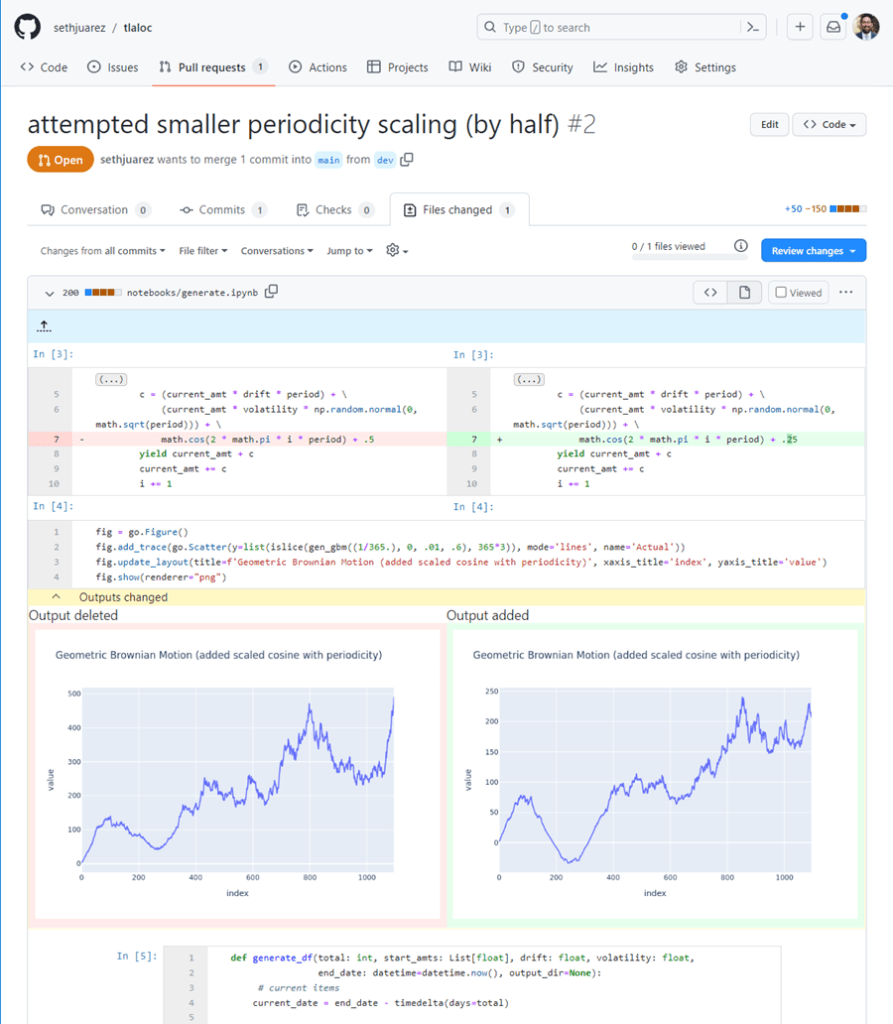
The real value, however, shows up in pull requests. The updated diff view now highlights added cells and, crucially, shows side-by-side code changes within those cells alongside their literal outputs. This makes reviewing a collaborator's changes (and catching unintended consequences) far more intuitive. This is powered by the community-maintained nbdime package running under the hood, which finally bridges the gap between notebook exploration and structured code review.
Running Heavy Code in the Browser
Rendering improvements only solve half the problem. Taking your ML work on the go requires being able to execute notebooks and training scripts reliably. This is where the new Codespaces capabilities shine:
- GPUs for Codespaces
- Zero-config notebooks in Codespaces
- Editing notebooks from VS Code, PyCharm, JupyterLab, or the web (via the CLI)
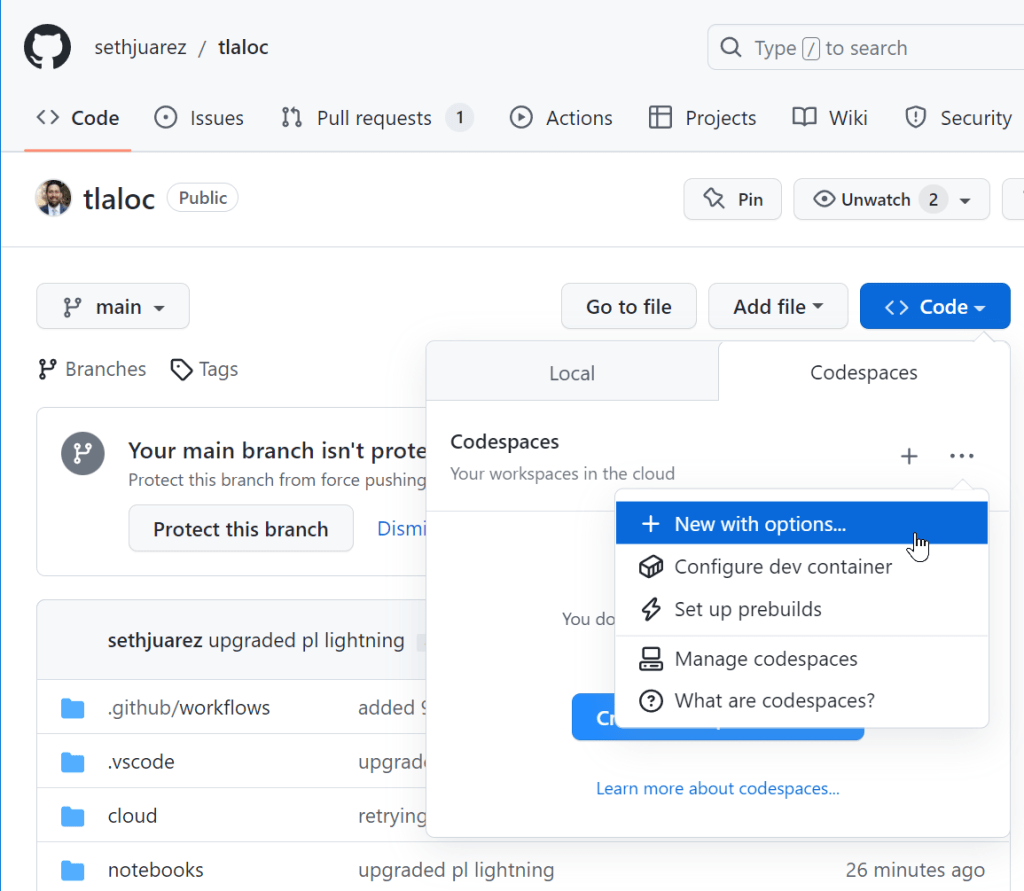
Opening my existing project was a snap. After creating a new Codespace, the machine type picker clearly listed a GPU option:
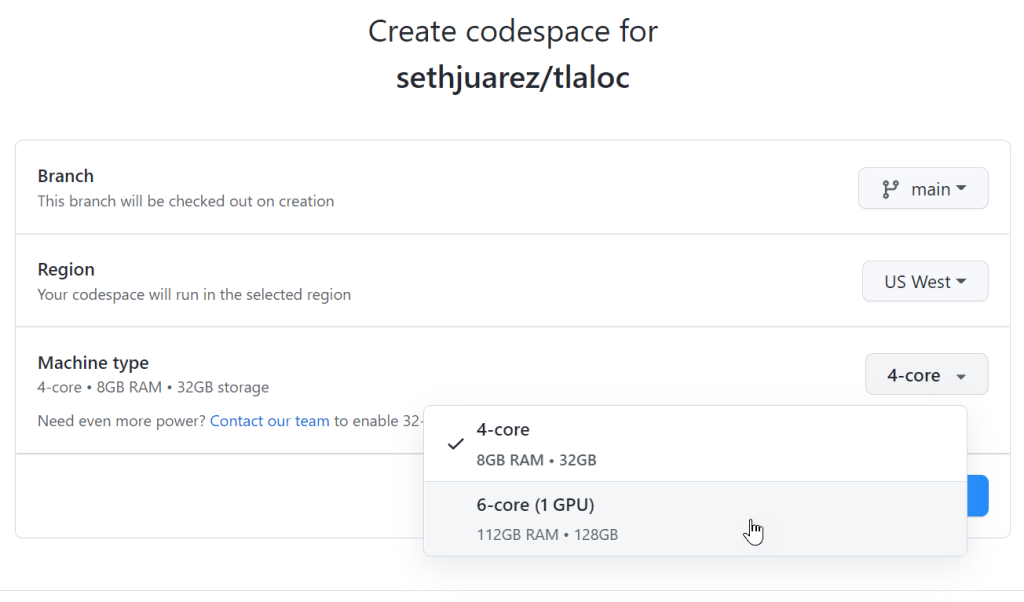
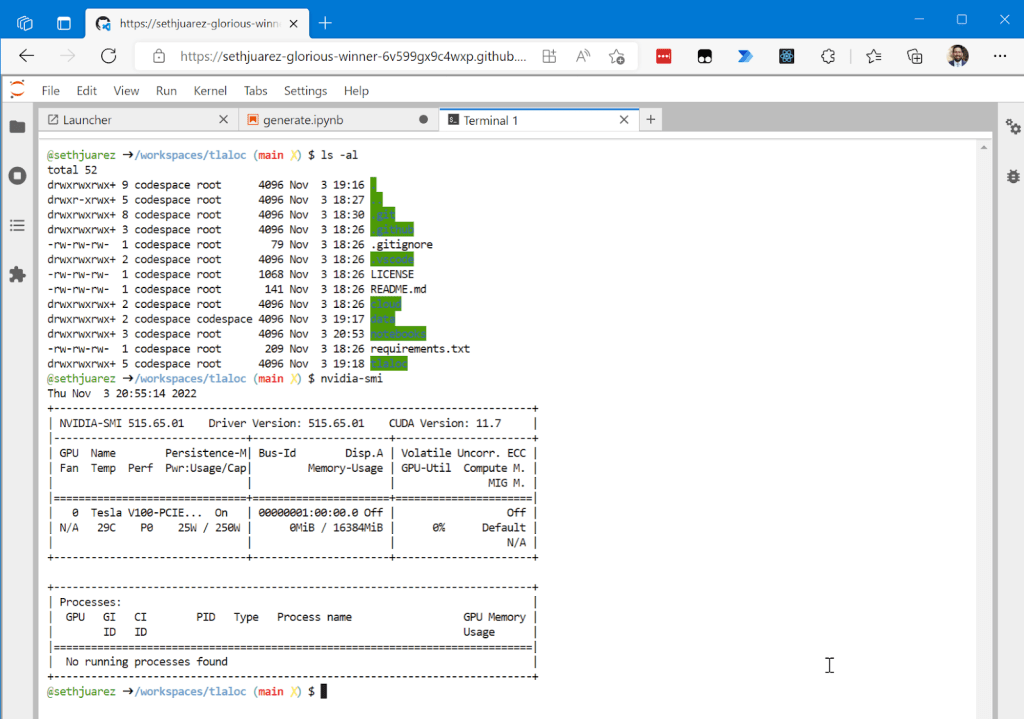
There was no manual setup. Codespaces automatically detected the requirements.txt file and began installing dependencies. After waiting a few minutes for the PyTorch download to complete, a quick check confirmed the GPU was fully accessible:
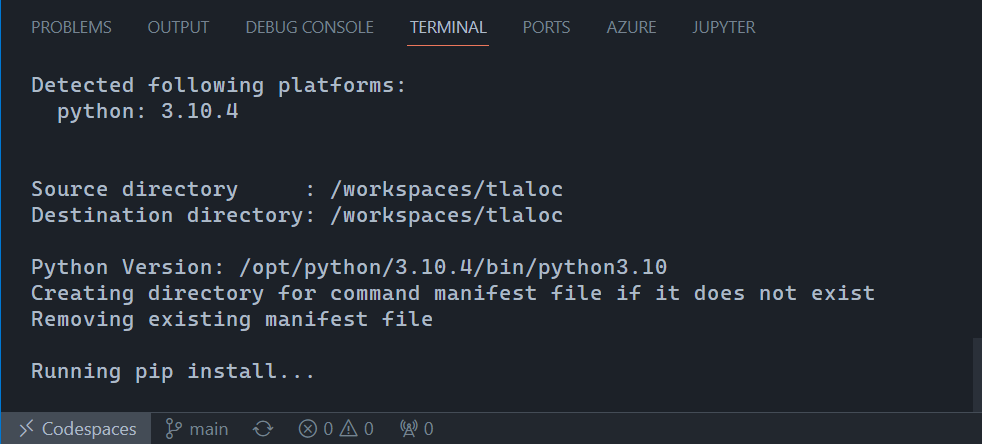
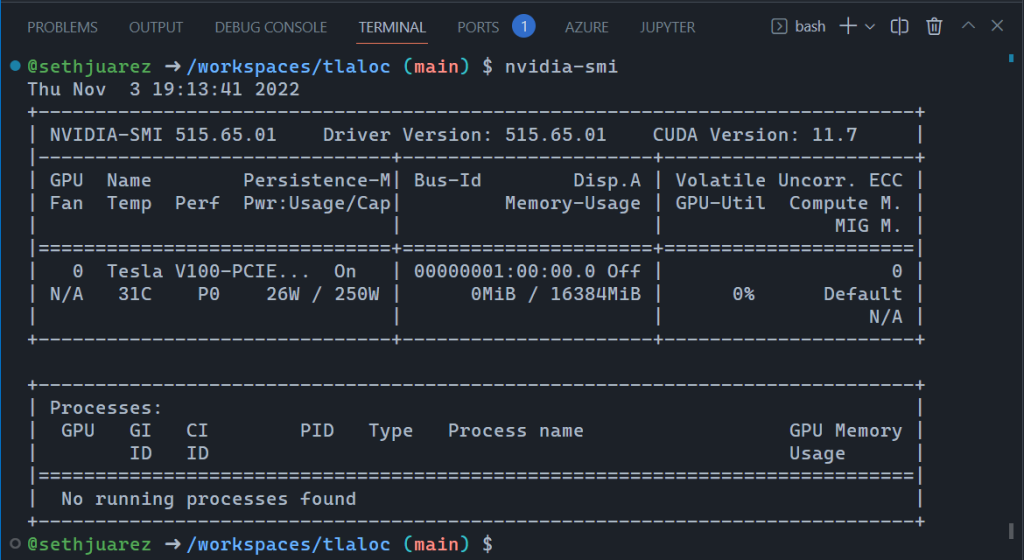
The notebook itself executed exactly as it does on a local machine, but entirely within a browser tab:
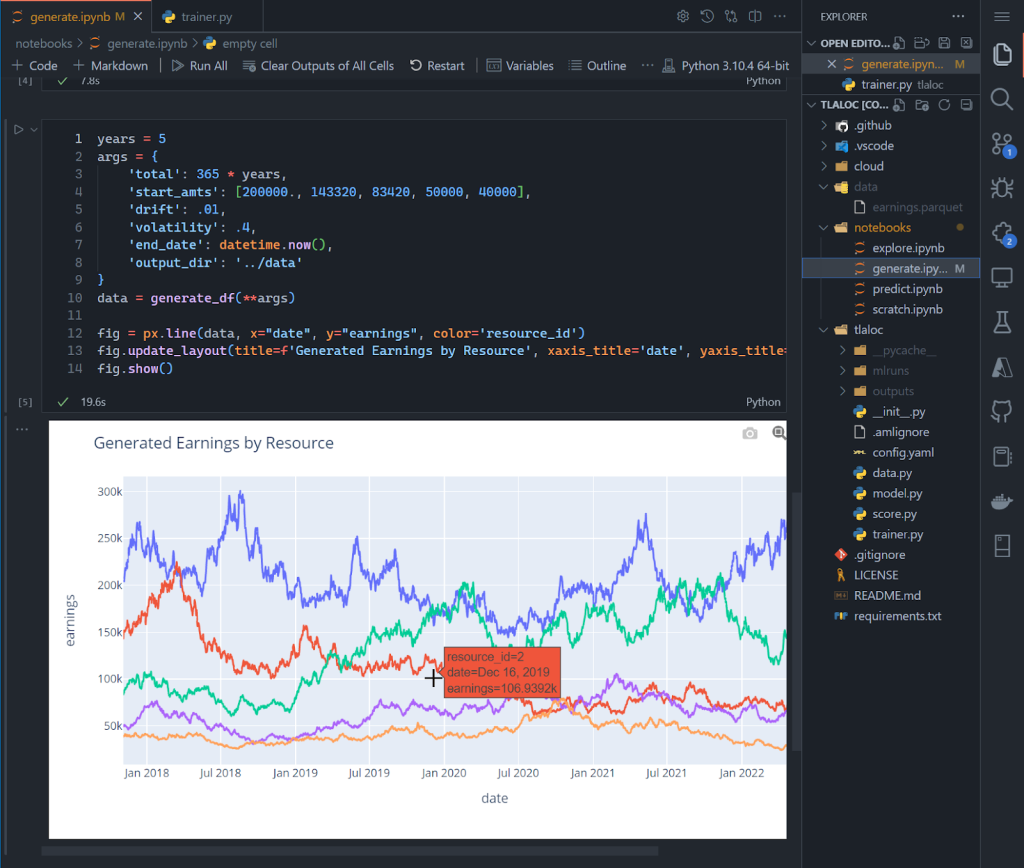
The true test, though, was moving beyond exploration into a repeatable MLOps process. Notebooks are great for prototyping but become brittle; the real code needs to live in modules and scripts. As an avid VS Code user, I have a debugging setup for my model training files. I started that same debug process in the browser:
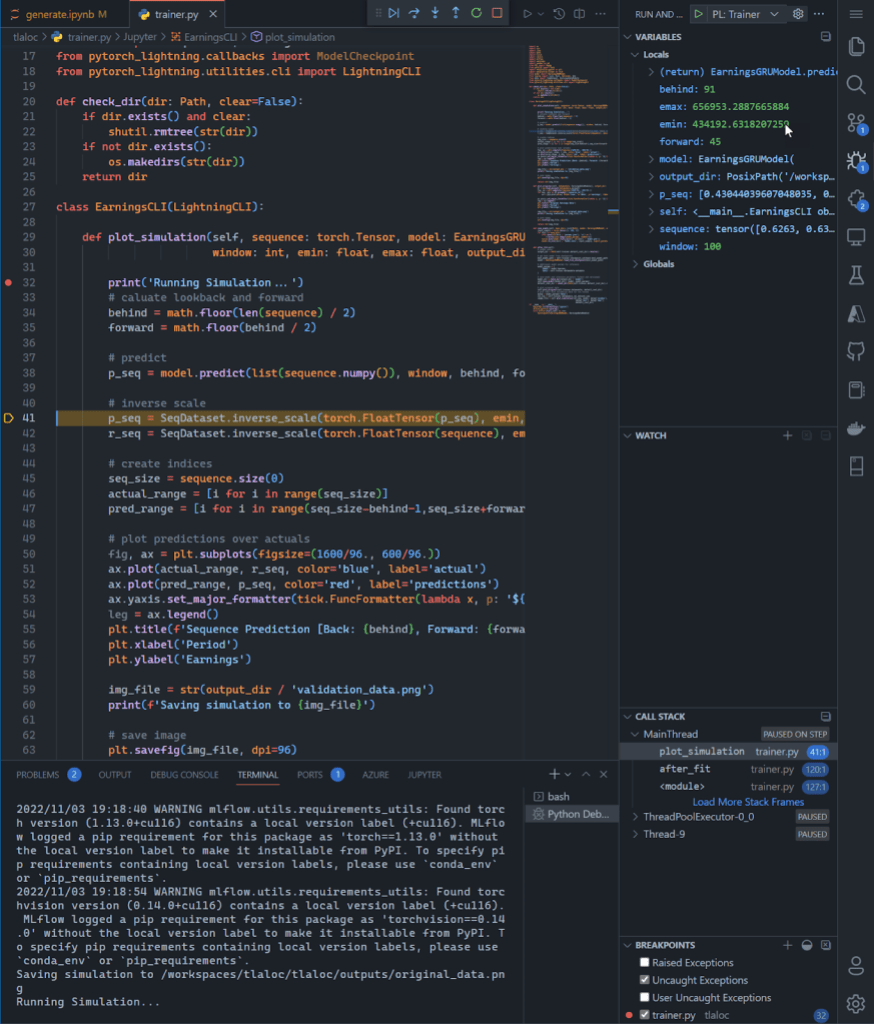
This full screenshot shows debugging a deep learning model build with breakpoints—on a GPU, in a browser. It is a small but tangible step toward making the cloud the primary development environment for data science.
For those who prefer JupyterLab over VS Code, GitHub has added support for launching it directly from the Codespaces page or via the CLI:
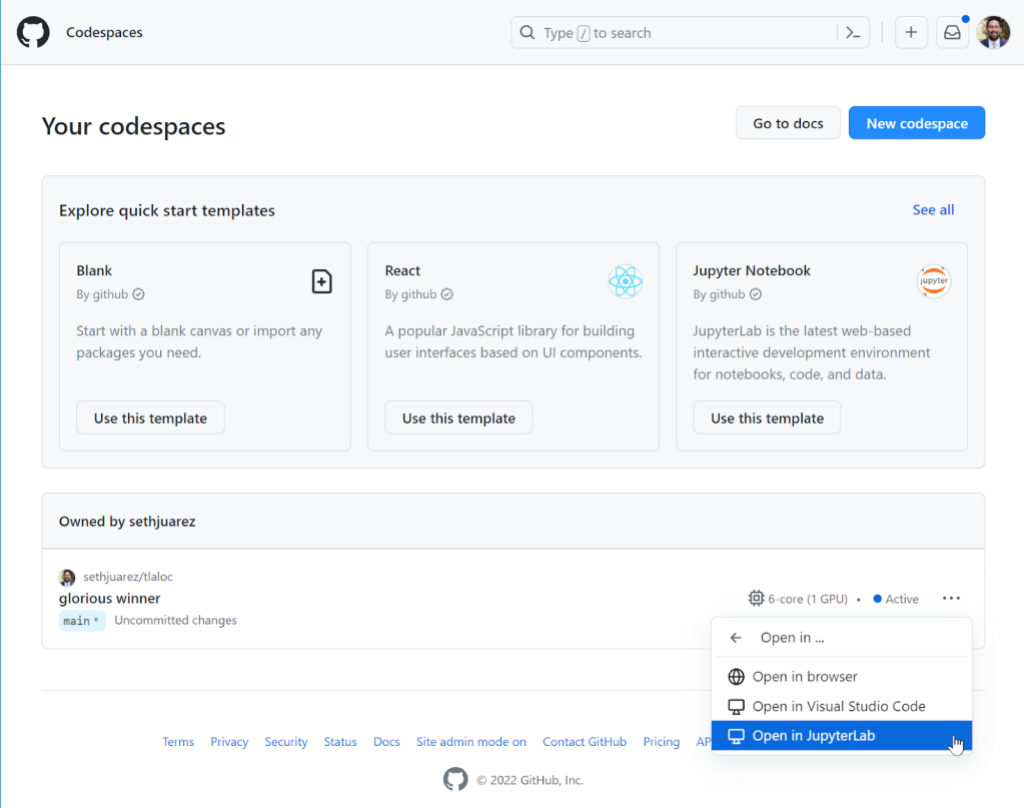
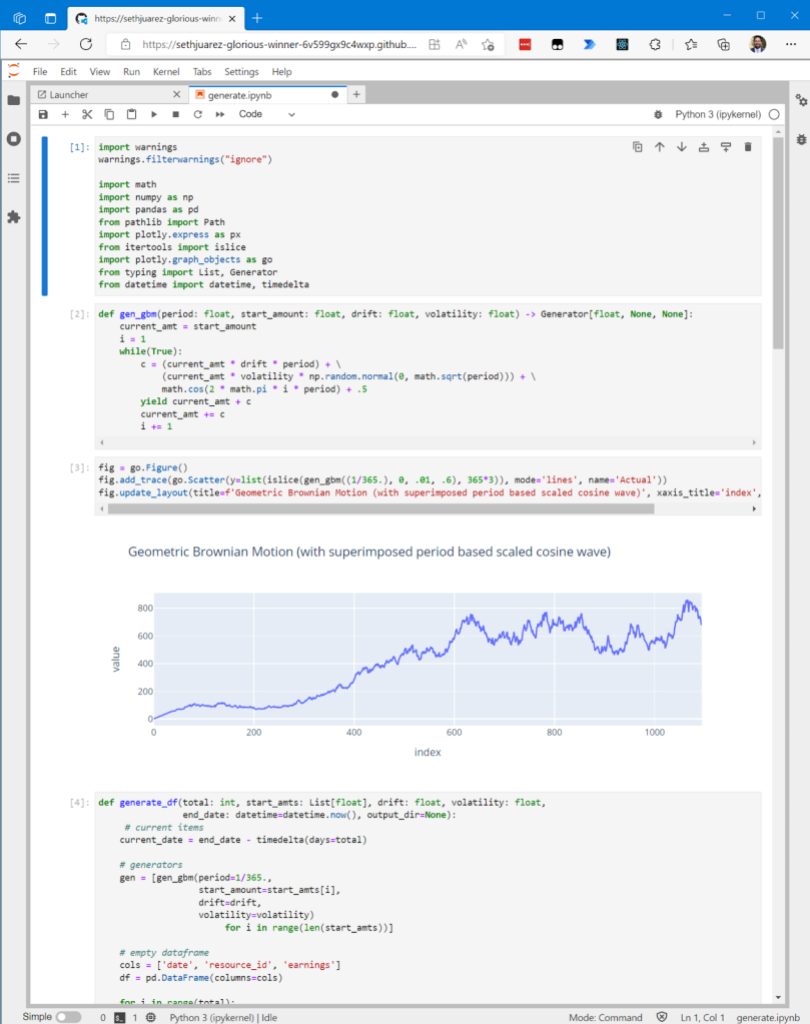
You don't have to choose a different interface every time. A setting is available to pre-select your preferred editor:
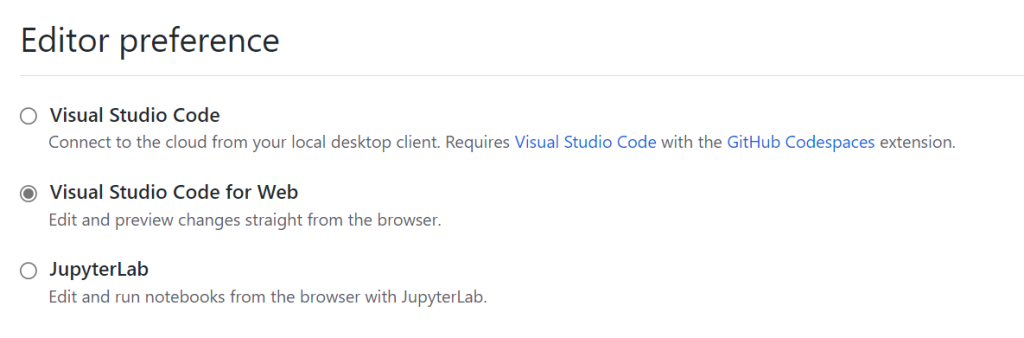
And for those wedded to the terminal, the CLI path still works. Because it’s the same backing container, the GPU remains available whether you're in the full IDE, JupyterLab, or a shell:
If you just need a blank canvas, a file picker for a new notebook is accessible via codespace.new/jupyter.
It’s notable how seamless the entire experience felt. For this project, GitHub’s auto-naming even chose the container URL sethjuarez-glorious-winner—a sentiment that feels apt for now being able to run GPU-accelerated Jupyter notebooks, debug PyTorch models, and manage code reviews in one cohesive platform. The main thing to watch for next is the upcoming GPU SKU, with a waitlist already open for those ready to jump in.


