

Phishing Campaign Impersonates CircleCI to Steal GitHub Credentials
GitHub Security has disclosed an ongoing phishing campaign targeting GitHub users. The attackers impersonate CircleCI in emails claiming a user's CircleCI session has expired, prompting the victim to log in with their GitHub credentials. GitHub itself was not compromised, but the campaign has affected multiple victim organizations.
Reported messages include variations like these, which direct users to a phishing site:
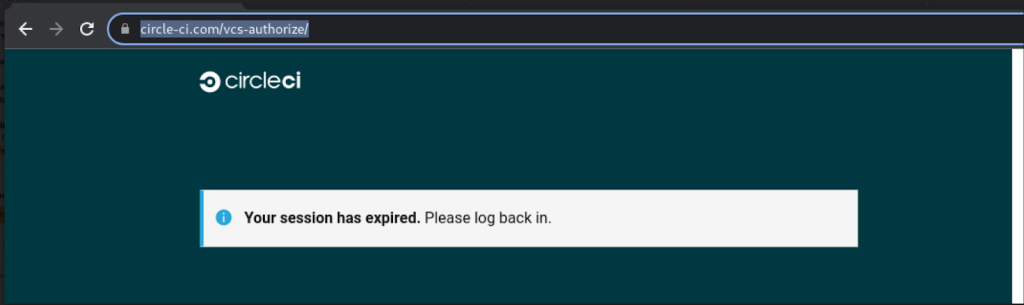
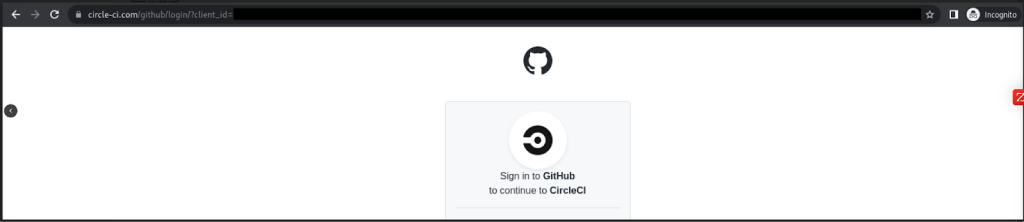
Clicking the link leads to a page that mimics the GitHub login screen but captures any credentials entered. For accounts protected by TOTP-based two-factor authentication (2FA), the phishing site also relays the TOTP codes to the attacker in real time, enabling account takeover despite 2FA being enabled. Accounts using hardware security keys are not vulnerable to this particular attack.
Attacker Tactics
The threat actor's behavior after a successful credential theft follows several patterns:
- Immediately creating personal access tokens (PATs), authorizing OAuth applications, or adding SSH keys to the compromised account to maintain access even if the user changes their password.
- Downloading private repository contents accessible to the compromised user, including repositories owned by organizations and other collaborators.
- Routing repository downloads through VPN or proxy providers to obscure their location.
- Creating new GitHub accounts and adding them to organizations when the compromised account has organization management permissions, establishing persistence within the org.
Known phishing domains as of September 27, 2022:
- circle-ci[.]com
- emails-circleci[.]com
- circle-cl[.]com
- email-circleci[.]com
- links-circleci[.]com
Because the attacks are believed to still be active, GitHub is urging users to review their account security now.
Actions Taken by GitHub
GitHub reset passwords for impacted users, removed credentials added by the threat actor, and notified all known-affected users and organizations discovered during its analysis. If you did not receive an email notice, GitHub found no evidence that your account or organization was accessed by the threat actor. All identified threat actor accounts have been suspended, and GitHub continues to monitor for malicious activity and notify new victims as they are found. New phishing domains are also being addressed as they emerge.
What Users and Organizations Should Do
If you believe you may have entered credentials on a phishing site:
- Reset your password
- Generate new two-factor recovery codes
- Review your personal access tokens for unexpected or unused tokens
- Take additional steps to review and secure your account
To defend against phishing attacks that collect 2FA codes, consider switching to hardware security keys or WebAuthn-compliant security keys. Using a browser-integrated password manager can also help — if it doesn't recognize a website's address, that's a strong indication of a phishing site.
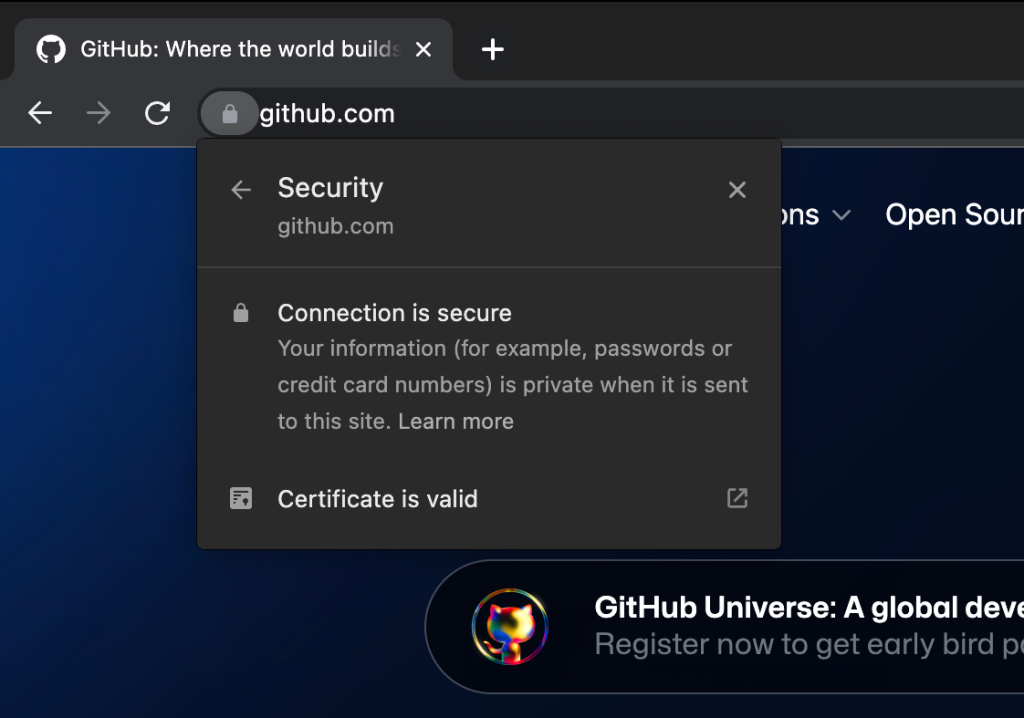
Before entering credentials, always verify that the URL displayed in the address bar is exactly https://github.com/login and that the site's TLS certificate is issued to GitHub, Inc.
Reporting Suspicious Emails
Users who have received phishing emails related to this campaign should contact GitHub Support with details about the sender's email address and the malicious URL. This helps GitHub respond to and remediate the issue. The investigation is ongoing, and GitHub will continue to update affected users as needed.



