

Packages and code, in the same place
GitHub Packages, introduced in 2019, puts a package and container registry directly into every public and private GitHub repository. It supports the package managers developers already use—npm, Gradle, Maven, RubyGems, NuGet, and Docker/OCI for containers—so you can centralize your development workflow instead of juggling separate registry infrastructure.
The core idea is proximity: your packages live next to your code, which simplifies credentials, permissions, and visibility. In an organization with pre-approved dependencies, that means one less system to mirror permissions across and one place to look when you need to know what you're consuming and where it came from.
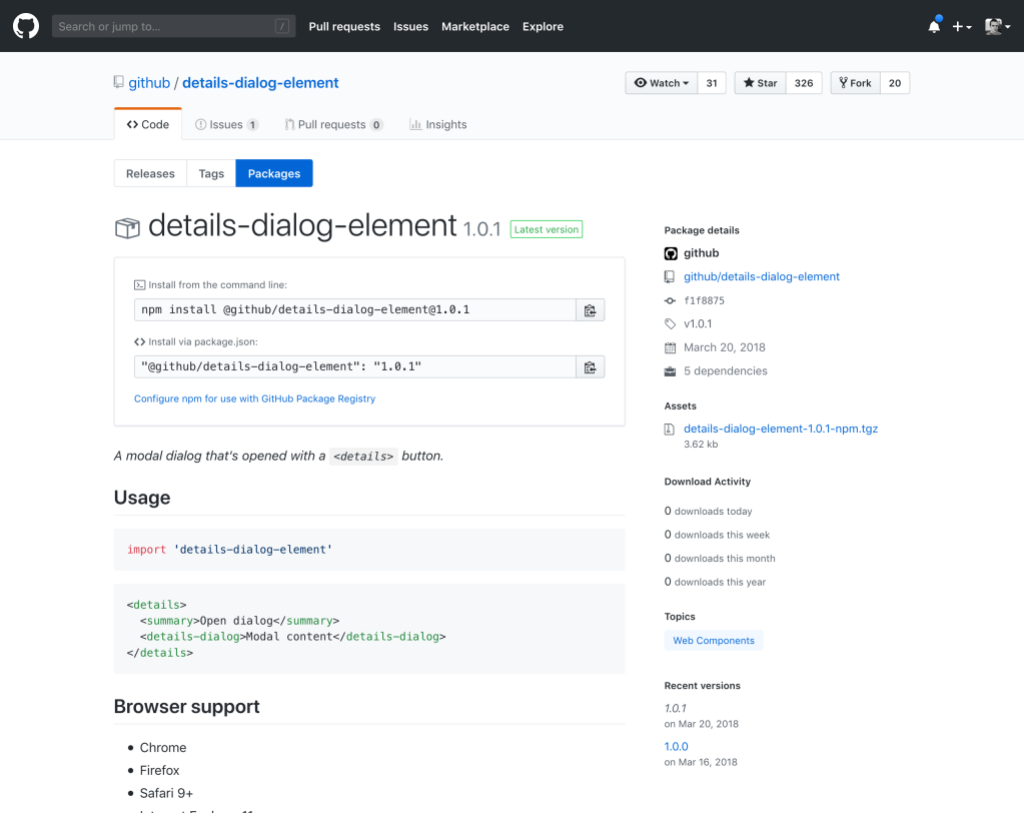
Containers in your repository
GitHub Packages includes a native container registry for Docker and OCI images. You can publish and manage containers entirely from your repository, with support for fine-grained permissions that let you separate who can publish containers from who can modify the source code. Access policies help enforce standardized base images across an organization, and layer caching speeds up CI/CD pipeline spin-up.
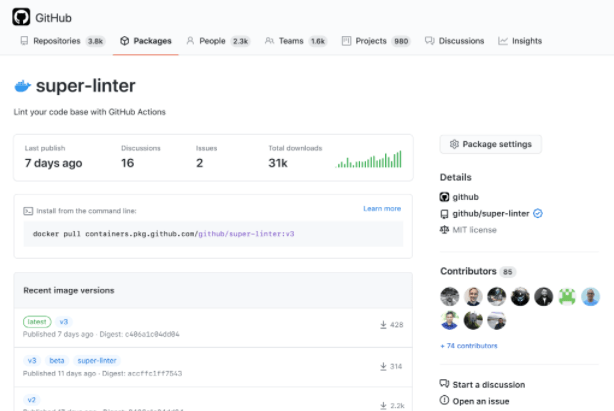
Public container images—such as GitHub's own super-linter—are also accessible anonymously, so you can pull them without additional authentication.
Pro tip: On GitHub Enterprise Cloud, you can create containers with internal visibility, letting any member of your organization share data via containers.
Automation with GitHub Actions
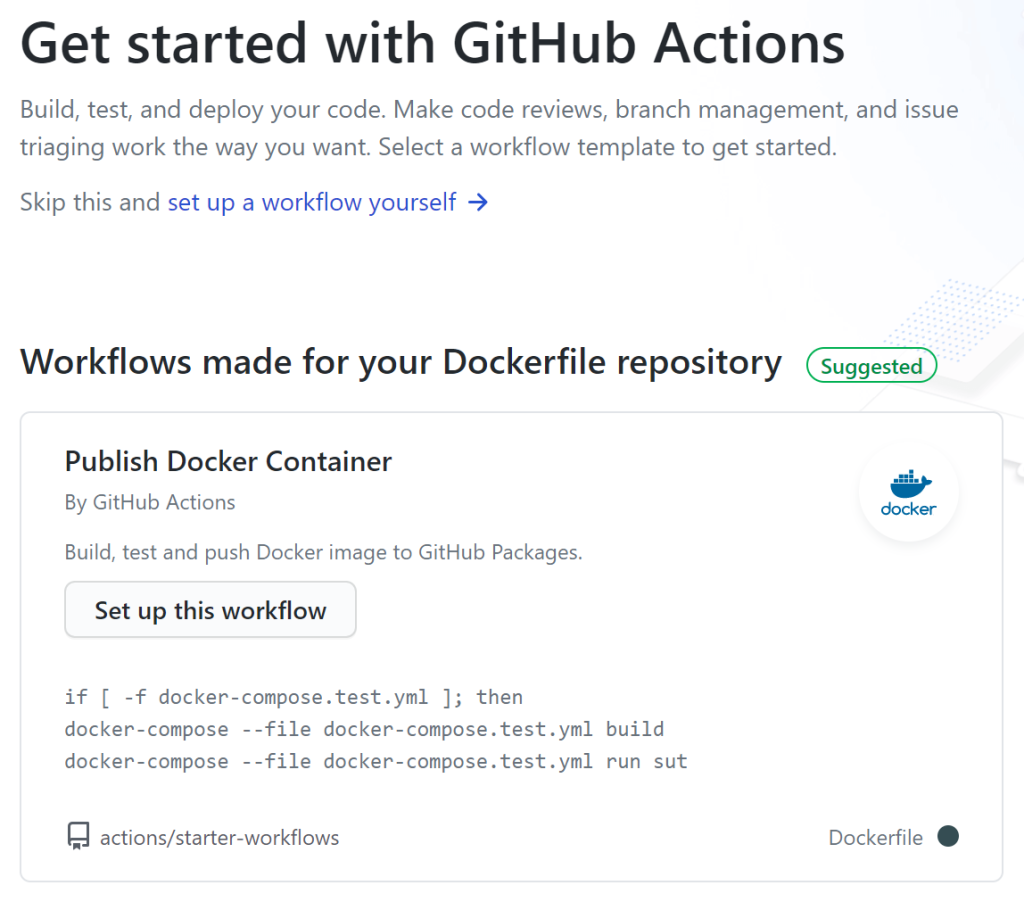
GitHub Actions integrates directly with GitHub Packages, so you can automate how packages and containers are published and consumed. That's particularly useful when different services in your pipeline depend on different packages: you can build workflows to consume and manage them at scale, all from within your repository.
Securing automation with GITHUB_TOKEN
For those workflows, security best practice is to use GITHUB_TOKEN. This is a special access token that GitHub Actions generates automatically for each job. It exists only for the duration of that job, then expires and is deleted. That short lifespan reduces the attack surface compared to long-lived tokens that must be manually rotated and can silently break when they expire.
By default, the token in an action workflow can publish to GitHub Packages, so you get both convenience and a tighter security posture.
Private packages, zero extra setup
GitHub Packages is available on private repositories at no extra cost, with 500MB of storage and 1GB of transfer on free accounts. Packages inherit the visibility and permissions of the repository they're stored under, which means a private repository immediately gives you a private package registry—no additional configuration, and no risk of a package leaking publicly.
Public repositories, meanwhile, get unlimited public package hosting.



