How the browser-hosted stack is assembled
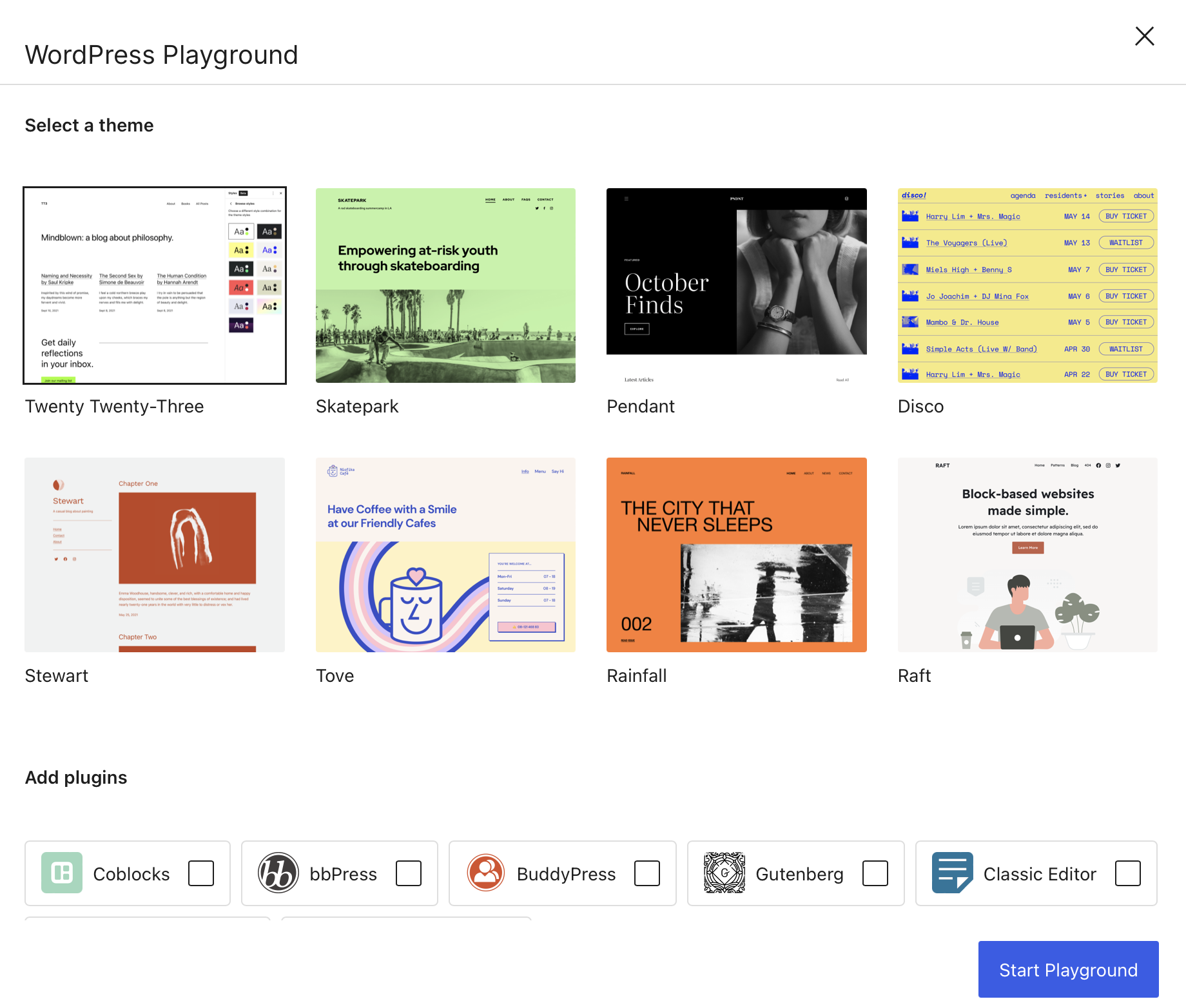
WordPress Playground delivers a working WordPress instance entirely in the browser, with no upload step and no server provisioning. The architecture rests on three substitutions:
- PHP executes as a WebAssembly binary.
- MySQL is replaced by SQLite through a WordPress plugin.
- The web server is implemented with the Service Worker API.
This is a different answer to the friction that hosts have spent years reducing with one-click install options, and a more aggressive one: the traditional "five-minute install" collapses into a page load.
Why the shared-install approach stalls
Earlier efforts abstracted the setup process by leaning on WordPress multisite to produce disposable instances for testing and demos — WordPress Sandbox and WP Sandbox are the familiar examples. The scaling model is the weak point. Because every instance runs inside the same install, it adds lag to the entire network as site counts climb. One headless WordPress project that created instances in the background for users produced extremely long account-creation waits as the network grew.
Playground sidesteps that bottleneck by not running on shared infrastructure; the instance lives in the local browser environment.
SQLite and the "WordPress Lite" direction
The swap to SQLite is the piece with the widest implications. Many sites do not need the full heft of WordPress, and a slimmer CMS — a "WordPress Lite," as Chris recently described it in another context — could yield substantial performance gains for that group. Work in this direction is already underway in the experimental WordPress performance plugin.
The demo shows what the onboarding experience for such a lightweight WordPress could look like.