
One-click branch creation from an issue
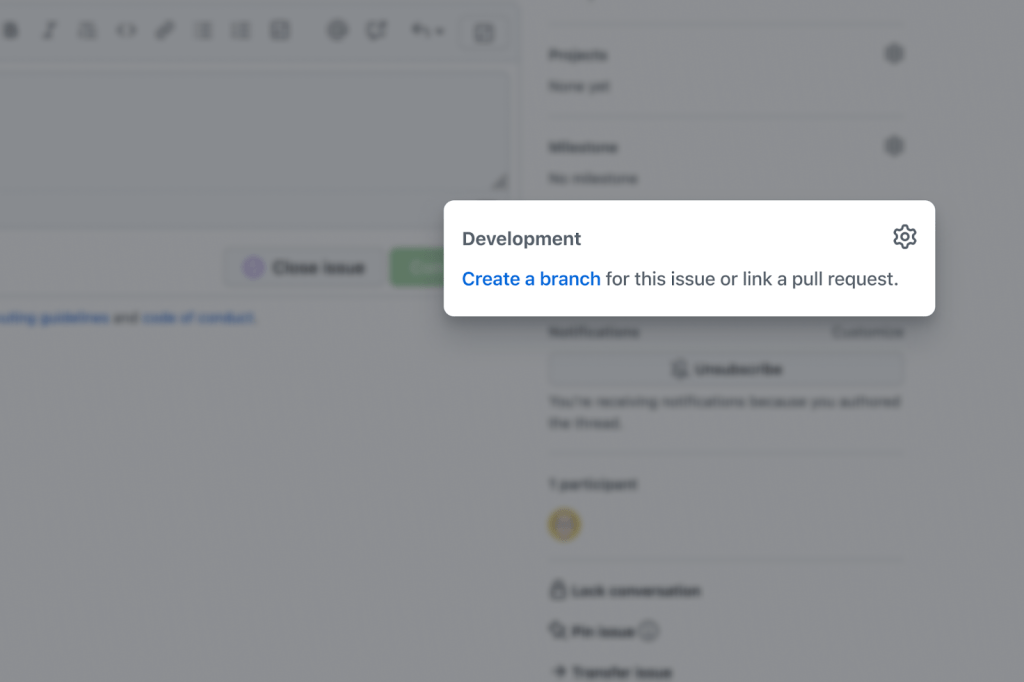
GitHub is rolling out a public beta that removes a step from the typical issue-to-PR workflow. Instead of switching to your CLI or IDE to create a feature branch, you can now do it directly from the issue page. The new branch is automatically linked to the issue, and any pull request you later open from that branch will inherit the connection.
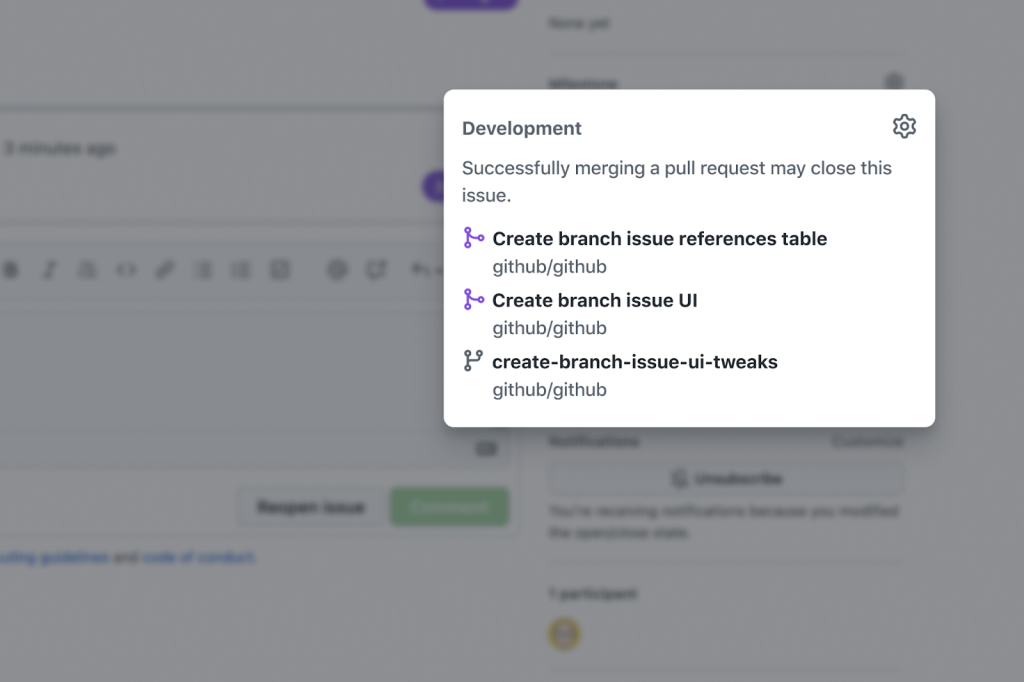
The issue sidebar’s former Linked pull requests section has been replaced by a new Development section. This is where you create the branch and where all related branches, pull requests, and issues will appear going forward. When creating a branch, you get a few options:
- A suggested branch name is generated from the issue title, but you can edit it.
- The branch defaults to the same repository as the issue. If you work with an upstream issue repository and a separate fork or code repository, you can change the destination.
- You may branch off any source branch, not just the default one.
- If you use GitHub Desktop, you can check out the new branch in the app immediately.
Tracking work in progress
Once the branch is created, it appears in the Development section, giving collaborators a clear signal that work on the issue has started. When you open a pull request from that branch, it is automatically linked to the issue and takes the branch’s place in the section. This keeps the sidebar current as work progresses from branch to PR.
Availability
The feature is available as a public beta to all GitHub users today. GitHub plans to bring the capability to its other clients. For step-by-step instructions, see how to create a branch for an issue, and share feedback in the GitHub feedback discussion.