Alerting on front-end errors and performance
Measurement is only useful when something acts on it. Raygun tracks website performance, errors and crashes, and code problems, and it now supports alerting so that significant changes in those measurements reach you without polling dashboards.
Error spikes
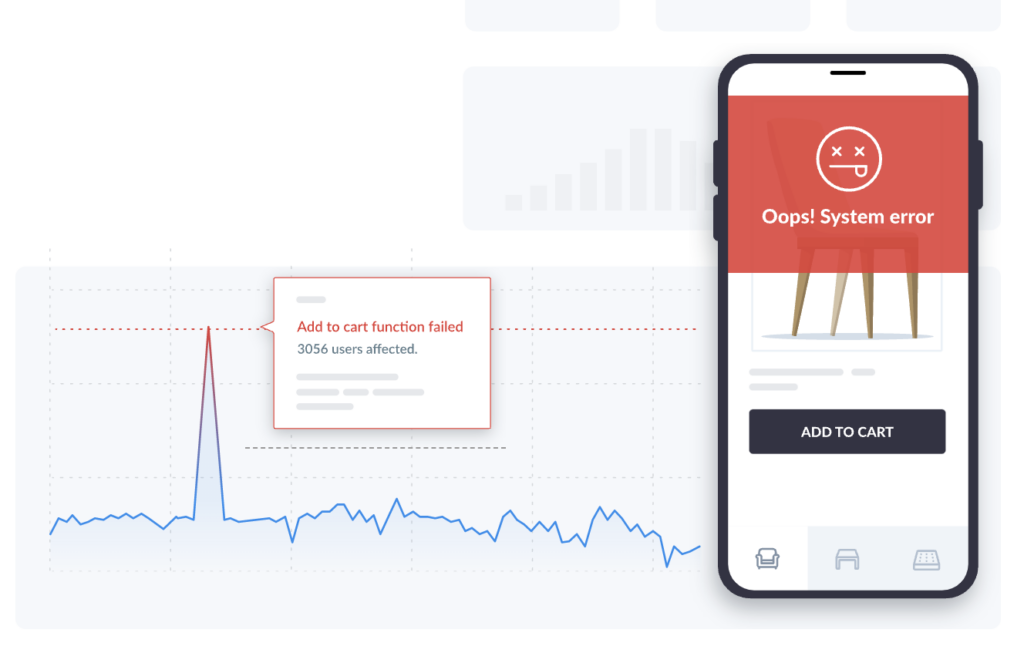
A sudden rise in thrown errors often means a new release went to production and is not behaving as expected. Such errors can be difficult to chase: the build may have worked fine in development, so early warning buys the time needed to find the cause. Raygun alerting lets you define a custom condition for this spike scenario.
Critical errors
Not every error carries the same weight. A failed biography update containing an emoji is unfortunate but survivable; a failure to sign up, add to cart or check out blocks the main reason users visit the site and puts the business at risk. Raygun Alerting offers two routes for these:
- Trigger on an Error Message containing specific text
- Trigger on a particular tag, or combine both approaches
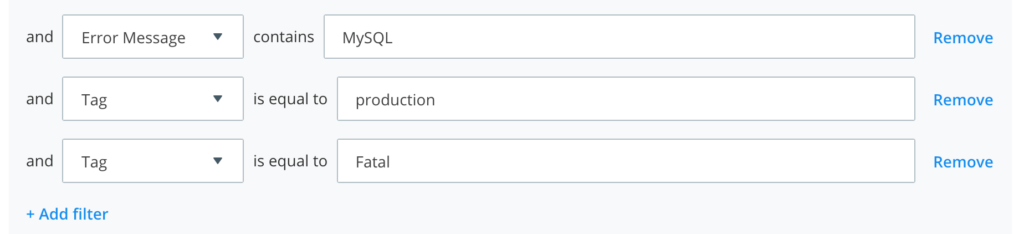
Message text is the broad catch-all, while tags are more targeted. Tags are defined by you and sent from your own application. In JavaScript, for example, a mission-critical operation inside a try/catch can report an event to Raygun when the catch fires:
rg4js('send', {
  error: e,
  tags: ['signup', 'mission_critical'];
});
Alerts can then be built around those tags.
Load time
Performance tracking is rarely wired to real-time alerting, but there is little reason for it to stay that way. A load time that jumps from roughly 2 seconds to 5 seconds does not happen without a cause, and the sooner you are notified, the sooner recent changes can be reviewed and corrected. In Raygun the setup is minimal: watch for a load time threshold and send an email whenever a 10 minute window exceeds it.
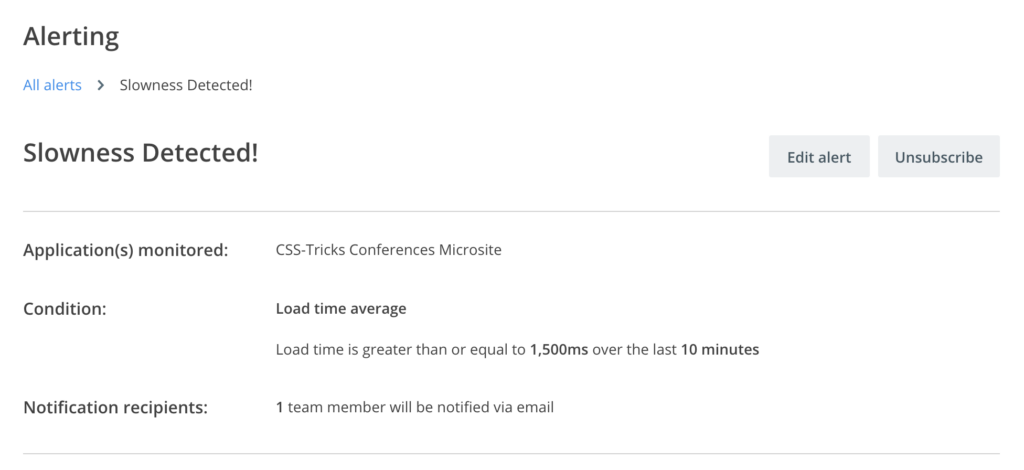
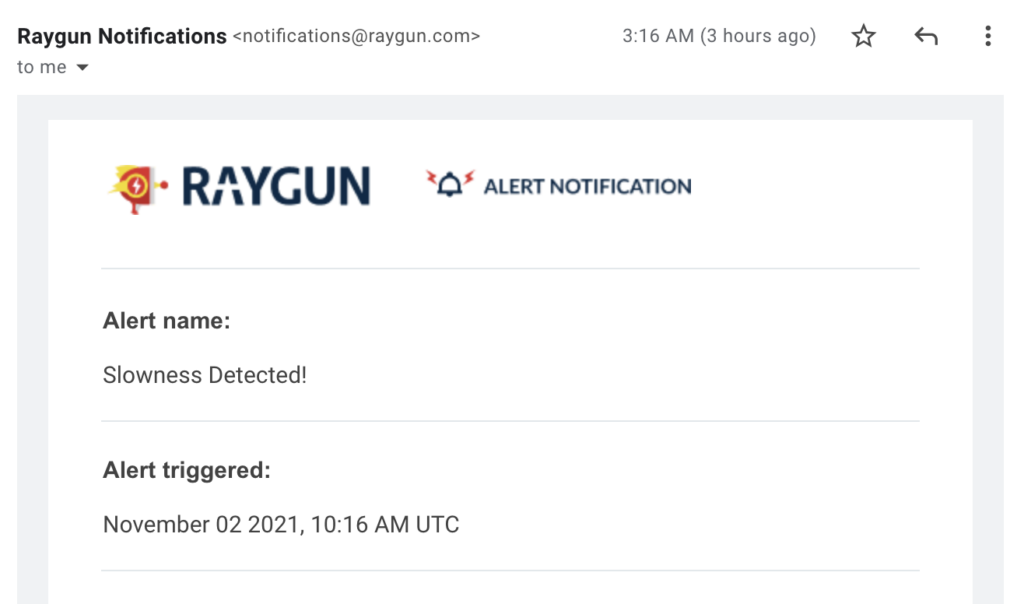
If that is too aggressive as a starting point, begin at 4 seconds, the industry standard for slow loading, and lower the threshold gradually when no alerts fire—tightening the target over time.
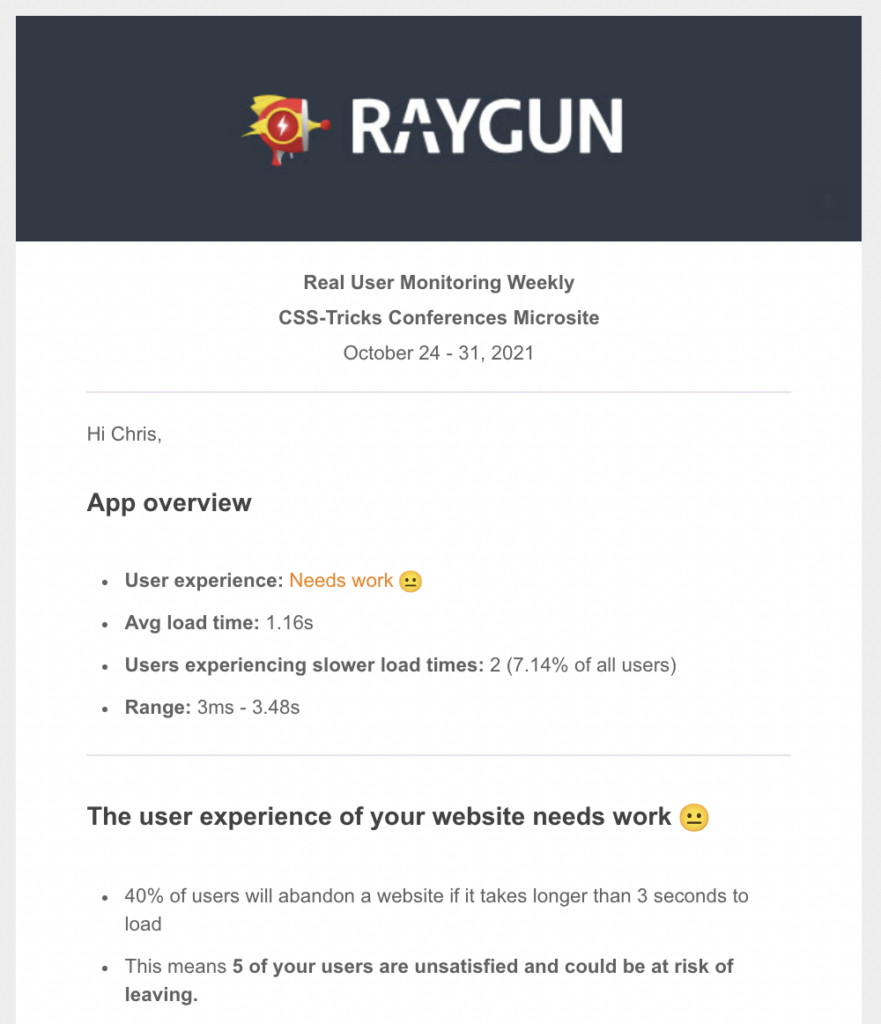
Beyond alerts, a weekly email summarizes outstanding performance issues.
Core Web Vitals
Core Web Vitals (CWV) are the current gold-standard performance metrics because they capture what matters to users and because they factor into Google's SEO ranking. Both reasons argue for alerts tied to the thresholds you consider acceptable. Take CLS (Cumulative Layout Shift): Google defines below 0.1 as good and above 0.25 as bad, so aiming to stay under 0.1 is reasonable.
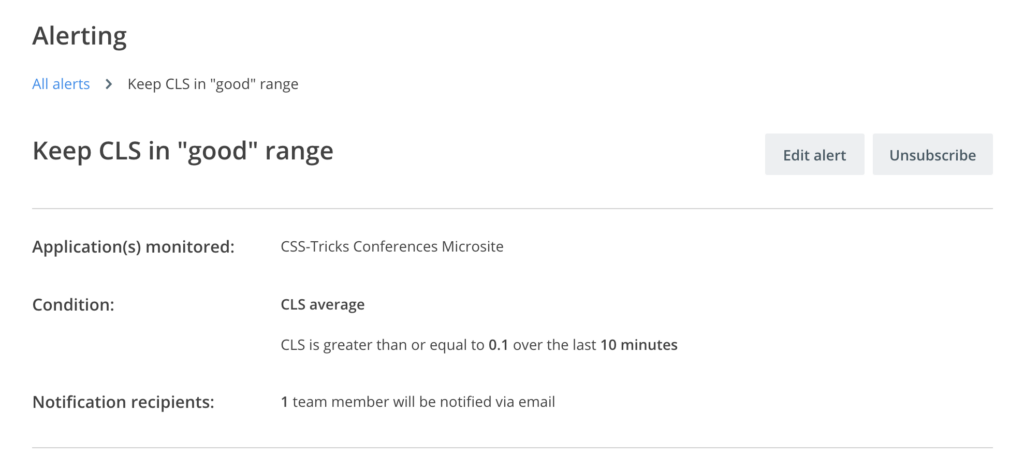
An alert at the 0.1 boundary surfaces shifts caused by content such as ads arriving after page load and pushing elements around, a layout adjustment that introduced movement, or custom font updates that shift content during loading. Being notified as it happens keeps the resulting penalty from persisting.
Coverage
Anything you measure that matters should carry an alerting mechanic, and Raygun provides this for website performance and error tracking.